


Free QR Code Widget for Your Website
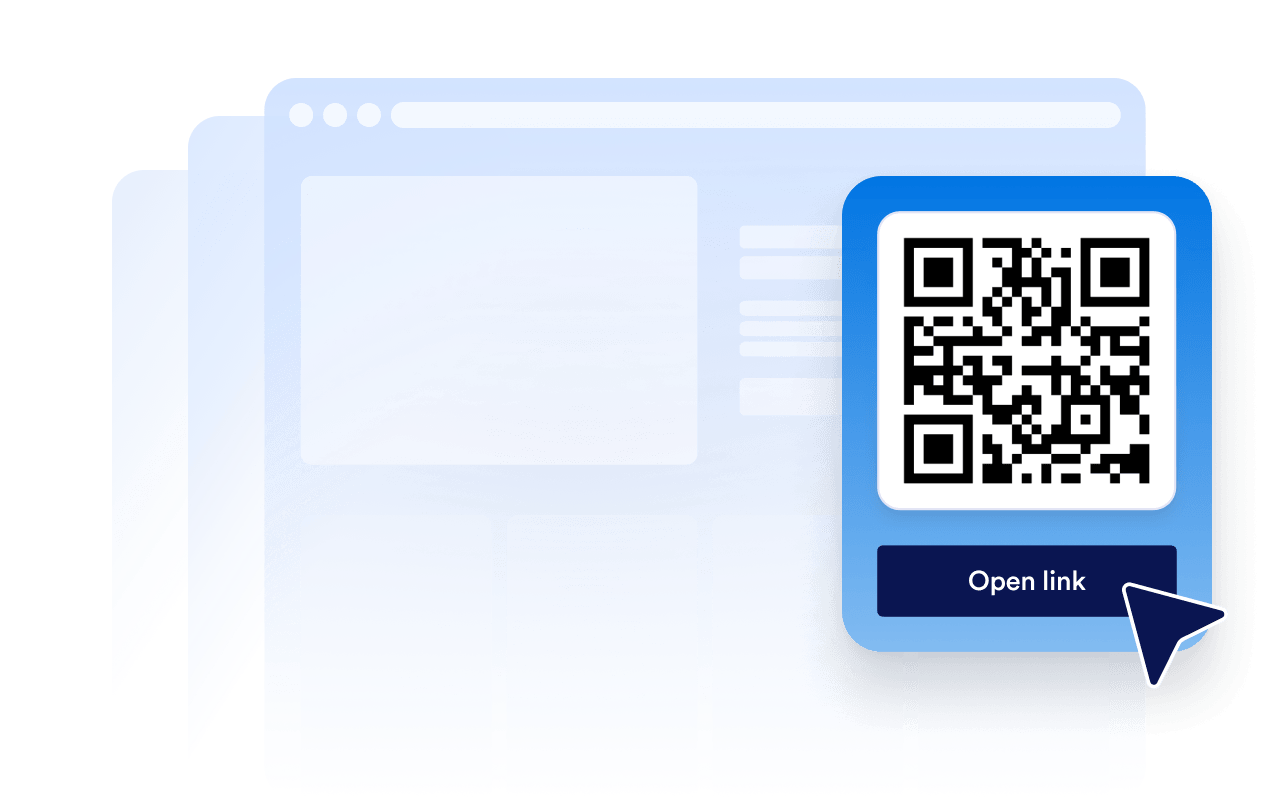
Add a live QR Code to your website and help visitors access menus, forms, downloads, events, and offers in seconds. Set it up with Jform's free, no-code tool. Customize the layout, connect your destination link, and make every scan easier to turn into action.
How to add a QR Code widget
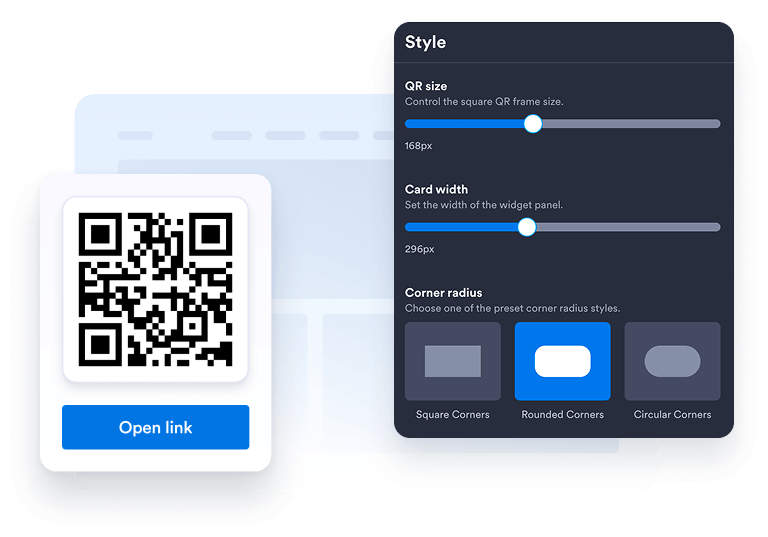
Customize your widget
Choose your preferred layout, colors, CTA, and overall appearance to match your website's design.
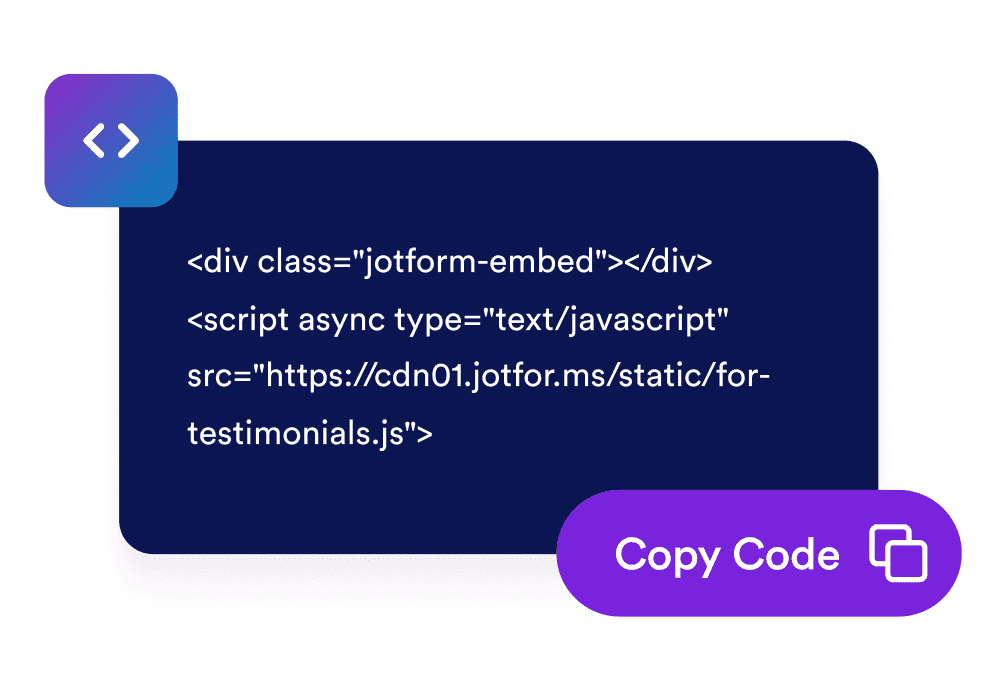
Get the embed code
Copy the automatically generated embed code and paste it anywhere on your website.
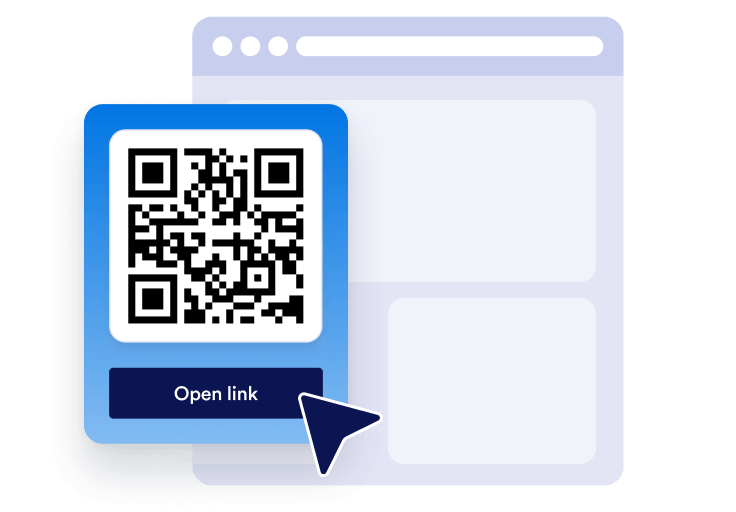
Embed it anywhere
Publish your QR Code across your site in seconds. No technical setup needed.
Turn quick mobile access into real business growth
Build credibility with easy access
A clear QR Code helps visitors move from your website to forms, menus, files, or offers with less friction.
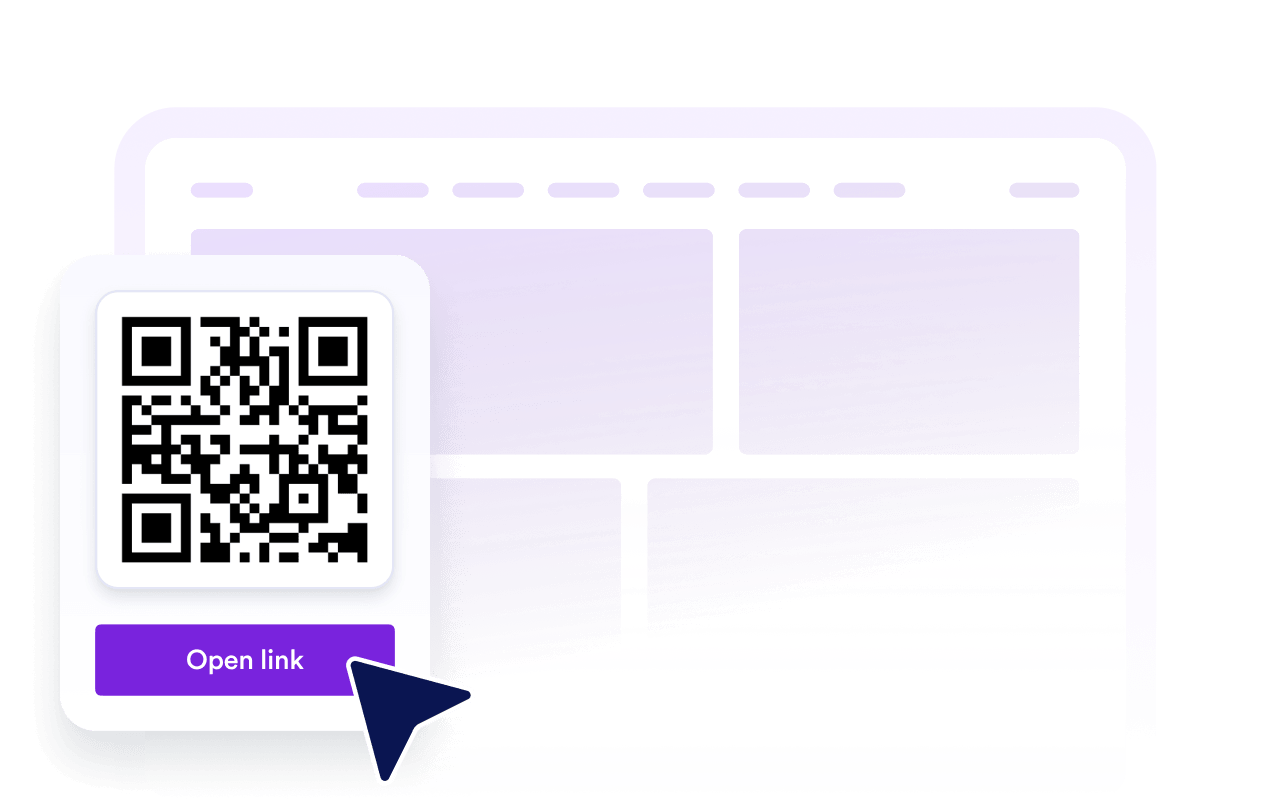
가시성 및 SEO 개선
Helpful on-page tools can improve engagement, support brand trust, and make your content easier to use.

더 많은 방문자를 고객으로 전환
Send visitors to signup forms, payment pages, booking forms, downloads, or promotions right when they are interested.

Keep content fresh with easy updates
Update the QR Code destination in Jform when your campaign, form, or offer changes without rebuilding your page.
Jform 위젯이 특별한 이유
Jform의 위젯을 사용하면 웹사이트를 더욱 상호작용형으로 만들고 전환율을 높일 수 있습니다. 별점 평가, 후기 슬라이더, 소셜 프루프 팝업, 미디어 삽입까지 다양한 도구를 양식이나 랜딩 페이지 안에 결합해 코딩 없이 데이터를 수집하고, 신뢰를 쌓으며, 리드를 확보할 수 있습니다.
모든 Jform 위젯 살펴보기Where to use your QR Code
A QR Code is useful anywhere visitors need a faster way to take action from any device. Add it to high-intent pages so people can scan, save, register, pay, download, or contact you without extra steps.
Homepage send visitors to your main form, offer, app, or contact page.
Product pages link shoppers to guides, demos, manuals, or payment forms.
Restaurant pages let guests scan menus, order forms, or reservation pages.
Event pages guide attendees to registration, tickets, maps, or check-in forms.
Landing pages connect campaigns to signups, coupons, downloads, or lead forms.
Contact pages help visitors save details, request quotes, or book appointments.
Jform 양식 빌더로 리드를 유료 고객으로 전환하세요
Jform으로 참여를 행동으로 전환하세요. 리드를 확보하고 결제를 수집하며 응답을 자동화하는 강력한 양식을 한 곳에서 만들어 보세요. 모든 제출물은 Jform 받은 편지함으로 모여, 후속 조치를 하거나 즐겨 사용하는 앱과 연동할 준비를 마치게 됩니다.
Get Started - It’s Free!
자주하는 질문
How do I add a QR Code to my website?
Create your QR Code widget in Jform, choose the destination you want visitors to open, and copy the embed code. Paste it into your website, landing page, or blog post to make it available right away.
Can I customize the QR Code widget design?
Can I update the QR Code after it is embedded?
What can I link to with a QR Code?
Why should I use a QR Code on my website?
Is the QR Code widget free?
Does the QR Code work on mobile devices?
Can I use the QR Code with Jform forms and automations?