


Countdown Timer Widget for your website
Create urgency for sales, product launches, webinars, events, and seasonal campaigns. Jform's Countdown Timer widget lets you set a target date, choose repeat behavior, customize the timer style, add action buttons, and embed the result on your website without code.
How to add a Countdown Timer widget
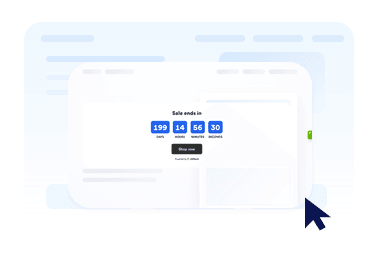
Set the countdown time
Choose the start date, end date, time zone, all-day behavior, and optional repeat schedule.
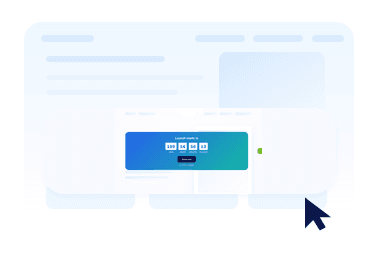
Customize layout and theme
Pick an inline timer, full-width section, top bar, bottom bar, or floating card, then adjust colors and timer style.
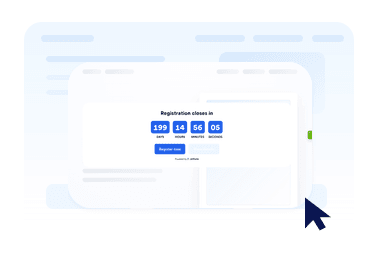
Embed it on your website
Add call-to-action buttons, preview the timer, and copy the embed code to publish it anywhere.
Create urgency with a countdown that fits your page
Count down to any date and time
Set a precise deadline for launches, promotions, webinars, product drops, or event starts. Time zone support keeps the countdown consistent for your campaign.
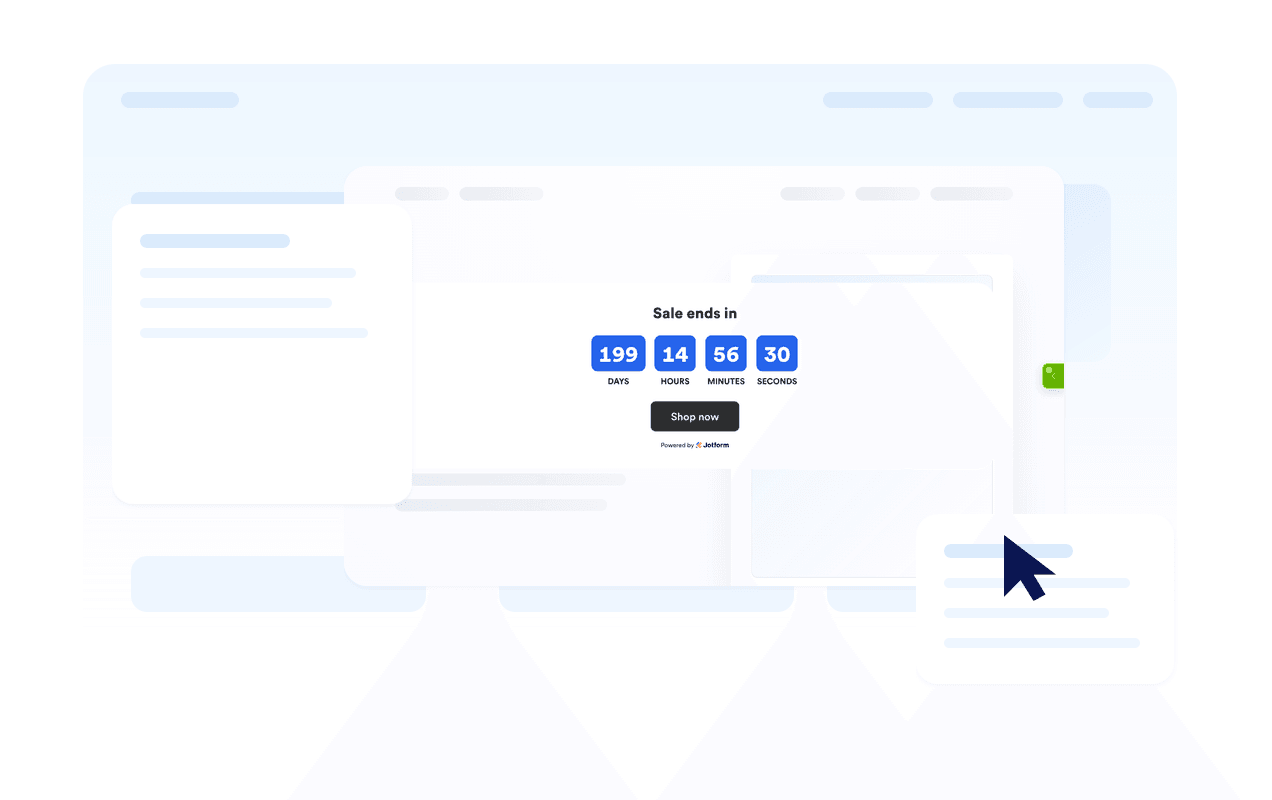
Use layouts for banners and inline sections
Display the timer inline, as a full-width section, as a fixed top or bottom bar, or as a floating card. This makes it easy to fit the widget into different website designs.

Customize the timer style
Choose flip, block, or minimal timer styles, show or hide time units, adjust labels, and apply campaign-ready theme presets.
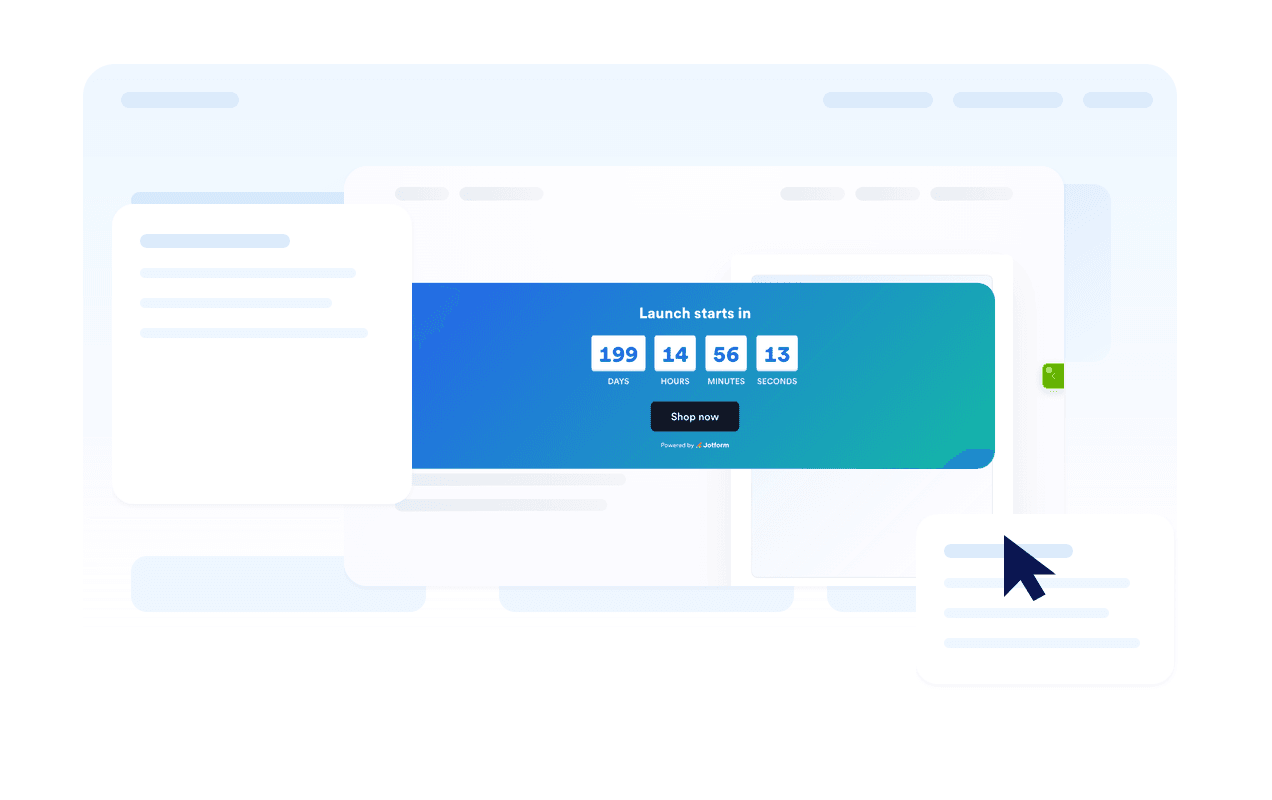
Guide visitors to the next action
Add one or two buttons for shopping, registration, booking, downloads, or any other action tied to the countdown.

Jform 위젯이 특별한 이유
Jform의 위젯을 사용하면 웹사이트를 더욱 상호작용형으로 만들고 전환율을 높일 수 있습니다. 별점 평가, 후기 슬라이더, 소셜 프루프 팝업, 미디어 삽입까지 다양한 도구를 양식이나 랜딩 페이지 안에 결합해 코딩 없이 데이터를 수집하고, 신뢰를 쌓으며, 리드를 확보할 수 있습니다.
모든 Jform 위젯 살펴보기Where to use your Countdown Timer widget
Add the widget anywhere a clear deadline can help visitors act sooner and understand when an offer, event, or campaign ends.
Sale landing pages to highlight limited-time discounts and flash campaigns.
Product launch pages to build anticipation before a release.
Event and webinar pages to show when registration or attendance starts.
Announcement bars to keep a deadline visible across the top or bottom of a site.
Checkout and pricing pages to reinforce promotional deadlines near purchase decisions.
Coming soon pages to count down to a launch date with a clear call-to-action.
Jform 양식 빌더로 리드를 유료 고객으로 전환하세요
Jform으로 참여를 행동으로 전환하세요. 리드를 확보하고 결제를 수집하며 응답을 자동화하는 강력한 양식을 한 곳에서 만들어 보세요. 모든 제출물은 Jform 받은 편지함으로 모여, 후속 조치를 하거나 즐겨 사용하는 앱과 연동할 준비를 마치게 됩니다.
Get Started - It’s Free!
자주하는 질문
What is a Countdown Timer widget?
A Countdown Timer widget displays the time remaining until a chosen date and time. It helps websites promote sales, events, launches, and other time-sensitive campaigns.
Can I customize the layout?
Can I change the colors and timer style?
Can the countdown repeat?
Can I add buttons to the countdown?
What happens when the countdown ends?
Does it work on mobile?
Do I need to write code?