


Age Verification Widget for your website
Gate age-restricted pages with a clean verification popup visitors can understand in seconds. Jform's Age Verification widget lets you set the required age, choose how visitors confirm eligibility, customize the message and style, remember approved visitors, and embed the result without code.
How to add an Age Verification widget
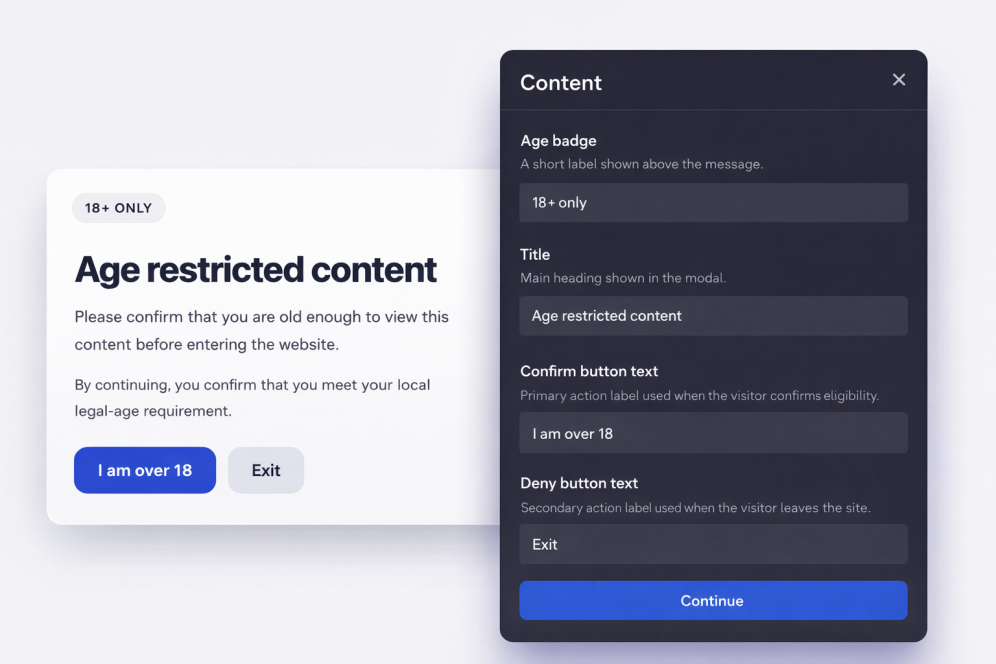
Customize the gate
Write your message, set the confirmation CTA, and style the modal so it matches your brand.
Set visitor behavior
Choose whether approved visitors should be remembered and how long the approval should be stored.
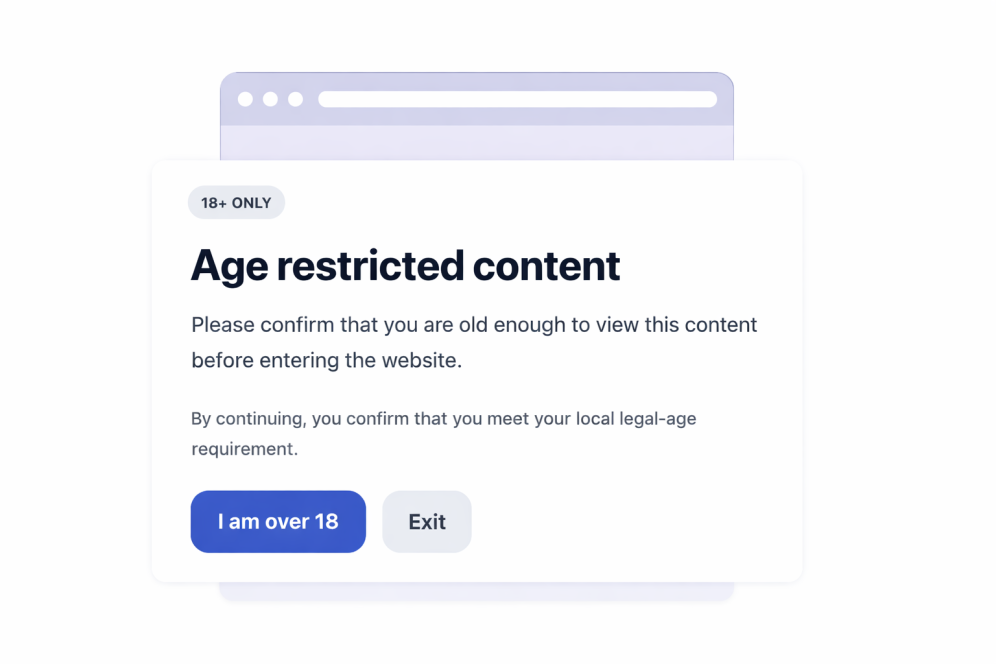
Embed it anywhere
Publish the widget, copy the embed code, and place it on any page that needs an age check.
Confirm visitor eligibility before restricted content is shown
Ask visitors to confirm their age
Add a direct age gate before visitors continue to restricted products, events, communities, or media content.

Choose the verification method
Use simple yes/no buttons, birth year entry, or full date of birth entry depending on how much confirmation your page needs.

Customize the full popup experience
Edit the message, caption, button text, legal note, colors, popup width, corner radius, and optional media.

Remember approved visitors
Store approved choices for the current session, a day, a week, a month, six months, or a year so returning visitors are not interrupted every time.

Jform 위젯이 특별한 이유
Jform의 위젯을 사용하면 웹사이트를 더욱 상호작용형으로 만들고 전환율을 높일 수 있습니다. 별점 평가, 후기 슬라이더, 소셜 프루프 팝업, 미디어 삽입까지 다양한 도구를 양식이나 랜딩 페이지 안에 결합해 코딩 없이 데이터를 수집하고, 신뢰를 쌓으며, 리드를 확보할 수 있습니다.
모든 Jform 위젯 살펴보기Where to use your Age Verification widget
Place the widget anywhere visitors should confirm they meet an age requirement before viewing your content or continuing through a flow.
Alcohol and beverage stores that need an age gate before product browsing or checkout.
Vape and tobacco websites where visitors should confirm eligibility before viewing products.
Event and nightlife pages that promote age-restricted venues, ticketing, or registrations.
Membership communities where mature or regulated content should be gated before entry.
Media and entertainment pages with content that requires a visitor age confirmation.
Legal notice pages where visitors should acknowledge local age requirements before continuing.
Jform 양식 빌더로 리드를 유료 고객으로 전환하세요
Jform으로 참여를 행동으로 전환하세요. 리드를 확보하고 결제를 수집하며 응답을 자동화하는 강력한 양식을 한 곳에서 만들어 보세요. 모든 제출물은 Jform 받은 편지함으로 모여, 후속 조치를 하거나 즐겨 사용하는 앱과 연동할 준비를 마치게 됩니다.
Get Started - It’s Free!
자주하는 질문
What is an Age Verification widget?
An Age Verification widget displays a popup that asks visitors to confirm they meet a minimum age requirement before they can continue to your website content.
Can I change the minimum age?
Which verification methods are available?
Can I customize the text shown in the popup?
What happens when a visitor is underage?
Can approved visitors be remembered?
Can I control which pages show the widget?
Do I need to write code?