


Back to Top Button for your website
Add a live back-to-top button to your website to improve user navigation. Help visitors instantly return to the top of long pages and keep browsing with ease. Set it up in seconds with Jotform’s free, no-code tool. Customize the style, position, and behavior, then create a smoother experience that keeps users engaged and moving through your content.
How to add a back to top button
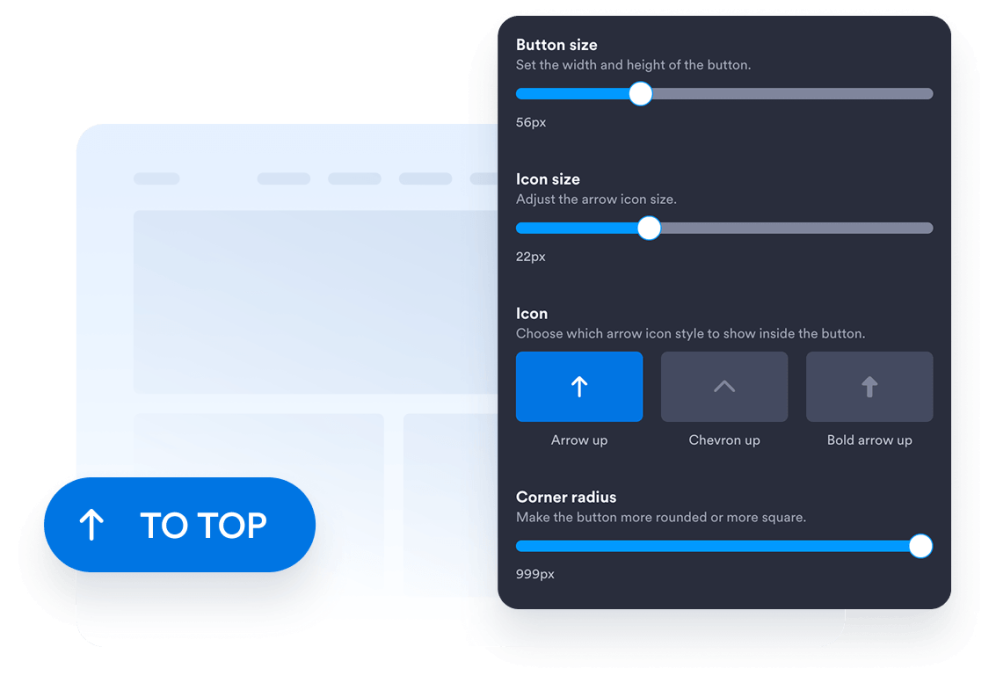
Customize your widget
Pick your button style, icon, size, and position. Adjust the colors and spacing so they fit your website design perfectly.
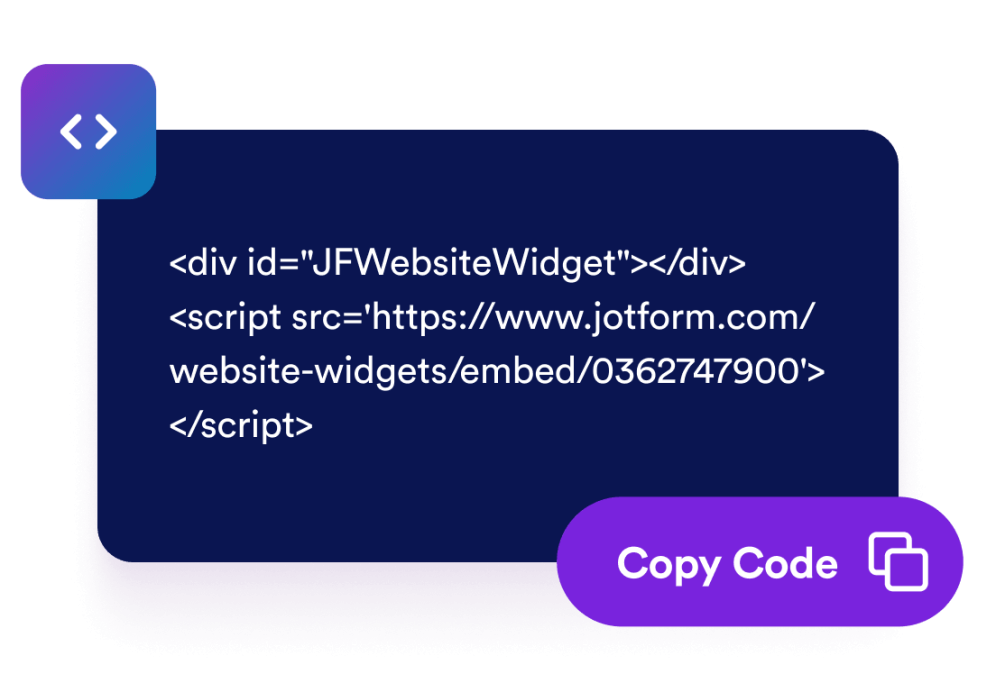
Get the embed code
Copy the ready-to-use embed code generated by Jotform. No setup or coding required.
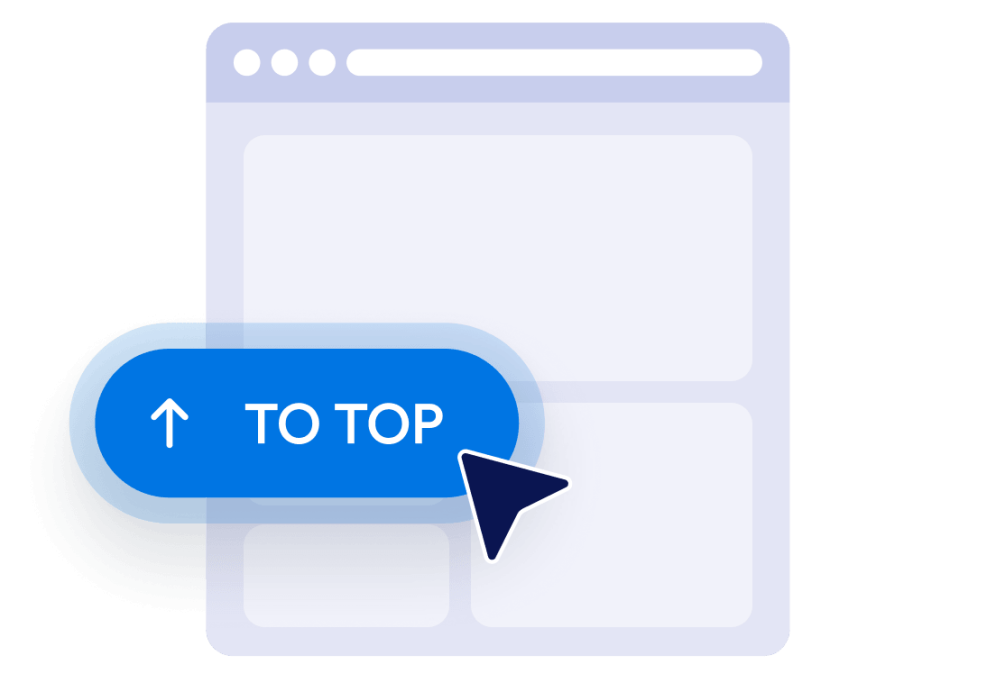
Embed it anywhere
Paste the code into your website and publish. Your back-to-top button will appear and work instantly.
Turn better website navigation into real business growth
Build credibility with smooth navigation
A clean browsing experience builds trust. When visitors can move around easily, your site feels more professional and user-friendly.
가시성 및 SEO 개선
Better navigation can increase time on site and reduce bounce rates. These signals help search engines understand that your content is valuable.

더 많은 방문자를 고객으로 전환
When users can quickly jump back to the top, they explore more pages and take action faster. Small UX improvements can lead to higher conversions.

Keep your experience consistent across pages
Your button works smoothly on every page without extra setup. Once added, it stays in place and performs reliably.
Where to use your Back to Top Button
Add a back-to-top button to the pages where visitors scroll the most. It helps users move quickly, improves navigation, and keeps them engaged from start to finish.
Blog and article pages help readers jump back to the top quickly and continue exploring more content.
Product and category pages let shoppers return to the top fast to refine searches or switch categories.
Landing pages and sales pages guide visitors back to key sections like headlines or call to action buttons.
Documentation and resource pages make long help pages easier to navigate and quicker to use.
Portfolio and gallery pages help users quickly restart browsing or explore more sections.
Mobile-heavy pages improve mobile scrolling and keep users engaged longer.
Jform 위젯이 특별한 이유
Jform의 위젯을 사용하면 웹사이트를 더욱 상호작용형으로 만들고 전환율을 높일 수 있습니다. 별점 평가, 후기 슬라이더, 소셜 프루프 팝업, 미디어 삽입까지 다양한 도구를 양식이나 랜딩 페이지 안에 결합해 코딩 없이 데이터를 수집하고, 신뢰를 쌓으며, 리드를 확보할 수 있습니다.
모든 Jform 위젯 살펴보기Jform 양식 빌더로 리드를 유료 고객으로 전환하세요
Jform으로 참여를 행동으로 전환하세요. 리드를 확보하고 결제를 수집하며 응답을 자동화하는 강력한 양식을 한 곳에서 만들어 보세요. 모든 제출물은 Jform 받은 편지함으로 모여, 후속 조치를 하거나 즐겨 사용하는 앱과 연동할 준비를 마치게 됩니다.
Get Started - It’s Free!
자주하는 질문
How do I set up the back-to-top button widget?
Create and customize your widget in Jform, then copy the embed code. Paste it into your website and publish. The button will appear right away.
Can I customize the button design?
When does the button appear on the page?
Does the widget update automatically?
Can I control where the button is displayed?
Is the back-to-top button widget free?
Is the widget mobile-friendly?
Can I use this with Jform forms and integrations?
Why should I use a back-to-top button on my website?
Does a back-to-top button improve SEO?
When should I add a back-to-top button?
Can I add a back-to-top button without coding?