Tally Forms의 더 나은 대안. 더 많은 기능, 하나의 플랫폼.
Tally Forms와 Jform을 비교 중이라면 가볍고 깔끔하며 빠르게 시작할 수 있는 양식 빌더를 원할 수 있습니다. Jform은 동일한 쉬운 시작을 제공하면서도, 업무가 성장할 때 양식을 더 다양하게 활용할 수 있게 해줍니다. 오늘은 단순하게, 필요할 때 추가 기능을 도구 전환 없이 더하세요. Jform에서 무료로 시작해 몇 분 만에 첫 양식을 만들어 보세요.
지금 시작하기나란히 비교
| 기능들 | Jform | Tally Forms |
|---|---|---|
| 보급형 가격 | Tally Forms 무료
| |
| 템플릿 | Tally Forms 100+ | |
| 조건부 논리 | Tally Forms 예 | |
| 양식 공유 옵션 | Tally Forms 4+ | |
| QR 코드 양식 | Tally Forms 아니오 | |
| 자동응답 이메일 | Tally Forms 프로 플랜 | |
| Email Customization | Tally Forms 프로 플랜 | |
| 알림 이메일 | Tally Forms 사용할 수 없음 | |
| 양식 번역 | Tally Forms 80개 이상의 언어 | |
| 임베딩 옵션 | Tally Forms 3+ | |
| 양식 스타일 | Tally Forms 제한됨
| |
| Save & Continue Later | Tally Forms 예 | |
| 감사 페이지 | Tally Forms 예 | |
| 모바일 앱 | Tally Forms 사용할 수 없음 | |
| Offline Mode | 예 | Tally Forms 아니오 |
| 키오스크 모드 | 예 | Tally Forms 아니오 |
| 위젯 | 수백 개의 위젯 | Tally Forms 7+ |
| 통합 | Tally Forms 30+ | |
| 양식 제출 관리 | Tally Forms 제출 탭만
| |
| 제출 데이터 보내기 | Tally Forms CSV만
| |
| AI 에이전트 | Tally Forms 사용할 수 없음 | |
| 전자 서명 | Tally Forms 서명 필드
| |
| PDF 생성 | Tally Forms 사용할 수 없음 | |
| 워크플로우 | Tally Forms 사용할 수 없음 | |
| Results & Analysis | Tally Forms 제한됨
| |
| 화이트 라벨링 | 엔터프라이즈에서 사용 가능 | Tally Forms 제한됨
|
| 결제 대행사 | Tally Forms Stripe만 가능 | |
| Recurring Donations & Subscriptions | Tally Forms 아니오 | |
| 암호화된 양식들 | Tally Forms 예 | |
| 2단계 인증(2FA) | Tally Forms 예 | |
| 리캡차 | Tally Forms 예 | |
| PCI 준수 | Tally Forms 사용할 수 없음 | |
| HIPAA 규정 준수 | Tally Forms 사용할 수 없음 | |
| SOC 2 준수 | 엔터프라이즈 플랜에서 사용 가능 | Tally Forms 이용 가능 |
| GDPR 준수 | 이용 가능 | Tally Forms 이용 가능 |
부정확하거나 불완전한 정보가 있다면 아래 양식을 작성해 정정을 요청해 주세요.
수정 요청간단하게 시작하세요. 한 곳에서 확장하세요.
많은 사람들은 기본 양식으로 시작한 뒤 업무가 확장되면서 더 많은 기능이 필요해집니다. Jform은 같은 플랫폼에서 다음 단계를 추가할 수 있게 해줍니다. 결제 수집, 승인 라우팅, 후속 조치 자동화, 테이블에서 응답 관리 등 다양한 기능을 사용할 수 있습니다. 기존 양식을 유지한 채 도움이 될 때만 확장하세요.








이미 익숙한 간단한 양식 빌더
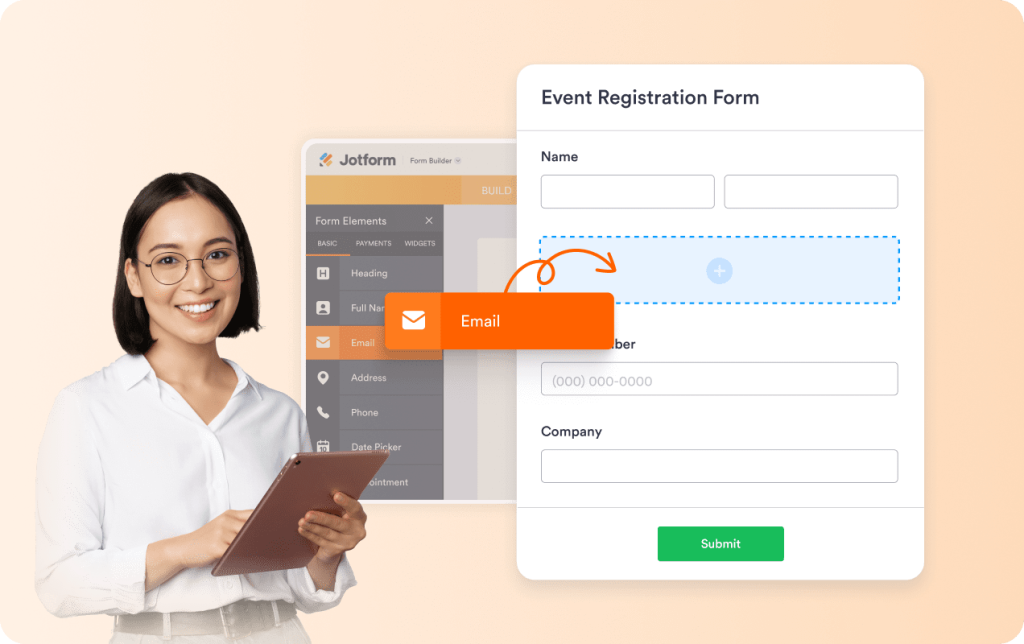
Jform은 시작하기 쉽습니다. 템플릿을 선택하거나 처음부터 만들고 필드를 드래그 앤 드롭으로 배치하세요. 양식이 길어져도 빌더는 명확하고 정돈되어 있습니다. 학습 곡선 없이 바로 라이브로 만들 수 있습니다. 만들고, 게시, 공유하세요.
대상에 잘 어울리는 양식
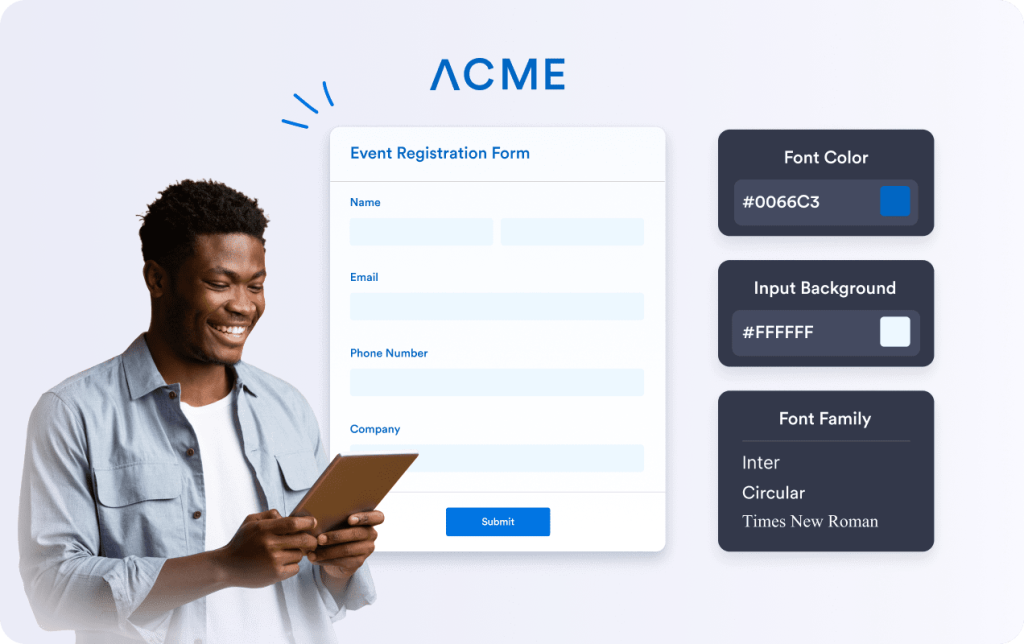
Jform은 처음부터 깔끔한 양식 레이아웃을 제공합니다. 단순함을 유지하거나 브랜드에 맞게 디자인을 조정할 수 있습니다. 여백, 섹션, 글꼴, 색상을 몇 번의 클릭으로 변경하세요. 사이트와 어울리는 양식은 신뢰를 높이고 완료율을 개선해 더 많은 제출과 적은 이탈로 이어집니다.
양식 완료를 돕는 AI 어시스턴트
Jform은 시작이 쉬우며 AI 어시스턴트가 같은 흐름에 자연스럽게 결합됩니다. 양식으로 시작해 사용자 안내가 필요할 때 어시스턴트를 추가하세요. 어시스턴트는 작성 중 질문에 답하고 단계별로 안내합니다. 전화, 웹 채팅, SMS, WhatsApp, Instagram, Gmail 등에서 실행할 수 있습니다.

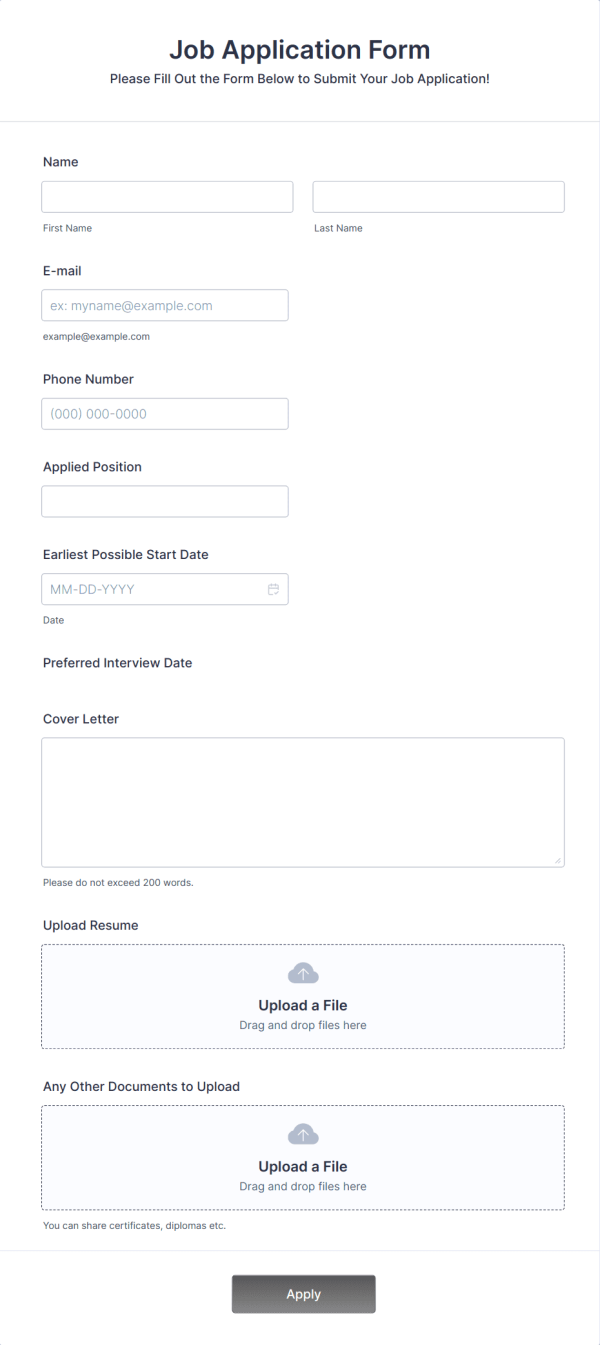
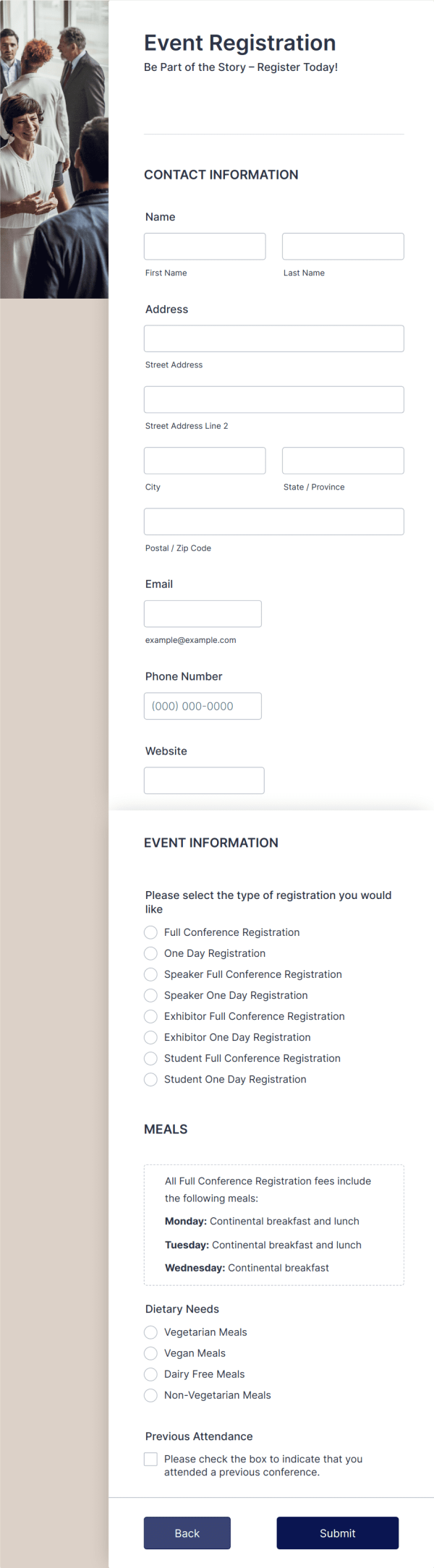
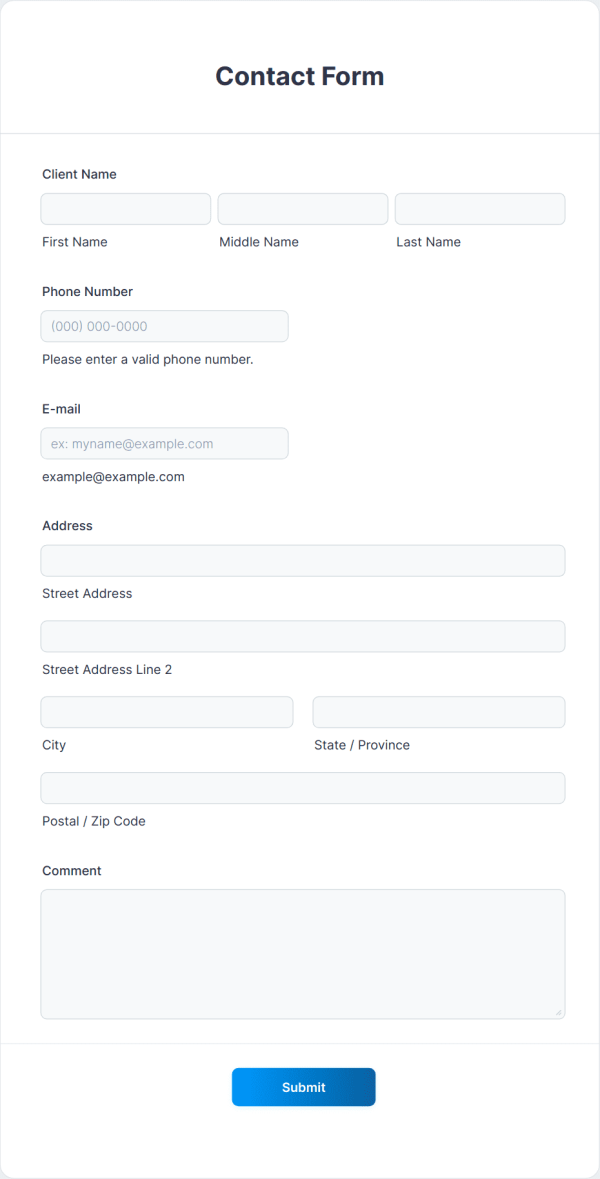
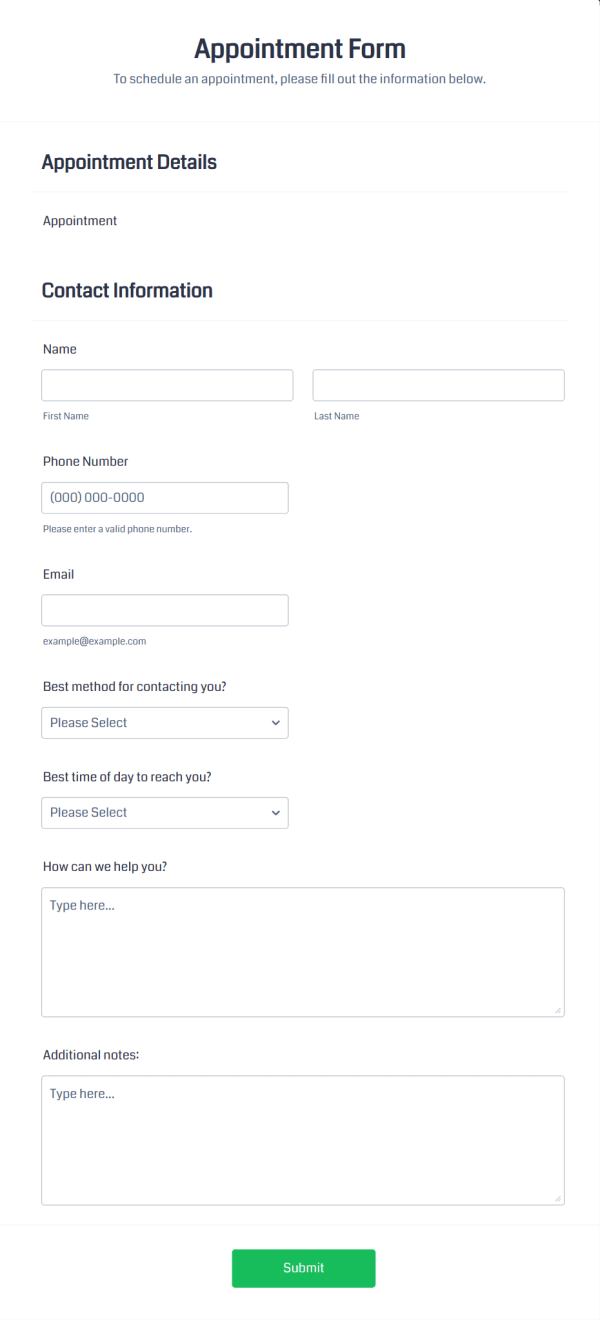
빌드 시간을 절약해 주는 20,000+개의 양식 템플릿
Jform에는 일반적인 비즈니스 사용 사례를 위한 수천 개의 템플릿이 포함되어 있습니다. 목표에 맞는 구조로 시작해 필드를 수정하고 디자인을 조정한 뒤 게시하세요.
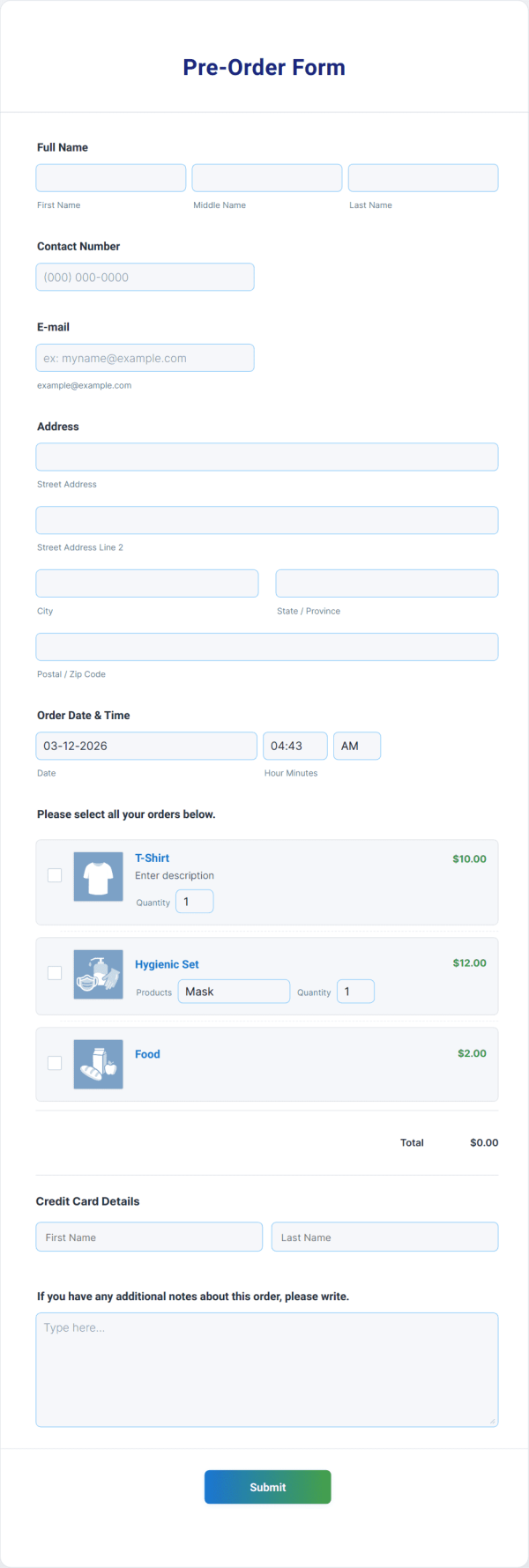
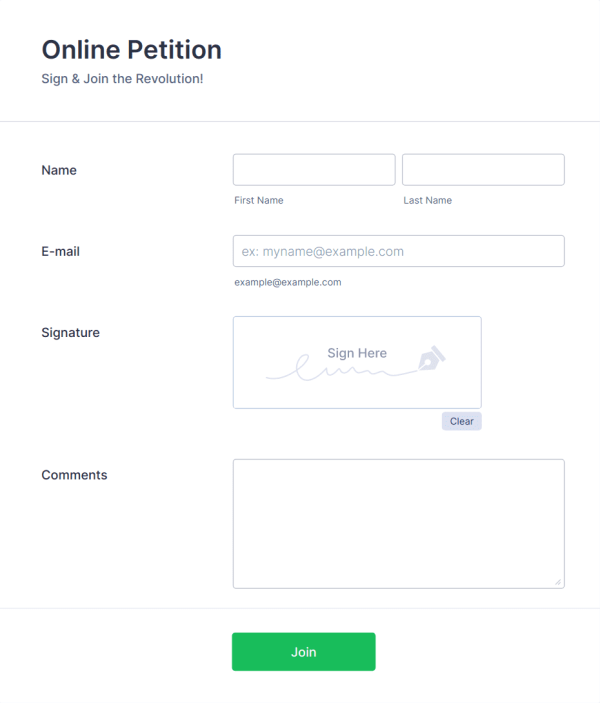
Jform은 완전한 양식 빌더 솔루션입니다
필요한 양식을 만드는 더 많은 방법
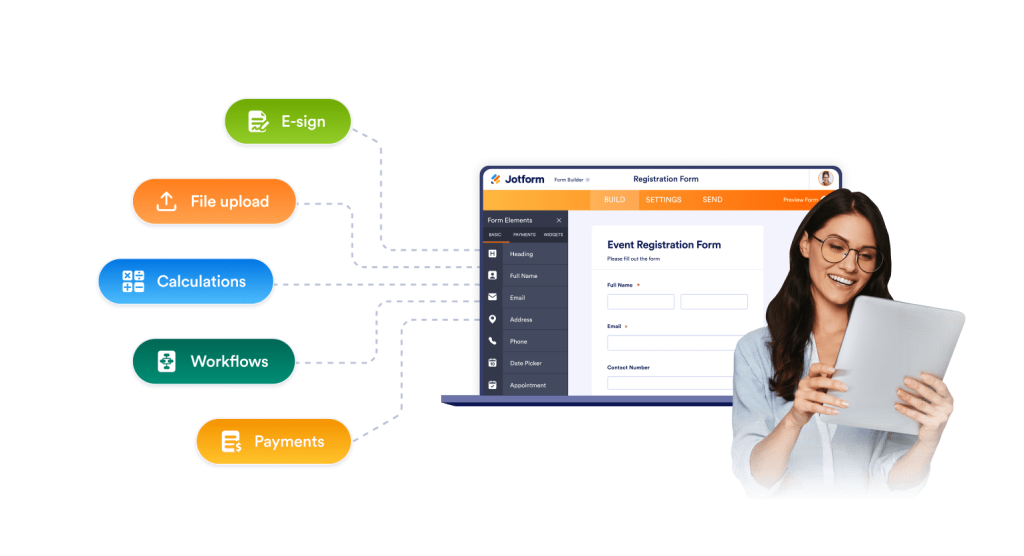
Jform은 빠른 양식과 복잡한 양식 모두를 지원합니다. 짧고 깔끔하게 유지하거나, 긴 작업을 위한 다단계 흐름을 만들 수 있습니다. 로직, 계산, 파일 업로드, 풍부한 필드를 코딩 없이 추가할 수 있습니다.
더 많은 완료를 돕는 레이아웃
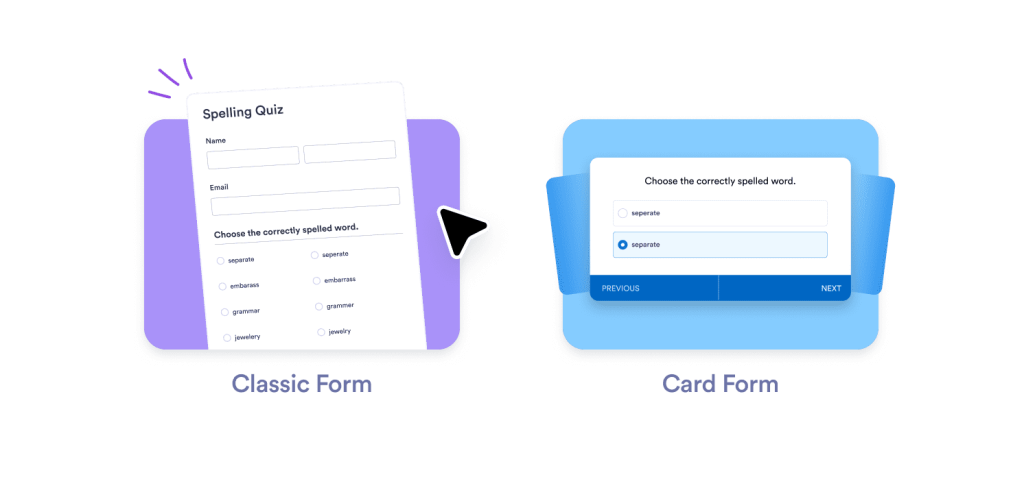
작업마다 필요한 양식 경험은 다릅니다. Jform은 한 곳에서 여러 레이아웃 옵션을 제공합니다. 빠른 제출을 위한 클래식 양식, 긴 신청을 위한 다중 페이지 단계, 집중 완료를 돕는 카드형 단일 질문 레이아웃을 사용할 수 있습니다. 사용자가 흐름을 유지하면 완료율과 데이터 품질이 높아집니다.
더 많은 고객을 위한 결제
Jform은 40개 이상의 결제 게이트웨이를 지원합니다. 고객이 선호하는 방식으로 결제를 받을 수 있습니다. Stripe, PayPal, Square 또는 시장에 맞는 지역 옵션을 사용하세요. 하나의 양식으로 티켓 판매, 기부, 보증금, 서비스 결제, 상품 주문을 처리할 수 있습니다. 추가 결제 도구가 필요 없습니다.
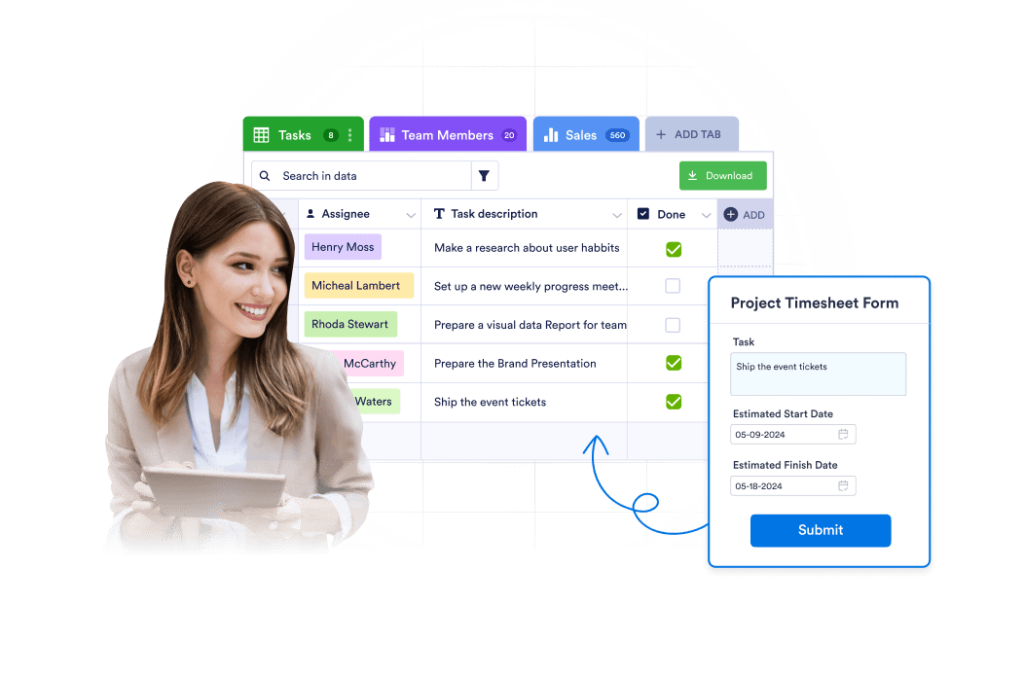
내장 제출 관리
Jform 테이블은 양식과 연결된 실시간 작업 공간을 제공합니다. 제출 내용을 몇 초 만에 정렬, 필터, 검색할 수 있습니다. 상태를 추적하고 담당자를 지정하며 내부 메모를 추가할 수 있습니다. 테이블, 카드, 캘린더, 보고서 등 워크플로우에 맞는 뷰로 전환하세요.

민감한 데이터를 위한 강력한 옵션
개인 정보나 규제 대상 데이터를 다룬다면 제어가 필요합니다. Jform은 플랜에 따라 GDPR, PCI, HIPAA 준비 요건을 충족하는 설정을 지원합니다. 업무에 맞는 보호 수준을 선택할 수 있어 의료, 교육, 금융 등 민감한 정보를 수집하는 팀에 안전한 선택입니다.
자주하는 질문
Jform은 무료로 사용할 수 있나요?
네. 무료 플랜으로 바로 시작해 실제로 작동하는 양식을 만들 수 있습니다. 무료 플랜에는 핵심 기능이 포함되어 있어 업그레이드 전에 실제 사용 사례를 테스트할 수 있습니다. 한도가 늘어나면 양식을 다시 만들 필요 없이 유료 플랜으로 이동할 수 있습니다.
Jform이 Tally Forms의 강력한 대안인 이유는 무엇인가요?
양식 외에 하나의 Jform 플랜으로 무엇을 얻을 수 있나요?
Jform은 몇 개의 통합을 지원하나요?
Jform으로 결제금액을 수령할 수 있나요?
Jform에는 템플릿이 있나요?
Jform AI 어시스턴트란 무엇이며 양식에 어떻게 도움이 되나요?
Jform AI 어시스턴트는 어디에서 실행되나요?
Jform은 단순한 양식뿐 아니라 비즈니스 워크플로우에도 적합한가요?
AI 어시스턴트가 채팅 중 결제나 정보 수집을 할 수 있나요?
Jform 안에서 제출 내용을 관리할 수 있나요?
Jform은 민감한 데이터에 안전한가요?
하나의 양식으로 시작
모든 것을 한 번에 바꿀 필요는 없습니다. 가장 많이 사용하는 양식부터 다시 만들어 간단하게 시작하세요. 그런 다음 필요할 때 결제, 승인, 워크플로우 또는 테이블에 연결하면 됩니다. 대부분의 사용자는 첫 번째 양식만으로도 Jform이 불필요한 단계를 제거해 준다는 가치를 느낍니다.
지금 시작하기