














Hotels.com Reviews Widget for Your Website
Bring credible customer feedback closer to important decisions on your website. Jotform’s Hotels.com Review Widget lets you connect Hotels.com reviews, customize their appearance, and embed the display on your website without writing code.
How to embed a Hotels.com Reviews Widget

Choose widget elements
Choose the content and elements you want to show to your website visitors and tailor your widget to your needs.

Customize your widget
Customize your widget's appearance by adjusting colors and other design settings to match your website's style.
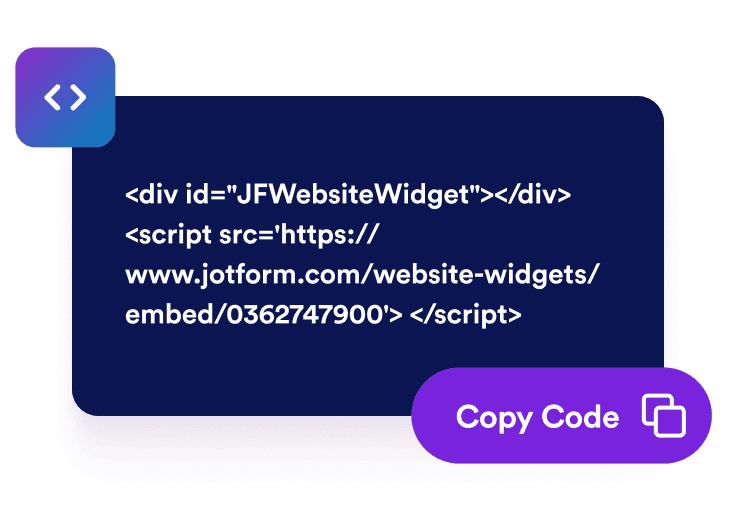
Embed it on your website
Paste the embed code into a custom HTML or embed block, then publish your page to display the website widget.
Display Hotels.com reviews throughout your customer journey
Support confident customer decisions
Place positive customer experiences near pricing, signup, checkout, or contact options. Hotels.com reviews give visitors useful context about your products, services, and support as they decide whether your business meets their needs.

Add useful customer review content
Make key pages more informative with current, experience-based feedback. Embedded reviews don’t guarantee improved search rankings, but they can add relevant information for visitors researching your reputation and comparing available options.

Build credibility with Hotels.com reviews
Display recognizable Hotels.com feedback directly on your website. Customer reviews and ratings provide independent perspectives that can help visitors evaluate your business without leaving the page to look for additional proof.

Keep Hotels.com reviews updated automatically
Connect your review source and let the widget stay synced with eligible Hotels.com feedback. New reviews can appear automatically, reducing the need to copy customer comments or update your website manually.

Jform 위젯이 특별한 이유
Jform의 위젯을 사용하면 웹사이트를 더욱 상호작용형으로 만들고 전환율을 높일 수 있습니다. 별점 평가, 후기 슬라이더, 소셜 프루프 팝업, 미디어 삽입까지 다양한 도구를 양식이나 랜딩 페이지 안에 결합해 코딩 없이 데이터를 수집하고, 신뢰를 쌓으며, 리드를 확보할 수 있습니다.
모든 Jform 위젯 살펴보기Where to use your Hotels.com Reviews Widget
Embed Hotels.com reviews on pages where visitors assess your reputation and decide whether to purchase, subscribe, register, or make contact.
Homepage trust sections to introduce your rating and customer feedback.
Product and service pages to provide context near important benefits.
Pricing and plan pages to support visitors comparing available options.
Checkout and signup pages to address last-minute uncertainty.
Campaign landing pages to add credible feedback near promotional offers.
About and reputation pages to present customer experiences in one place.
Jform 양식 빌더로 리드를 유료 고객으로 전환하세요
Jform으로 참여를 행동으로 전환하세요. 리드를 확보하고 결제를 수집하며 응답을 자동화하는 강력한 양식을 한 곳에서 만들어 보세요. 모든 제출물은 Jform 받은 편지함으로 모여, 후속 조치를 하거나 즐겨 사용하는 앱과 연동할 준비를 마치게 됩니다.
Get Started - It’s Free!
자주하는 질문
What is a Hotels.com Reviews Widget?
A Hotels.com Reviews Widget displays eligible customer ratings and feedback from Hotels.com on your website. It gives visitors access to recognizable social proof while they explore your products, services, pricing, or company reputation.
How do I embed a Hotels.com Reviews Widget?
Which Hotels.com reviews does the widget display?
Can I select individual Hotels.com reviews?
Can I customize the widget’s design?
Will new Hotels.com reviews appear automatically?
Can I place the widget on multiple pages?
Is the widget mobile-friendly?
Do I need to write code?
Is the Hotels.com Reviews Widget free?
Which website platforms support the Hotels.com Reviews Widget?
Can I get help setting up my Hotels.com Reviews Widget?