


Booking Reviews Widget for your website
Add your Booking guest's reviews to your website and show travelers the feedback that matters before they reserve. Connect your property link, choose a layout, customize the look, and embed the widget with no code.
How to add the Booking.com Reviews widget
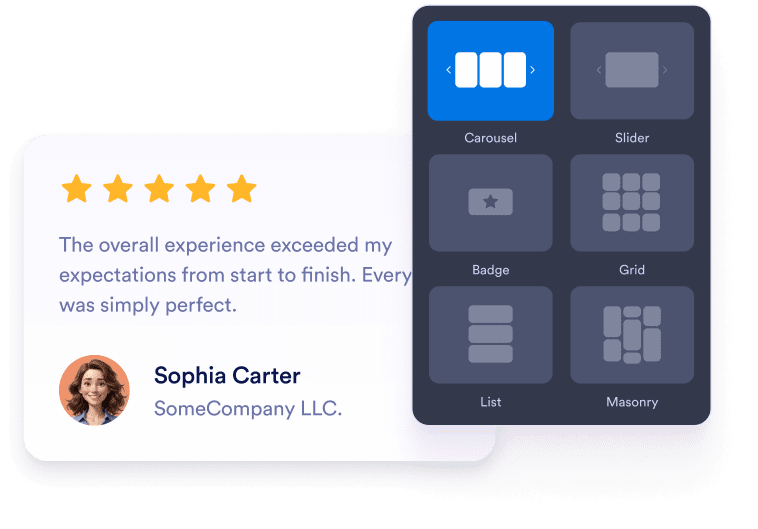
Customize your widget
Choose your preferred layout, colors, and overall appearance to match your website’s design.
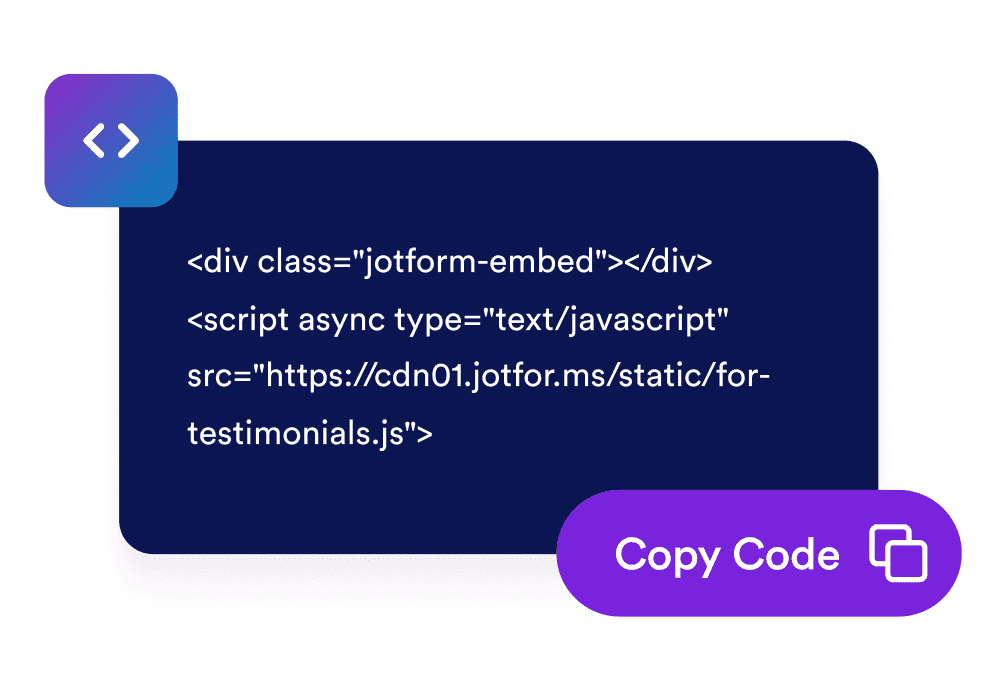
Get the embed code
Copy the automatically generated embed code and paste it anywhere on your website.
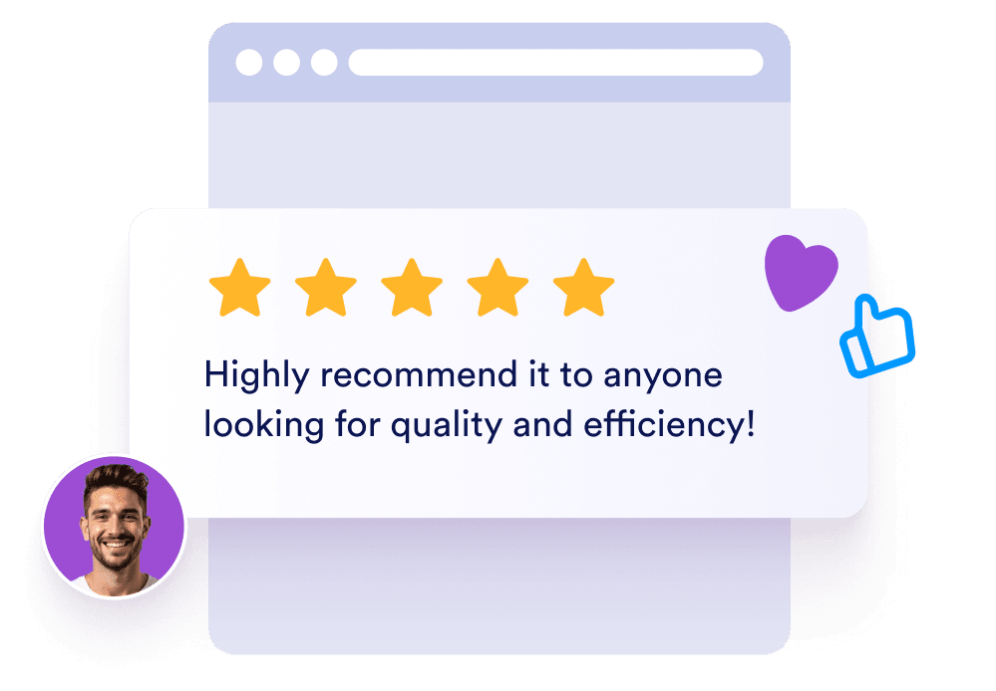
Embed it anywhere
별도의 기술 설정 없이 몇 초 만에 사이트 전역에 실제 고객 피드백을 게시하세요.
Turn Booking.com guest feedback into more confident reservations
Build trust with guest reviews
Show real-looking guest feedback, ratings, names, and review text in a familiar review layout so visitors can feel confident about your property.

Highlight your property rating
Display your overall Booking.com rating and total review count in the widget header to make trust signals visible at a glance.

Choose the right layout for each page
Use carousel, slider, grid, list, masonry, or badge layouts to fit reviews into homepages, room pages, landing pages, and compact sidebars.

Match your website style
Customize dark mode, titles, buttons, rating details, review fields, width, and colors so the widget feels native to your site.

Jform 위젯이 특별한 이유
Jform의 위젯을 사용하면 웹사이트를 더욱 상호작용형으로 만들고 전환율을 높일 수 있습니다. 별점 평가, 후기 슬라이더, 소셜 프루프 팝업, 미디어 삽입까지 다양한 도구를 양식이나 랜딩 페이지 안에 결합해 코딩 없이 데이터를 수집하고, 신뢰를 쌓으며, 리드를 확보할 수 있습니다.
모든 Jform 위젯 살펴보기Where to use your Booking.com Reviews Widget
Place Booking.com reviews on the pages where travelers compare options, check trust signals, and decide whether to book.
Homepage trust sections to show rating highlights as soon as visitors arrive.
Room or property detail pages to answer booking hesitation with guest feedback.
Reservation and inquiry pages to reinforce confidence near your main CTA.
Local SEO landing pages to add review-rich content for travelers comparing stays.
Campaign landing pages to support ads and promotions with recognizable social proof.
Sidebar or footer areas to keep a compact rating badge visible without taking over the page.
Jform 양식 빌더로 리드를 유료 고객으로 전환하세요
Jform으로 참여를 행동으로 전환하세요. 리드를 확보하고 결제를 수집하며 응답을 자동화하는 강력한 양식을 한 곳에서 만들어 보세요. 모든 제출물은 Jform 받은 편지함으로 모여, 후속 조치를 하거나 즐겨 사용하는 앱과 연동할 준비를 마치게 됩니다.
Get Started - It’s Free!
자주하는 질문
What is a Booking.com Reviews Widget?
A Booking.com Reviews Widget displays guest ratings and review content from a Booking.com property in a customizable website widget. It helps hotels, rentals, and accommodation businesses show social proof on their own websites.
Can I customize how Booking.com reviews appear?
Does the widget work on mobile?
Can visitors leave a new Booking.com review from the widget?
Can I use a compact Booking.com rating badge?
Is the Booking.com Reviews Widget free to use?