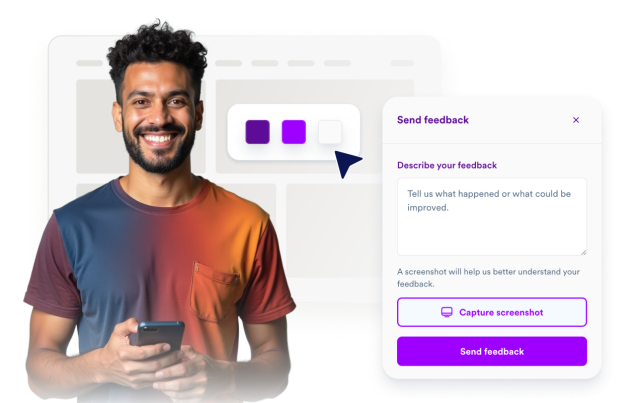
Feedback Widget
Create Your Own Feedback Widget in Seconds for Your Website
Build a feedback sidebar with launcher controls, screenshot capture, annotation tools, and thank-you states without writing code.
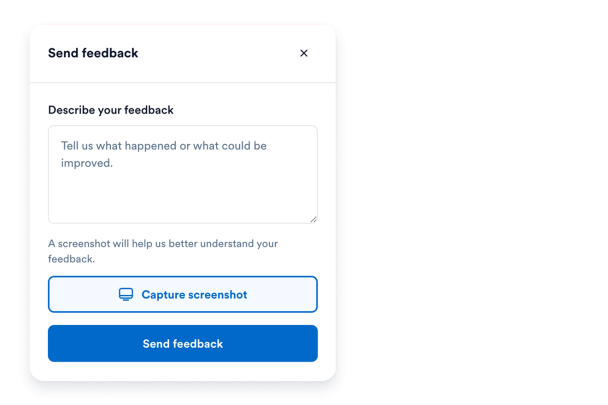

Customize the Floating Feedback Launcher
Control launcher label, position, colors, hover state, offsets, and device visibility so feedback stays easy to find without blocking page content.
Launcher controls include:
Left or right positionCustom labelBrand colorsDesktop/mobile visibility

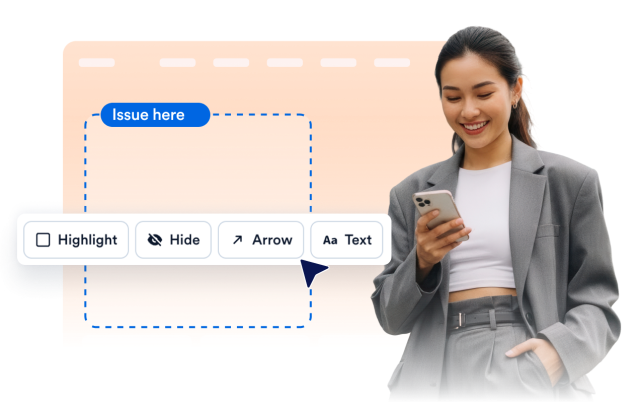
Capture Screenshots with Highlight, Hide, Arrow, and Text Tools
Use the browser Screen Capture API to collect visual context, then let visitors highlight the important area, hide private information, add arrows, or place text notes before sending feedback.
Annotation tools include:
Highlight rectanglesHide/redact areasArrows and text notesUndo and redo
Style the Panel to Match Your Website
Adjust auto, light, dark, or custom theme presets, panel colors, accent buttons, typography, border radius, panel width, and scoped custom CSS.
Style controls include:
Light and dark themesPanel and accent colors모서리 반경맞춤설정 CSS