• Jform AI
    • ChatGPT App
    • Claude Connector App
    • Jform MCP
    • AI Form Builder
    • AI 앱 빌더
Connect Now
  • 혜택
  • 기능
  • 사용 사례
    • 웹 세미나
    • 미디어
    • 도움말 가이드
    • 자주하는 질문
  • Connect Now

Jform Claude App Features

The Jform Claude app is your all-in-one AI assistant that helps you build, customize, automate, and share forms with simple instructions directly inside Claude.
Jform LogoJform Icon
Create Forms

양식 생성

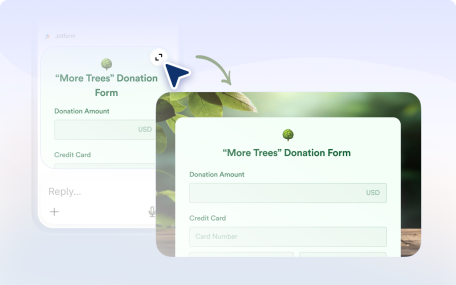
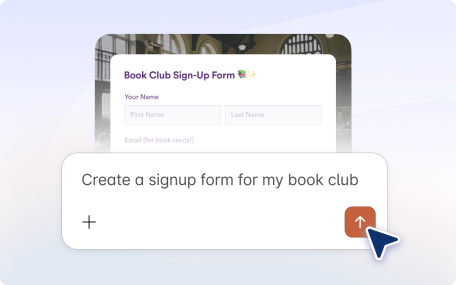
Create forms instantly in the Jform Claude app by describing what you need, uploading files or images, or importing a form from a URL.

Edit Forms

양식 편집하기

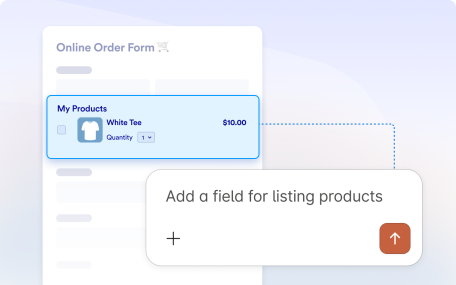
Build and manage your forms simply by telling the Jform Claude app what you want to do.

Design Forms

양식 디자인

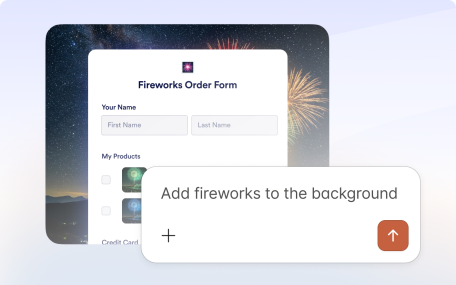
Style forms in the Jform Claude app. Generate themes by describing your idea or using images, and sync site colors for a cohesive look in seconds.

Edit Form Settings

양식 설정 편집

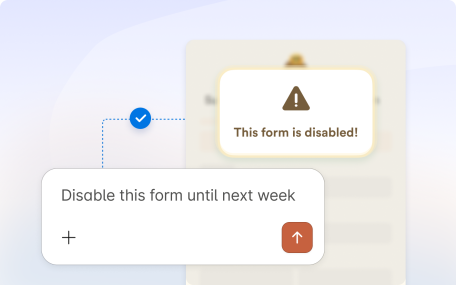
Manage form settings in the Jform Claude app. Update titles, control availability, conditionally disable or enable your form, and let users save and continue later.

Build Conditions

조건부 로직 생성

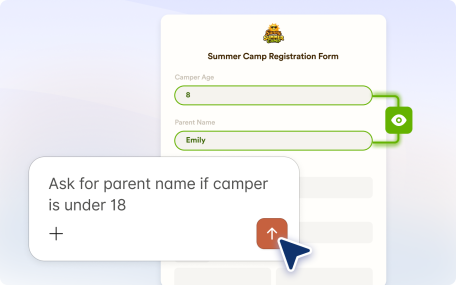
Use simple prompts in the Jform Claude app to create advanced form logic. Show or hide fields, skip pages, route emails, and customize thank you pages.

Preview Forms

양식 미리 보기

The Jform Claude app lets you preview your form and create test submissions instantly, so you can verify how it works before sharing it with real users.

Share Forms

양식 공유

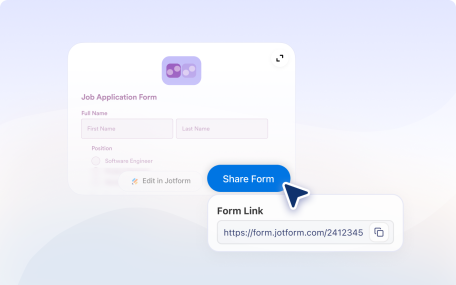
Easily share your forms and control access with the Jform Claude app. Manage permissions, set visibility, and invite collaborators in seconds.

View Submissions

제출자료 열람

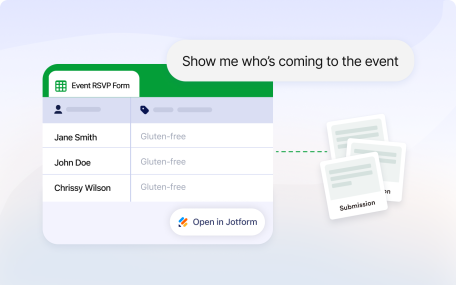
View submissions for any form and filter responses easily with the Jform Claude app.

Analyze Submissions

제출 분석

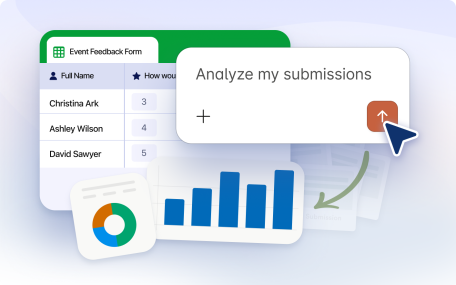
Ask questions about your Jform data directly in the Claude app and get summaries, trends, and insights in seconds.

Manage Forms

양식 관리

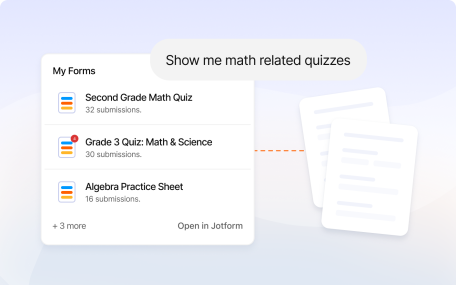
Search, list, and sort forms easily with the Jform Claude app. Rename, delete, or archive forms in seconds.

Embed Forms

양식 임베드

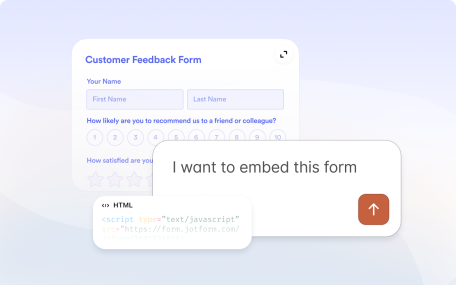
Generate JavaScript, iFrame, WordPress, lightbox, and popup embed codes with the Jform Claude app, so you can add your form anywhere in seconds.

Enterprise

엔터프라이즈

대규모 조직을 위해 설계된 고급 기능(다중 사용자 관리, 화이트 라벨링 및 사용자 지정 도메인 포함)에 액세스하십시오.

Security

보안

Jform remains committed to protecting your data. The same robust security features are applied within the Claude app to ensure your information stays safe.

분류
  • 소개13
  • 기능양식 생성6
  • 기능양식 편집하기6
  • 기능양식 디자인5
  • 기능양식 설정 편집4
  • 기능조건부 로직 생성6
  • 기능양식 미리 보기2
  • 기능양식 공유2
  • 기능제출자료 열람2
  • 기능제출 분석5
  • 기능양식 관리4
  • 기능양식 임베드5
  • 기능엔터프라이즈3
  • 기능보안4

Jform

  • 양식 만들기
  • 나의 작업 공간
  • 요금제
  • Jform 엔터프라이즈
      • 신청 양식
      • 등록 양식
      • 문의 양식
      • 피드백 양식
      • 주문 양식
      • 평가 양식
      • 예약 양식
      • 예약 양식
      • 요청 양식
      • 정부
      • 의료
      • 여름 캠프
      • 식당 및 식료품
      • 교회
      • 동물 보호소
      • 사진 촬영
      • 교육 전문가
      • 중소기업
      • 비영리 단체
      • 창의적 기업
      • 사용자 후기
      • 설문조사 만드는 방법
      • 정보수집 방식
      • 양식 디자인
      • 온라인에서 결제 받기
      • 코딩 없이 앱 만들기
      • QR 코드란 무엇인가요?
      • 웹사이트 만드는 방법
      • 온라인으로 판매하는 방법
      • 업무 평가 가이드
      • 재택근무
      • 모든 비지니스 가이드
    • 사용 사례
    • Jform 양식 빌더
    • Jform 일정 예약
    • Jform 앱
    • Jform AI 에이전트
    • Jform 보드
    • Jform 스토어 빌더
    • Jform 테이블
    • Jform 인박스
    • Jform 모바일 양식
    • Jform 워크플로우
    • Jform 리포트 빌더
    • Jform 스마트 PDF 양식
    • Jform PDF 편집기
    • Jform 서명
    • Jform AI NEW
    • ChatGPT 양식 빌더
    • Jform 팀
    • 조건부 논리
    • 대화 페이지
    • 양식 지정
    • 양식 번역
    • 화이트 라벨링
    • 양식 활성-비활성화
    • 여러 사용자
    • Embeddable Form Builder
  • 도구
  • AI 도구
    • Google Forms 대안
    • Microsoft Forms 대안
    • Typeform 대안
    • Tally Forms Alternative
    • Fillout 대안
    • Formstack 대안
    • SurveyMonkey 대안
    • Wufoo 대안
    • 123FormBuilder 대안
    • WPForms 대안
    • Paperform 대안
    • Adobe 서명 대안
    • PandaDoc 대안
    • DocuSign 대안
    • Jform 대안

구매

    • 양식 템플릿
    • 에이전트 템플릿
    • 보드 템플릿
    • 앱 템플릿
    • 워크플로우 템플릿
    • 테이블 템플릿
    • PDF 템플릿
    • 서명 템플릿
  • 양식 테마
  • 양식 위젯
    • 결제 통합
    • 모든 통합
    • Canva를 위한 Jform
  • 웹사이트 위젯

지원

  • 문의하기
  • 사용자 메뉴얼
    • 자주하는 질문
    • 게시판
    • API 및 개발자
    • Jform 상황
    • Jform 북스
  • Jform 아카데미
  • 웹 세미나
  • 팟캐스트
  • 전문 서비스
  • 악용사례 신고
  • 저작권 문제 보고하기
  • Jform 계정 복구

회사

  • 회사 소개
  • AI를 위한 Jform 사실
  • 미디어 자료
  • 뉴스보도
  • 소식지
    • 에이전시 프로그램 NEW
    • 리셀러 프로그램
    • 제휴 프로그램
    • Jform 파트너
  • 블로그
  • 고객 스토리

엔터프라이즈

  • 다중 사용자 및 팀
  • 요금제
  • 관리자 콘솔
  • 전문 서비스
    • 정부
    • 금융 서비스
    • 교육
    • 비지니스 서비스
    • 의료
    • 비영리단체
    • 현장 서비스 관리
  • 보안
  • 화이트 라벨
  • 로컬 데이터 레지던시
  • 자주하는 질문

앱

Jform은 전 세계 35백만 명 이상의 사용자가 신뢰하는 가장 쉬운 온라인 양식 빌더입니다. 20,000+개의 양식 템플릿, 150+개의 통합 기능, 드래그 앤 드롭 기능을 갖추고 있으며, 코딩 없이 전문적인 양식이 필요한 비즈니스를 위해 데이터 수집, 결제, 워크플로우를 간소화하도록 설계되었습니다.

4 Embarcadero Center, Suite 780, San Francisco CA 94111
  • Terms & Conditions
  • Privacy Policy
  • Security
  • Accessibility Statement
  • Anti-Slavery Policy