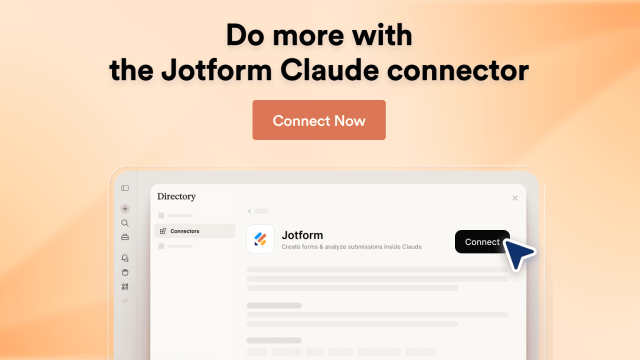
# Jform Claude App: AI Form Builder Connector

# Jform Claude 앱

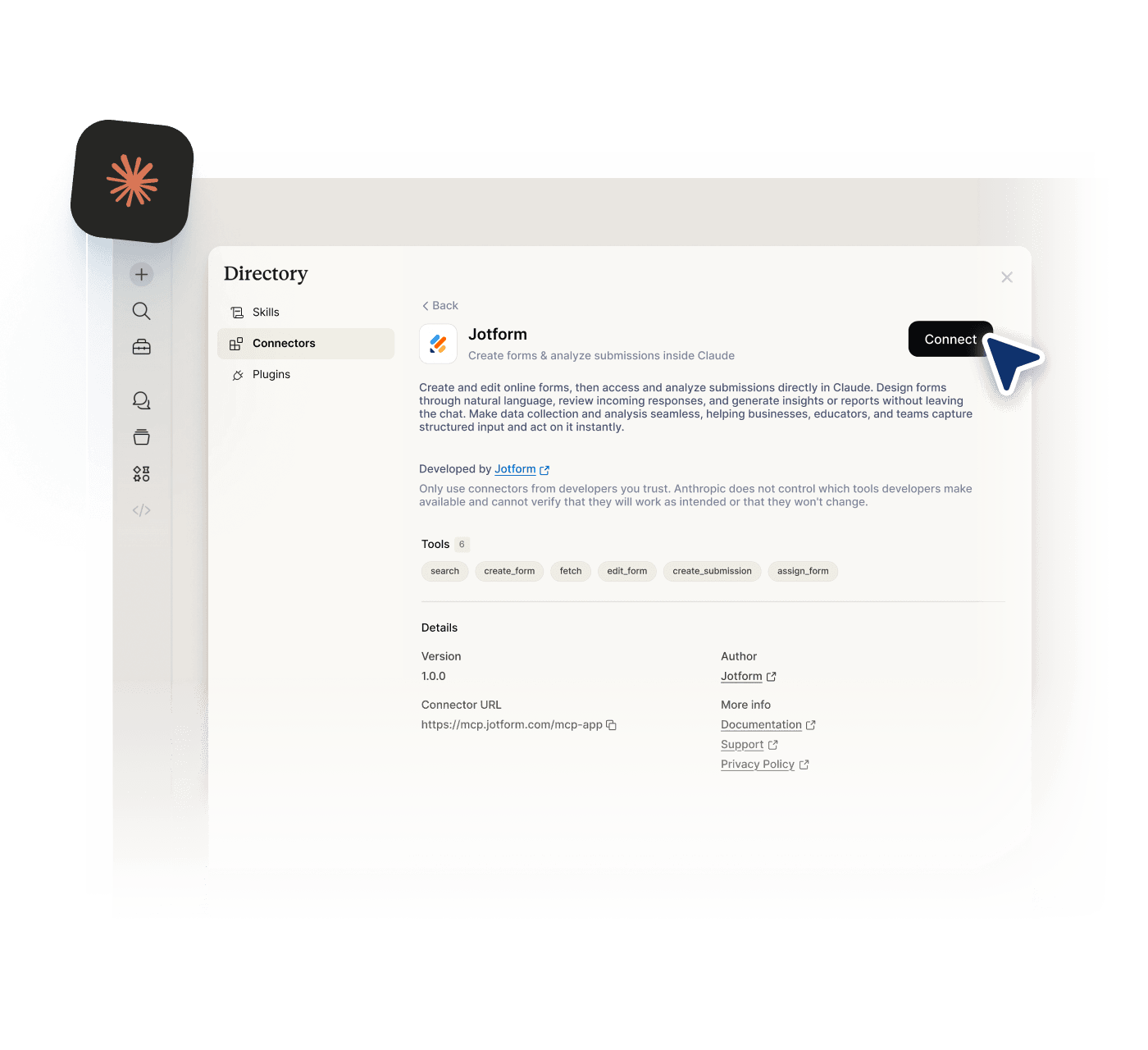
Jform을 사용해 Claude에서 직접 양식을 만드세요. Claude Jform 통합은 양식을 Claude에 연결하여 간단한 프롬프트로 생성, 편집, 관리할 수 있게 합니다. Jform MCP를 지원하여 양식과 제출물에 대한 완전한 제어를 유지하면서 더 시각적인 인터페이스도 사용할 수 있습니다.

[Connect Now](https://claude.ai/directory/connectors/aed7e2be-868e-4046-9e12-5c917b4e6b97)

![Image 1: Jform Claude Integration preview image](https://cdn.jotfor.ms/image/r/aHR0cHM6Ly9jZG4uam90Zm9yLm1zL3AvY2xhdWRlL2Fzc2V0cy9pbWctbWluLy9ob21lcGFnZS9oZXJvLWltZy5wbmc=/hero-img.png?w=1400&t=1)

## Claude와 함께 Jform 사용하는 방법

![Image 2: Connect Jform to Claude](https://cdn.jotfor.ms/image/r/aHR0cHM6Ly9jZG4uam90Zm9yLm1zL3AvY2xhdWRlL2Fzc2V0cy9pbWcvaG9tZXBhZ2UvaG93LWl0LTEucG5n/how-it-1.png?w=40&t=1)

### Jform을 Claude에 연결하기

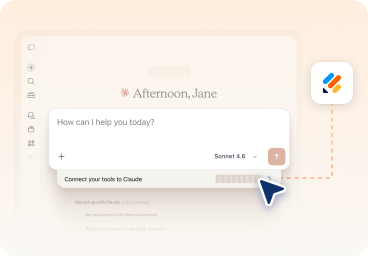
Claude에 로그인하고 “도구 연결” 설정에서 Jform을 활성화하여 계정을 연결하세요.
![Image 3: Create and refine your form in chat](https://cdn.jotfor.ms/image/r/aHR0cHM6Ly9jZG4uam90Zm9yLm1zL3AvY2xhdWRlL2Fzc2V0cy9pbWcvaG9tZXBhZ2UvaG93LWl0LTIucG5n/how-it-2.png?w=40&t=1)

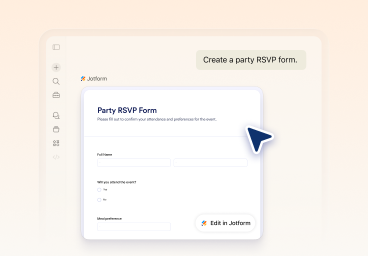
### 채팅에서 양식 생성 및 다듬기

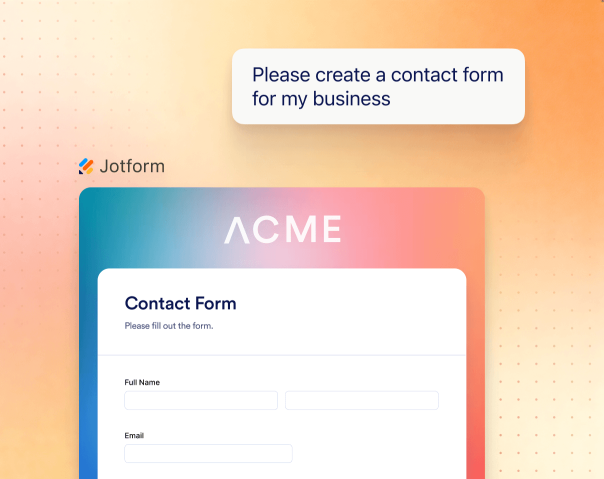
프롬프트로 시작한 다음 Claude에서 직접 필드를 수정하고 질문을 업데이트하며 설정, 레이아웃, 스타일을 조정하는 등 대화형 방식으로 양식을 다듬어 보세요.
![Image 4: Analyze submissions and optimize results](https://cdn.jotfor.ms/image/r/aHR0cHM6Ly9jZG4uam90Zm9yLm1zL3AvY2xhdWRlL2Fzc2V0cy9pbWcvaG9tZXBhZ2UvaG93LWl0LTMucG5n/how-it-3.png?w=40&t=1)

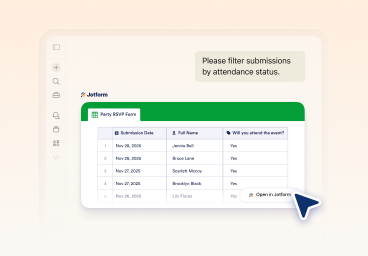
### 제출물 분석 및 결과 최적화

Jform Claude 앱을 사용해 양식을 보고, 날짜, 상태 또는 특정 필드별로 제출물을 필터링하며, 성과를 개선할 수 있는 인사이트를 얻으세요.

## Jform Claude 앱으로 할 수 있는 작업

### 프롬프트로 양식 생성하기

Create complete forms by describing what you need.

![Image 5: Generate forms from prompts](https://cdn.jotfor.ms/image/r/aHR0cHM6Ly9jZG4uam90Zm9yLm1zL3AvY2xhdWRlL2Fzc2V0cy9pbWctbWluL2ZlYXR1cmVzL2ZfMS5wbmc=/f_1.png?w=40&t=1)

### 명확하고 관련성 있는 질문 만들기

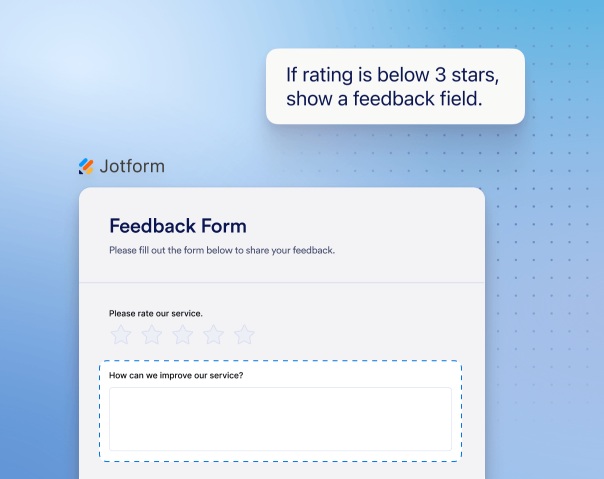
Update questions, settings, and structure with a single ask, without rebuilding your form.

![Image 6: Create clear and relevant questions](https://cdn.jotfor.ms/image/r/aHR0cHM6Ly9jZG4uam90Zm9yLm1zL3AvY2xhdWRlL2Fzc2V0cy9pbWctbWluL2ZlYXR1cmVzL2ZfMi5wbmc=/f_2.png?w=40&t=1)

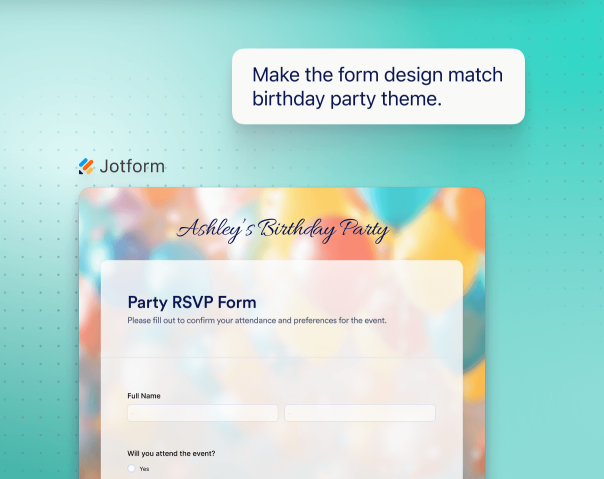
### 양식을 시각적으로 디자인

Change themes, layouts, and styling directly in Claude as you build your form.

![Image 7: Design forms visually](https://cdn.jotfor.ms/image/r/aHR0cHM6Ly9jZG4uam90Zm9yLm1zL3AvY2xhdWRlL2Fzc2V0cy9pbWctbWluL2ZlYXR1cmVzL2ZfMy5wbmc=/f_3.png?w=40&t=1)

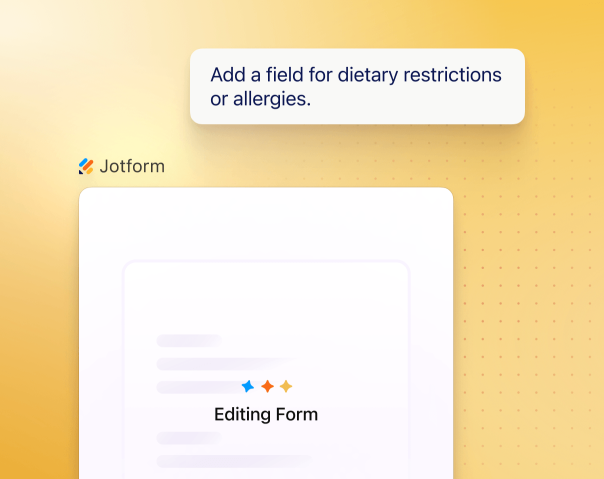
### 필드 추가, 제거 및 재정렬

언제든지 필드를 추가, 제거, 재정렬할 수 있으며 필요에 따라 구조를 수정할 수 있습니다.
![Image 8: Add, remove, and reorder fields](https://cdn.jotfor.ms/image/r/aHR0cHM6Ly9jZG4uam90Zm9yLm1zL3AvY2xhdWRlL2Fzc2V0cy9pbWctbWluL2ZlYXR1cmVzL2ZfNC5wbmc=/f_4.png?w=40&t=1)

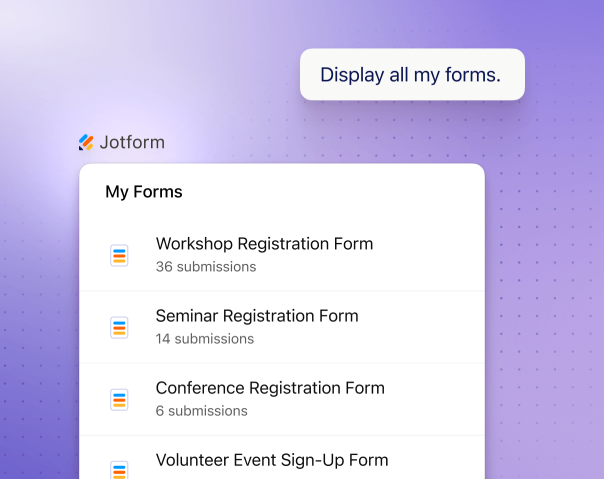
### 양식 목록 확인 및 관리

View all your forms and select one to update or continue working on instantly.

![Image 9: List and manage your forms](https://cdn.jotfor.ms/image/r/aHR0cHM6Ly9jZG4uam90Zm9yLm1zL3AvY2xhdWRlL2Fzc2V0cy9pbWctbWluL2ZlYXR1cmVzL2ZfNS5wbmc=/f_5.png?w=40&t=1)

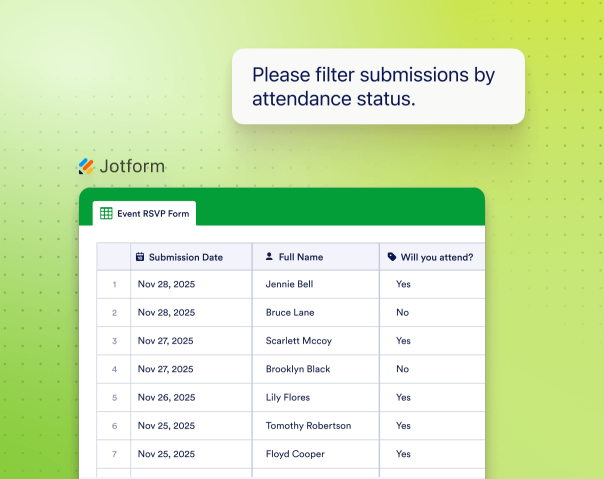
### 제출물 보기 및 필터링

Pull response data and filter by date, status, keywords, or field values.

![Image 10: View and filter submissions](https://cdn.jotfor.ms/image/r/aHR0cHM6Ly9jZG4uam90Zm9yLm1zL3AvY2xhdWRlL2Fzc2V0cy9pbWctbWluL2ZlYXR1cmVzL2ZfNi5wbmc=/f_6.png?w=40&t=1)

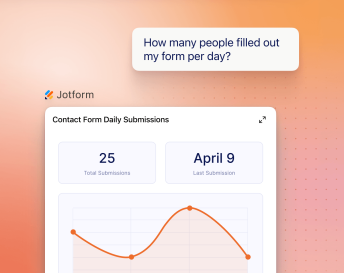
### AI로 양식 응답 분석하기

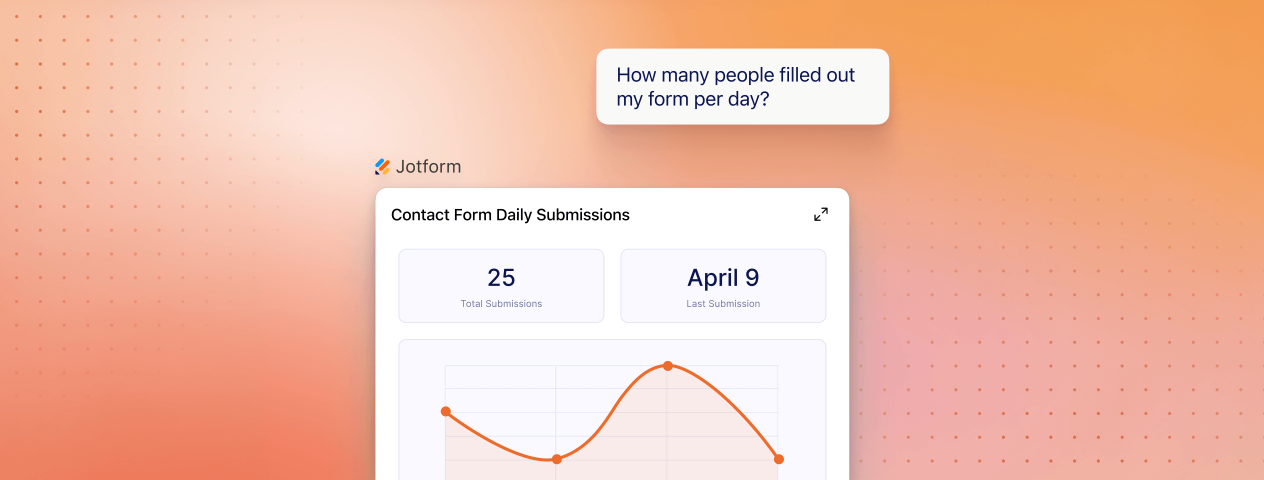
AI로 양식 응답을 분석해 데이터를 이해하세요. 제출 요약, 트렌드 파악, 추천 제공이 가능합니다.
![Image 11: Analyze form responses with AI](https://cdn.jotfor.ms/image/r/aHR0cHM6Ly9jZG4uam90Zm9yLm1zL3AvY2xhdWRlL2Fzc2V0cy9pbWctbWluL2ZlYXR1cmVzL2ZfNy5wbmc=/f_7.png?w=40&t=1)![Image 12: Analyze form responses with AI](https://cdn.jotfor.ms/image/r/aHR0cHM6Ly9jZG4uam90Zm9yLm1zL3AvY2xhdWRlL2Fzc2V0cy9pbWctbWluL2ZlYXR1cmVzL2ZfNy1tb2JpbGUucG5n/f_7-mobile.png?w=40&t=1)

## Jform Claude 앱으로 더 많은 작업하기

Jform Claude 통합이 실제 시나리오에서 어떻게 작동하는지 확인하세요. 간단한 프롬프트부터 생성, 수정, 분석까지 이어집니다.

리드 생성 이벤트 관리 고객 피드백 주문 양식

**양식 만들기**
이름, 이메일, 회사 규모, 예산 및 프로젝트 세부 정보를 입력할 수 있는 필드를 포함하는 리드 생성 양식을 만드세요.

[Try now](https://claude.ai/directory/connectors/aed7e2be-868e-4046-9e12-5c917b4e6b97)

**리드 자격 심사**
예산, 일정, 서비스 요구사항 기반으로 리드를 선별하는 질문을 추가하세요.

[Try now](https://claude.ai/directory/connectors/aed7e2be-868e-4046-9e12-5c917b4e6b97)

**CRM으로 보내기**
이 양식을 CRM에 연결하고 제출 후 후속 이메일을 보내주세요.

[Try now](https://claude.ai/directory/connectors/aed7e2be-868e-4046-9e12-5c917b4e6b97)

**양식 만들기**
Create an RSVP form for a company event including name, email, guest count, dietary restrictions, and arrival time fields.

[Try now](https://claude.ai/directory/connectors/aed7e2be-868e-4046-9e12-5c917b4e6b97)

**Adjust questions**
Show additional questions if the attendee is bringing a guest.

[Try now](https://claude.ai/directory/connectors/aed7e2be-868e-4046-9e12-5c917b4e6b97)

**Track attendees**
List all responses and group attendees by guest count and preferences.

[Try now](https://claude.ai/directory/connectors/aed7e2be-868e-4046-9e12-5c917b4e6b97)

**양식 만들기**
Create a customer feedback survey with a rating scale, comments, and suggestions.

[Try now](https://claude.ai/directory/connectors/aed7e2be-868e-4046-9e12-5c917b4e6b97)

**Structure responses**
Update the form to include multiple-choice and scale questions for easier analysis.

[Try now](https://claude.ai/directory/connectors/aed7e2be-868e-4046-9e12-5c917b4e6b97)

**피드백 분석하기**
Summarize responses and identify common issues and trends.

[Try now](https://claude.ai/directory/connectors/aed7e2be-868e-4046-9e12-5c917b4e6b97)

**양식 만들기**
Create an order form with product selection, quantity, delivery details, and payment.

[Try now](https://claude.ai/directory/connectors/aed7e2be-868e-4046-9e12-5c917b4e6b97)

**Add pricing logic**
Calculate total price based on selected products and quantities.

[Try now](https://claude.ai/directory/connectors/aed7e2be-868e-4046-9e12-5c917b4e6b97)

**Manage orders**
Show all orders from the last 7 days and group them by status.

[Try now](https://claude.ai/directory/connectors/aed7e2be-868e-4046-9e12-5c917b4e6b97)

## 귀하의 비지니스를 강화하세요

![Image 13: Announcing the Jform Claude Connector](https://cdn.jotfor.ms/image/r/aHR0cHM6Ly9jZG4uam90Zm9yLm1zL3AvY2xhdWRlL2Fzc2V0cy9pbWctbWluL2hvbWVwYWdlL3l0LXRodW1ibmFpbC5wbmc=/yt-thumbnail.png?w=40&t=1)

## Jform Claude 앱 사용 시작하기

Claude를 벗어나지 않고 양식을 만들고, 채팅에서 편집하며, 제출물을 관리하세요.

[Connect Now](https://claude.ai/directory/connectors/aed7e2be-868e-4046-9e12-5c917b4e6b97)

## 자주하는 질문

*    
### Jform Claude 앱이란 무엇인가요? Jform Claude 앱은 Jform 계정을 Claude에 연결합니다. 이를 통해 사용자는 자연어로 채팅에서 직접 양식을 만들고, 필드를 편집하며, 제출물을 관리할 수 있습니다.   
*    
### Jform을 Claude에 어떻게 연결하나요? “Connect your Tools” 설정에서 Jform을 Claude에 연결할 수 있으며, Jform MCP를 통해 더 시각적인 연결도 가능합니다.   
*    
### Claude와 함께 Jform MCP를 어떻게 설정하나요? Claude의 도구 또는 서버 구성을 통해 연결하여 Jform MCP를 설정할 수 있습니다. 연결되면 프롬프트와 시각적 인터페이스를 모두 사용하여 양식에 접근하고, 제출물을 관리하며, 데이터와 상호작용할 수 있습니다.   
*    
### Claude에서 Jform으로 양식을 만들 수 있나요? 네. 필요한 내용을 설명하기만 하면 Claude가 필드, 구조, 기본 로직이 포함된 Jform 양식을 생성합니다.   
*    
### Claude에서 양식을 생성 후 편집할 수 있나요? 네. Claude에서 대화형 방식으로 필드를 업데이트하고, 질문을 변경하며, 구조를 조정하고, 로직을 다듬을 수 있습니다.   
*    
### Claude에서 제출물을 보고 관리할 수 있나요? 네. Claude에서 직접 양식을 나열하고, 제출물에 접근하며, 날짜, 상태, 키워드 또는 필드 값으로 응답을 필터링할 수 있습니다.   
*    
### Claude가 양식 응답을 분석할 수 있나요? 네. Claude는 제출물을 요약하고 트렌드를 파악하며 양식 데이터를 기반으로 인사이트를 제공합니다.   
*    
### Claude가 내 양식 데이터를 저장하거나 관리하나요? 아니요. 양식 데이터는 Jform에 저장됩니다. Claude는 통합을 통해 데이터에 액세스하고 처리하지만 독립적으로 저장하지는 않습니다.   
*    
### Claude Jform 통합으로 어떤 유형의 양식을 만들 수 있나요? 프롬프트에 따라 리드 생성 양식, 설문조사, 피드백 양식, 등록 양식, 입사 지원서, 주문서 등 다양한 양식을 만들 수 있습니다.   
*    
### Claude와 함께 Jform을 사용하려면 코딩 기술이 필요한가요? 아니요. 코딩 없이 자연어로 양식을 만들고 관리할 수 있습니다.   

더 보기