
Analyze Submission Data
Use Jform AI Data Assistant to ask questions about form submissions, uncover trends, compare responses, and turn raw table data into clear insights.
Analyze Data
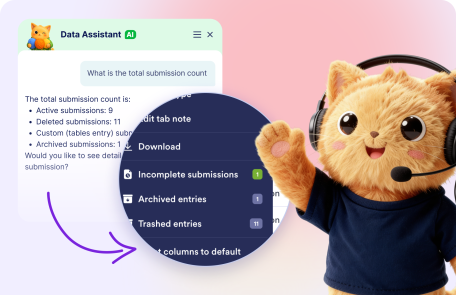
Analyze your submission data with AI to uncover insights, create charts, generate summaries, view statistics, and export data with simple prompts.
Understand your data faster with AI-generated summaries. Get meaningful insights, identify trends, and uncover patterns using simple prompts.
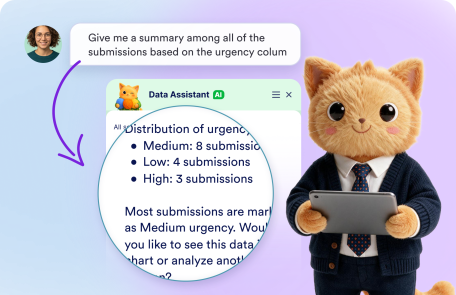
Ask Jform AI Data Assistant to summarize your table or analyze specific columns. AI generates easy-to-read insights that help you make informed decisions in seconds.
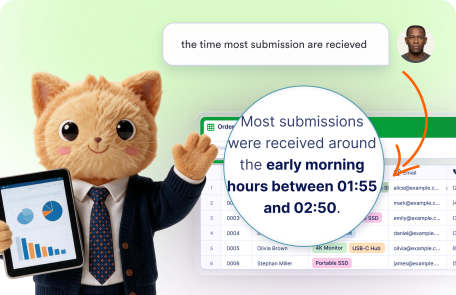
Quickly understand your table data without manual analysis. AI identifies patterns, highlights important metrics, and summarizes information to help you make better decisions.
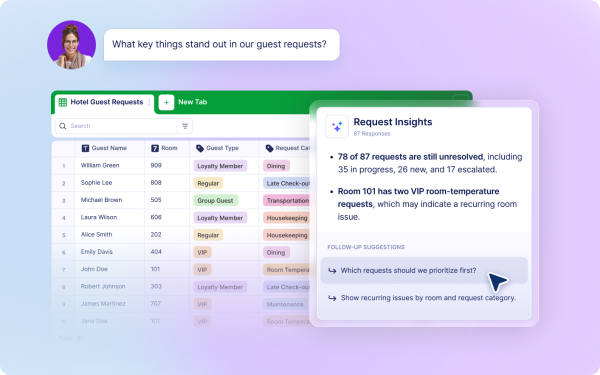
Simply ask the Data Assistant to summarize your table or a specific column. It analyzes the data and generates a summary with key insights, trends, counts, and other relevant information.
Jform's Data Assistant can highlight trends, distributions, totals, common values, patterns, and other meaningful insights based on the data in your table.
Yes. You can ask the Data Assistant to analyze a specific column, such as urgency, status, or category, and it will generate a focused summary based on that data.