
Share Tables
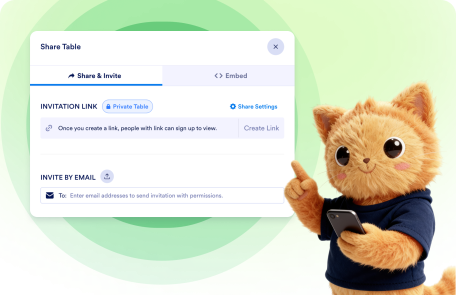
Share your tables faster with Jform AI Data Assistant. Simply tell AI who you'd like to invite, and it sends collaboration invitations.
Share Tables
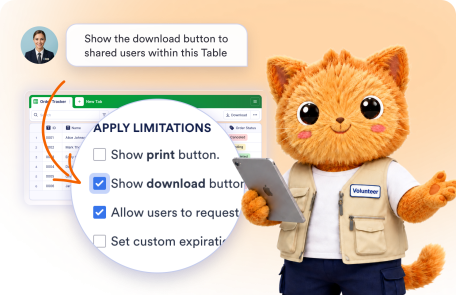
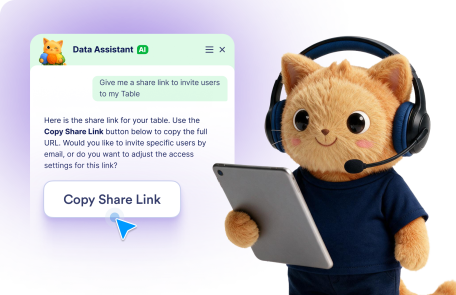
Share your tables with AI by inviting collaborators, managing permissions, updating access, and generating secure share links.
Update user roles in seconds with AI. Change permissions to ensure everyone has the right level of access in your table.
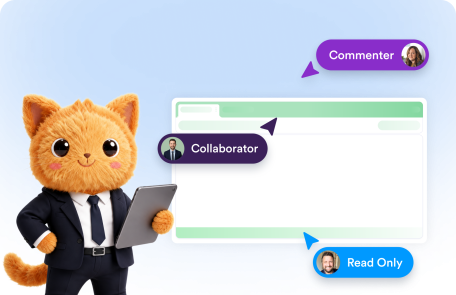
Tell Jform AI Data Assistant whose role you want to update, and it applies the new permission automatically. Easily assign Read Only, Commenter, or Collaborator access without opening sharing settings.
Quickly set users as Read Only, Commenters, or Collaborators. Jform's Data Assistant updates permissions instantly, helping you manage access without manually editing sharing settings.
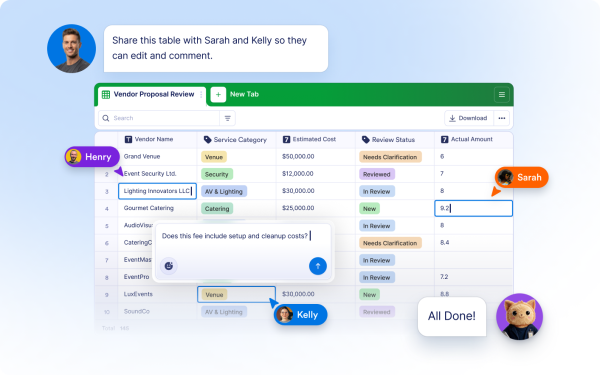
Simply tell the Data Assistant whose role you'd like to update and specify the permission level. It automatically updates the user's access to your table.
You can assign Read Only, Commenter, and Collaborator roles, allowing you to control whether users can view, comment on, or edit your table.
Using AI makes permission management faster and simpler. You can update access levels without navigating to sharing settings.