
Share Tables
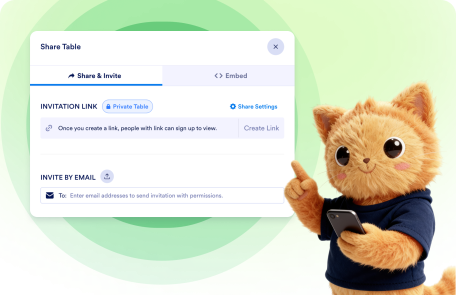
Share your tables faster with Jform AI Data Assistant. Simply tell AI who you'd like to invite, and it sends collaboration invitations.
Share Tables
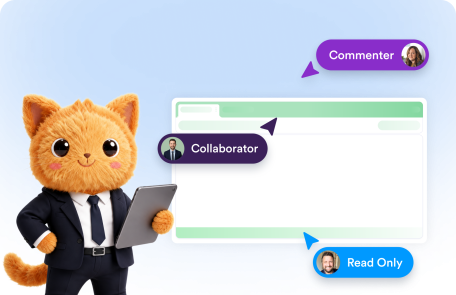
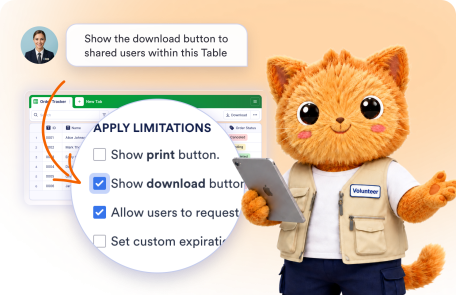
Share your tables with AI by inviting collaborators, managing permissions, updating access, and generating secure share links.
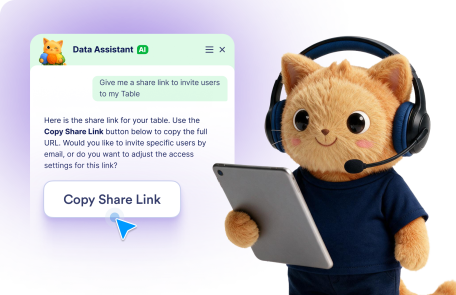
Generate a table share link with a simple prompt. Jform's Data Assistant creates it instantly, making it easy to share your table.
Tell Jform's Data Assistant that you need a share link, and it generates one automatically. Copy the link and start sharing your table in just a few seconds.
Ask Jform's Data Assistant for a table share link, and it generates one immediately. Copy the link and share your table without manually opening sharing options.
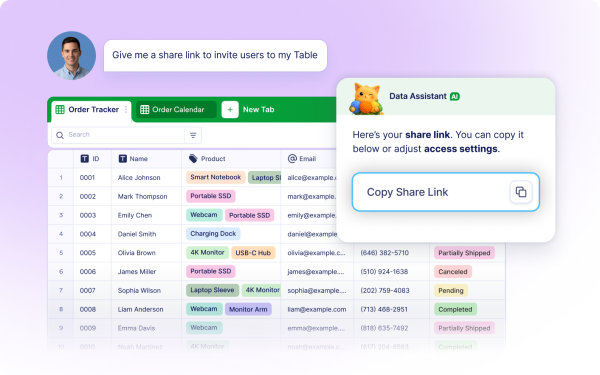
Simply ask the Data Assistant to create a share link for your table. It generates the link automatically, ready for you to copy and share.
Yes. Jform's Data Assistant lets you generate a share link with a simple prompt, eliminating the need to navigate through sharing settings.
Using AI speeds up the sharing process by creating a share link instantly. It's an easy way to share your table with teammates, clients, or collaborators while staying focused on your work.