Social Share Widget

Social Share Widget Features for Easier Website Sharing

Add social sharing buttons to your website so visitors can share pages through selected networks, messaging apps, communities, email, or a copy-link button. Customize the share options, button style, labels, and inline placement, then embed the widget without coding.

Create Your Social Share Widget - It's Free!
Social Share Widget Features for Easier Website Sharing Hero Bg Image

How to embed Social Share Widget to WordPress

1Get your embed code

After customizing your Jform website widget, click Try it on your website for free, and copy the generated embed code.

2Open the page editor

Go to the WordPress post or page where you want to display the widget, then add a new block.

3Add a Custom HTML block

Select Custom HTML and paste your Jform Website widget embed code into the HTML field.

4Update and view

Click Update or Publish, then open the page to check your embedded widget.

Choose the Share Networks Your Visitors Use

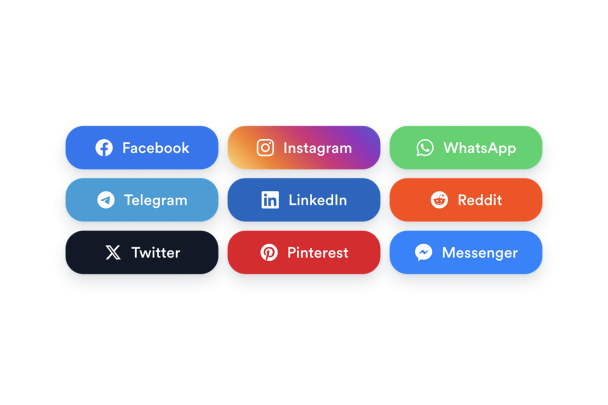
Give visitors quick access to the sharing options that fit your audience. Add social networks, messaging apps, community platforms, and email, then keep extra choices organized inside a More menu when you want a cleaner share bar.

Sharing options include:

FacebookInstagramWhatsAppTelegramLinkedInReddit이메일XPinterestMessenger
Choose Share Networks
Choose the Share Networks Your Visitors Use

Customize How Share Buttons Look

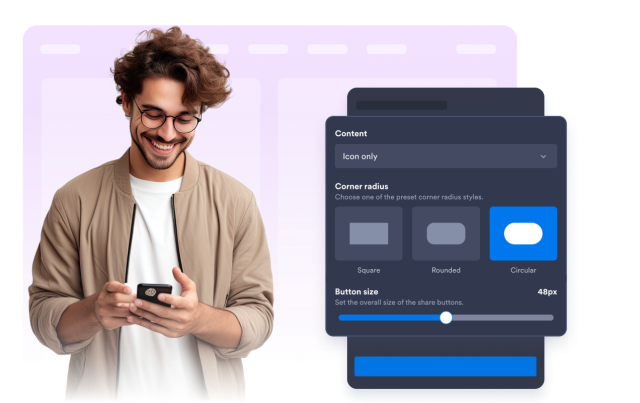
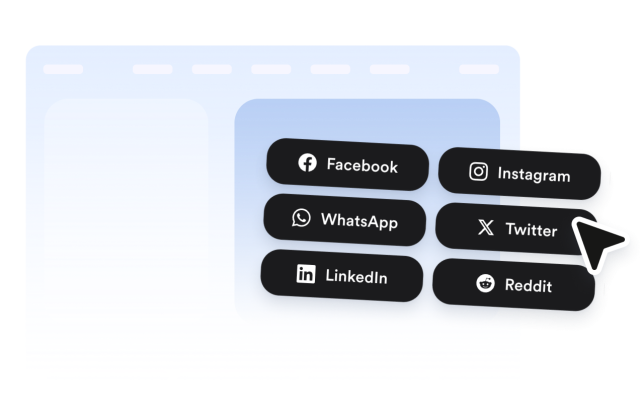
Match the share bar to your website design with visual controls for button shape, animation, size, content display, icon color, background color, and hover color. Use native platform colors for recognizable share buttons or adjust the style to fit your page.

Button styling includes:

Button shapeAnimationButton sizeIcon + textIcon color배경색Hover color
Customize Button Style
Customize How Share Buttons Look

Place Sharing Controls Where They Fit

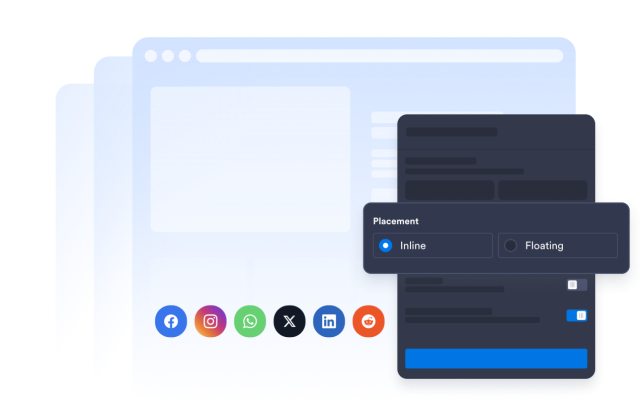
Add the Social Share Widget inline on pages where visitors are likely to share your content. Align the share bar left, center, or right so it supports blog posts, landing pages, product pages, resources, campaigns, and event pages without distracting from the main content.

Layout controls include:

Inline placementLeft alignmentCenter alignmentRight alignment
Set Share Placement
Place Sharing Controls Where They Fit

Add a Copy-Link Option for Quick Sharing

Give visitors a simple way to copy the page URL when they do not want to use a listed network. Pair the copy-link button with selected social, messaging, community, and email options so every page has a clear fallback sharing action.

Copy-link controls include:

Copy link button
Add Copy-Link Sharing
Add a Copy-Link Option for Quick Sharing