Social Media Follower Count Widget

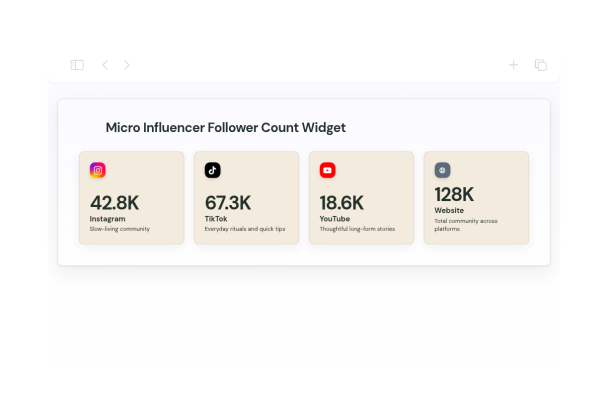
Micro Influencer Follower Count Widget for Social Media Follower Count

than flashy design. Visitors can quickly scan the follower totals and tap a card to open the related profile.
Micro Influencer Follower Count Widget for Social Media Follower Count

More 소셜 미디어 팔로워 수 Styles

Nano Influencer Follower Count Widget430 Used

Nano Influencer Follower Count Widget

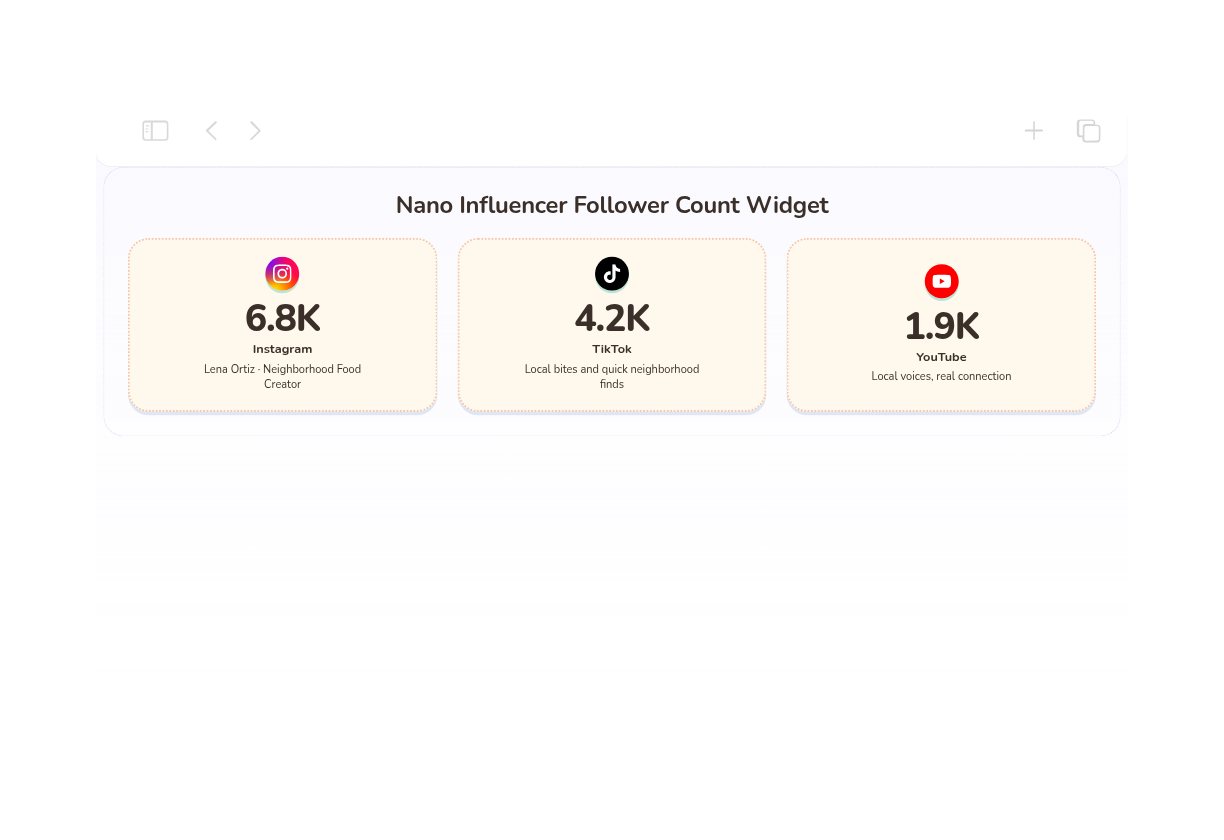
Display nano influencer follower counts in friendly profile cards for portfolios, local partnerships, and sponsor pitches.tap each card to open the matching profile, making it easy to explore the creator’s audience across social channels.

Macro Influencer Follower Count Widget491 Used

Macro Influencer Follower Count Widget

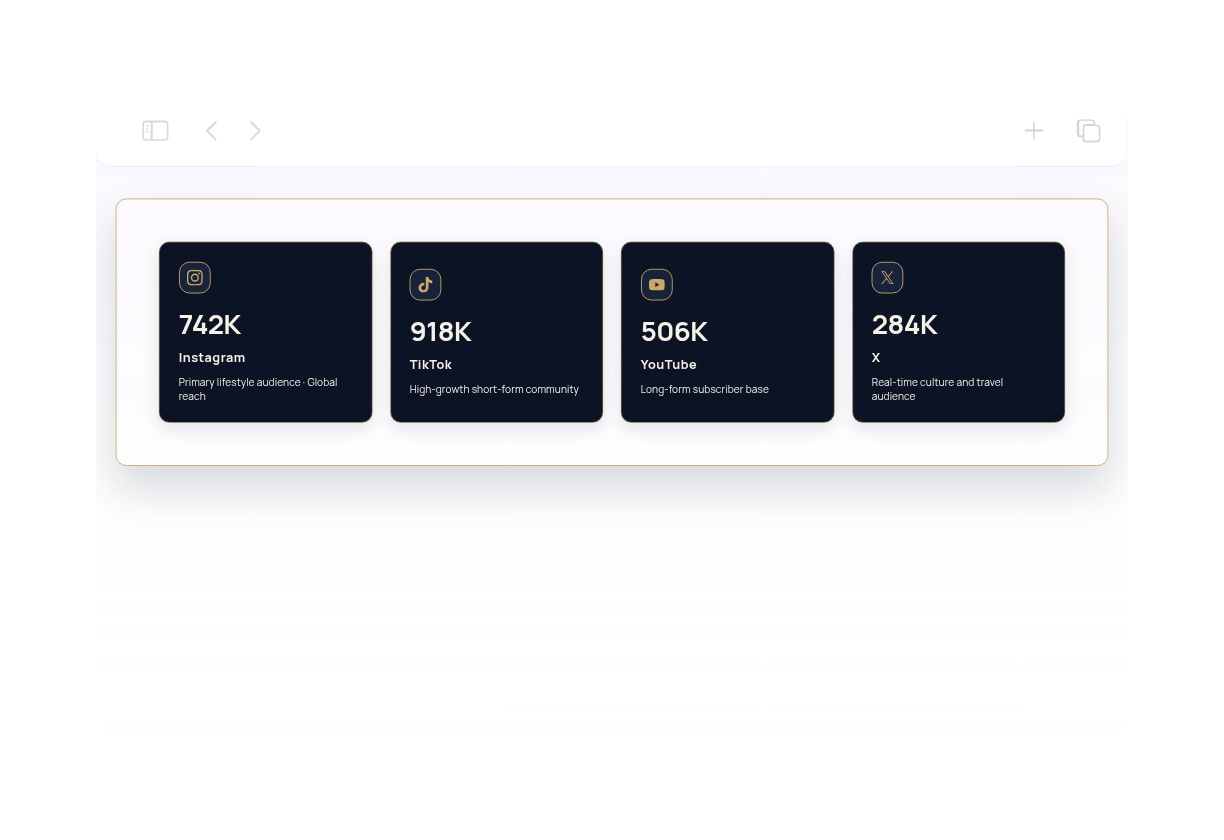
This widget displays a clean four-card follower count layout for a creator profile, with each card showing a platform label, a compact follower total, and a short supporting description. It is styled for a polished, editorial look and uses a fluid grid, subtle spacing, and a fade-up entrance animation. It suits influencer media kits, brand pitch pages, and campaign decks where visitors need a fast snapshot of social reach. Each social card can be clicked through to a linked profile, making it easy to guide agencies or partners from the count overview to the matching channel.

Facebook Follower Count Widget238 Used

Facebook Follower Count Widget

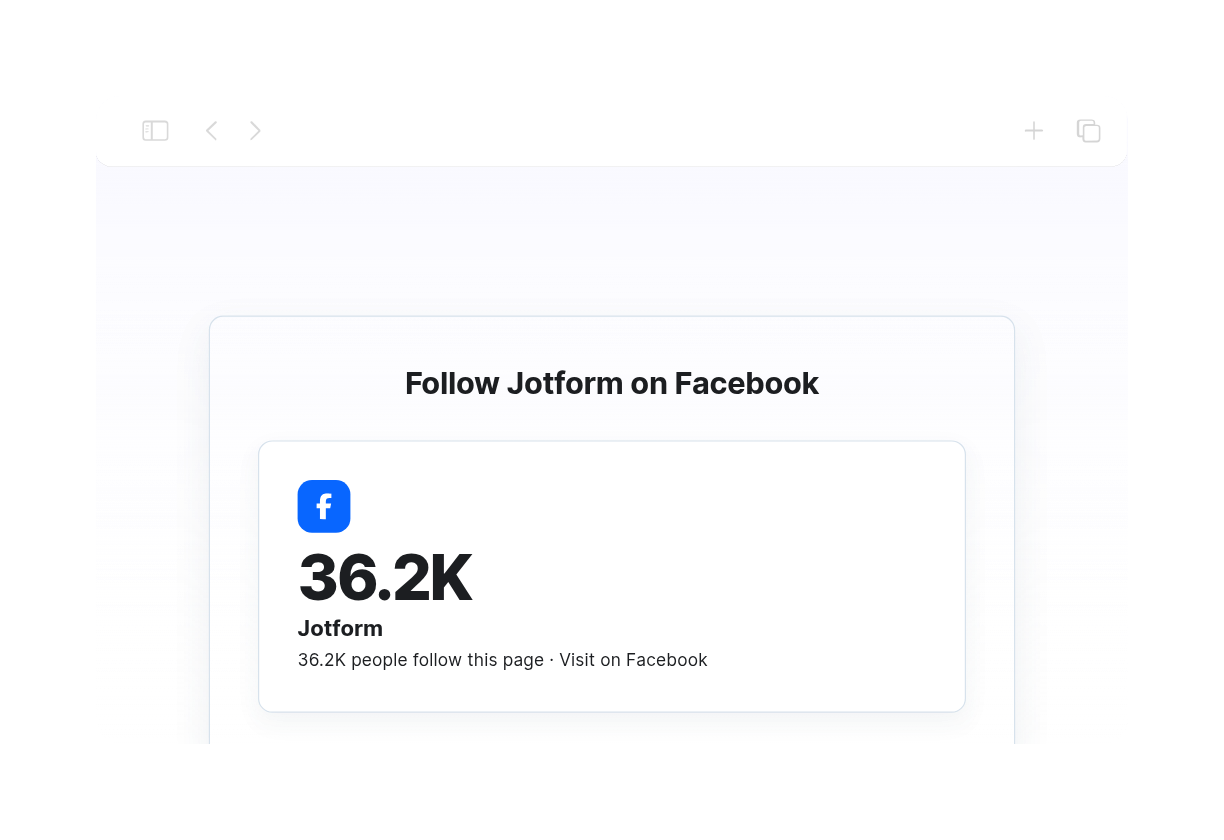
This Facebook Follower Count Widget shows a clean grid of Facebook cards with compact follower numbers, page labels, short descriptions, and clickable actions. It suits local businesses, nonprofits, community groups, and established brands that want to present their audience size in a friendly, trustworthy way. The layout uses rounded panels, light dividers, soft slate text, and a gentle fade-up animation for a polished community-board look. Visitors can scan the counts quickly and open the linked page cards to learn more or visit the page.

X/Twitter Follower Count Widget821 Used

X/Twitter Follower Count Widget

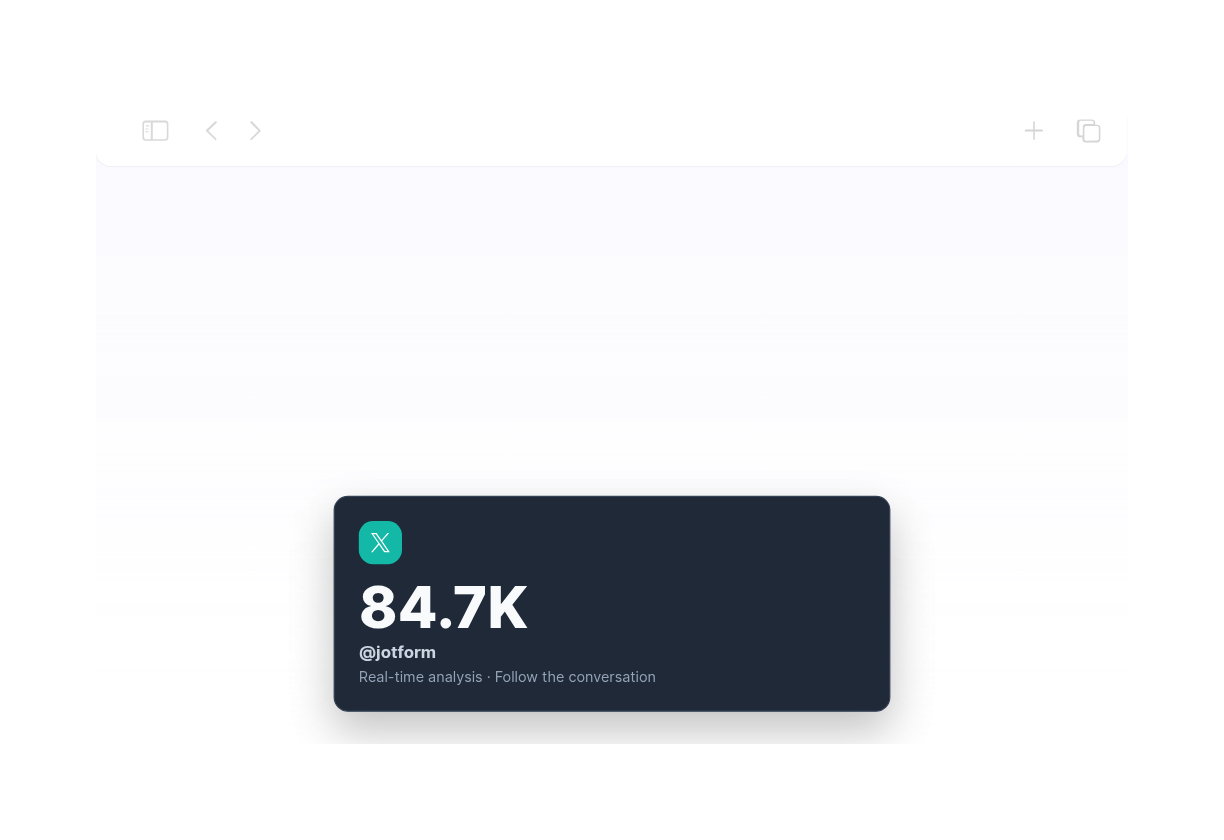
This widget presents four compact social follower cards in a clean grid, with bold counts, labels, short descriptions, and linked profile destinations. It works well for journalists, founders, analysts, and tech teams who want to show social reach without clutter. The first card leads with an X/Twitter profile and a Follow the conversation prompt, while the other cards can highlight additional social channels or credibility cues. The design uses a dark newsroom-style palette, soft rounded corners, Inter typography, and compact number formatting for a sharp, modern look. Visitors can tap any card to open the matching profile and see the account behind the numbers.

소셜 미디어 팔로워 수 위젯을 생성하는 방법

Add social profiles

SNS 프로필 추가하기

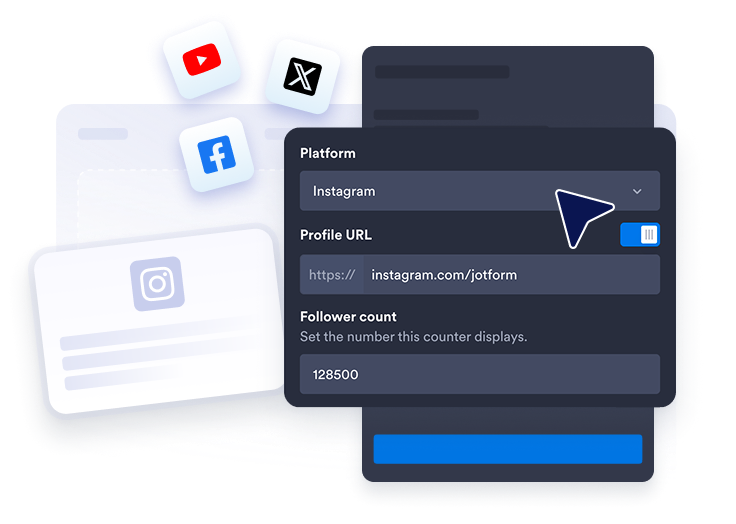
각 플랫폼을 선택하고 팔로워 수와 프로필 레이블을 입력한 후 프로필 URL을 붙여넣으세요.
Customize the display

디스플레이 맞춤 설정

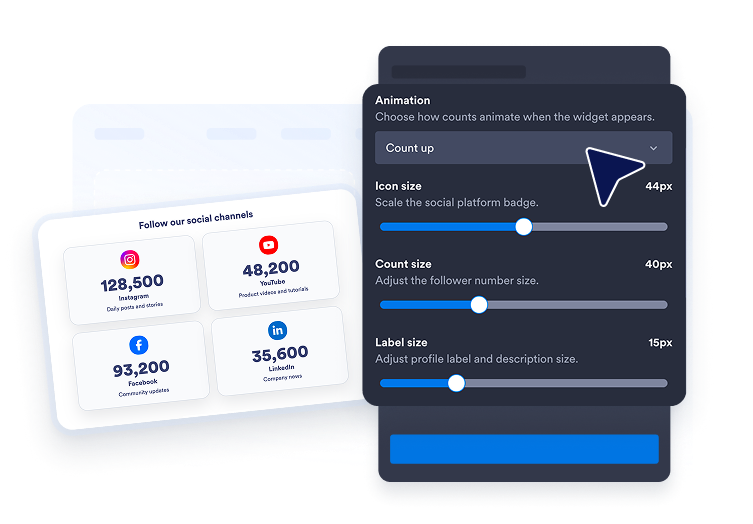
레이아웃, 카드 스타일, 플랫폼 색상, 숫자 애니메이션, 간격 및 반응형 너비를 선택하세요.
Embed it on your site

사이트에 삽입하세요

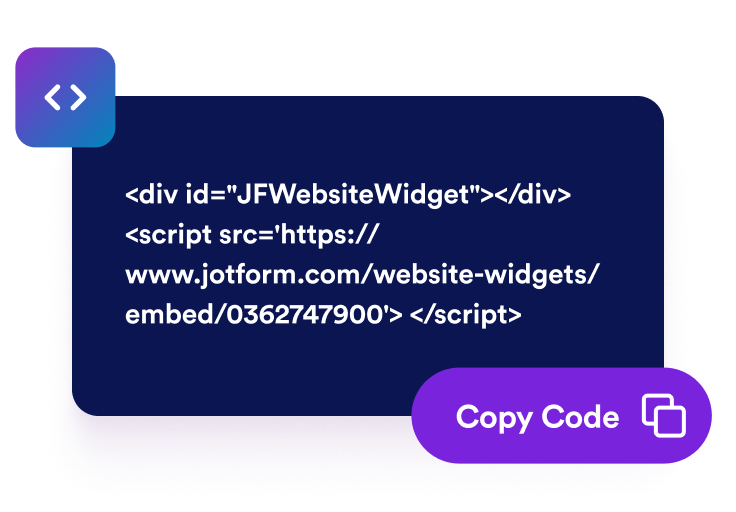
위젯을 미리 보고 게시한 후 생성된 임베드 코드를 웹사이트에서 HTML을 지원하는 원하는 위치에 붙여넣으세요.

SNS 팔로워 수로 브랜드 신뢰도 높이기

주요 SNS 채널을 한눈에 표시하기

Instagram, YouTube, Facebook, LinkedIn, TikTok, X, Pinterest, Threads 등 다양한 SNS 플랫폼의 팔로워 카드를 만들어 보세요. 사용자 지정 프로필 레이블과 링크를 추가하면 방문자가 클릭 한 번으로 계정을 팔로우할 수 있습니다.
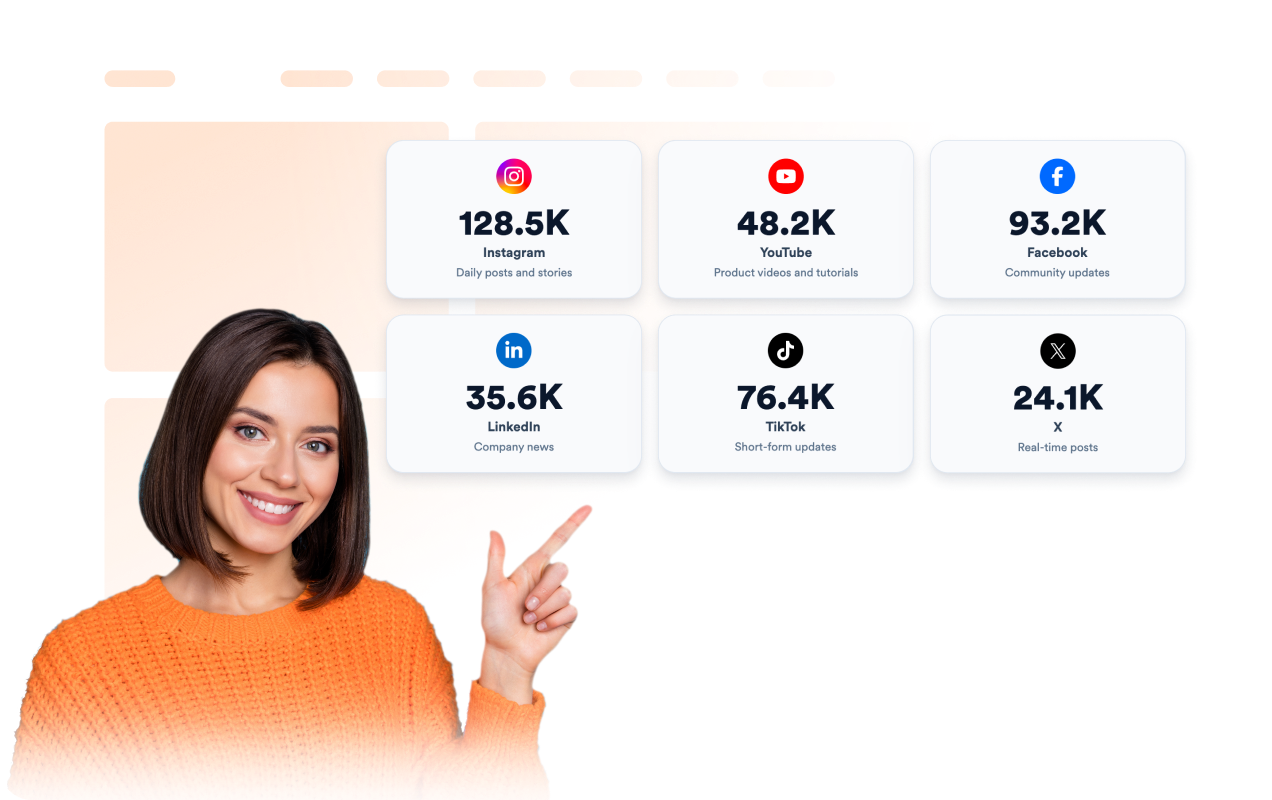
Show every important social channel

팔로워 수 간편하게 업데이트하기

팔로워 수를 직접 입력하거나 기존 팔로워 데이터를 제공하는 JSON 엔드포인트를 연결하세요. 숫자를 축약해서 표시하면 팔로워 수가 많아도 쉽게 읽을 수 있습니다.

Keep counts easy to update

브랜드에 맞게 위젯 꾸미기

라이트, 다크, 비비드 또는 사용자 지정 테마 중에서 선택하세요. 플랫폼 고유 색상이나 원하는 아이콘, 카드, 텍스트 및 팔로워 수 색상을 적용하고 글꼴, 모서리, 브랜딩 및 위젯에만 적용되는 CSS를 세부적으로 조정할 수 있습니다.
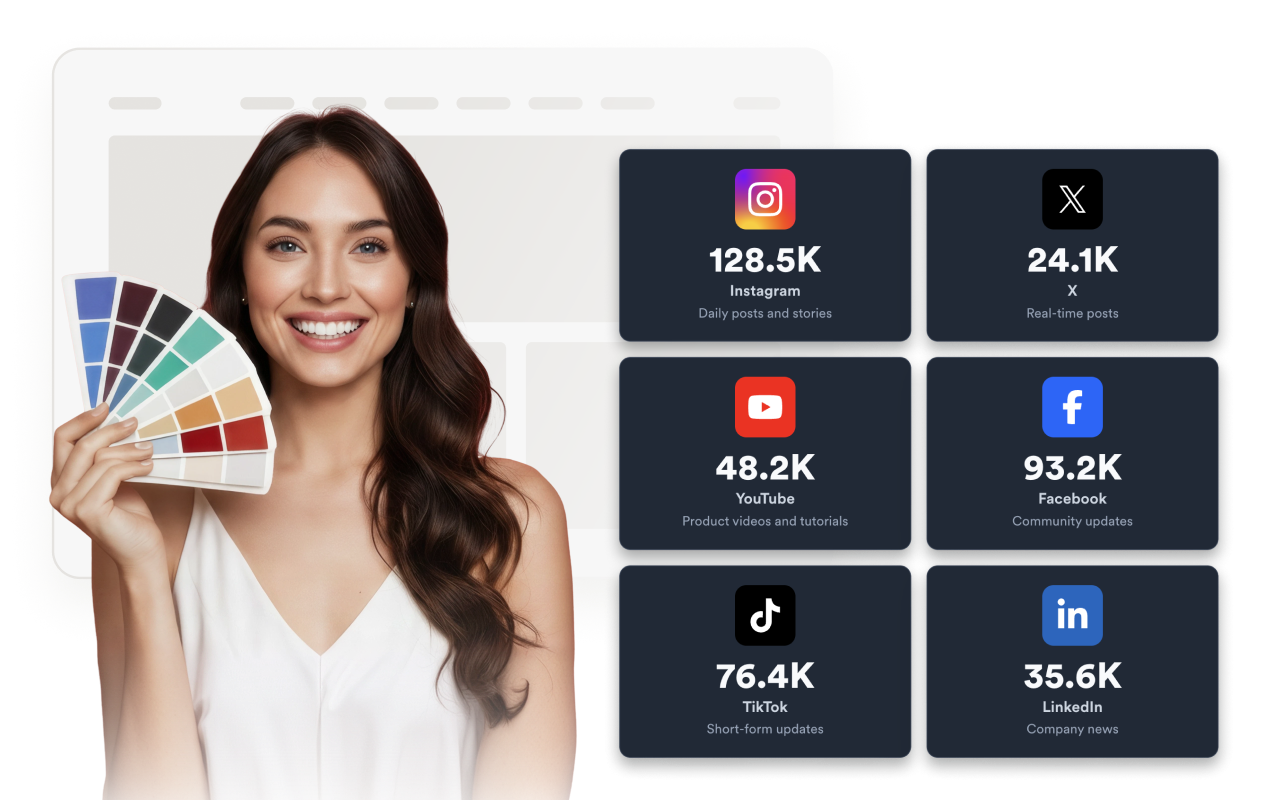
Match the widget to your brand

WordPress에 소셜 미디어 팔로워 수을 삽입하는 방법

1임베드 코드 복사하기

Jform 웹 위젯을 원하는 대로 설정한 다음 웹사이트에서 무료로 사용해 보기를 클릭하고 생성된 임베드 코드를 복사하세요.

2페이지 편집기 열기

위젯을 표시할 WordPress 게시물이나 페이지를 열고 새 블록을 추가하세요.

3사용자 지정 HTML 블록 추가하기

사용자 지정 HTML을 선택하고 HTML 필드에 Jform 웹 위젯의 임베드 코드를 붙여넣으세요.

4업데이트 및 확인하기

업데이트 또는 게시를 클릭한 다음 페이지를 열어 삽입된 위젯을 확인하세요.

Jform 웹 위젯이 특별한 이유

Jform 위젯으로 웹사이트의 상호작용을 늘리고 전환율을 높이세요. 별점 평가, 고객 후기 슬라이더, 고객 신뢰도 팝업, 미디어 삽입 등 다양한 도구를 제공합니다. 코딩 없이 양식이나 랜딩 페이지에 위젯을 추가하여 데이터를 수집하고, 고객 후기를 보여주고, 잠재 고객을 확보할 수 있습니다.

코딩 없이 위젯 삽입하기

간단한 임베드 코드로 웹사이트에 Jform 위젯을 추가하세요. 위젯 디자인을 원하는 대로 설정하고 미리보기를 확인한 다음, 사용자 지정 HTML 또는 임베드 블록을 지원하는 페이지에 코드를 붙여넣으면 됩니다. 개발자의 도움 없이도 사용할 수 있습니다.

더욱 상호작용형인 페이지 만들기

Jform 웹 위젯을 사용하여 잠재 고객을 확보하고, 고객 후기를 표시하고, 신뢰도를 높이고, 미디어를 삽입하거나 웹페이지에 유용한 기능을 추가하세요. 방문자가 웹사이트에서 바로 비즈니스와 상호작용할 수 있도록 도와줍니다.

필요할 때 지원 받기

위젯 설정, 디자인 맞춤 설정, 웹사이트 삽입 또는 문제 해결에 도움이 필요한 경우 Jform 고객 지원팀에 연중무휴 24시간 문의할 수 있습니다. 필요할 때 언제든 도움을 받을 수 있으므로 안심하고 위젯을 사용하세요.

SNS 팔로워 수 위젯 활용 방법

SNS 팔로워 수를 표시하여 방문자의 브랜드 신뢰도를 높이고 활발하게 운영 중인 SNS 커뮤니티를 쉽게 찾을 수 있도록 하세요.

홈페이지의 메인 비주얼, 고객 후기 또는 신뢰도 관련 섹션 근처에 SNS 팔로워 수를 표시하여 소셜 미디어에서의 영향력을 강조할 수 있습니다.

인플루언서 및 크리에이터 웹사이트에서 여러 SNS 채널의 팔로워 수를 하나의 간결한 영역에 표시할 수 있습니다.

캠페인 랜딩 페이지에서 방문자가 혜택을 확인한 후 활발하게 운영되는 SNS 커뮤니티를 팔로우하도록 유도할 수 있습니다.

미디어 키트 및 포트폴리오에서 스폰서, 고객 또는 협업 파트너에게 SNS에서의 영향력을 한눈에 보여줄 수 있습니다.

커뮤니티 페이지에서 방문자가 팔로우할 SNS 플랫폼을 선택할 수 있도록 도와줍니다.

바닥글 섹션에 SNS 프로필 링크와 팔로워 수를 함께 표시할 수 있습니다.

Jform 양식 빌더로 잠재 고객을 유료 고객으로 전환하세요

Jform으로 방문자의 관심을 실제 행동으로 연결하세요. 잠재 고객 확보, 결제 수집 및 자동 응답 기능을 갖춘 양식을 한곳에서 만들 수 있습니다. 모든 제출 내역은 Jform 받은 편지함에 저장되므로 후속 조치를 진행하거나 자주 사용하는 앱과 연결할 수 있습니다.

시작하기 — 무료입니다!
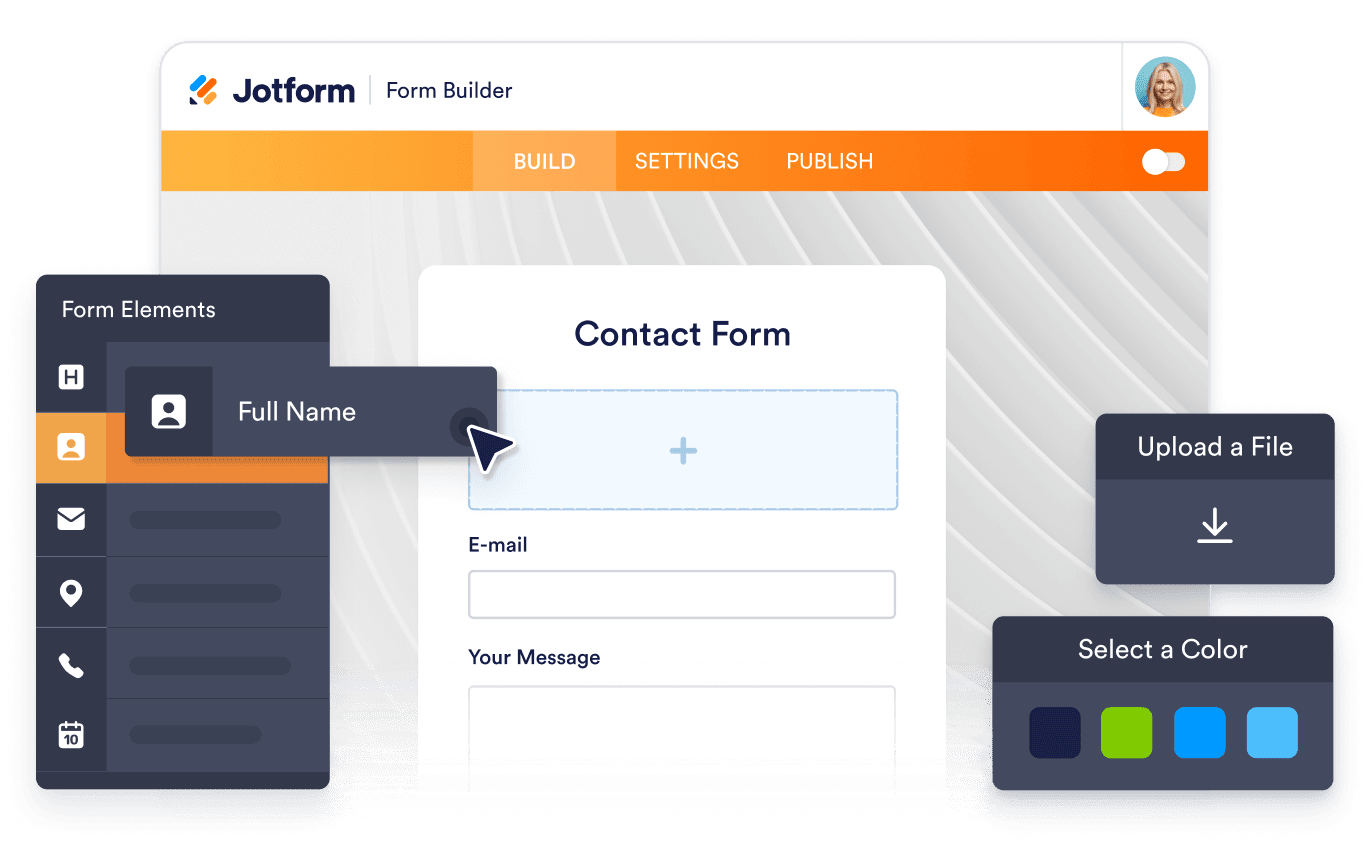
Convert leads into customers

자주 묻는 질문

  • SNS 팔로워 수 위젯이란 무엇인가요?

    SNS 팔로워 수 위젯은 선택한 SNS 플랫폼의 팔로워 수를 표시하고 방문자를 각 프로필로 연결할 수 있는 맞춤형 위젯입니다.

  • 어떤 SNS 플랫폼을 표시할 수 있나요?

  • 각 팔로워 수를 해당 프로필에 연결할 수 있나요?

  • 디자인을 맞춤 설정할 수 있나요?

  • 팔로워 수에 애니메이션을 적용할 수 있나요?

  • 12.8K처럼 숫자를 축약해서 표시할 수 있나요?

  • 위젯은 반응형으로 표시되나요?

  • 코딩 없이 위젯을 삽입할 수 있나요?