Quote Widget
Create Your Own Quote Widget in Seconds for Your Website
Build a responsive quote display with preset quote sources, custom quote text, optional title and author labels, visibility toggles, theme modes, and color controls.
Create Your Quote Widget - It's Free!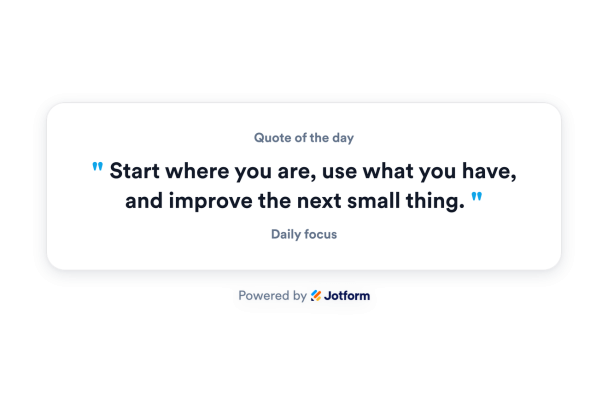

Choose Preset Sources or Add Custom Quotes
Start with motivational, productivity, leadership, creative, or mindfulness quote sets, or paste your own custom quotes with optional author labels.
Content controls include:
Preset sourcesCustom quotesAuthor labelsTitle text

Customize Themes, Colors, and Background
Use light, dark, system, or page-neutral theme modes, then adjust quote text, widget title, author text, accent color, background color, and transparency.
Style controls include:
Light modeDark modeSystem modeTitle colorAuthor colorAccent colorRestore defaults

Fully Customize What Visitors See
Show or hide the widget title, author, accent marks, highlight message box, and Jform branding so the display only includes what your page needs.
Visibility controls include:
Widget title작가억양Highlight messageJform branding