Instagram Feed Widget

Instagram Puzzle Feed Widget for Instagram Feed

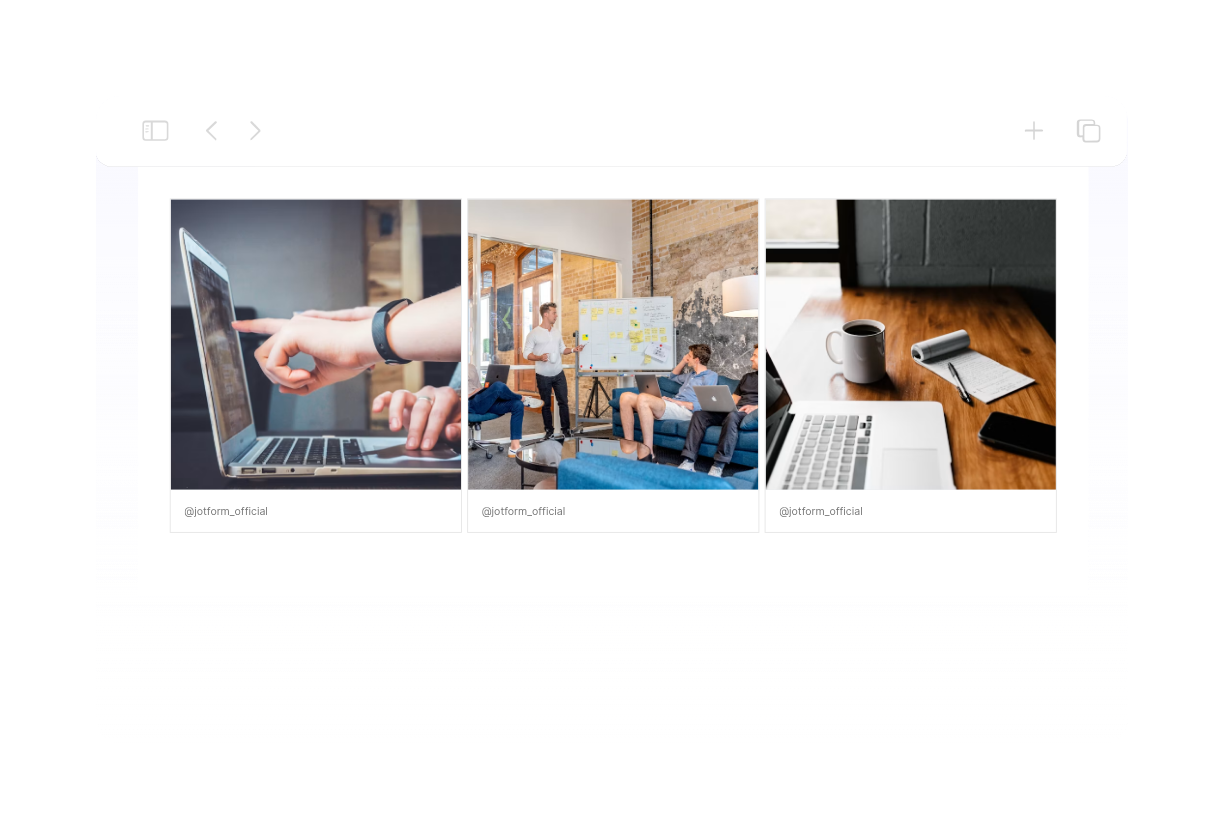
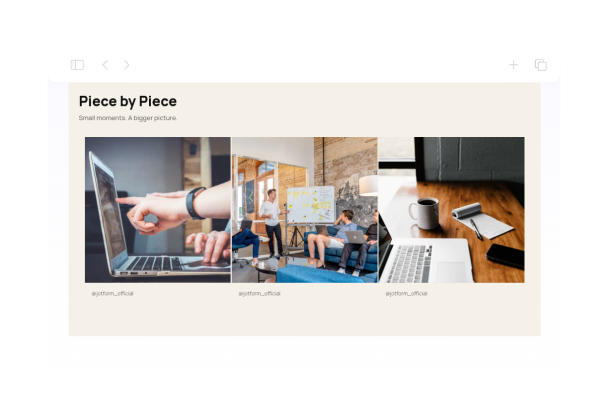
This Instagram puzzle feed example provides a three-column, square-tile layout with zero gutters and square corners. The ivory-and-black design keeps the focus on coordinated imagery for creative studios, visual portfolios, and brand campaigns.
Instagram Puzzle Feed Widget for Instagram Feed

More Instagram 피드 Styles

Dark Moody Instagram Feed Widget938 Used

Dark Moody Instagram Feed Widget

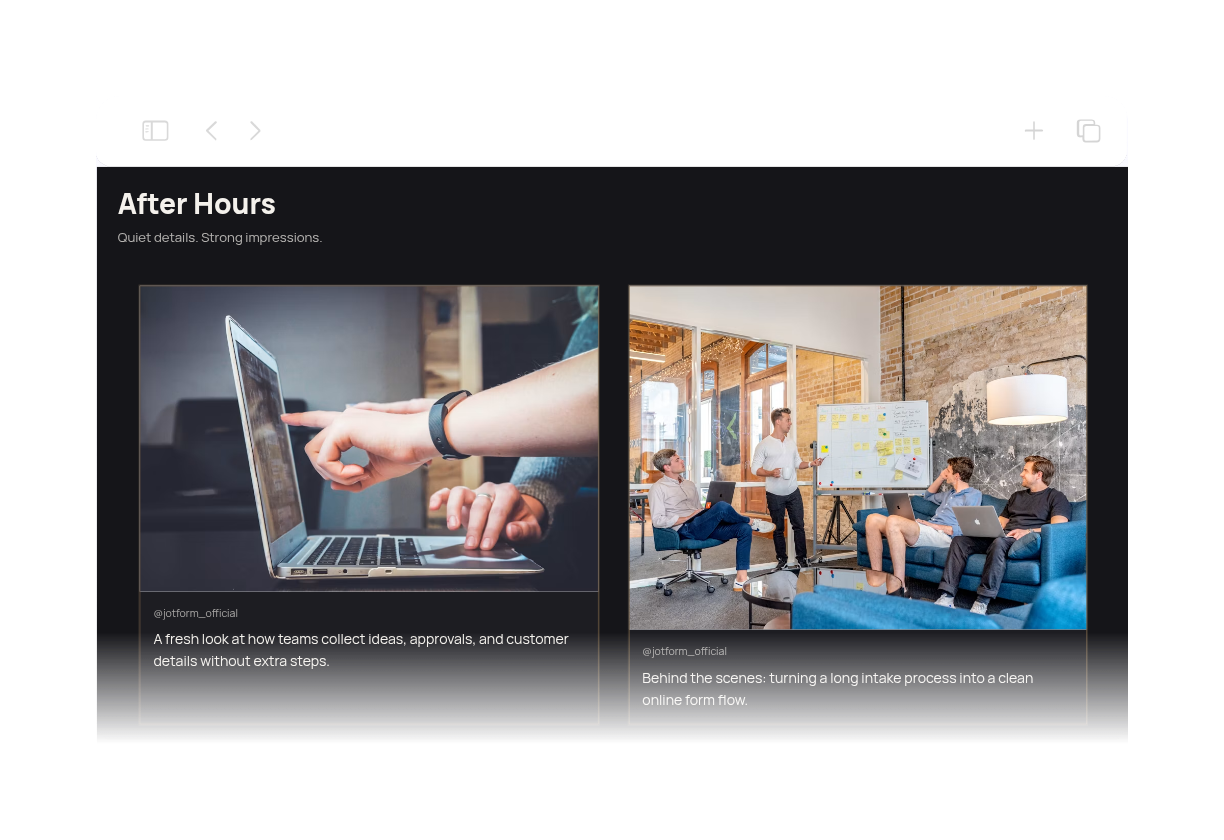
Dark Moody Instagram Feed Widget presents Instagram content in a cinematic charcoal carousel with off-white text and muted bronze accents. The layout is designed for portfolios, creator pages, and brand showcases that want a polished editorial feel without overpowering the photos. Visitors can swipe or use the navigation arrows to browse the feed, then open any post in a modal for a closer look. The header, pagination, and clean card spacing make it easy to scan a small set of posts while keeping the focus on the imagery and short captions.

Instagram Grid Feed Widget521 Used

Instagram Grid Feed Widget

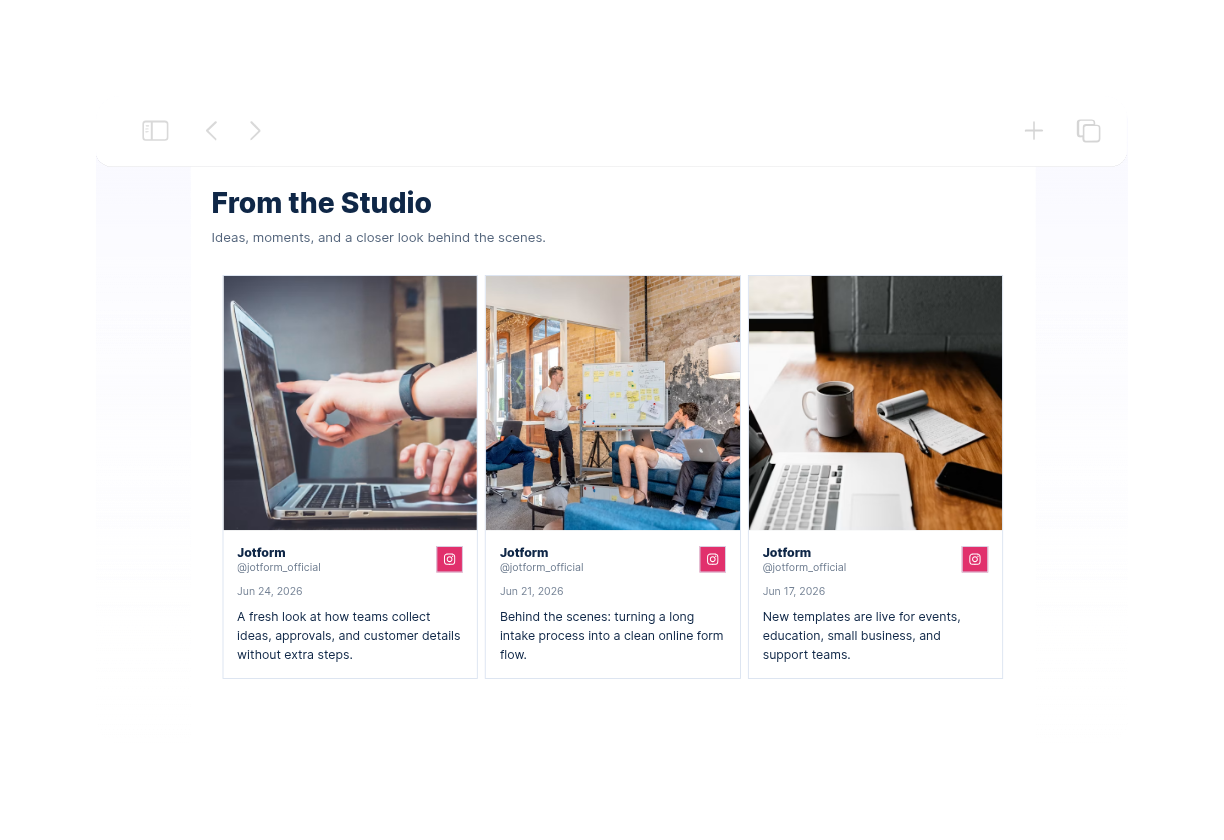
This Instagram aesthetic feed grid uses three columns, square imagery, and consistent spacing to organize posts into a clear gallery. A white background, navy text, and blue accents suit portfolios, brand pages, and creator websites. The feed is configured for up to nine posts, with a custom heading and visible author, date, source, and caption details. Visitors can open individual posts in a modal. Connect your own Instagram source and choose which post details to show in the builder.

Minimalist Instagram Feed Widget304 Used

Minimalist Instagram Feed Widget

Create a minimalist Instagram feed aesthetic with a clean three-column grid, square image tiles, slim spacing, and a monochrome palette. Headers, captions, dates, and author names are hidden so the gallery keeps its focus on the photography. The layout is configured for up to six posts and supports modal post previews. Connect your own Instagram source and tailor the spacing, colors, and display settings to suit a portfolio, studio website, or understated brand page.

Aesthetic Instagram Feed Widget659 Used

Aesthetic Instagram Feed Widget

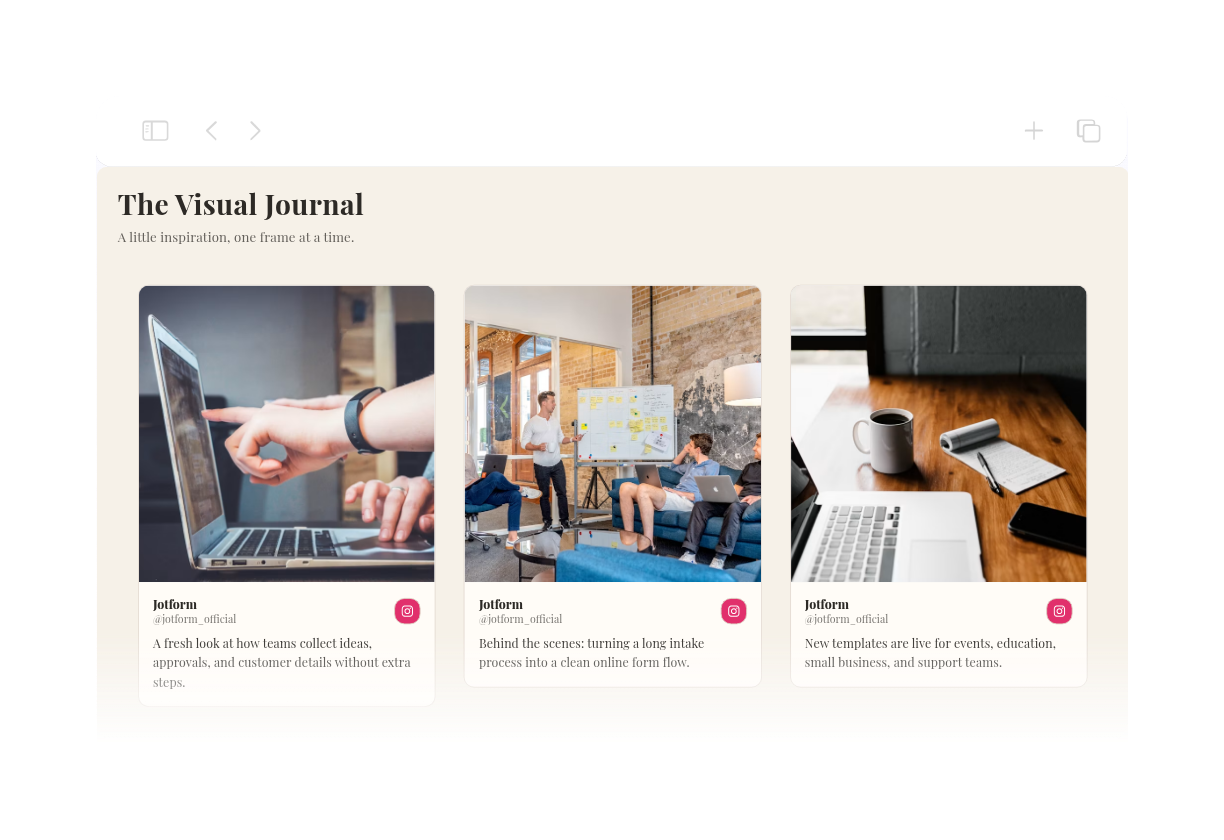
This aesthetic Instagram feed pairs a warm ivory background, charcoal typography, and terracotta accents with a three-column masonry layout. Rounded image cards and generous spacing create an editorial gallery for studios, portfolios, and lifestyle websites. Visitors can open a post in a modal to read more without leaving the page. Connect your own public Instagram source to display your content, then customize the header, post details, spacing, and colors in the builder.

Instagram 피드 위젯을 생성하는 방법

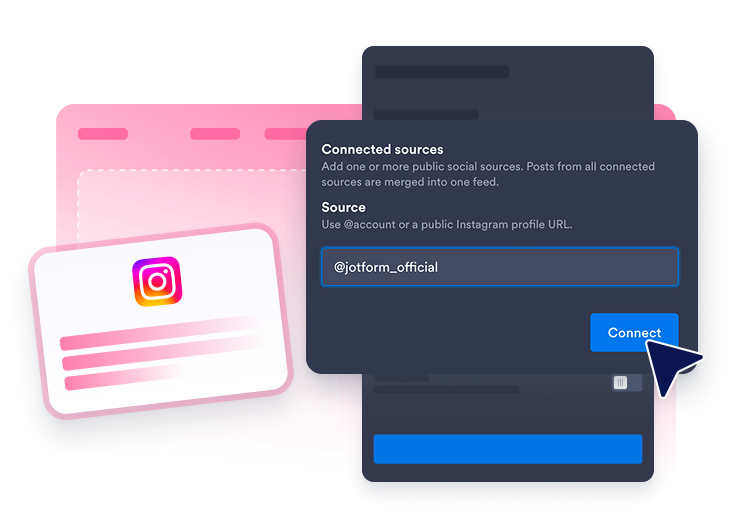
Connect an Instagram source

인스타그램 계정 연결

웹사이트 피드에 표시할 공개 인스타그램 계정을 연결하세요.

Customize the feed

피드 맞춤 설정

레이아웃, 게시물 정보, 팝업 방식, 색상 및 인스타그램 스타일의 강조 요소를 원하는 대로 설정하세요.

Get the embed code

임베드 코드 받기

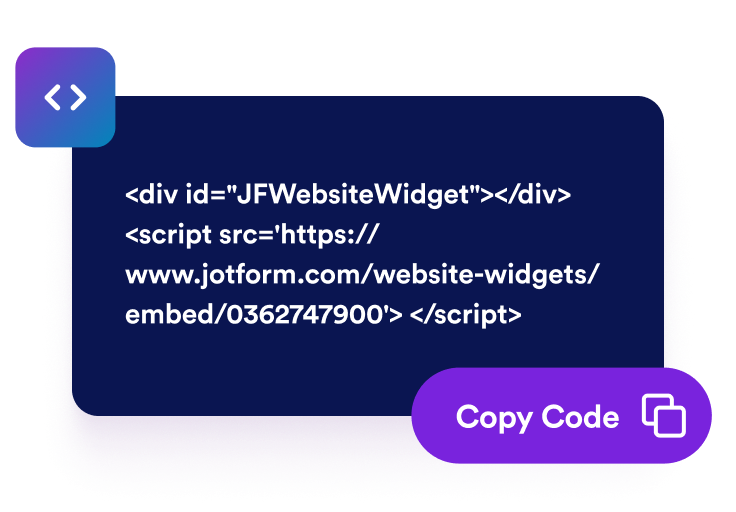
생성된 임베드 코드를 복사하여 웹페이지에 인스타그램 위젯을 게시하세요.

웹사이트에 인스타그램 게시물 표시

인스타그램 계정 게시물 연결

공개 인스타그램 계정을 연결하여 최신 콘텐츠를 피드 형태로 표시하세요. 인스타그램 피드 위젯을 사용하면 방문자가 웹사이트에서 바로 최신 게시물, 캠페인 이미지, 제품 사진, 공지 및 크리에이터 콘텐츠를 둘러볼 수 있습니다.

Connect Instagram account posts

페이지에 맞게 콘텐츠 배치

페이지에 맞게 그리드, 메이슨리, 목록, 캐러셀 또는 슬라이더 레이아웃을 선택하세요. 홈페이지, 포트폴리오, 캠페인 페이지 또는 이미지 갤러리 등에 인스타그램 위젯을 추가하여 깔끔한 피드 형태로 콘텐츠를 보여줄 수 있습니다.

Fit visuals into your layout

표시할 게시물 세부 정보 선택

인스타그램 게시물 미리보기에 표시할 정보를 직접 설정하세요. 작성자 이름, 날짜, 캡션, 출처 레이블, 반응 수, 링크 및 팝업 상세 정보를 표시하거나 숨겨 방문자가 게시물을 열기 전에 필요한 정보를 확인할 수 있도록 할 수 있습니다.

Choose visible post details

인스타그램 피드 스타일 설정

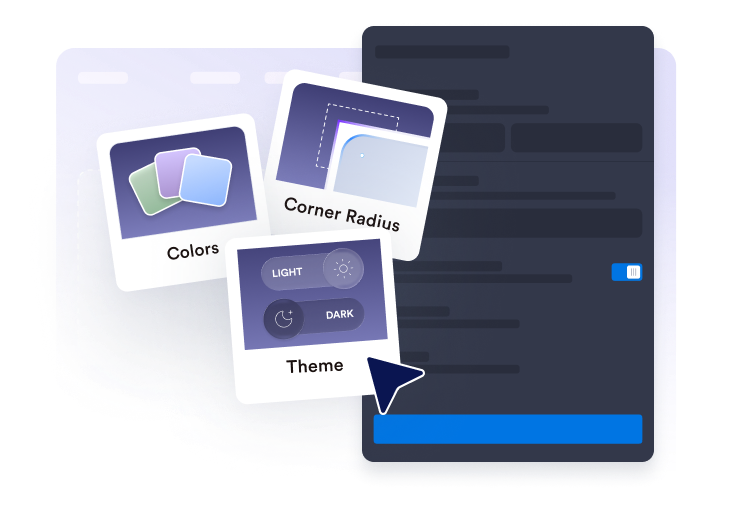
인스타그램 위젯을 브랜드에 맞게 꾸미면서도 인스타그램 피드 특유의 디자인을 살려보세요. 테마, 인스타그램 스타일의 강조 요소, 카드 색상, 화살표, 페이지 표시 방식 및 사용자 지정 CSS를 설정하여 깔끔하고 완성도 높은 피드를 만들 수 있습니다.

Style the Instagram feed

WordPress에 Instagram 피드을 삽입하는 방법

1임베드 코드 복사하기

Jform 웹 위젯을 원하는 대로 설정한 다음 웹사이트에서 무료로 사용해 보기를 클릭하고 생성된 임베드 코드를 복사하세요.

2페이지 편집기 열기

위젯을 표시할 WordPress 게시물이나 페이지를 열고 새 블록을 추가하세요.

3사용자 지정 HTML 블록 추가하기

사용자 지정 HTML을 선택하고 HTML 필드에 Jform 웹 위젯의 임베드 코드를 붙여넣으세요.

4업데이트 및 확인하기

업데이트 또는 게시를 클릭한 다음 페이지를 열어 삽입된 위젯을 확인하세요.

Jform 웹 위젯이 특별한 이유

Jform 위젯으로 웹사이트의 상호작용을 늘리고 전환율을 높이세요. 별점 평가, 고객 후기 슬라이더, 고객 신뢰도 팝업, 미디어 삽입 등 다양한 도구를 제공합니다. 코딩 없이 양식이나 랜딩 페이지에 위젯을 추가하여 데이터를 수집하고, 고객 후기를 보여주고, 잠재 고객을 확보할 수 있습니다.

코딩 없이 위젯 삽입하기

간단한 임베드 코드로 웹사이트에 Jform 위젯을 추가하세요. 위젯 디자인을 원하는 대로 설정하고 미리보기를 확인한 다음, 사용자 지정 HTML 또는 임베드 블록을 지원하는 페이지에 코드를 붙여넣으면 됩니다. 개발자의 도움 없이도 사용할 수 있습니다.

더욱 상호작용형인 페이지 만들기

Jform 웹 위젯을 사용하여 잠재 고객을 확보하고, 고객 후기를 표시하고, 신뢰도를 높이고, 미디어를 삽입하거나 웹페이지에 유용한 기능을 추가하세요. 방문자가 웹사이트에서 바로 비즈니스와 상호작용할 수 있도록 도와줍니다.

필요할 때 지원 받기

위젯 설정, 디자인 맞춤 설정, 웹사이트 삽입 또는 문제 해결에 도움이 필요한 경우 Jform 고객 지원팀에 연중무휴 24시간 문의할 수 있습니다. 필요할 때 언제든 도움을 받을 수 있으므로 안심하고 위젯을 사용하세요.

Jform 양식 빌더로 잠재 고객을 유료 고객으로 전환하세요

Jform으로 방문자의 관심을 실제 행동으로 연결하세요. 잠재 고객 확보, 결제 수집 및 자동 응답 기능을 갖춘 양식을 한곳에서 만들 수 있습니다. 모든 제출 내역은 Jform 받은 편지함에 저장되므로 후속 조치를 진행하거나 자주 사용하는 앱과 연결할 수 있습니다.

시작하기 — 무료입니다!
Convert leads into customers

자주 묻는 질문

  • 인스타그램 피드 위젯이란 무엇인가요?

    인스타그램 피드 위젯을 사용하면 인스타그램 계정의 게시물을 반응형 피드 형태로 웹사이트에 표시할 수 있습니다. 방문자는 페이지를 바로 벗어나지 않고도 최신 이미지와 소식, 캠페인 및 소셜 미디어 업데이트를 둘러볼 수 있습니다.

  • 웹사이트에 인스타그램 피드를 삽입할 수 있나요?

  • 어떤 인스타그램 콘텐츠를 표시할 수 있나요?

  • 인스타그램 피드 위젯의 레이아웃을 맞춤 설정할 수 있나요?

  • 위젯에서 인스타그램 게시물을 열 수 있나요?

  • 인스타그램 위젯은 모바일에서도 사용할 수 있나요?

  • 인스타그램 피드를 추가하려면 코딩이 필요한가요?

  • 인스타그램 피드 위젯은 어떤 웹사이트 플랫폼에서 사용할 수 있나요?

  • 인스타그램 피드 위젯 설정에 대한 도움을 받을 수 있나요?