Modern Google Testimonials Slider for Google Reviews

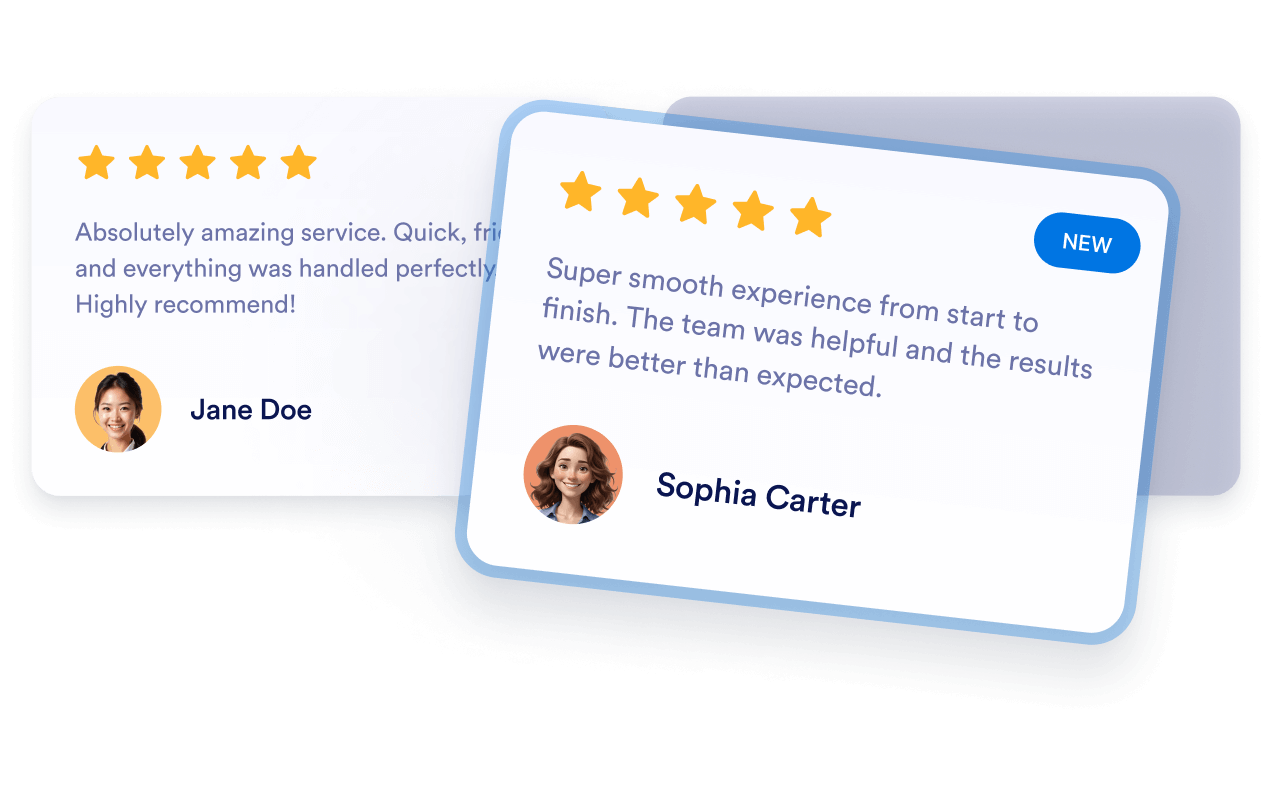
This Google Reviews widget presents customer feedback in a clean slider format, with star ratings, reviewer names, photos, dates, and review images. It highlights featured reviews and includes navigation arrows plus a Load more button for browsing additional feedback.
Modern Google Testimonials Slider for Google Reviews

More Google 리뷰 Styles

Real Stories Google Reviews Carousel441 Used

Real Stories Google Reviews Carousel

This Google Reviews widget presents customer feedback in a clean carousel format, making it easy to highlight recent praise and build trust at a glance. It shows review names, star ratings, dates, photos, and short review text, with a load more option for browsing additional entries. It suits businesses, creators, and service pages that want to showcase social proof without overwhelming the layout. Visitors can move through reviews with the navigation arrows and open individual reviews in a dialog for a closer look.

Classic Google Reviews Feed192 Used

Classic Google Reviews Feed

This widget presents Google reviews in a clean masonry-style layout, making it easy to showcase customer feedback on a product page, homepage, or testimonials section. Reviews can display names, dates, star ratings, photos, and a review count, while the Share your feedback button gives visitors a clear way to respond. A floating badge and navigation controls help people open and browse the reviews panel without leaving the page. It works well for brands that want a simple, credible way to highlight recent customer experiences and keep positive feedback visible.

Floating Google Reviews Popover859 Used

Floating Google Reviews Popover

This Google Reviews widget adds a floating review panel with a slider layout, so visitors can browse customer feedback without leaving the page. It shows review names, star ratings, dates, photos, and review text, along with a visible review count and a Load more button for additional entries. It’s a good fit for service businesses, portfolios, and landing pages that want to highlight social proof in a clean, lightweight format. Visitors can move through the reviews, open details in a dialog, close the panel when finished, and tap the feedback call to action to share their thoughts.

Colored Google Reviews Carousel255 Used

Colored Google Reviews Carousel

This Google Reviews widget presents customer feedback in a clean carousel layout, making it easy to highlight recent ratings and comments on your site. It suits businesses, service providers, and portfolios that want to show social proof without crowding the page. Visitors can browse review cards with names, star ratings, dates, photos, and image thumbnails, then open a review in a dialog for more detail. The widget also includes a Load more button and a visible feedback button, so people can keep exploring or respond from the display.

Google 리뷰 위젯을 생성하는 방법

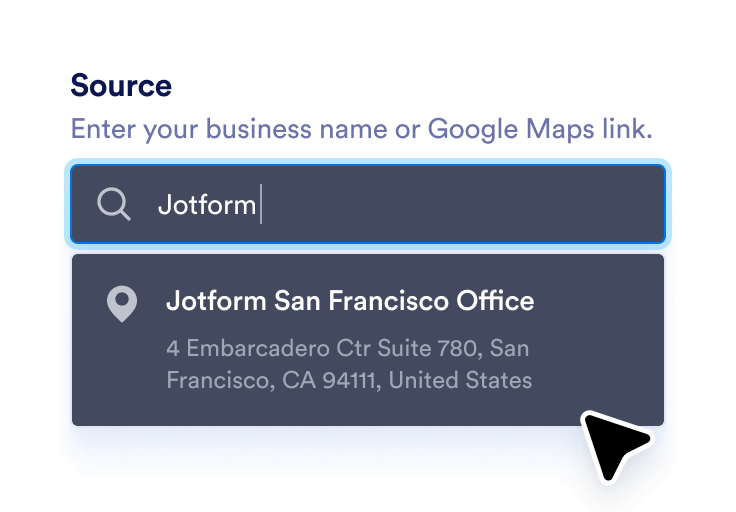
Link your Google business

Google 비즈니스 연결하기

비즈니스 이름 또는 Google Maps 링크를 입력하여 최신 리뷰를 자동으로 동기화하세요.

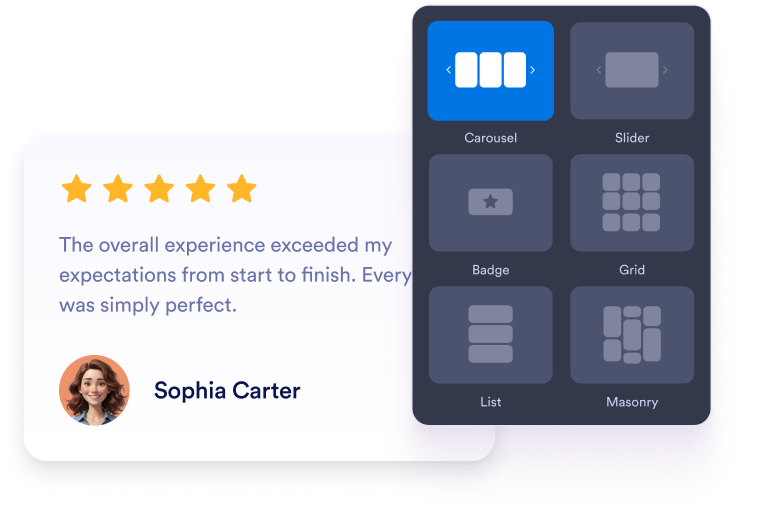
Customize your widget

위젯 맞춤 설정하기

웹사이트 디자인에 맞게 원하는 레이아웃, 색상 및 전체적인 디자인을 선택하세요.

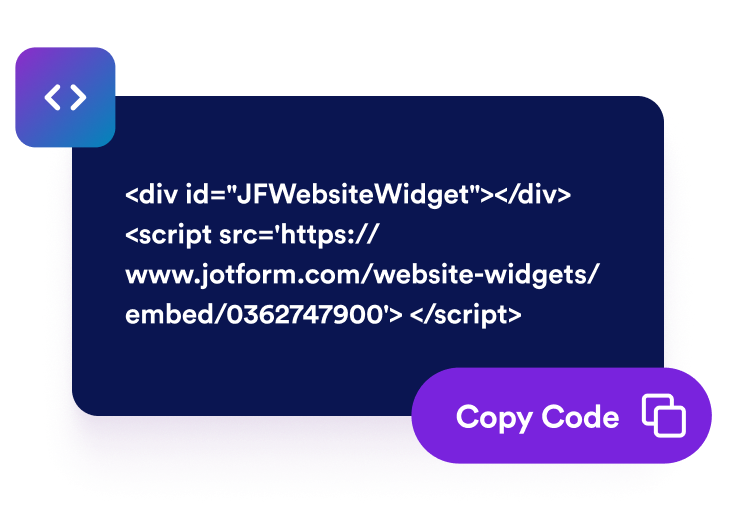
Get the embed code

임베드 코드 받기

자동으로 생성된 임베드 코드를 복사하여 웹사이트의 원하는 위치에 붙여넣으세요.

긍정적인 피드백을 실제 비즈니스 성장으로 전환

실제 고객 후기로 신뢰도 높이기

실제 구글 리뷰는 비즈니스의 평판을 즉시 높이는 데 도움이 됩니다. 방문자는 마케팅 문구보다 실제 고객의 경험을 더 신뢰하므로 빠르게 신뢰와 소셜 프루프를 구축할 수 있습니다.

Build credibility with real testimonials

더 많은 방문자를 유료 고객으로 전환

긍정적인 리뷰는 방문자가 구매를 결정하는 순간에 영향을 미칩니다. 고객 만족도를 강조하는 위젯을 통해 단순 방문자를 충성 고객으로 전환할 수 있습니다.

Convert more visitors into paying customers

자동 업데이트로 최신 리뷰 유지

위젯은 Google 비즈니스 프로필과 직접 동기화되므로 새로운 리뷰가 자동으로 표시됩니다. 직접 업데이트할 필요 없이 페이지에 항상 최신 관련 피드백을 표시할 수 있습니다.

Keep reviews fresh with automatic updates

SEO 및 지역 검색 노출 개선

웹사이트에 인증된 구글 리뷰를 표시하면 비즈니스가 활발하게 운영되고 있으며 신뢰할 수 있다는 신호를 검색 엔진에 전달할 수 있습니다. 이를 통해 지역 검색 결과에서 순위를 높이고 주변 고객을 유치하는 데 도움이 될 수 있습니다.

Improve SEO and visibility in local search

WordPress에 Google 리뷰을 삽입하는 방법

1임베드 코드 복사하기

Jform 웹 위젯을 원하는 대로 설정한 다음 웹사이트에서 무료로 사용해 보기를 클릭하고 생성된 임베드 코드를 복사하세요.

2페이지 편집기 열기

위젯을 표시할 WordPress 게시물이나 페이지를 열고 새 블록을 추가하세요.

3사용자 지정 HTML 블록 추가하기

사용자 지정 HTML을 선택하고 HTML 필드에 Jform 웹 위젯의 임베드 코드를 붙여넣으세요.

4업데이트 및 확인하기

업데이트 또는 게시를 클릭한 다음 페이지를 열어 삽입된 위젯을 확인하세요.

Jform 웹 위젯이 특별한 이유

Jform 위젯으로 웹사이트의 상호작용을 늘리고 전환율을 높이세요. 별점 평가, 고객 후기 슬라이더, 고객 신뢰도 팝업, 미디어 삽입 등 다양한 도구를 제공합니다. 코딩 없이 양식이나 랜딩 페이지에 위젯을 추가하여 데이터를 수집하고, 고객 후기를 보여주고, 잠재 고객을 확보할 수 있습니다.

코딩 없이 위젯 삽입하기

간단한 임베드 코드로 웹사이트에 Jform 위젯을 추가하세요. 위젯 디자인을 원하는 대로 설정하고 미리보기를 확인한 다음, 사용자 지정 HTML 또는 임베드 블록을 지원하는 페이지에 코드를 붙여넣으면 됩니다. 개발자의 도움 없이도 사용할 수 있습니다.

더욱 상호작용형인 페이지 만들기

Jform 웹 위젯을 사용하여 잠재 고객을 확보하고, 고객 후기를 표시하고, 신뢰도를 높이고, 미디어를 삽입하거나 웹페이지에 유용한 기능을 추가하세요. 방문자가 웹사이트에서 바로 비즈니스와 상호작용할 수 있도록 도와줍니다.

필요할 때 지원 받기

위젯 설정, 디자인 맞춤 설정, 웹사이트 삽입 또는 문제 해결에 도움이 필요한 경우 Jform 고객 지원팀에 연중무휴 24시간 문의할 수 있습니다. 필요할 때 언제든 도움을 받을 수 있으므로 안심하고 위젯을 사용하세요.

Jform 양식 빌더로 잠재 고객을 유료 고객으로 전환하세요

Jform으로 방문자의 관심을 실제 행동으로 연결하세요. 잠재 고객 확보, 결제 수집 및 자동 응답 기능을 갖춘 양식을 한곳에서 만들 수 있습니다. 모든 제출 내역은 Jform 받은 편지함에 저장되므로 후속 조치를 진행하거나 자주 사용하는 앱과 연결할 수 있습니다.

시작하기 — 무료입니다!
Convert leads into customers

자주 묻는 질문

  • 웹사이트에 구글 리뷰를 추가하려면 어떻게 하나요?

    Jform의 구글 리뷰 위젯을 사용하여 웹사이트에 구글 리뷰를 추가할 수 있습니다. 위젯의 소스 필드에 Google Place 링크를 붙여넣어 Google 비즈니스 계정을 연결하세요. 캐러셀, 슬라이더 또는 배지 등 원하는 레이아웃을 선택하고 웹사이트 디자인에 맞게 색상, 테마 및 너비를 설정하세요. 완료되면 계속을 클릭하고 임베드 코드를 복사하세요. 웹사이트에서 리뷰를 표시할 위치에 코드를 붙여넣으면 바로 표시됩니다.

  • 페이지에 리뷰가 표시되는 방식을 선택할 수 있나요?

  • 새로운 리뷰가 등록되면 위젯이 자동으로 업데이트되나요?

  • 표시할 리뷰를 필터링할 수 있나요?

  • 위젯을 어느 정도까지 맞춤 설정할 수 있나요?

  • Jform을 사용하여 새로운 리뷰를 수집할 수 있나요?

  • 구글 리뷰 위젯은 무료인가요?

  • Google Maps 공유 링크는 어떻게 가져오나요?