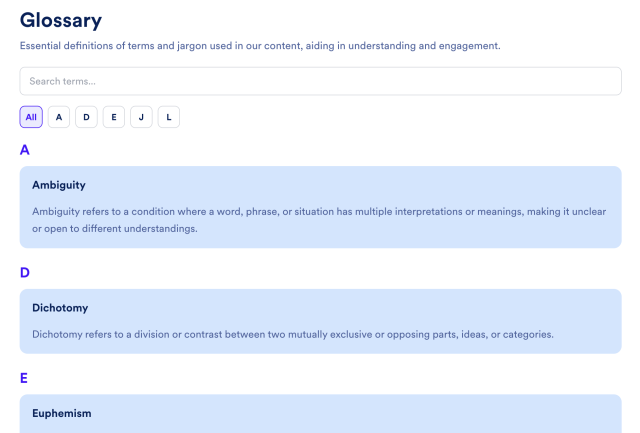
Glossary Widget
Create a Searchable Glossary for Your Website
Improve user experience, explain key terminology, and create SEO-friendly content that helps visitors find answers faster. Fully customizable.
Create Your Glossary Widget - It's Free!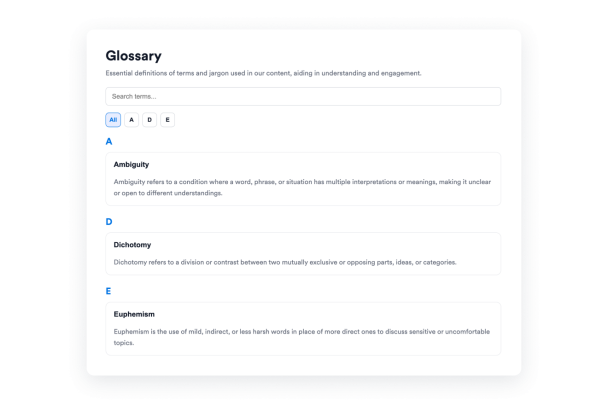

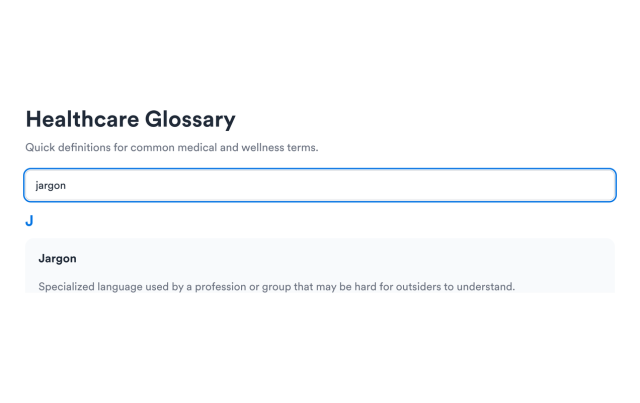
Search Terms and Definitions
Enable keyword search so visitors can filter across term names and definition text without scanning the full glossary.
Search supports:
Term textDefinition textNo-match stateLive filtering
Navigate With A–Z Filters
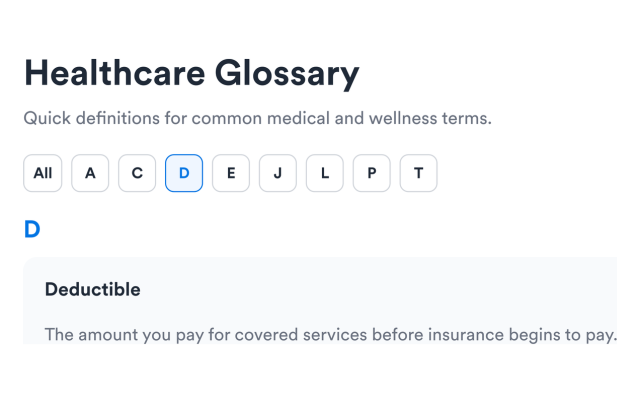
Group entries alphabetically and let visitors jump to a letter group or browse only the letters that contain terms.
Filter options include:
Letter groupsUsed letters onlyFull alphabetAll letters view
Choose List or Accordion Layouts
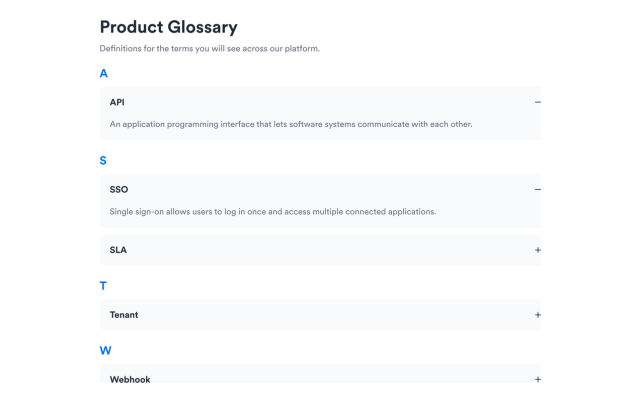
Use a list when definitions should stay visible, or switch to accordion rows for a more compact glossary section.
Layout options include:
목록AccordionPlus / minus iconsMultiple open terms
Style the Glossary to Match Your Brand
Adjust section backgrounds, term colors, definition colors, accents, card treatments, and optional scoped custom CSS.
Style controls include:
Section backgroundTerm colorsAccent colors맞춤설정 CSS