


Popup Widget for your website
Create website popups, fixed bars, slide-ins, and floating offers that help visitors take action. Use Jform's no-code Popup widget to promote discounts, collect newsletter signups, announce launches, guide visitors to forms, and keep important messages visible without editing your site code.
How to add a Popup widget

Choose your popup format
Start with a centered popup, top bar, bottom bar, slide-in, or floating promotion layout.

Customize content and timing
Edit copy, colors, buttons, forms, triggers, targeting, close behavior, and display frequency.
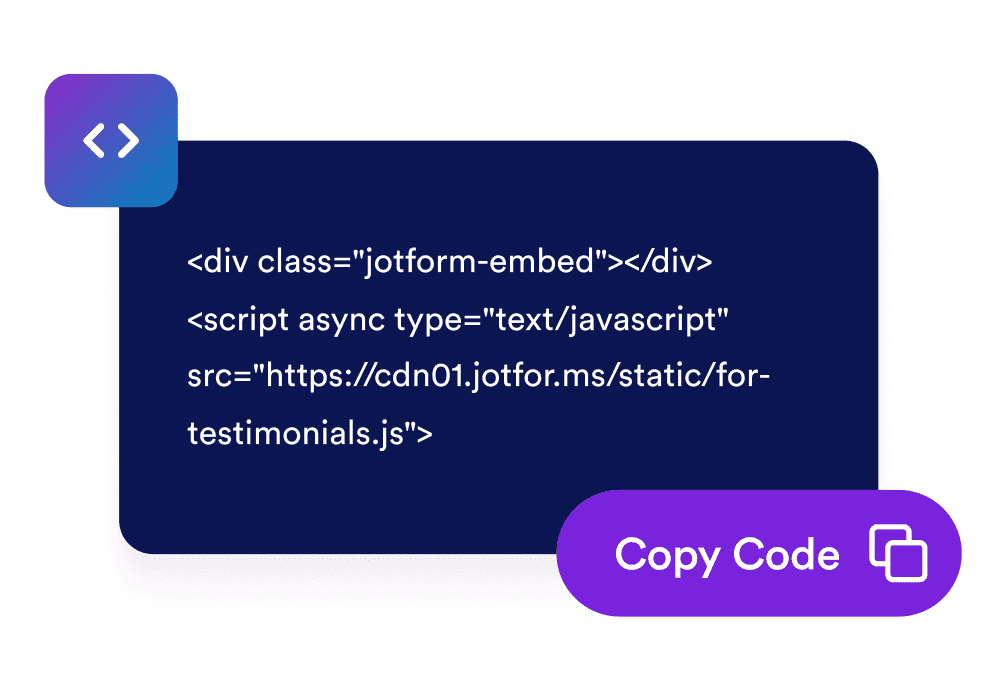
Embed it on your website
Preview the popup, copy the embed code, and publish it on any page where visitors should see your offer.
Capture attention with popups that fit your campaign
Use popups, bars, slide-ins, and floating offers
Pick the display style that fits your page. Show a focused modal, a fixed top or bottom bar, a side slide-in, or a compact floating callout.

Trigger messages at the right moment
Show your popup on page load, after a delay, on scroll, on exit intent, or when a visitor clicks a button. Match timing to the decision point.

Match every message to your brand
Customize colors, rounded corners, spacing, imagery, button styles, and form fields so your popup feels native to your website.

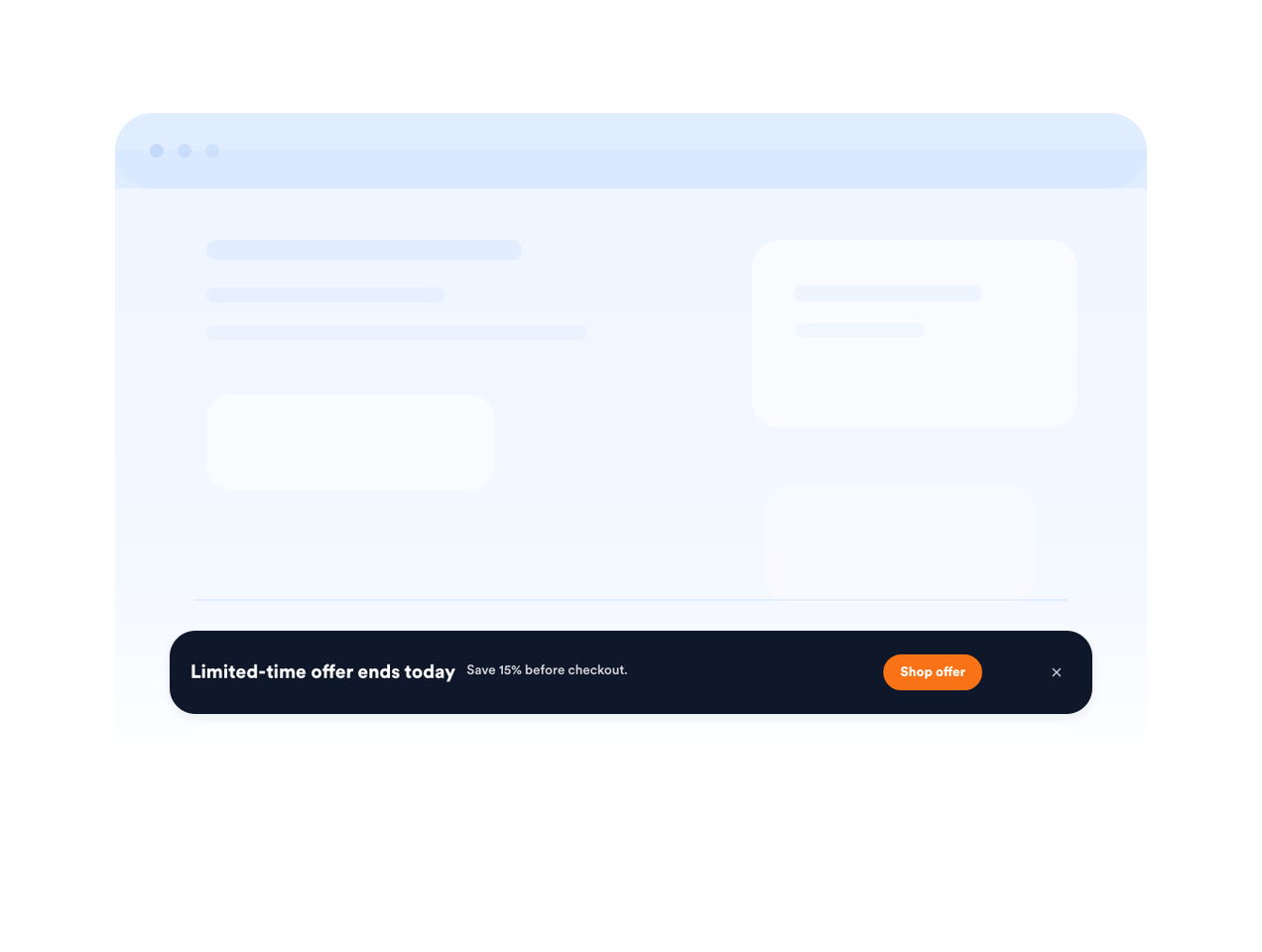
Keep urgent offers visible with fixed bars
Use a fixed top or bottom bar for shipping deadlines, sale reminders, event registration, or important service updates.
Jform 위젯이 특별한 이유
Jform의 위젯을 사용하면 웹사이트를 더욱 상호작용형으로 만들고 전환율을 높일 수 있습니다. 별점 평가, 후기 슬라이더, 소셜 프루프 팝업, 미디어 삽입까지 다양한 도구를 양식이나 랜딩 페이지 안에 결합해 코딩 없이 데이터를 수집하고, 신뢰를 쌓으며, 리드를 확보할 수 있습니다.
모든 Jform 위젯 살펴보기Where to use your Popup widget
Add popups and bars wherever a timely message can help visitors subscribe, buy, book, or continue to the next step.
E-commerce product pages to promote discounts, bundles, shipping offers, or limited-stock alerts.
Checkout and cart pages to recover abandoning shoppers with coupon codes or support prompts.
Newsletter and content pages to grow your email list with downloadable resources or updates.
Event and webinar pages to remind visitors about registration deadlines and upcoming sessions.
Homepage announcements to highlight launches, seasonal campaigns, or service updates.
Landing pages for ads to keep a focused offer visible while visitors compare details.
Jform 양식 빌더로 리드를 유료 고객으로 전환하세요
Jform으로 참여를 행동으로 전환하세요. 리드를 확보하고 결제를 수집하며 응답을 자동화하는 강력한 양식을 한 곳에서 만들어 보세요. 모든 제출물은 Jform 받은 편지함으로 모여, 후속 조치를 하거나 즐겨 사용하는 앱과 연동할 준비를 마치게 됩니다.
Get Started - It’s Free!
자주하는 질문
What is a Popup widget?
A Popup widget is an embeddable website message that appears as a modal, bar, slide-in, or floating callout. It helps promote offers, collect leads, announce updates, and guide visitors to forms or links.
Can I create fixed top or bottom bars?
Can I control when the popup appears?
Can I add a form to my popup?
Can I customize the popup design?
Will the Popup widget work on mobile?
Can visitors close the popup?
Do I need to code anything?