


Banner Widget for your website
Create attention-grabbing website banners for marketing campaigns, announcements, sales, and events. With Jform's no-code banner widget, you can customize and embed forms, countdowns, images, videos, buttons, and clickable CTAs in just a few clicks.
How to add a Banner widget

Choose a banner style
Start with a simple, vertical, video, product, webinar, social, restaurant, travel, or holiday banner layout.

Customize content and design
Edit headings, text, buttons, coupons, timers, forms, background type, colors, spacing, and responsive display settings.
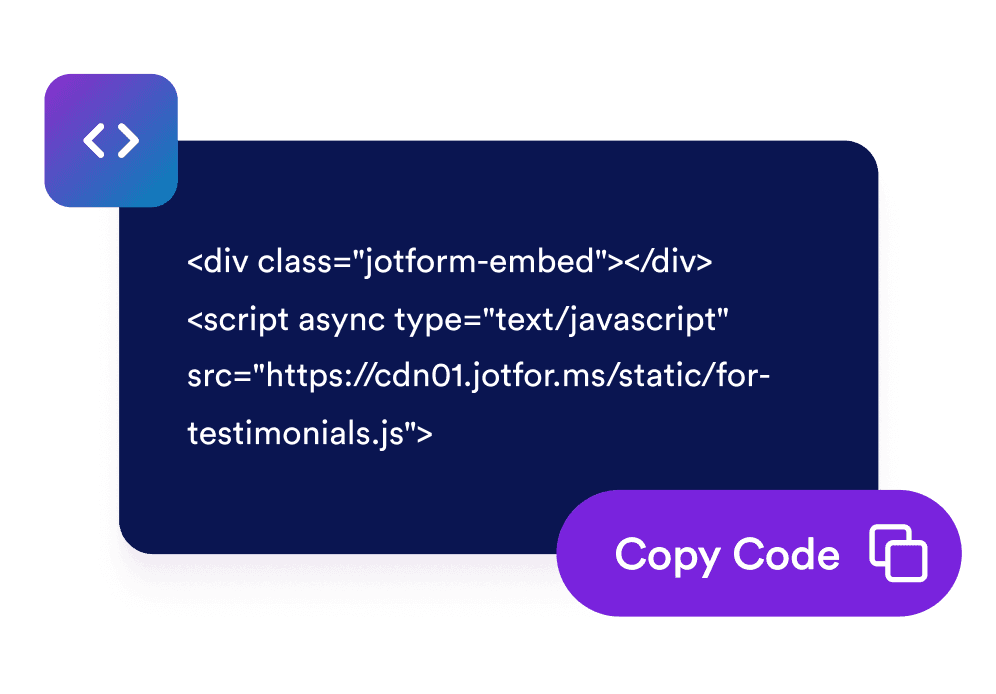
Embed it on your website
Preview the banner, copy the generated embed code, and place it on any page where you want visitors to act.
Create campaign banners that match your page and goal
Start from campaign-ready banner styles
Build simple announcements, video banners, product promos, webinars, social campaigns, restaurant menus, travel discounts, and holiday sales from one widget.

Use rich background media and flexible colors
Choose solid colors, gradients, image backgrounds, YouTube or Vimeo video backgrounds, brightness control, stretch behavior, and rounded corners.

Add actions that drive clicks and signups
Add CTA buttons, text links, clickable banner areas, coupon codes, countdown timers, email forms, and separators.

Control layout, size, and mobile behavior
Switch between vertical and horizontal layouts, set custom or full width, choose content alignment, tune padding and spacing, and show the banner on all devices, desktop, or mobile.

Jform 위젯이 특별한 이유
Jform의 위젯을 사용하면 웹사이트를 더욱 상호작용형으로 만들고 전환율을 높일 수 있습니다. 별점 평가, 후기 슬라이더, 소셜 프루프 팝업, 미디어 삽입까지 다양한 도구를 양식이나 랜딩 페이지 안에 결합해 코딩 없이 데이터를 수집하고, 신뢰를 쌓으며, 리드를 확보할 수 있습니다.
모든 Jform 위젯 살펴보기Where to use your Banner widget
Place a banner anywhere visitors need a clear campaign message, limited-time offer, or next action.
Homepage hero areas to announce sales, product launches, webinars, seasonal campaigns, or new services.
Product and pricing pages to highlight discounts, coupon codes, bundles, or free-shipping offers near purchase decisions.
Event and webinar pages to promote registration deadlines with CTA buttons, forms, and countdown timers.
Restaurant and local business pages to feature menus, opening announcements, local promos, or special offers.
Travel and hospitality pages to show limited-time destination deals, booking promos, or seasonal packages.
Blog posts and content pages to route readers toward newsletter signup, related offers, or featured campaigns.
Jform 양식 빌더로 리드를 유료 고객으로 전환하세요
Jform으로 참여를 행동으로 전환하세요. 리드를 확보하고 결제를 수집하며 응답을 자동화하는 강력한 양식을 한 곳에서 만들어 보세요. 모든 제출물은 Jform 받은 편지함으로 모여, 후속 조치를 하거나 즐겨 사용하는 앱과 연동할 준비를 마치게 됩니다.
Get Started - It’s Free!
자주하는 질문
What is a Banner widget?
A Banner widget is a customizable promotional block you can embed on your website to announce offers, events, launches, coupons, media campaigns, and calls to action.
Can I make the whole banner clickable?
Can I add images or videos?
Can I add coupons, countdowns, or forms?
Can I customize the layout?
Does it work on mobile?
Can I use custom CSS?
Do I need to write code?