다크모드 버튼 위젯
Create Your Own Dark Mode Widget in Seconds for Your Website
Build a seamless, accessible dark mode experience for blogs, e-commerce, portfolios, SaaS dashboards, and reading pages. Configure multi-theme presets, transitions, button styles, positioning, and custom CSS in a real-time, no-code visual builder.
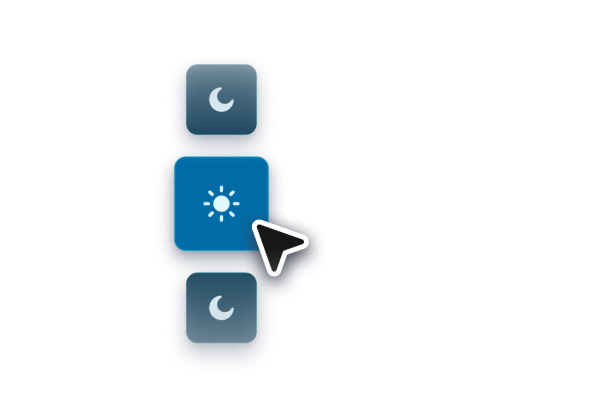

Let Visitors Switch Themes
Display a visible switch so visitors can move between light and dark modes, with editable labels and local preference saving.
Switch controls include:
Visible switchEditable labelsSaved choiceLight or dark state
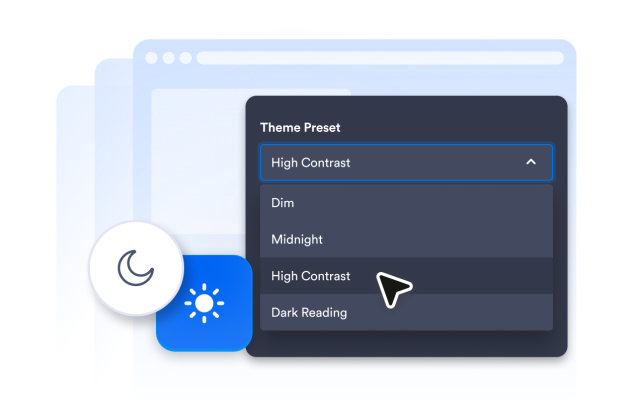
Customize the Dark Theme
Choose a theme preset, adjust page colors, tune switch colors, add overlay strength, and apply scoped CSS without changing the rest of your site setup.
Style controls include:
PresetsPage colorsSwitch colors맞춤설정 CSS
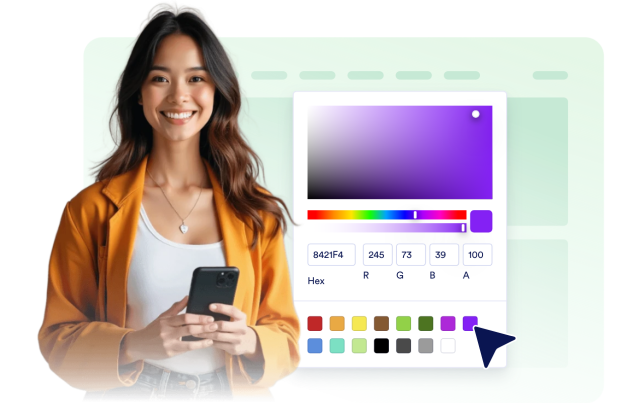
Place the Control Where It Fits
Keep the switch fixed in a corner, place it along a page edge, center it at the top or bottom, or show it inline in your page flow.
Layout options include:
고정됨InlineEight positionsThree sizes