Code Snippets Widget
Create Code Snippet Blocks That Fit Your Website
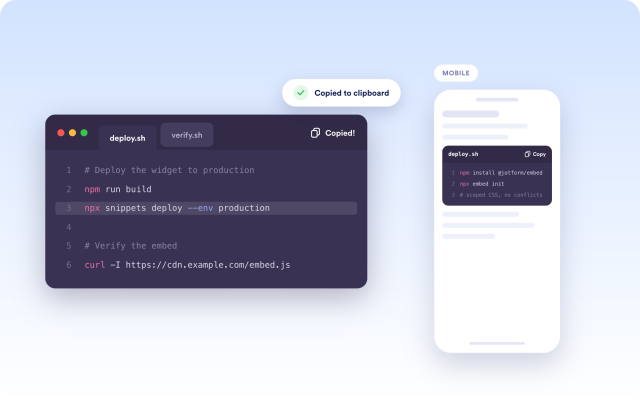
Publish readable, copy-ready code examples with snippet titles, language selection, syntax-styled themes, tabs, list mode, line numbers, copy controls, and responsive embed settings.
Create Your Code Snippets Widget - It's Free!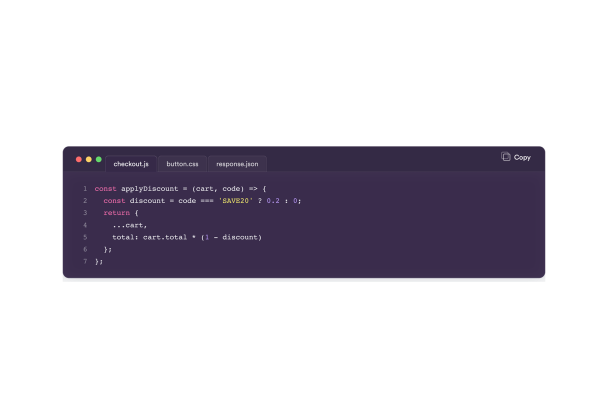

Manage Snippet Content
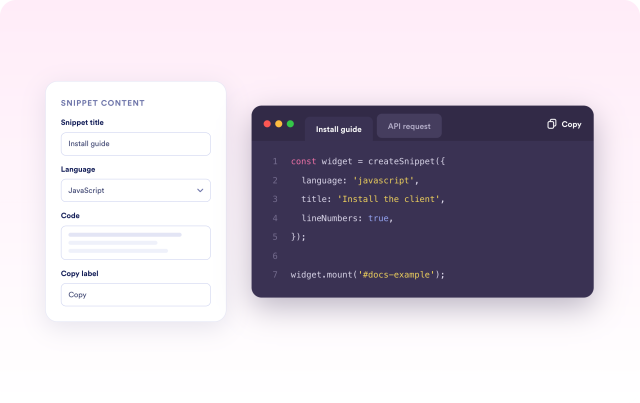
Build code examples with the context technical readers need. Add snippet titles, choose a language, enter multiline code, and customize copy labels so each block is clear before visitors interact with it.
Content fields include:
Choose Tabs or List Layout
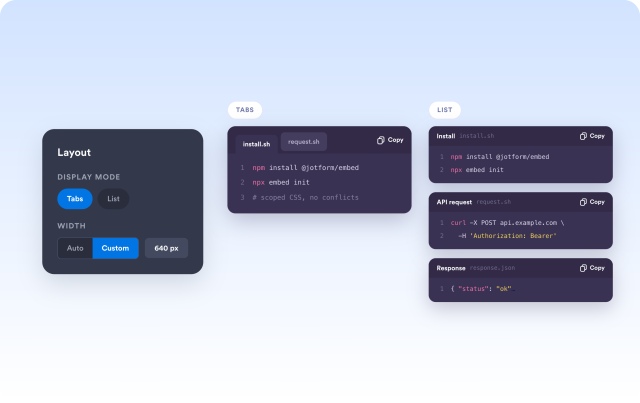
Use tabs to keep related snippets compact, or switch to list layout when visitors need to read each code block in sequence. Automatic and custom width settings help the widget fit documentation pages, tutorials, and product content.
Layout controls include:
Style the Code Window
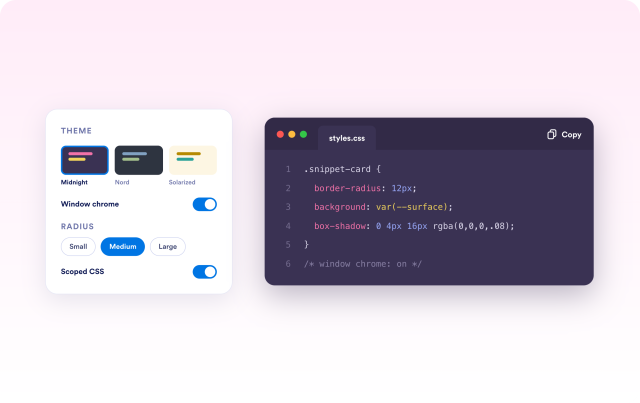
Match the code block to your page with built-in themes, window chrome options, colors, radius, spacing, shadows, and scoped CSS. Choose a familiar developer-style presentation while keeping the widget aligned with your site design.
Style controls include:
Make Examples Practical
Help visitors use your snippets directly from the page. Enable copy buttons, line numbers, responsive overflow, and mobile visibility controls so code examples stay readable and easy to reuse.
Visitor controls include: