# Microsoft Outlook Calendar용 Jform 일정 예약

Jform 일정 예약
# Sync your forms with Microsoft Outlook Calendar

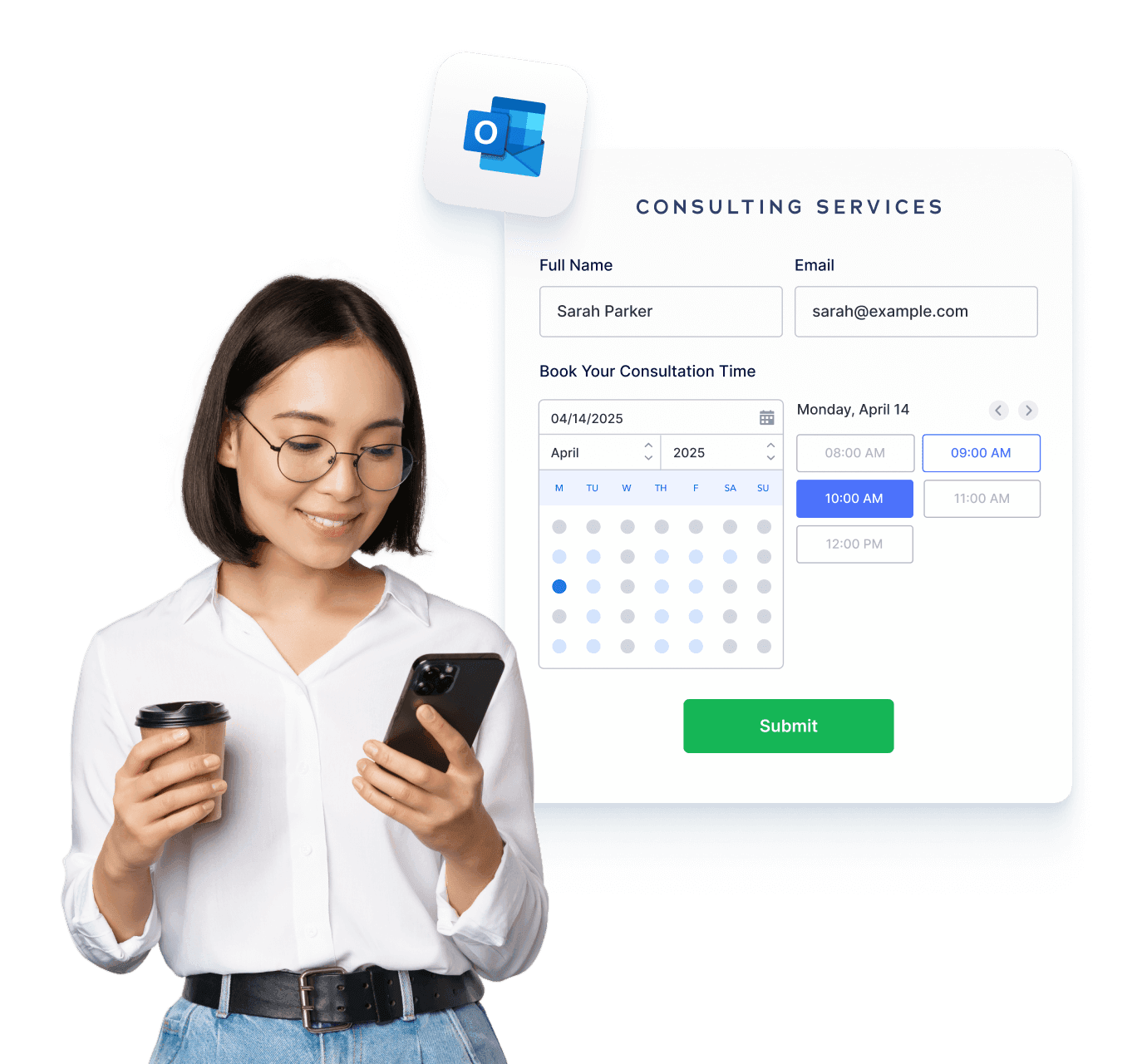
**Jform 일정 예약**으로 강력하고 맞춤화된 예약 환경을 구축하세요. Microsoft Outlook Calendar와 자동으로 동기화하고, 중복 예약을 방지하며, 확인을 자동화하고, 여러 서비스를 쉽게 관리할 수 있습니다.

[예약 양식 만들기](https://www.jform.co.kr/build/?question=appointment)

![Image 1: Sync your forms with Microsoft Outlook Calendar hero](https://cdn.jotfor.ms/image/r/aHR0cHM6Ly9jZG4uam90Zm9yLm1zL3AvcHJvZHVjdHMvYXBwb2ludG1lbnRzL2Fzc2V0cy9pbWctbWluL3BsYXRmb3Jtcy9taWNyb3NvZnQtb3V0bG9vay9oZXJvLnBuZw==/hero.png?w=1368&t=1)![Image 2: Introducing Jform Appointments BG](https://cdn.jotfor.ms/p/products/appointments/assets/img-min/homepage/hero-bg.png)

통합
## How to connect Microsoft Outlook Calendar with Jform

Jform은 일정 관리 프로세스를 한층 더 효율적으로 만들 수 있도록 손쉽게 연동됩니다. 반복 작업을 줄이고, 비즈니스에 꼭 맞는 맞춤형 예약 워크플로우를 구축해보세요.

### 예약 양식 사용자 지정

Add form fields, conditions, disclaimers, or anything else you need for a complete workflow.

### Connect Microsoft Outlook Calendar

예약된 시간대를 반영하고 충돌을 자동으로 차단하도록 실시간으로 가용성을 동기화하세요.

### 후속 작업 자동화

누군가 예약하는 즉시 이메일, 캘린더 초대, 또는 다양한 통합 작업을 자동으로 실행하세요.

기능
## A smarter way to manage appointments

You can focus on what matters most. Keep everything running smoothly while delivering exceptional client experiences.

## 스마트 캘린더 동기화

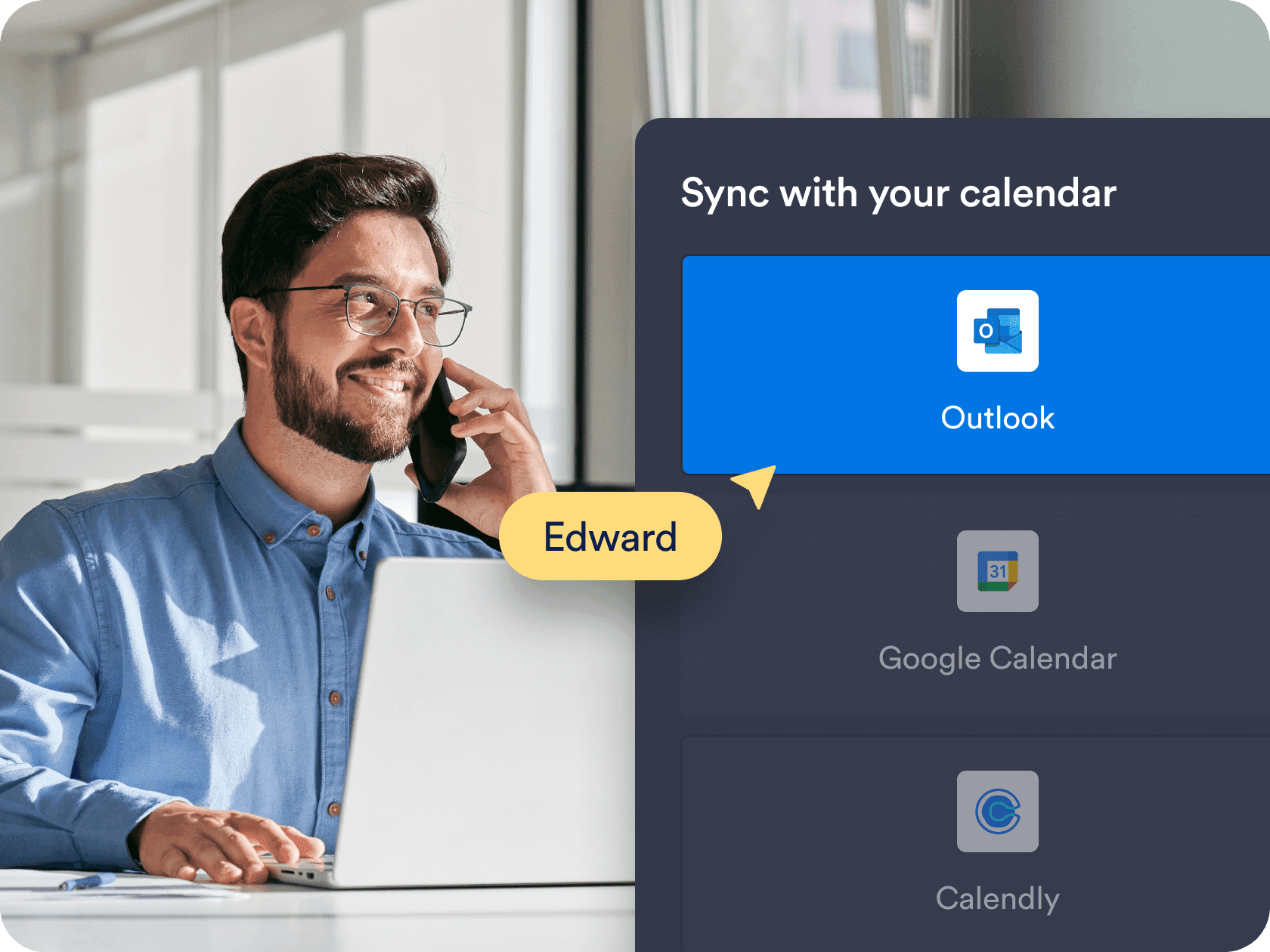
Sync appointments in real time with **Microsoft Outlook Calendar**, ensuring your form always shows accurate availability. Booked time slots and existing calendar events are automatically blocked to prevent overlaps.

[무료 예약 양식 만들기](https://www.jform.co.kr/build/?question=appointment)

![Image 3: Smart calendar sync](https://cdn.jotfor.ms/image/r/aHR0cHM6Ly9jZG4uam90Zm9yLm1zL3AvcHJvZHVjdHMvYXBwb2ludG1lbnRzL2Fzc2V0cy9pbWctbWluL3BsYXRmb3Jtcy9taWNyb3NvZnQtb3V0bG9vay8xLnBuZz92PTAuMQ==/1.png?w=40&t=1)

## 맞춤형 가용성 및 시간 제어

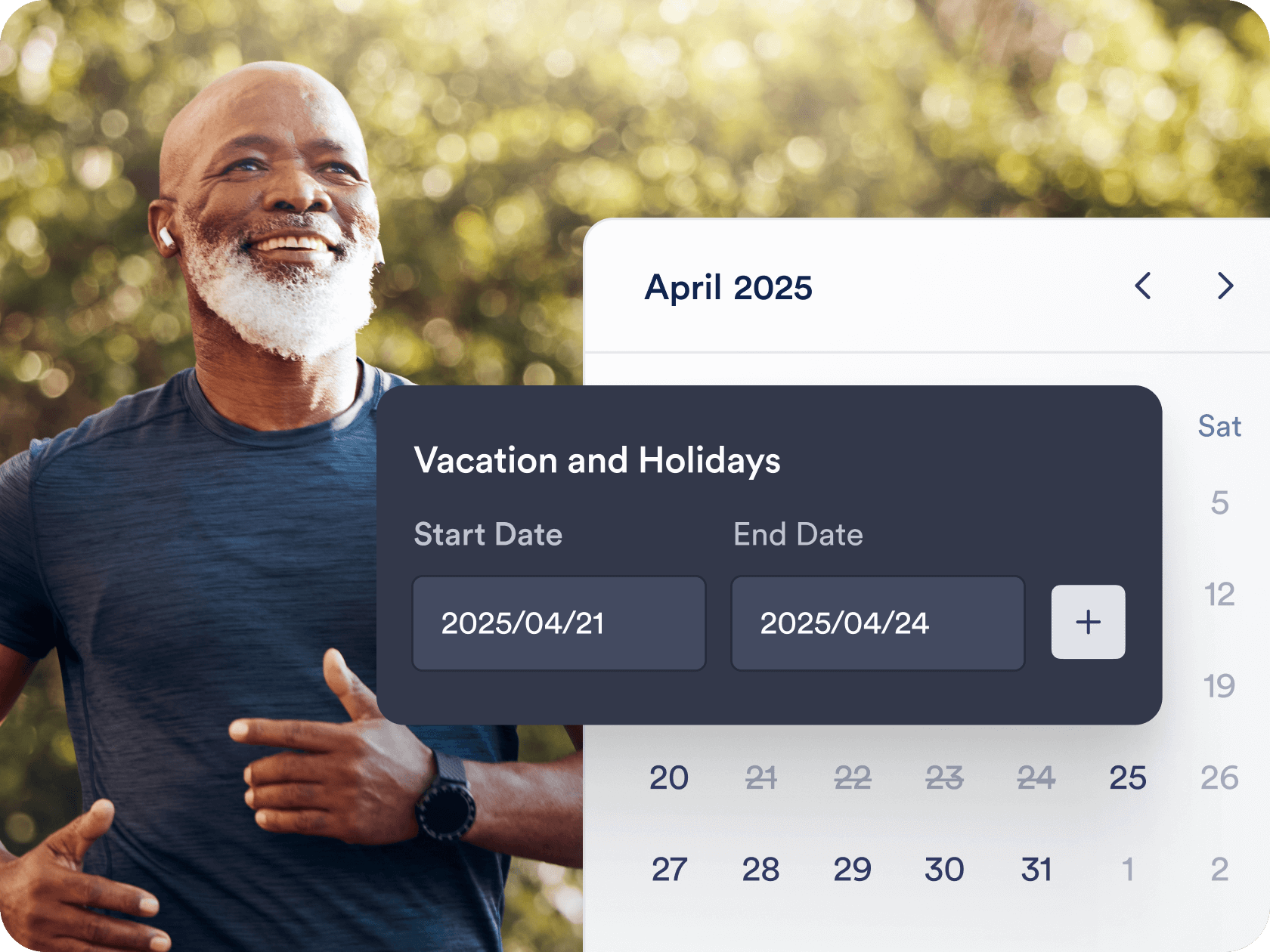
Choose the exact days, hours, and appointment durations that work for you. Add buffer times, daily limits, and blackout dates to fit your personal or business schedule.

[무료 예약 양식 만들기](https://www.jform.co.kr/build/?question=appointment)

![Image 4: Custom availability and time controls](https://cdn.jotfor.ms/image/r/aHR0cHM6Ly9jZG4uam90Zm9yLm1zL3AvcHJvZHVjdHMvYXBwb2ludG1lbnRzL2Fzc2V0cy9pbWctbWluL3BsYXRmb3Jtcy8yLnBuZw==/2.png?w=40&t=1)

## 자동화된 워크플로우와 통합

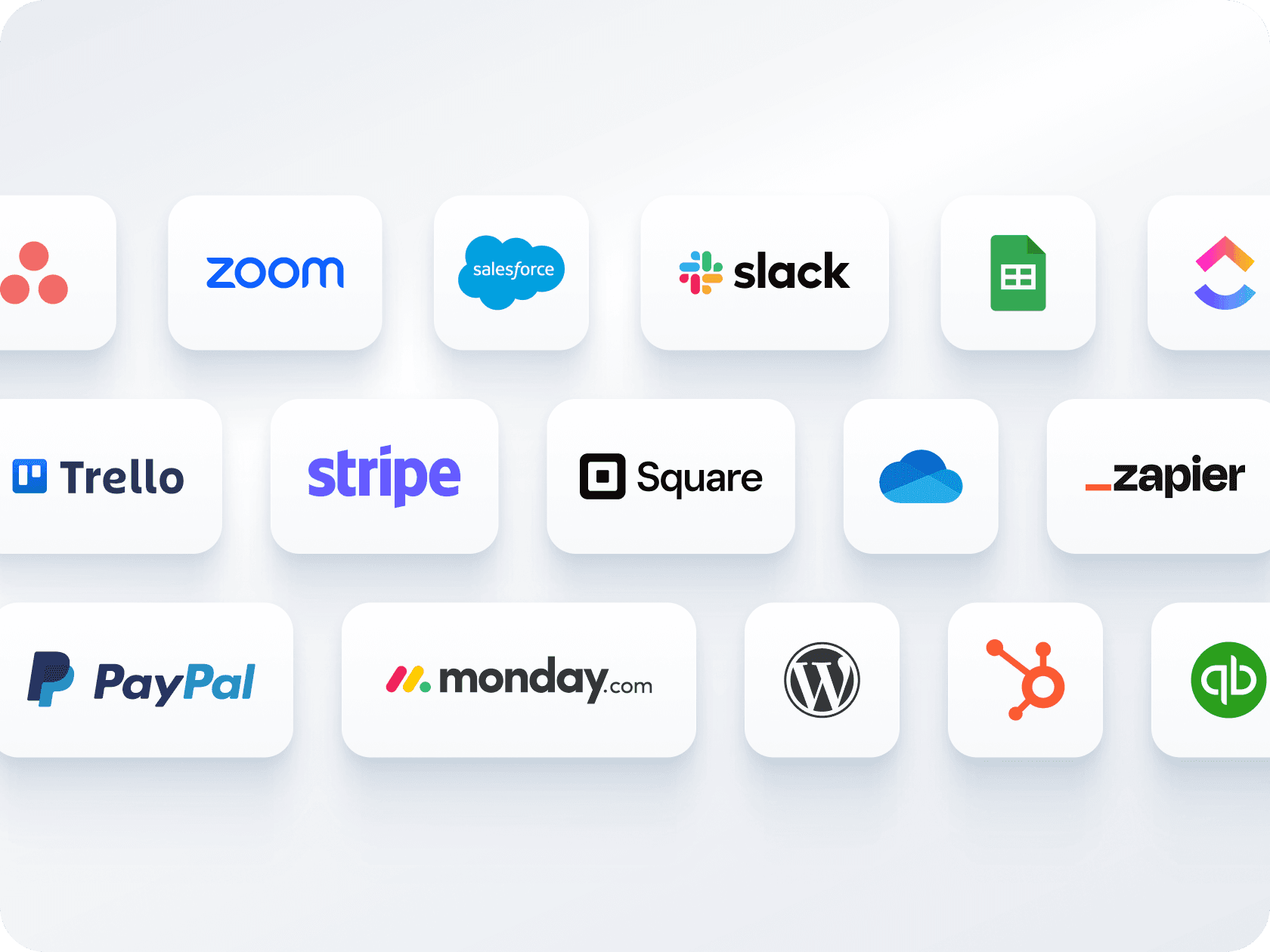
Send confirmation emails, automate reminders, and connect with tools like **Zoom, Slack, or CRMs**. Jform helps you create a seamless workflow around each booking — without manual follow-up.

[무료 예약 양식 만들기](https://www.jform.co.kr/build/?question=appointment)

![Image 5: Automated workflows and integrations](https://cdn.jotfor.ms/image/r/aHR0cHM6Ly9jZG4uam90Zm9yLm1zL3AvcHJvZHVjdHMvYXBwb2ludG1lbnRzL2Fzc2V0cy9pbWctbWluL3BsYXRmb3Jtcy81LnBuZw==/5.png?w=40&t=1)

## 여러 양식, 하나의 캘린더

하나의 양식으로 결제 수집과 예약을 동시에 처리하세요 — 별도의 도구가 필요하지 않습니다. **Stripe, PayPal, Square** 등 다양한 결제 게이트웨이와 연동해 예약 시 바로 결제를 받을 수 있습니다.

[무료 예약 양식 만들기](https://www.jform.co.kr/build/?question=appointment)

![Image 6: Multiple forms, one calendar](https://cdn.jotfor.ms/image/r/aHR0cHM6Ly9jZG4uam90Zm9yLm1zL3AvcHJvZHVjdHMvYXBwb2ludG1lbnRzL2Fzc2V0cy9pbWctbWluL3BsYXRmb3Jtcy9taWNyb3NvZnQtb3V0bG9vay80LnBuZw==/4.png?w=40&t=1)

## 간편한 공유 및 삽입 옵션

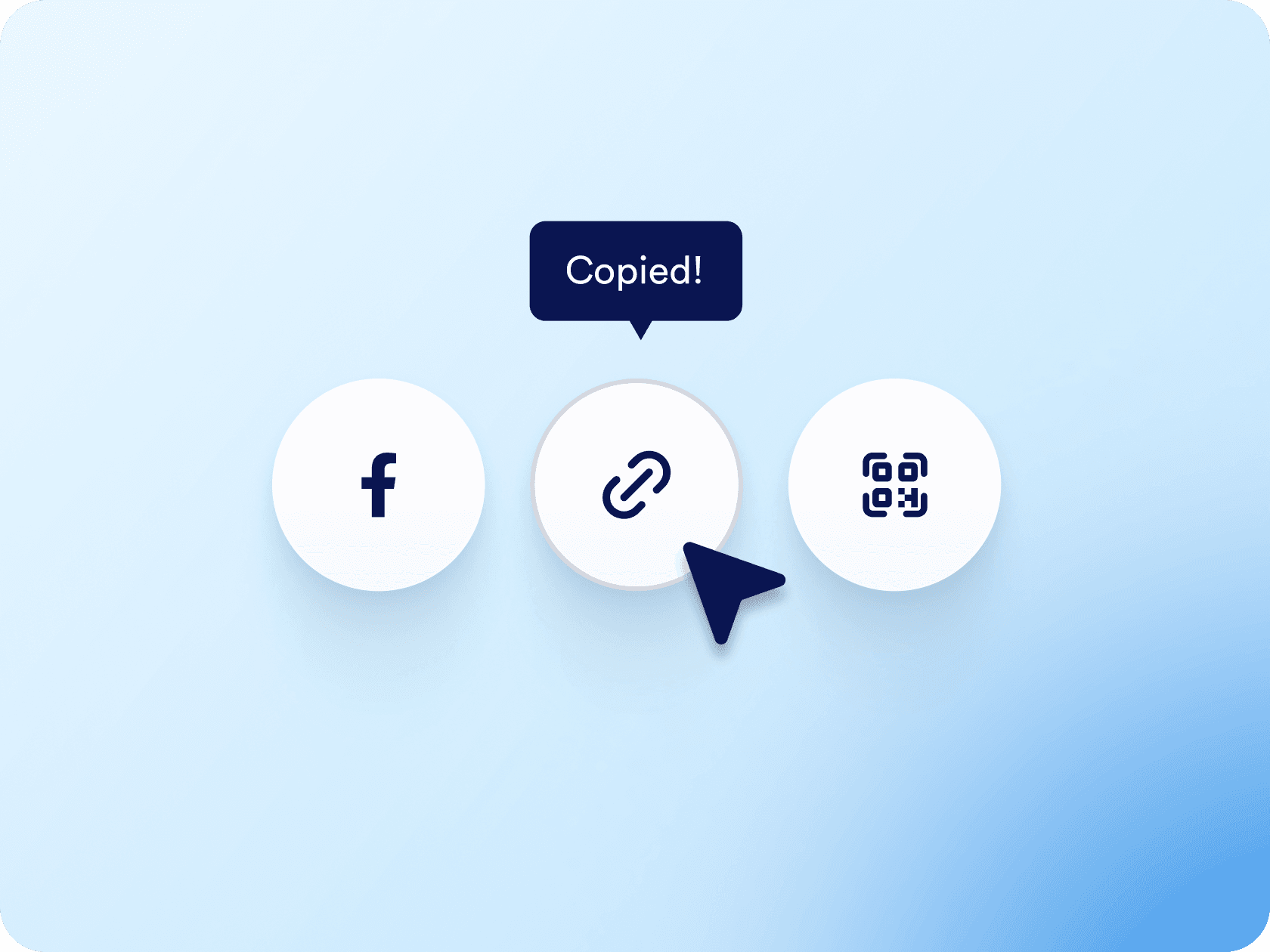
링크나 QR 코드를 통해 예약 양식을 배포하거나 웹사이트에 직접 삽입하세요. 이메일, 소셜 미디어 또는 랜딩 페이지를 통해 공유하든 몇 번의 클릭만으로 가능합니다.

[무료 예약 양식 만들기](https://www.jform.co.kr/build/?question=appointment)

![Image 7: Easy sharing and embedding options](https://cdn.jotfor.ms/image/r/aHR0cHM6Ly9jZG4uam90Zm9yLm1zL3AvcHJvZHVjdHMvYXBwb2ludG1lbnRzL2Fzc2V0cy9pbWctbWluL3BsYXRmb3Jtcy9lbWJlZC5wbmc/dj0wLjE=/embed.png?w=40&t=1)

## 어디서든 AI 에이전트가 일정을 예약하게 하세요

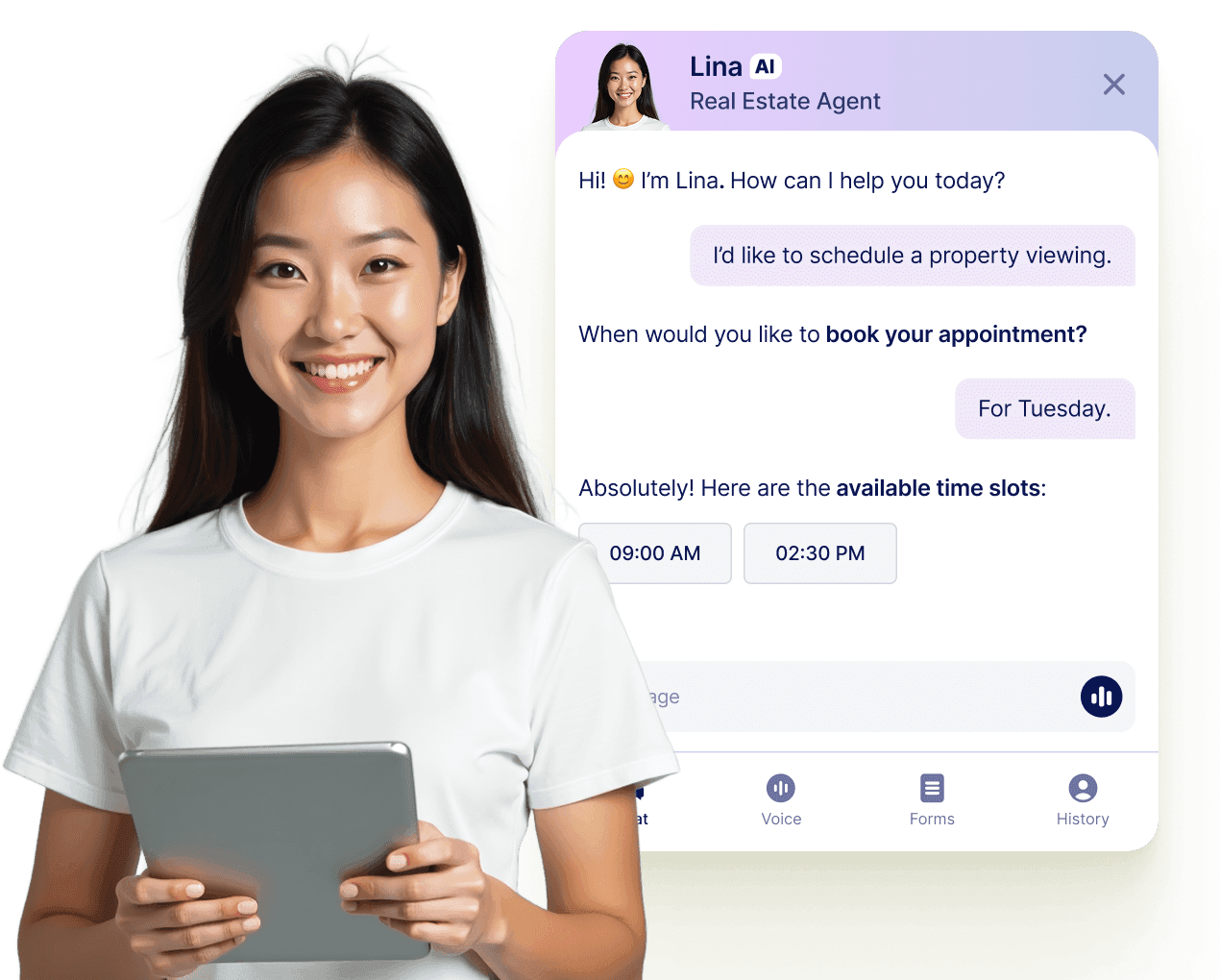
Jform AI 에이전트를 통해 모든 대화를 확정된 예약으로 전환하세요. 에이전트는 웹사이트, 이메일, WhatsApp, Messenger, Slack 등에서 실시간으로 약속을 예약할 수 있어 연결 기회를 놓치지 않습니다.

[더 알아보기](https://www.jform.co.kr/ai/agents/features/multi-channel-support/)

![Image 8: Let your AI Agent book appointments anywhere](https://cdn.jotfor.ms/image/r/aHR0cHM6Ly9jZG4uam90Zm9yLm1zL3AvcHJvZHVjdHMvYXBwb2ludG1lbnRzL2Fzc2V0cy9pbWctbWluL3BsYXRmb3Jtcy9hZ2VudC1jYXJkLXVzZWNhc2UucG5nP3Y9MC4x/agent-card-usecase.png?w=40&t=1)

## 자주하는 질문들

*    
### Can I sync Jform appointments with Microsoft Outlook Calendar? Yes, Jform offers full two-way sync with Outlook Calendar. When someone books through your form, the appointment is automatically added to your calendar, and existing calendar events are used to block off unavailable times.   
*    
### Jform은 이중 예약을 어떻게 방지하나요? Jform uses built-in logic and live Outlook Calendar sync to block off already-booked time slots. Whether a slot is filled through your form or directly in your Outlook Calendar, it becomes instantly unavailable to others — so you’re never accidentally double-booked.   
*    
### Can I offer different services or appointment types through a single form? Yes. You can build a single form with dropdown menus or conditional logic that displays different appointment options, durations, and instructions based on what the user selects. It’s ideal for consultants, coaches, or clinics that offer varied services under one calendar.   
*    
### Can I collect payments as part of the booking process? Absolutely. Jform integrates with payment processors like Stripe, PayPal, Square, and more, allowing you to charge for appointments directly through the form. You can also set pricing based on appointment type or add-ons selected during booking.   
*    
### Are confirmation and reminder emails sent automatically? Yes. Once an appointment is submitted, Jform can send a confirmation email with all booking details. You can also schedule automated reminder emails (or SMS through integrations) to reduce no-shows and keep clients informed. All email content is fully customizable.   
*    
### How flexible is the availability setup for appointments? Very flexible. You can define your available days, working hours, appointment duration, and buffer times between appointments, and even cap how many sessions can be booked per day. You can also block off holidays or custom dates to prevent appointments during time off.   
*    
### Can I customize the form layout and design? Yes, Jform offers a drag-and-drop form builder with full control over layout, colors, fonts, and branding. You can also use conditional logic to show or hide fields, require certain responses, and personalize the user experience based on how they interact with the form.   
*    
### Can I automate tasks after someone books an appointment? Yes, Jform includes built-in automation tools through Jform Workflows and Form Settings. You can automatically send confirmation emails, notify team members, start an approval flow, update your CRM, or even trigger conditional follow-up action — all without any manual work. These workflows can be customized based on how users fill out the form, helping you manage bookings more efficiently from start to finish.   
*    
### Can I connect multiple appointment forms to the same Outlook Calendar? Yes, Jform allows you to connect one Outlook Calendar to multiple appointment forms. This means you can manage bookings from different forms — such as separate forms for services, staff members, or locations — all in one centralized Outlook Calendar, giving you a complete overview of your schedule in one place.   
*    
### What do I get with Jotform’s free plan? The free plan includes core appointment features like form customization, one Outlook Calendar integration, submission notifications, email confirmations, and access to the appointment field. As your business grows, you can upgrade for higher submission limits and advanced automation options.   

더 보기