# Jform Appointments for Calendly | Jform

Jform 일정 예약
# Sync your forms with Calendly

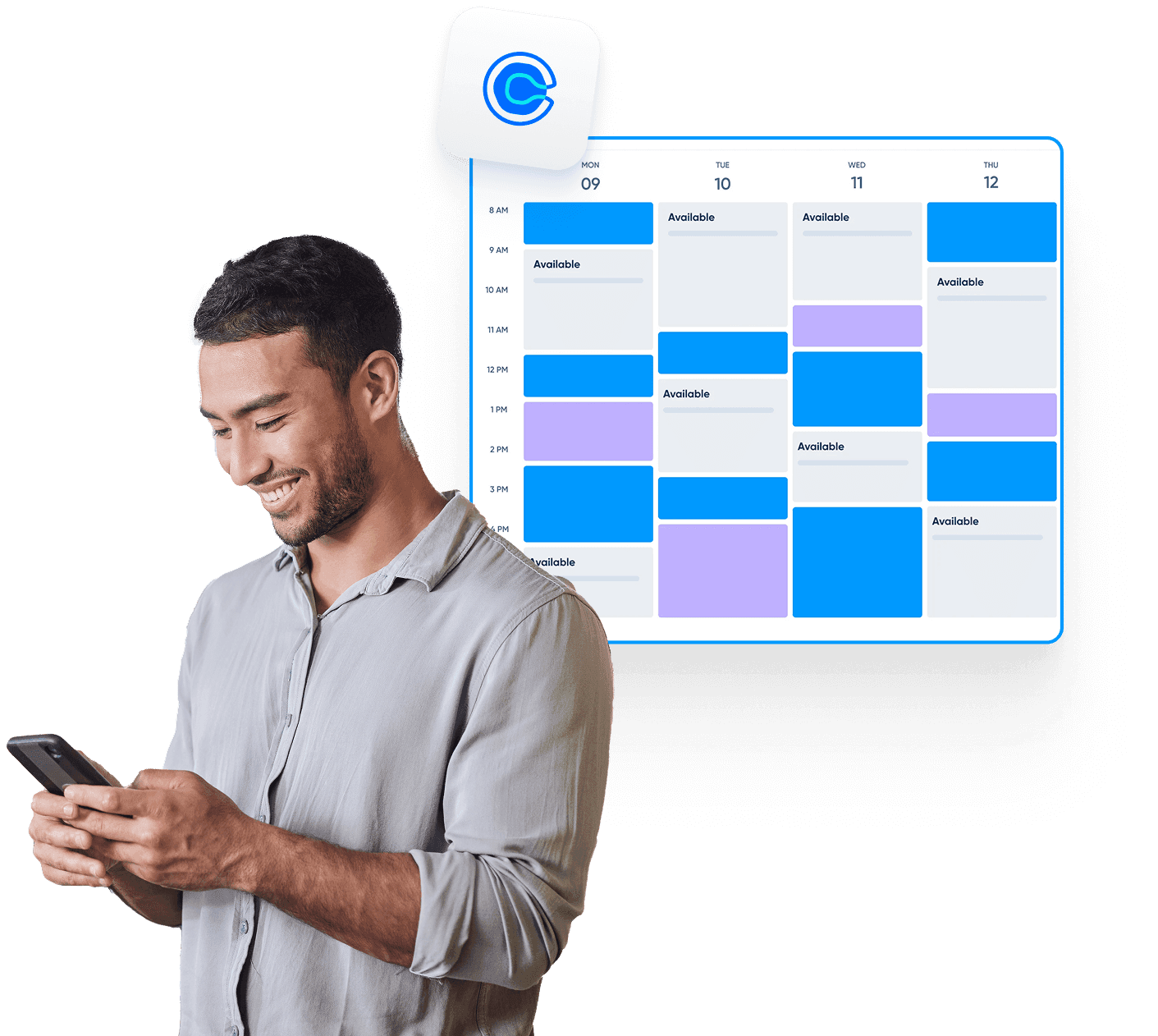
Jform makes it easy to schedule appointments and manage your Calendly. Build fully customizable forms, connect with your favorite tools, sync availability, and collect everything you need — from payments to participant details.

[예약 양식 만들기](https://www.jform.co.kr/build/?question=appointment)

![Image 1: Sync your forms with Calendly Hero](https://cdn.jotfor.ms/image/r/aHR0cHM6Ly9jZG4uam90Zm9yLm1zL3AvcHJvZHVjdHMvYXBwb2ludG1lbnRzL2Fzc2V0cy9pbWctbWluL3BsYXRmb3Jtcy9jYWxlbmRseS9oZXJvLnBuZw==/hero.png?w=1411&t=1)![Image 2: Introducing Jform Appointments BG](https://cdn.jotfor.ms/p/products/appointments/assets/img-min/homepage/hero-bg.png)

통합
## Calendly와 Jform을 연결하는 방법

Jform은 일정 관리 프로세스를 한층 더 효율적으로 만들 수 있도록 손쉽게 연동됩니다. 반복 작업을 줄이고, 비즈니스에 꼭 맞는 맞춤형 예약 워크플로우를 구축해보세요.

### 예약 양식 사용자 지정

완전한 워크플로우 구성을 위해 필요한 필드, 조건, 면책 조항 등을 자유롭게 추가하세요

### Calendly 연결

예약된 시간대를 반영하고 충돌을 자동으로 차단하도록 실시간으로 가용성을 동기화하세요.

### 후속 작업 자동화

누군가 예약하는 즉시 이메일, 캘린더 초대, 또는 다양한 통합 작업을 자동으로 실행하세요.

기능
## A smarter way to manage appointments

You can focus on what matters most. Keep everything running smoothly while delivering exceptional client experiences.

## 스마트 캘린더 동기화

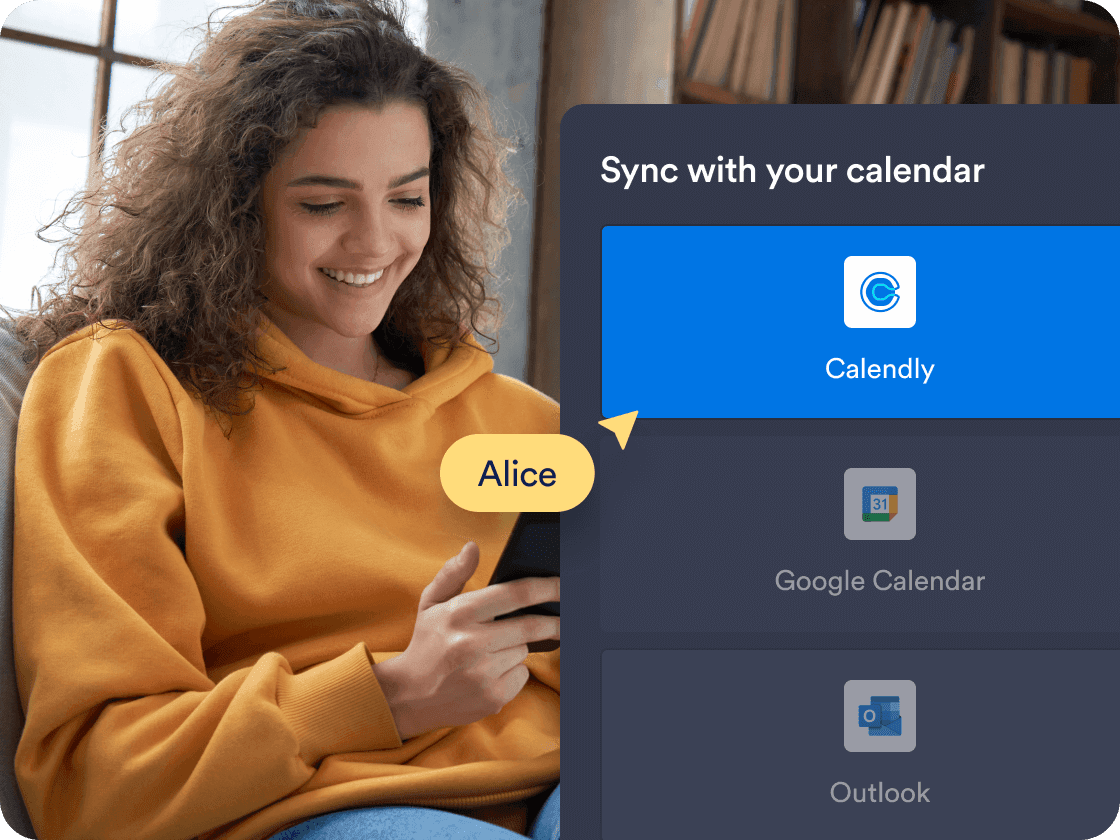
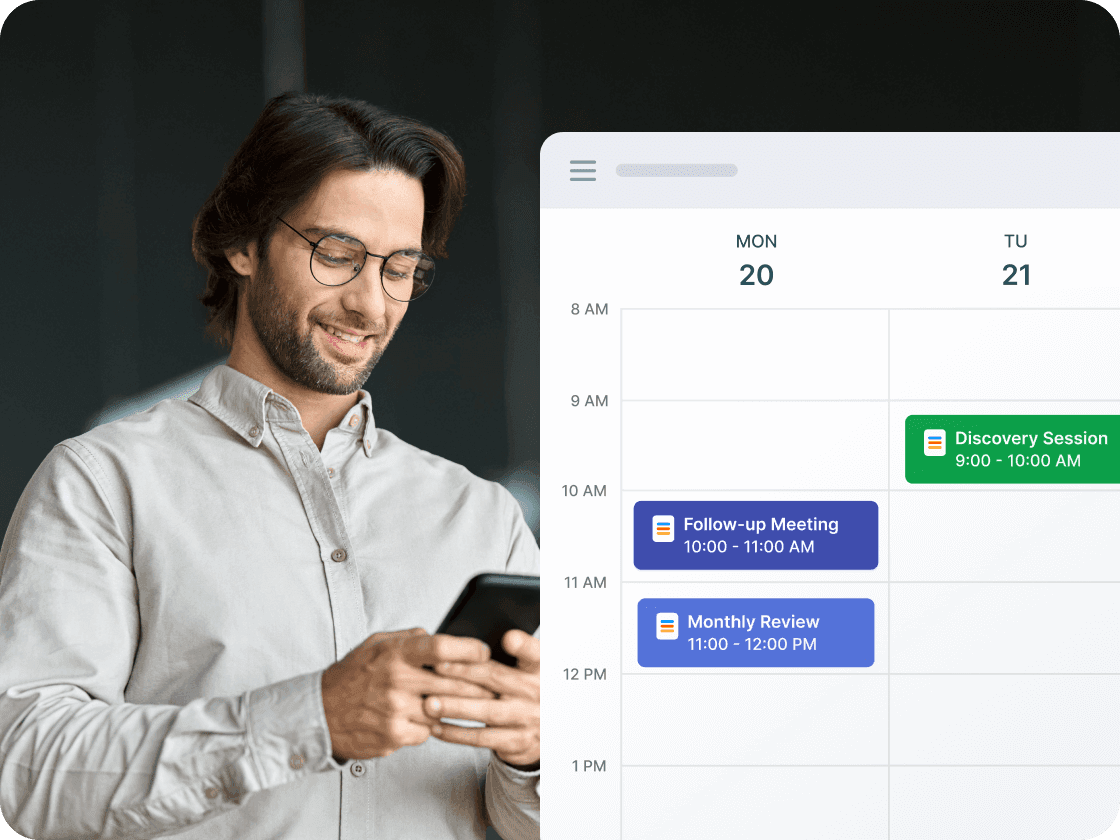
Calendly와 실시간으로 약속을 동기화하여 양식에 정확한 가용성이 항상 표시되도록 합니다. 예약된 시간대와 기존 캘린더 이벤트는 중복을 방지하기 위해 자동으로 차단됩니다.

[무료 예약 양식 만들기](https://www.jform.co.kr/build/?question=appointment)

![Image 3: Smart calendar sync](https://cdn.jotfor.ms/image/r/aHR0cHM6Ly9jZG4uam90Zm9yLm1zL3AvcHJvZHVjdHMvYXBwb2ludG1lbnRzL2Fzc2V0cy9pbWctbWluL3BsYXRmb3Jtcy9jYWxlbmRseS8xLnBuZz92PTAuMg==/1.png?w=40&t=1)

## Prefill Calendly details automatically

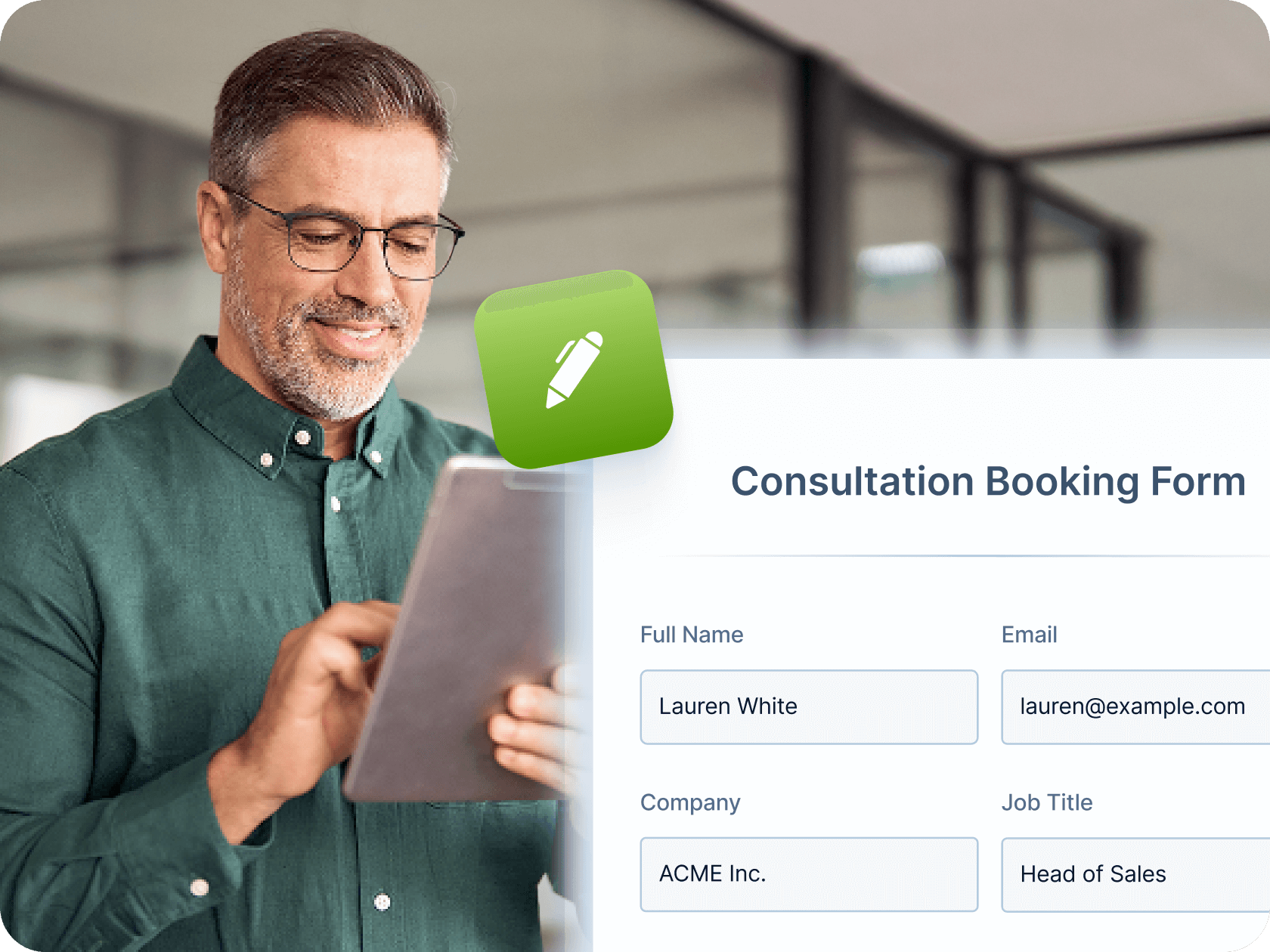
Make booking even faster by mapping Jform form fields—like name, email, and phone number—directly to your Calendly event fields. Once a user submits the form, their details are automatically passed into Calendly, saving time and reducing manual entry for both you and your clients.

[무료 예약 양식 만들기](https://www.jform.co.kr/build/?question=appointment)

![Image 4: Prefill Calendly Details Automatically](https://cdn.jotfor.ms/image/r/aHR0cHM6Ly9jZG4uam90Zm9yLm1zL3AvcHJvZHVjdHMvYXBwb2ludG1lbnRzL2Fzc2V0cy9pbWctbWluL3BsYXRmb3Jtcy9jYWxlbmRseS8yLnBuZz92PTAuMQ==/2.png?w=40&t=1)

## 자동화된 워크플로우와 통합

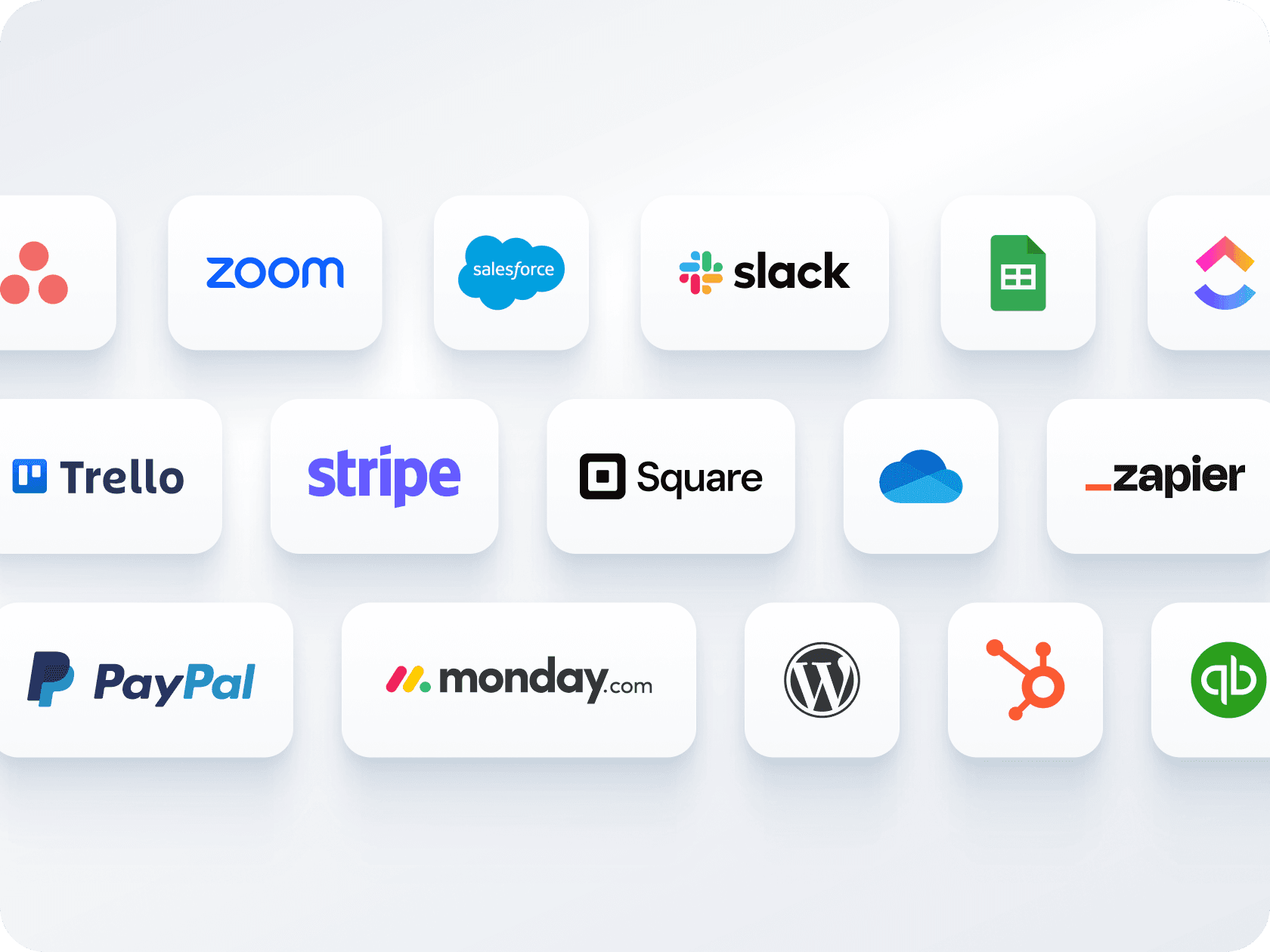
Send confirmation emails, automate reminders, and connect with tools like **Zoom, Slack, or CRMs**. Jform helps you create a seamless workflow around each booking — without manual follow-up.

[무료 예약 양식 만들기](https://www.jform.co.kr/build/?question=appointment)

![Image 5: Automated workflows and integrations](https://cdn.jotfor.ms/image/r/aHR0cHM6Ly9jZG4uam90Zm9yLm1zL3AvcHJvZHVjdHMvYXBwb2ludG1lbnRzL2Fzc2V0cy9pbWctbWluL3BsYXRmb3Jtcy81LnBuZw==/5.png?w=40&t=1)

## 여러 양식, 하나의 캘린더

하나의 양식으로 결제 수집과 예약을 동시에 처리하세요 — 별도의 도구가 필요하지 않습니다. **Stripe, PayPal, Square** 등 다양한 결제 게이트웨이와 연동해 예약 시 바로 결제를 받을 수 있습니다.

[무료 예약 양식 만들기](https://www.jform.co.kr/build/?question=appointment)

![Image 6: Multiple forms, one calendar](https://cdn.jotfor.ms/image/r/aHR0cHM6Ly9jZG4uam90Zm9yLm1zL3AvcHJvZHVjdHMvYXBwb2ludG1lbnRzL2Fzc2V0cy9pbWctbWluL3BsYXRmb3Jtcy9jYWxlbmRseS80LnBuZw==/4.png?w=40&t=1)

## 간편한 공유 및 삽입 옵션

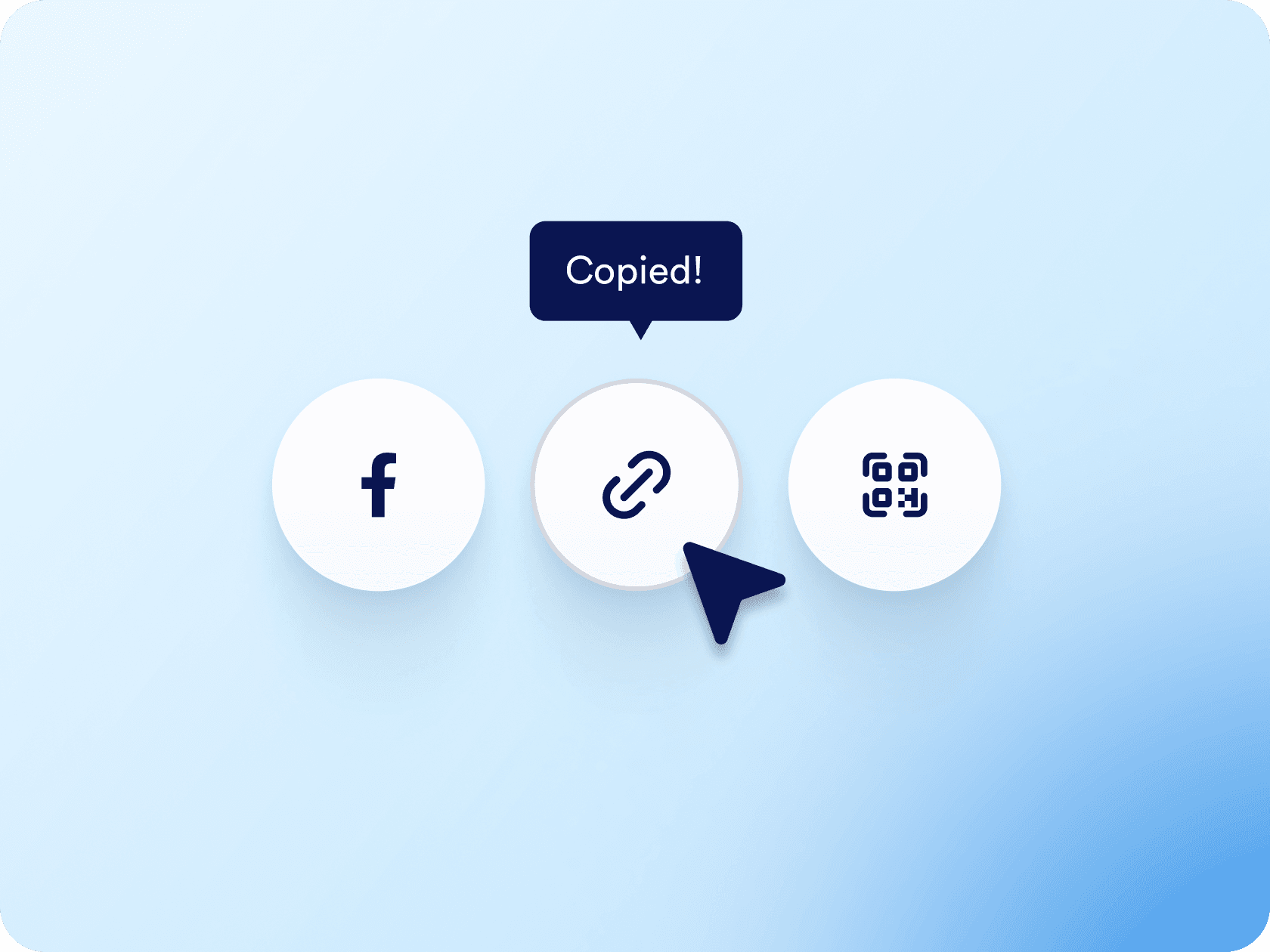
링크나 QR 코드를 통해 예약 양식을 배포하거나 웹사이트에 직접 삽입하세요. 이메일, 소셜 미디어 또는 랜딩 페이지를 통해 공유하든 몇 번의 클릭만으로 가능합니다.

[무료 예약 양식 만들기](https://www.jform.co.kr/build/?question=appointment)

![Image 7: Easy sharing and embedding options](https://cdn.jotfor.ms/image/r/aHR0cHM6Ly9jZG4uam90Zm9yLm1zL3AvcHJvZHVjdHMvYXBwb2ludG1lbnRzL2Fzc2V0cy9pbWctbWluL3BsYXRmb3Jtcy9lbWJlZC5wbmc/dj0wLjE=/embed.png?w=40&t=1)

## 어디서든 AI 에이전트가 일정을 예약하게 하세요

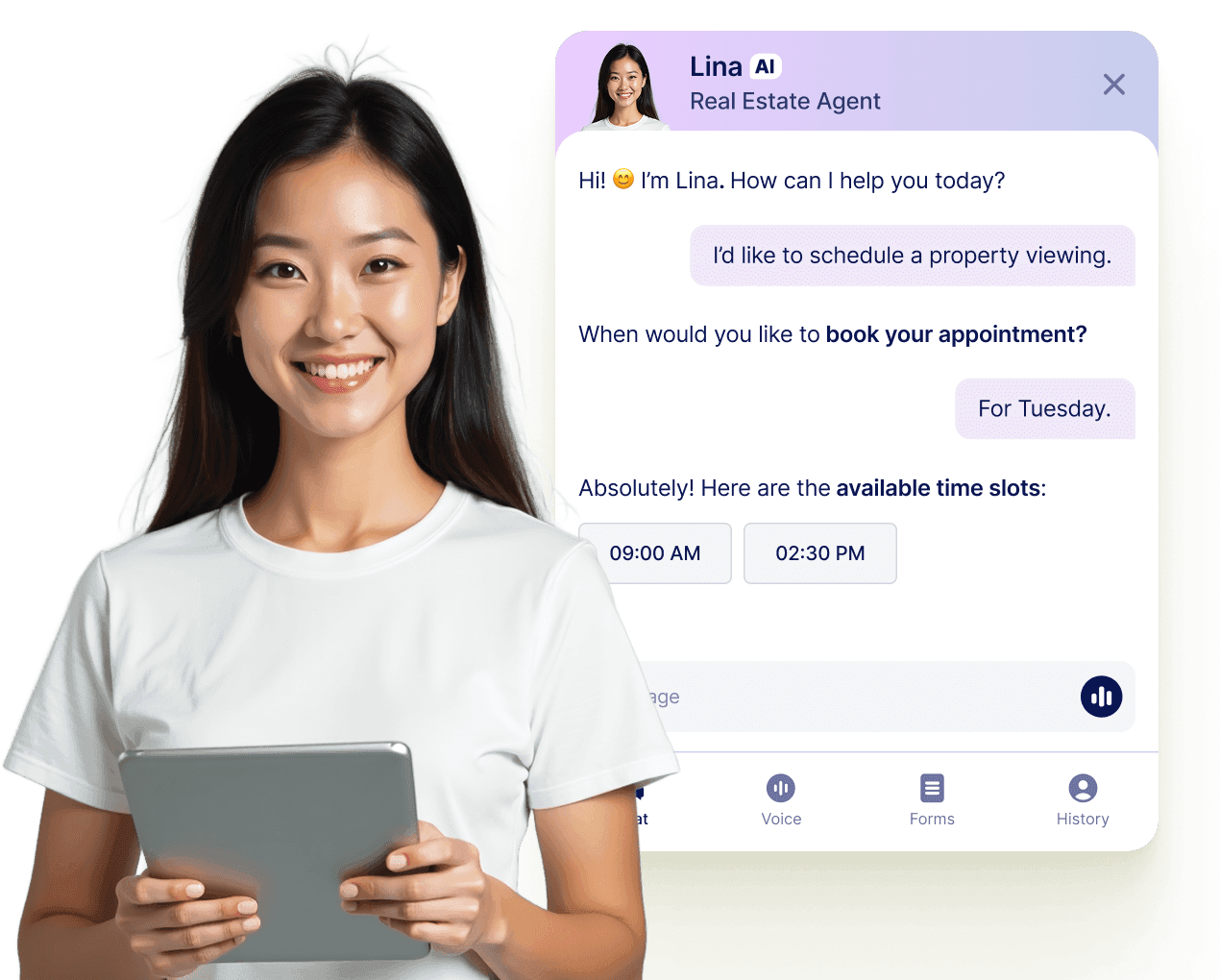
Jform AI 에이전트를 통해 모든 대화를 확정된 예약으로 전환하세요. 에이전트는 웹사이트, 이메일, WhatsApp, Messenger, Slack 등에서 실시간으로 약속을 예약할 수 있어 연결 기회를 놓치지 않습니다.

[더 알아보기](https://www.jform.co.kr/ai/agents/features/multi-channel-support/)

![Image 8: Let your AI Agent book appointments anywhere](https://cdn.jotfor.ms/image/r/aHR0cHM6Ly9jZG4uam90Zm9yLm1zL3AvcHJvZHVjdHMvYXBwb2ludG1lbnRzL2Fzc2V0cy9pbWctbWluL3BsYXRmb3Jtcy9hZ2VudC1jYXJkLXVzZWNhc2UucG5nP3Y9MC4x/agent-card-usecase.png?w=40&t=1)

## 자주하는 질문들

*    
### How do I connect Calendly to my Jform appointment form? To connect Calendly, go to the **Appointment Properties** panel in your form, select **Calendly**, and log in to your Calendly account. Once connected, you can configure event details, set durations, and map your form fields to the appropriate Calendly event fields for prefilled booking info.   
*    
### Can I prefill Calendly event fields using my Jform form? Yes. After connecting Calendly, go to the **Prefill** section in the Appointment Properties sidebar. From there, you can map form fields like name, email, or phone number to the corresponding Calendly event fields—so the user's information is automatically passed through when they submit the form.   
*    
### Jform은 이중 예약을 어떻게 방지하나요? Jform은 양식이나 연결된 캘린더를 통해 이미 예약된 시간대를 자동으로 비활성화합니다. 사용자가 시간을 예약하면 해당 시간대는 즉시 이용 가능한 옵션에서 제거되어 다른 사람이 동일한 시간대를 예약할 수 없습니다.   
*    
### 예약 시 결제를 수집할 수 있나요? Absolutely. Jform integrates with major payment processors like **Stripe**, **PayPal**, and **Square** so you can collect payments directly through the appointment form. Whether you’re charging for consultations, classes, or coaching sessions, users can pay as they schedule.   
*    
### 단일 양식에서 다양한 예약 유형을 생성할 수 있나요? 네. 드롭다운 메뉴와 조건부 로직을 사용하여 여러 가지 서비스, 예약 시간, 회의 형식(예: 가상 대 대면)을 제공할 수 있습니다. 사용자가 선택한 내용에 따라 양식에 다른 질문, 가격 또는 지침이 표시될 수 있습니다.   
*    
### Jform이 자동으로 확인 이메일과 알림을 보내나요? 네. 자동 확인 이메일, 팀을 위한 맞춤형 알림, 그리고 부재를 줄이기 위한 리마인더 이메일을 설정할 수 있습니다. 이러한 이메일에는 고객의 이름, 약속 시간, Zoom 링크(통합된 경우) 및 양식의 기타 맞춤형 세부 정보를 포함할 수 있습니다.   
*    
### 누군가 예약을 하면 다른 작업을 자동화할 수 있나요? 네, Jform 워크플로우와 수백 개의 통합을 통해 거의 모든 후속 작업을 자동화할 수 있습니다. 여기에는 수동 작업 없이 캘린더 이벤트 생성, 내부 알림 전송, Zoom 회의 링크 생성, CRM 업데이트 또는 Google Sheets로 데이터 이동이 포함됩니다.   
*    
### How is availability handled when using Calendly with Jform? Jform will reflect the availability already set in your **Calendly** account, which syncs with your connected calendars like **Google Calendar** or **Outlook Calendar**. Any time slots marked as unavailable in Calendly or those blocked in your calendar will automatically be hidden from the form.   
*    
### 예약 양식을 내 웹사이트에 삽입하거나 링크를 통해 공유할 수 있나요? Yes. You can **embed your form** on your website or share it via a direct link, an email, social media, or even a QR code.   
*    
### What happens after someone books an appointment through the form? Once a user selects a time slot and submits the form, the appointment is created directly in your Calendly account and also appears in your connected calendar (e.g., Google Calendar). The user's information, including mapped fields, is stored within the Calendly event.   
*    
### Which calendars are supported through Calendly in Jform? Calendly supports syncing with **Google Calendar**, **Outlook Calendar**, and **iCloud Calendar**. Once Calendly is integrated into your Jform form, all your connected calendars are used to determine available booking times.   
*    
### Can I use Calendly with Jform on a HIPAA-enabled account? No. At this time, **Calendly is not compatible with HIPAA-compliant Jform accounts**. If you're using Jform for sensitive health data, it's recommended to use the native Appointment field with Google or Outlook Calendar integrations instead.   

더 보기