Jform Sign vs Docusign
DocuSign보다 뛰어난 성능. 더 쉬운 설정. 더 높은 유연성.
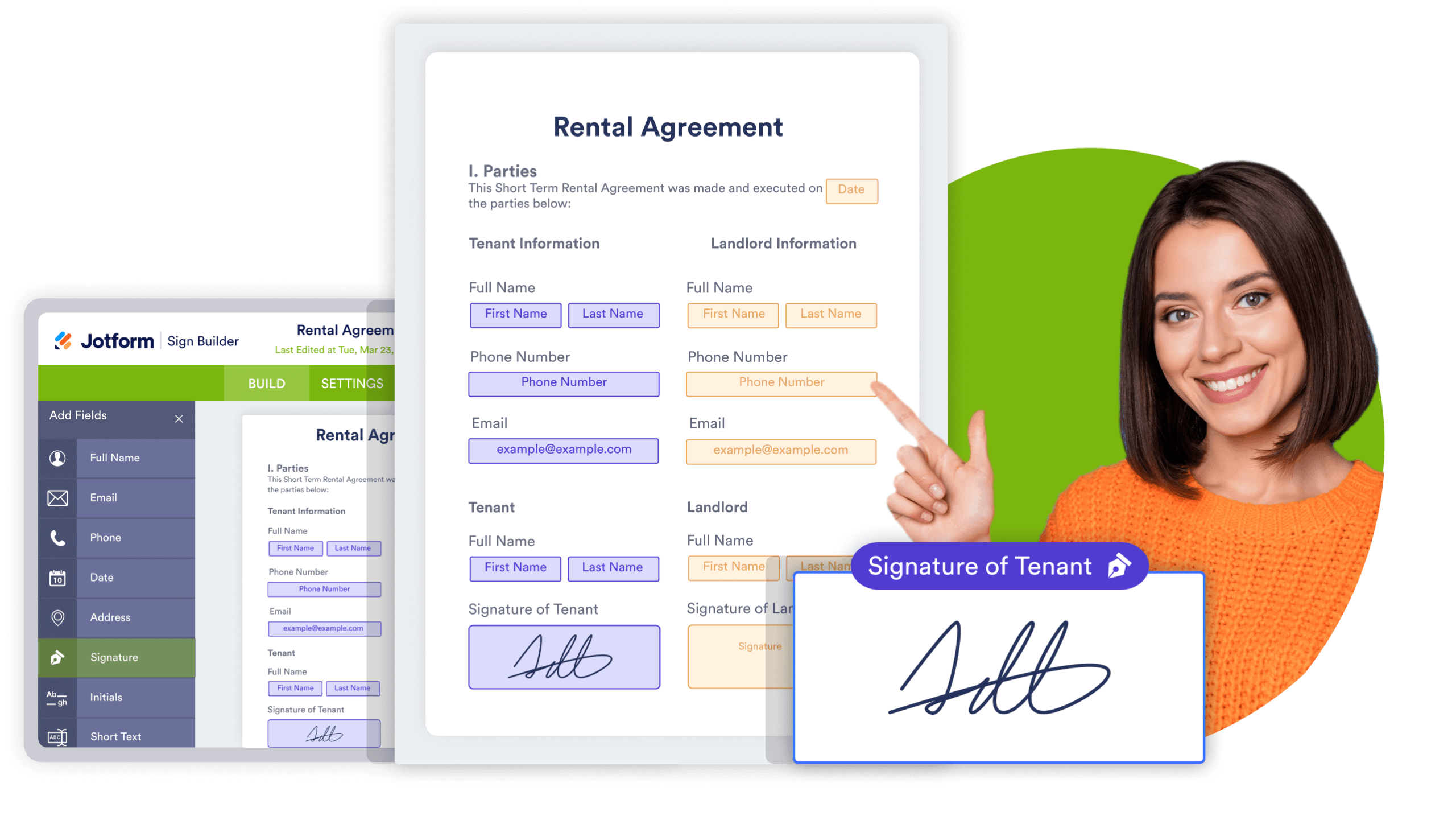
Create e-signature documents, manage the signing process, and send signed documents all from one central place. Customize your e-sign documents to match your brand and share them seamlessly with your employees, stakeholders, team members, and more.
나란히 비교
| 기능 | Jform | Docusign |
|---|---|---|
| Free forever plan | 예 | Docusign 30일 무료 체험 |
| 바로 사용할 수 있는 서명 문서 | 1,000+ | Docusign 아니오 |
| 무료 플랜 제공 템플릿 | 무제한 | Docusign 아니오 |
| 데이터 관리 | Docusign 아니오 | |
| 차트 및 데이터 시각화 | Docusign 아니오 | |
| Jform 서명 기반 양식 | 예 | Docusign 아니오 |
| 링크로 초대 | 예 | Docusign Business pro |
| 문서 임베드 | 예 | Docusign 고급 플랜 / 엔터프라이즈 |
| 클라우드 스토리지 | 예 | Docusign 예 |
| 서명 역할 지정 | 예 | Docusign 예 |
| 모바일 지원 | 예 | Docusign 예 |
| 맞춤형 브랜딩 | 예 | Docusign 예 |
| 서명 입력 또는 직접 그리기 옵션 | 예 | Docusign 예 |
| 자동 알림 이메일 | 예 | Docusign 예 |
| 문서 만료 날짜를 설정하세요 | 예 | Docusign 예 |
| 서명 받은 편지함 | 예 | Docusign 예 |
The above table is based on Docusign's publicly-available information as of October 4, 2022. If you see any incorrect, incomplete, or inaccurate information, please request correction.
A Complete
E-signature Solution
Easy to Create
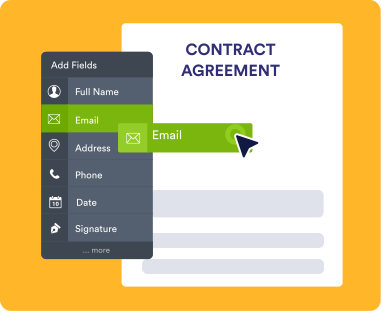
Create easy-to-use and signable documents for any occasion. Build only once with our drag-and-drop builder and send multiple times to different users.
Analyze and Visualize Data
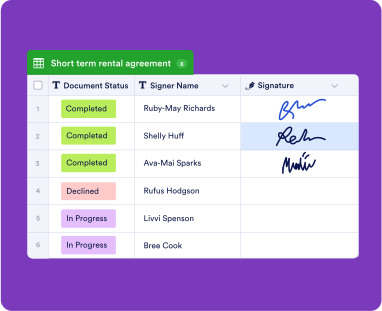
Manage and analyze data from your e-sign forms with Jform Tables. You can also convert signature information and signer data into professional reports with Jform Report Builder.
24-7 Customer Support
Need help with your e-sign documents or have a question that hasn’t been answered yet? Feel free to reach out to our 24-7 Jform support team to get the help you deserve.
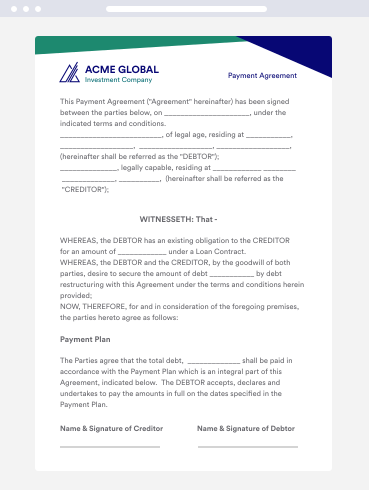
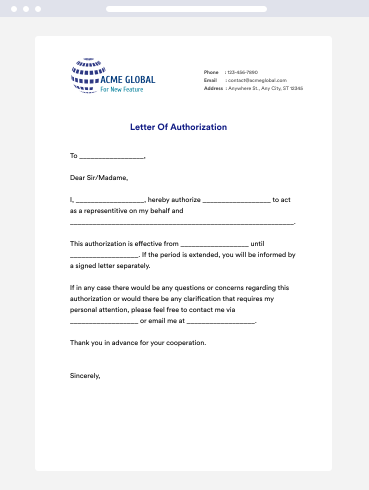
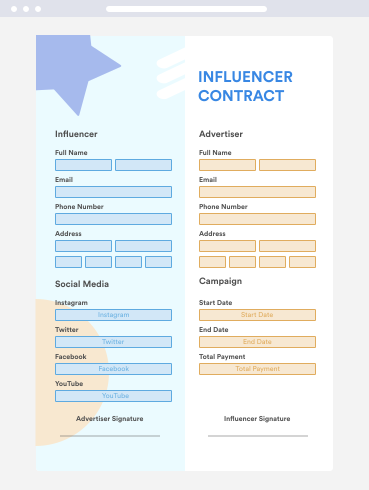
Collaborate Smarter
Work efficiently with your team in Jform Sign by assigning roles, sending reminder notifications, and delegating certain tasks to specific team members. You can also invite by link and send access codes to collaborate with people outside your team.
지금 사용해 보세요 — 무료입니다!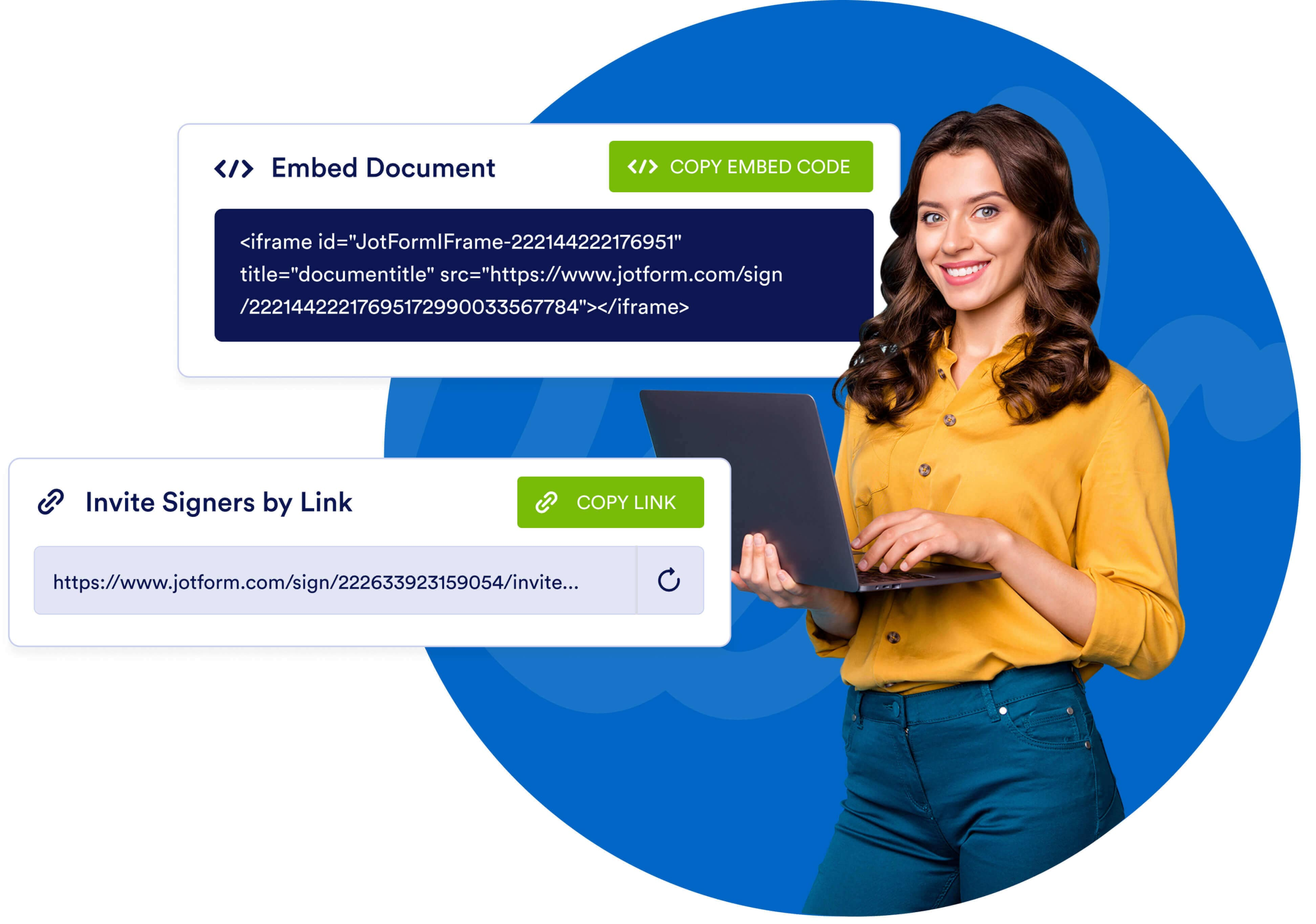
Track and Manage Progress
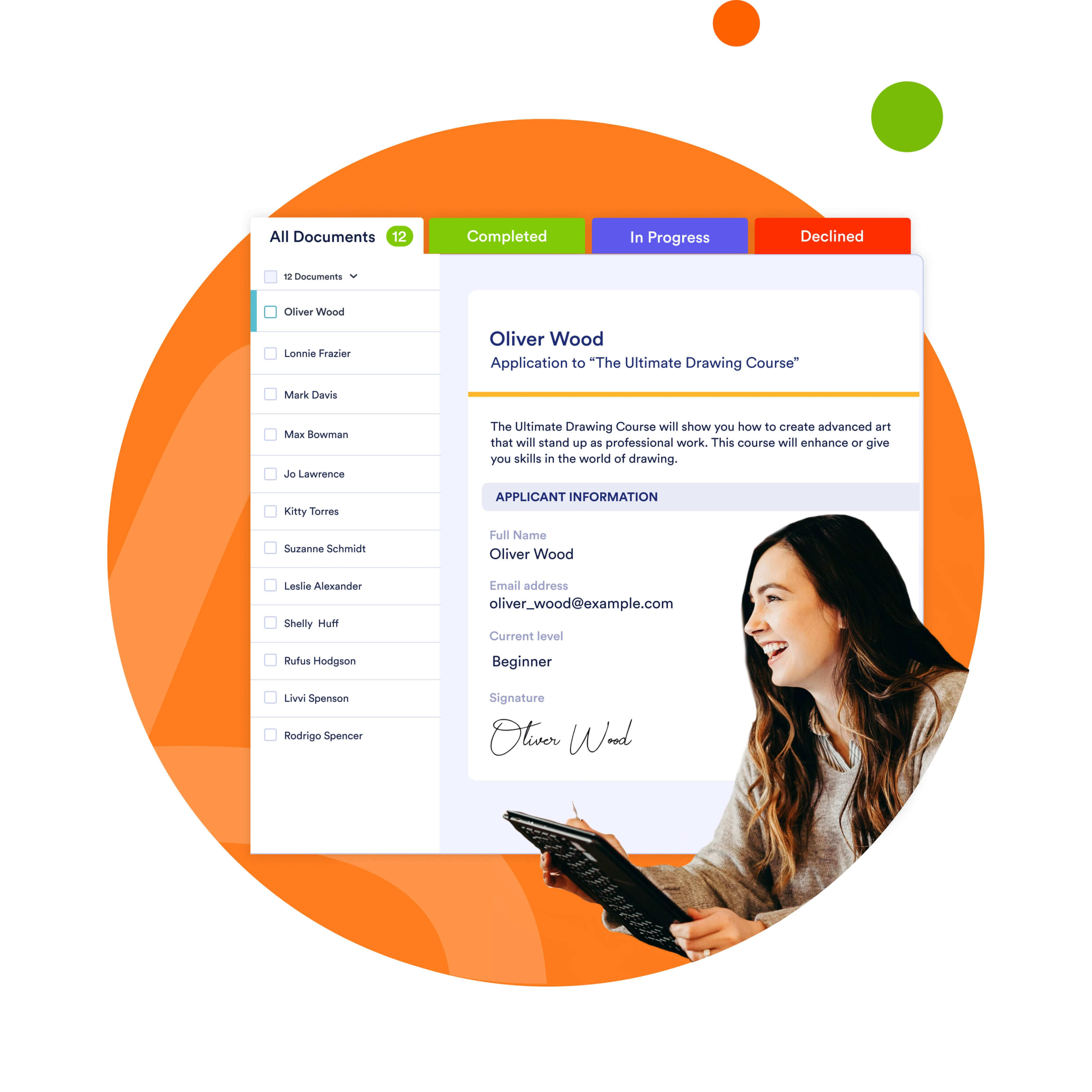
Jform Sign Inbox lets you keep track of signer data and e-signatures seamlessly. Track documents using multiple tabs in Inbox:
- 모든 문서
- 나의 서명 기다리는 중
- 다른 사람들을 위해 대기중
- 완료됨
- 취소됨
- 거절됨
데이터를 안전하게 지키세요
Rest assured the information you collect is stored safely. Jform protects data with a 256-bit SSL connection, CCPA compliance, GDPR compliance, and optional HIPAA compliance features for collecting sensitive medical data.

Jform Sign vs Docusign FAQ
Why should I use Jform Sign instead of Docusign?
고급 필드 감지, 손쉬운 사용자 정의 및 Jform의 자동화 도구 제품군과의 원활한 통합을 통해 Jform 서명 전자 서명 경험은 세계 최고입니다. 영구 무료 플랜을 즐기고, 1,000개 이상의 기성 템플릿 중에서 선택하고, 이메일이나 링크를 통해 서명자와 문서를 공유하세요. 간단한 복사-붙여넣기 삽입 코드를 사용하여 서명 가능한 문서를 웹사이트에 직접 삽입할 수도 있습니다.
Best of all, Jform offers a free forever plan that allows you to collect 10 e-signatures each month. By contrast, Docusign’s basic plan, which costs $10 per month, provides only 5 signatures.
How do I add a signature to a PDF online?
Adding a signature to a PDF document couldn’t be easier. Using Jotform’s no-code form builder, simply drag and drop a signature field wherever you need one. You can specify assignees and make the field required from the settings pane. Respondents can then sign your document from any smartphone, tablet, or desktop computer.
Is Jform Sign legally binding?
E-signatures are legally binding in many countries and U.S. states, but we still recommend consulting with your lawyer. To provide additional information about the signer of the document, Jform Sign records their IP address and the time of their signature.
Does Jform Sign allow electronic signatures?
Electronic signatures, or e-signatures, are the backbone of Jform Sign. Create secure online documents with our drag-and-drop builder — then quickly gather e-signatures anytime, anywhere by sharing your document via email or by embedding it in a website.
Jform 서명은 무료인가요?
Jform Sign is completely free. Our free forever plan allows up to 10 signed documents. Need more? Simply upgrade your account to increase your limits.