Build a PDF Table Extraction Workflow

Describe the PDF table extraction workflow you need, and Jform AI Workflow Builder will create it from a plain-language prompt. Use it to capture tabular data from a PDF, route it for review, and send the extracted results into the next step of your process.

TRIGGER
ACTION

How to set up Extract Tables From PDF with AI workflows?

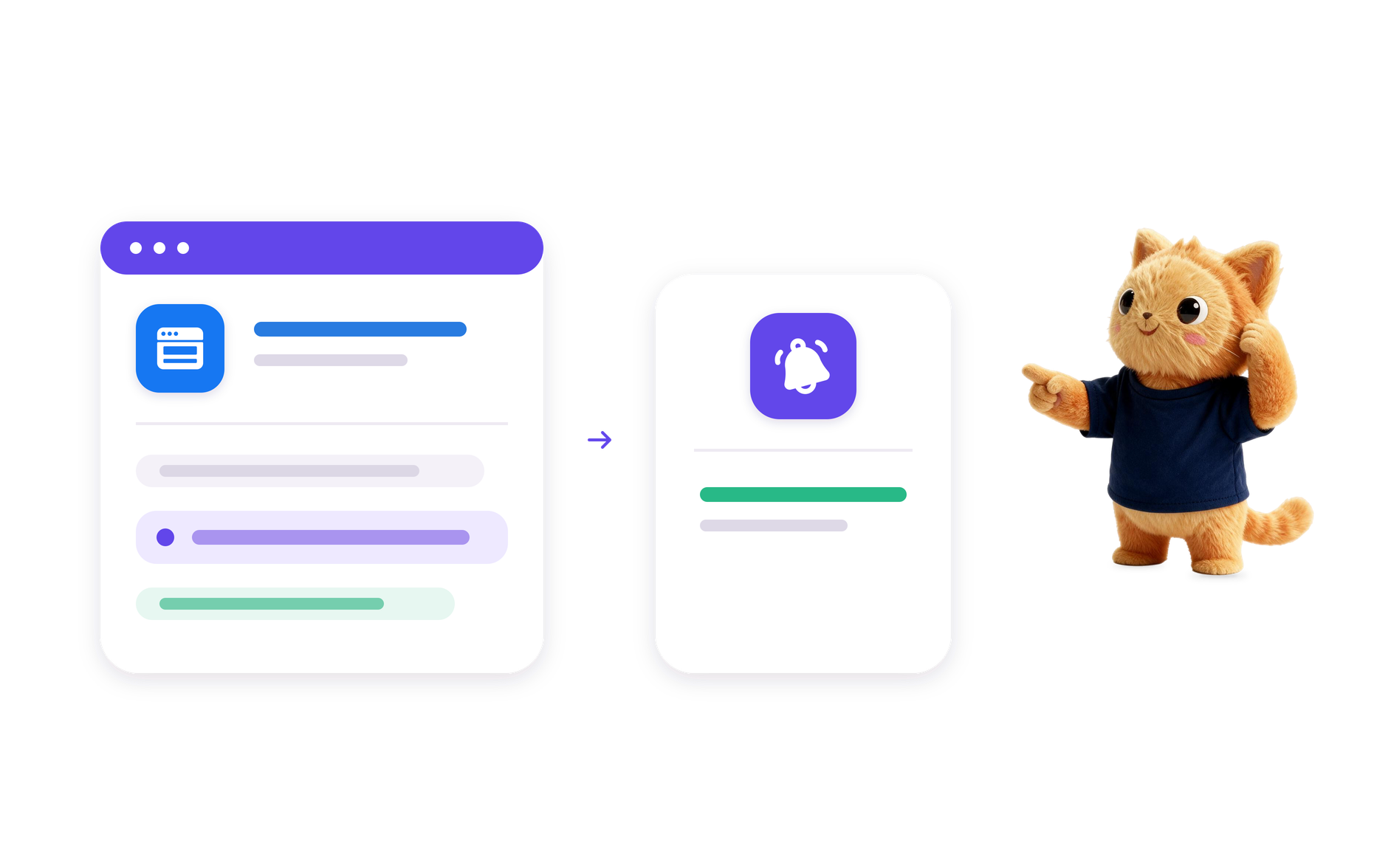
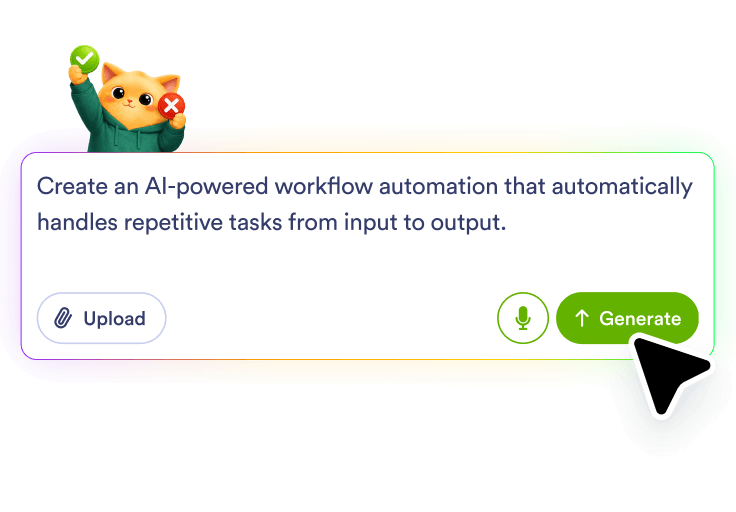
Describe the table workflow

Describe the table workflow

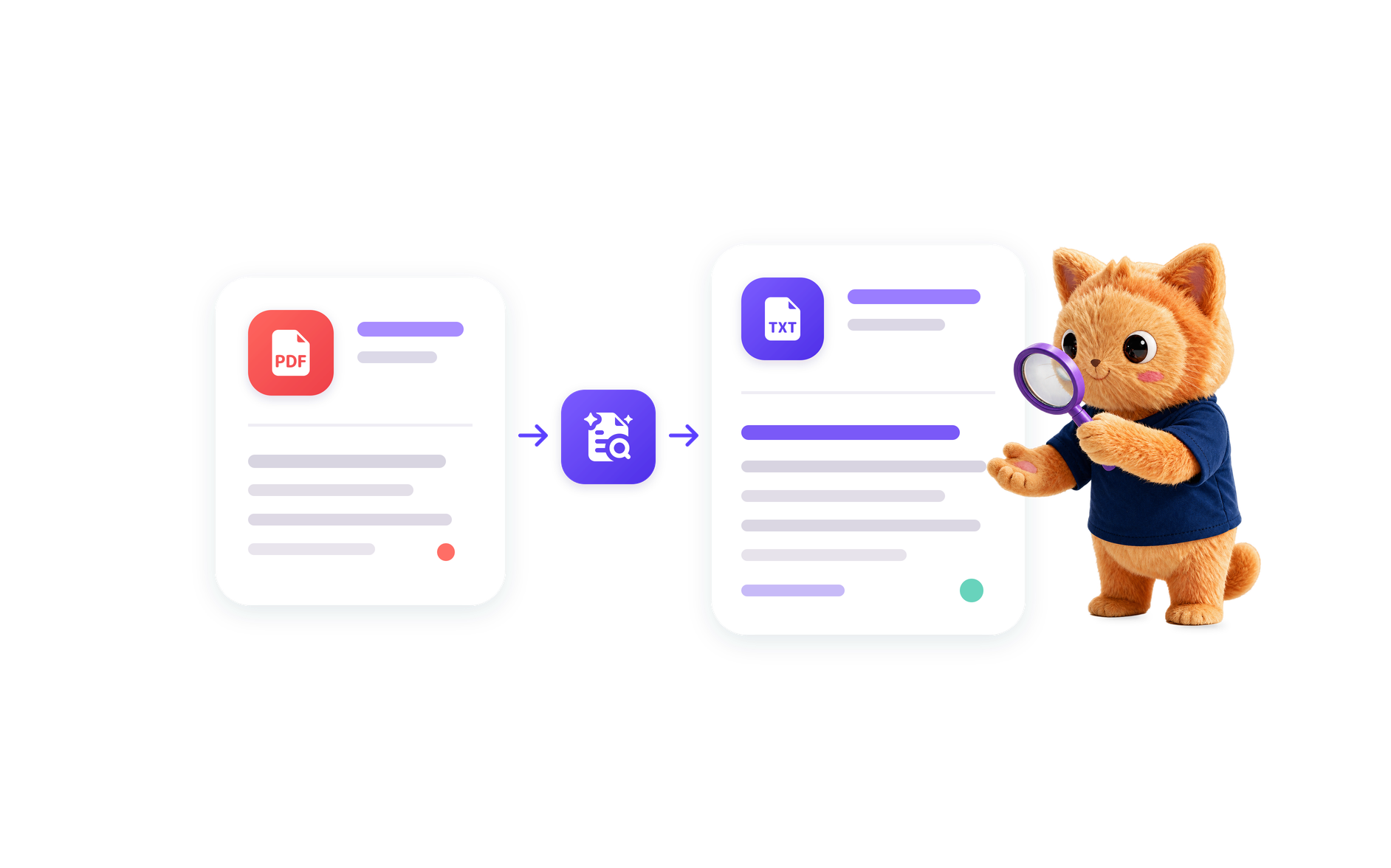
Tell Jform AI Workflow Builder that you want to extract tables from PDF files and what should happen with the extracted data. You can include the source of the PDF, the review needs, and where the structured results should go.

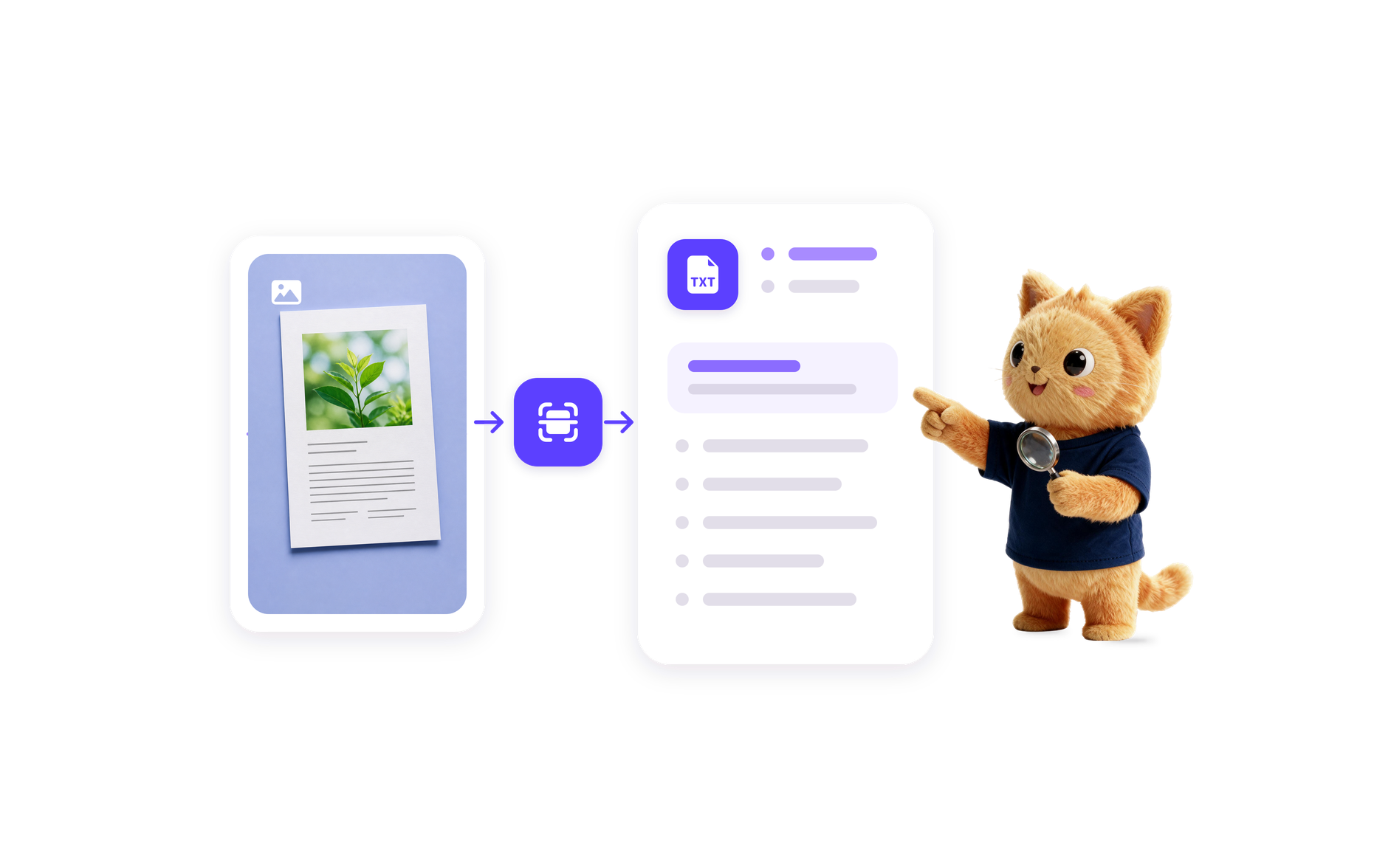
Connect the source

Connect the source

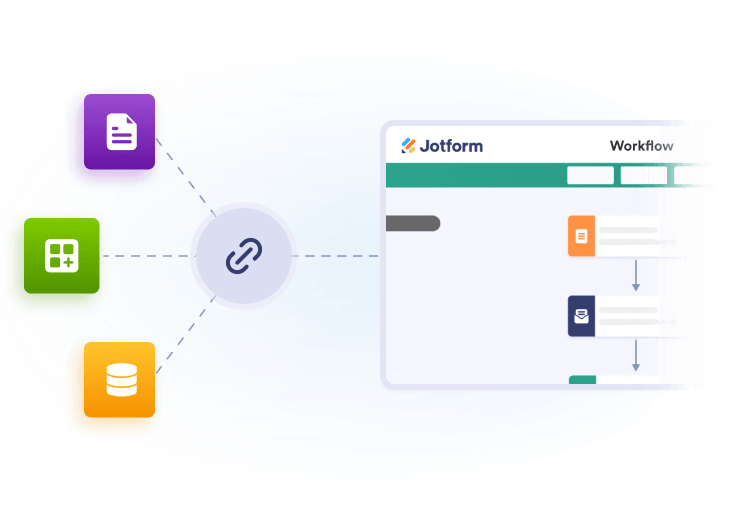
Choose the intake path that fits your process, such as a submitted document or an uploaded PDF. Jform AI builds the workflow around that trigger so the table extraction starts when the file arrives.

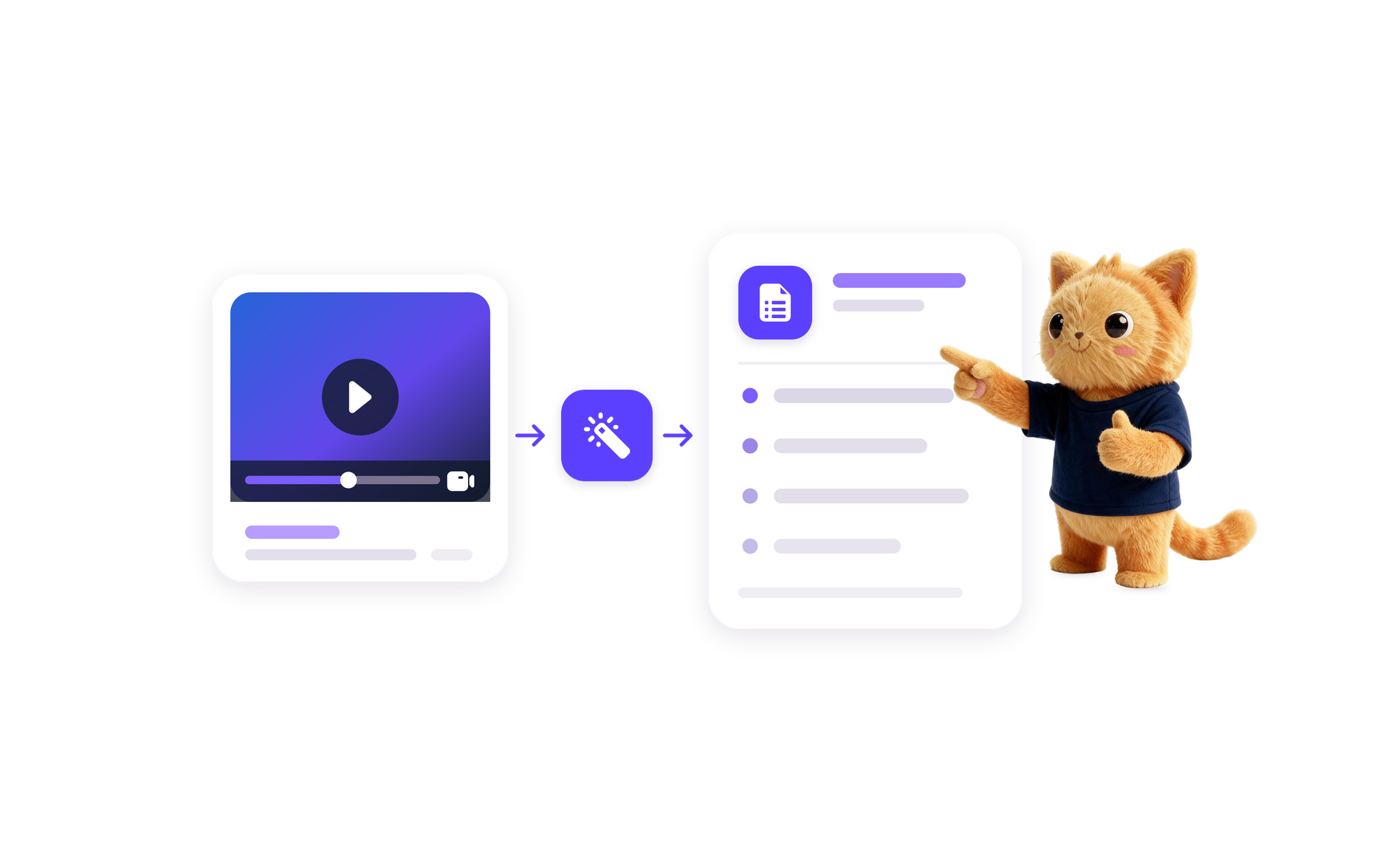
Route the extracted data

Route the extracted data

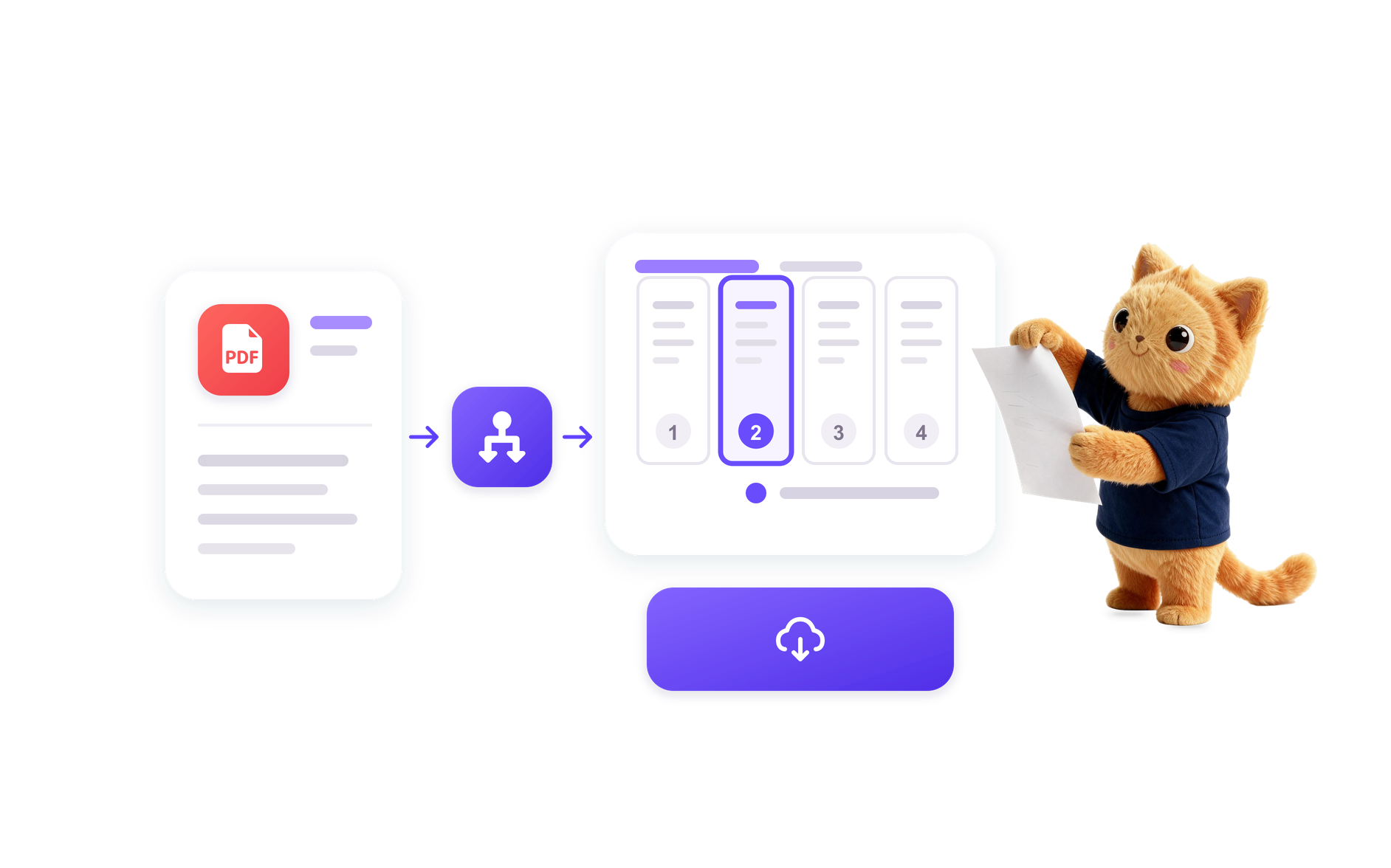
Add the follow-up actions you need, such as review tasks, spreadsheet updates, team notifications, or storage in a document workspace. Jform AI turns your prompt into a workflow that moves the extracted tables forward.

혜택

PDF intake trigger

Start the workflow when a PDF is submitted, uploaded, or received from a form so table extraction begins from the right source.

Review uncertain values

Send extracted table data to a reviewer when the workflow needs a second look before the results are routed onward.

Spreadsheet handoff

Move the extracted table fields into a spreadsheet or database so the structured data is ready for tracking and follow-up.

Team notifications

Notify a team messaging app when extraction is complete or when a PDF table needs attention, approval, or correction.

100+ Free Workflow Templates

사전 구축된 워크플로우 템플릿을 사용하여 프로세스를 손쉽게 자동화하세요. 당사의 광범위한 템플릿 라이브러리는 시간을 절약하고 고유한 요구 사항을 충족하도록 완전히 사용자 정의할 수 있습니다.

Use Template

AI Workflow Automation Tools

워크플로우를 간소화하고 생산성을 향상하며 양식 작성 요구 사항에 맞는 보다 스마트한 솔루션을 제공하도록 설계된 강력한 AI 기반 도구 제품군을 살펴보세요.

자주하는 질문

Extract tables from PDF is a workflow focused on turning tabular information in PDF documents into structured data that can be reviewed, stored, and passed to the next step in a process. In Jform, this means building a workflow around the PDF source and the table data you need to capture.

The workflow starts when a PDF enters the process, then Jform AI Workflow Builder creates the steps needed to extract the table data, check it if needed, and send the results to the next destination. The exact path depends on how you describe the document source and the follow-up actions.

It can be used for workflows that capture structured information from PDF reports, invoices, records, and other documents that contain tables. Teams use it to route extracted data for review, tracking, storage, and follow-up.

Yes. Jform AI Workflow Builder can create an extract tables from PDF workflow from a plain-language prompt, then shape the process around your source, review needs, and destination for the extracted data.

Include the PDF source, the type of table data you want extracted, whether any review or approval is needed, and where the final results should go. The clearer you are about the workflow goal, the better Jform AI can build the steps around it.
AI로 워크플로우를 자동화할 준비가 되셨나요?

Turn your ideas into smart, connected processes with Jform's AI Workflow Generator. Create real-time flowcharts, connect AI Agents, and manage your entire automation journey, all within one secure workspace.