
Describe Your Table
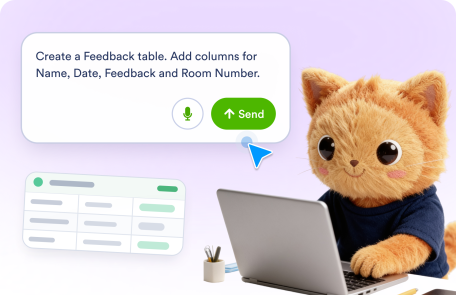
Describe the table you want, and Jform AI instantly creates a structured table with the right columns and layout. Skip manual setup and start organizing data in seconds.
Create Tables
Create tables instantly by describing what you need in plain language. Jform AI builds a structured table with the right columns and layout in seconds.

Choose a suggested prompt for common workflows and let Jform AI Data Assistant build a structured table in seconds without writing a request from scratch.
Skip the blank prompt and choose an idea from pre-built prompts to generate a useful table with fields tailored to the task.
Browse ready-made prompts based on popular business and personal use cases. Select one to prefill your request, adjust the wording if needed, and create a table that matches your workflow.
Explore prompt suggestions for use cases such as reservations, recruiting, budgets, and customer management. Each option gives clear direction for building the right table.
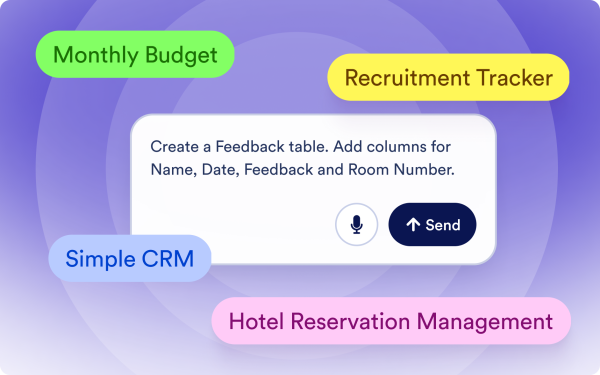
Pre-built prompts are ready-to-use table ideas designed for common workflows, such as managing reservations, tracking recruitment, planning a monthly budget, or organizing customer information.
Select a prompt that matches your use case, review or edit the description in the request box, and send it to Data Assistant. Jform will automatically generate a structured table based on your request.
Yes. After selecting a prompt, you can change its wording, add specific fields, or include details about your workflow. Data Assistant will use your updated instructions to create a more personalized table.