





Search and Filter Submissions
Describe the submissions you want to find, and Jform AI Data Assistant instantly filters your data to surface the most relevant results without complex search rules or manual filtering.
Manage Inbox
Manage every aspect of your inbox with AI, from finding and organizing submissions to analyzing data, collaborating, and generating emails.
Use prompts like “Download low-urgency submissions as CSV” to filter and export the exact records you need. AI prepares the matching submission data in your selected file format.
Skip manual filtering and export setup. Describe the submissions you want, choose CSV, PDF, or Excel, and let Jform AI Data Assistant prepare the filtered data for download.
Choose the format that works best for reporting, sharing, or analysis. Download filtered submission data as CSV, PDF, or Excel without configuring the export manually.
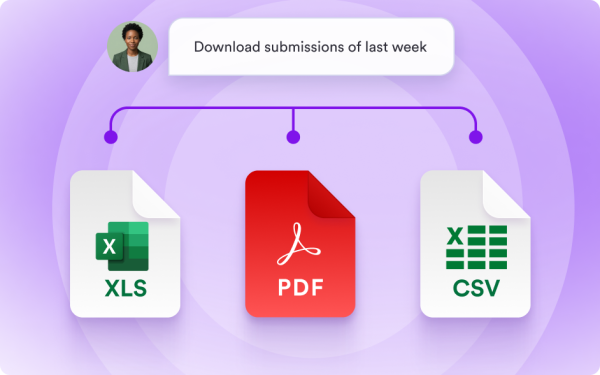
Enter a request that explains which submissions you need and the file format you prefer. For example, ask Jform AI Data Assistant to “Download low-urgency submissions as CSV.”
You can download filtered submission data in CSV, PDF, or Excel format. Select the format that best fits your reporting, sharing, record-keeping, or data analysis needs.
Yes. Describe your filtering criteria using natural language, such as urgency, status, date, or another submission field. AI includes only the records that match your request.


