Testimonials Widget

Dark Floating Social Media Activity Badge for Testimonials

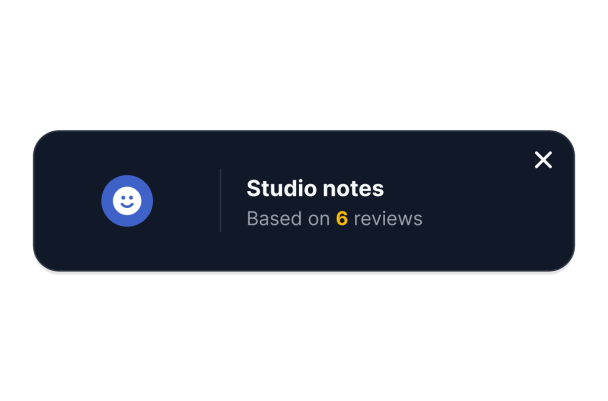
Show a concise Studio notes heading, a Testimonials source mark and a six-review count in a dark floating social-sources badge.
Dark Floating Social Media Activity Badge for Testimonials

More 사용후기 Styles

Floating Testimonials Rating Badge932 Used

Floating Testimonials Rating Badge

Show a floating Testimonials rating badge in a light framed card with a thin multicolor stripe. The Binding little books overview displays a 5.0 average, five stars and a six-review count. Automatic transitions rotate through six fictional beginner bookbinding workshop testimonials, with participant names and human portraits. Clicking opens the complete testimonial panel. Dates, review photos, company details, branding and CTA are hidden. Replace illustrative examples with feedback you are authorized to share.

Floating Multi-Source Reviews Badge119 Used

Floating Multi-Source Reviews Badge

Show a compact floating Testimonials badge with a 5.0 rating and six-review count. Clicking the light horizontal badge opens six fictional sample comments about a beginner drawing class, with participant names and different human portraits. Review photos, dates, company fields, branding and CTA are hidden. Replace the illustrative testimonials with feedback and portraits you are authorized to share.

Testimonials Banner442 Used

Testimonials Banner

Testimonials Banner presents a 5.0 rating, five gold stars, a human reviewer portrait, name and a complete short comment in a slim white rounded bar. The native Light reviewer banner sits inline in the page. Selecting See more opens a sidebar with six fictional five-star testimonials about a beginner printmaking workshop. The sample comments discuss a first print, clear demonstrations, ink colors, practice paper and helpful guidance. Dates, review images, company details, branding and CTA are hidden. Replace fictional examples with feedback you are authorized to display. Custom CSS is empty and disabled; autoplay is off.

Testimonials Average Rating Badge658 Used

Testimonials Average Rating Badge

Testimonials Average Rating Badge presents a centered Testimonials mark, a large 5.0 average, five gold stars and a six-review count in a white vertical card with a thin outline. The native Light badge sits inline in the page. Selecting it opens a sidebar with six fictional testimonials about a beginner watercolor workshop, paired with human portraits and reviewer names. The sample comments discuss color mixing, clear demonstrations, practice sheets, a leaf study and friendly guidance. Dates, review photos, products, branding and CTA are hidden. Replace these fictional examples with feedback you are authorized to display. Custom CSS is empty and disabled.

사용후기 위젯을 생성하는 방법

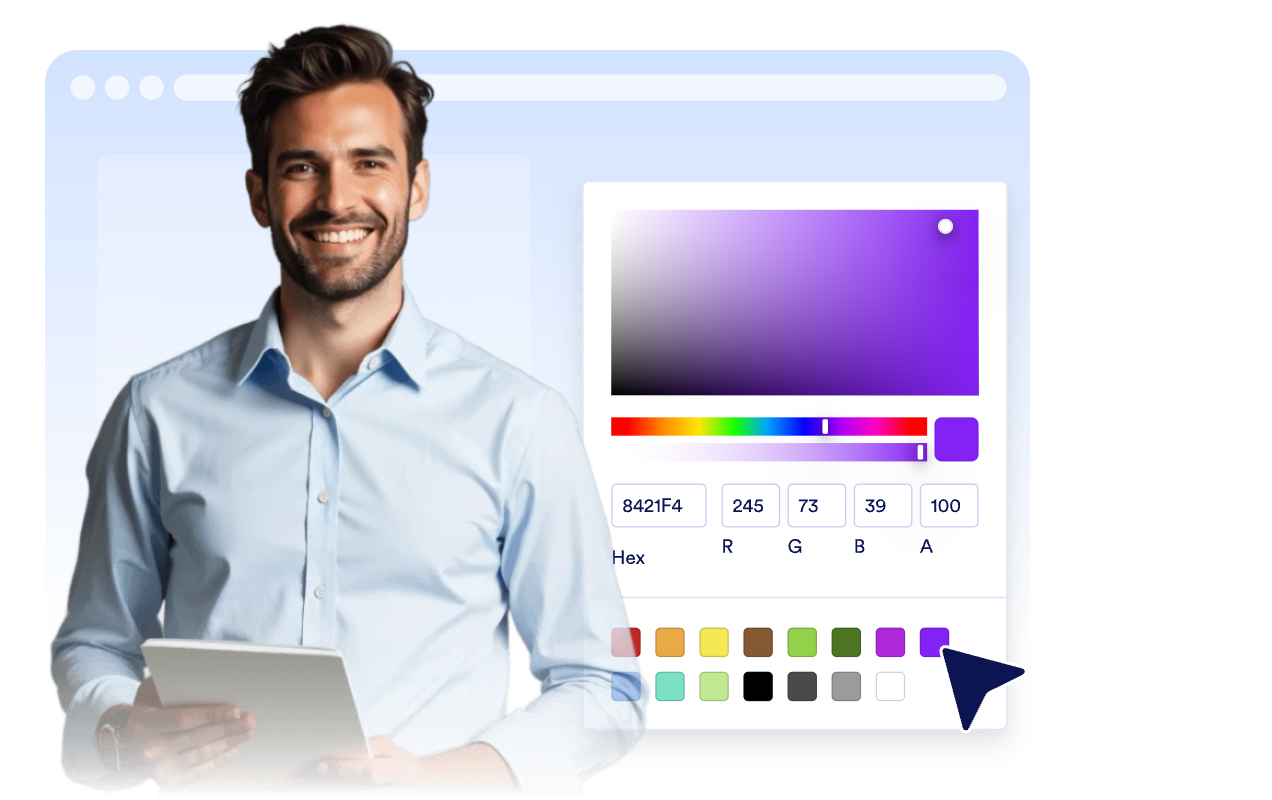
Customize your widget

위젯 맞춤 설정하기

웹사이트 디자인에 어울리도록 콘텐츠, 레이아웃, 색상 및 배너 동작을 설정하세요.

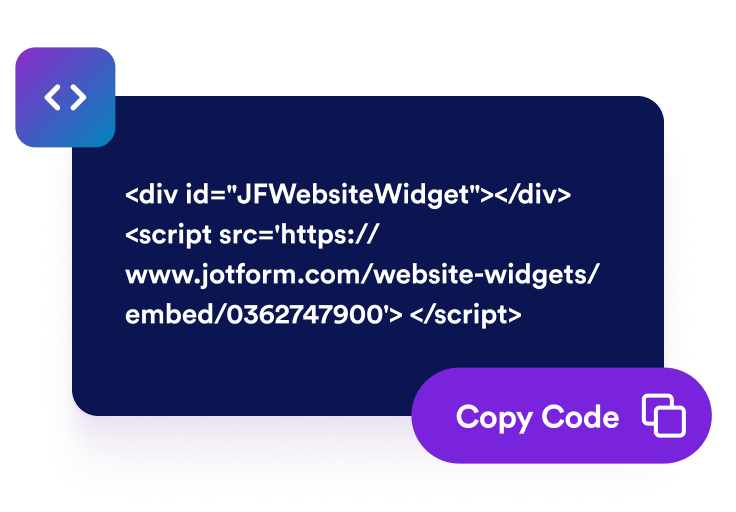
Get the embed code

임베드 코드 받기

Jform에서 자동으로 생성한 임베드 코드를 복사하세요. 별도의 설정이나 코딩이 필요하지 않습니다.

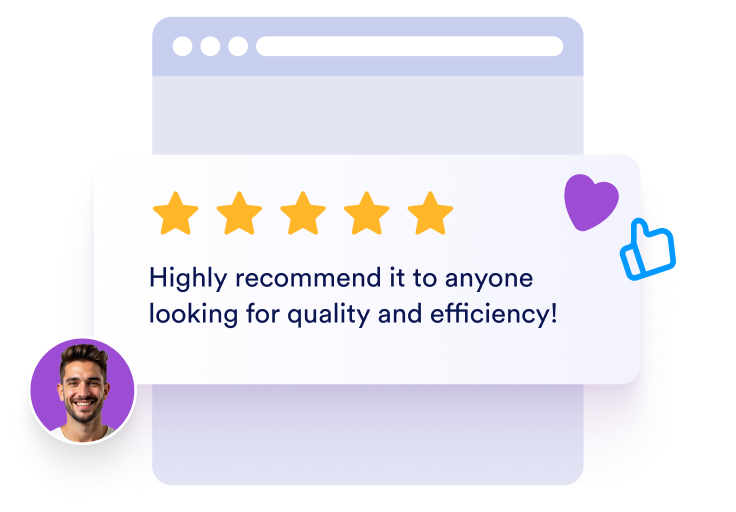
Embed it anywhere

어디에나 임베드

임베드 코드를 웹사이트에 붙여넣고 게시하세요. Trustpilot 후기가 즉시 표시됩니다.

고객 후기로 신뢰도 높이기

엄선한 고객 후기 표시하기

고객 후기, 별점, 작성자 정보 및 사진이 포함된 후기 슬라이드를 만드세요. 방문자가 실제 고객의 경험과 평가를 확인할 수 있습니다.

Show hand-picked customer testimonials

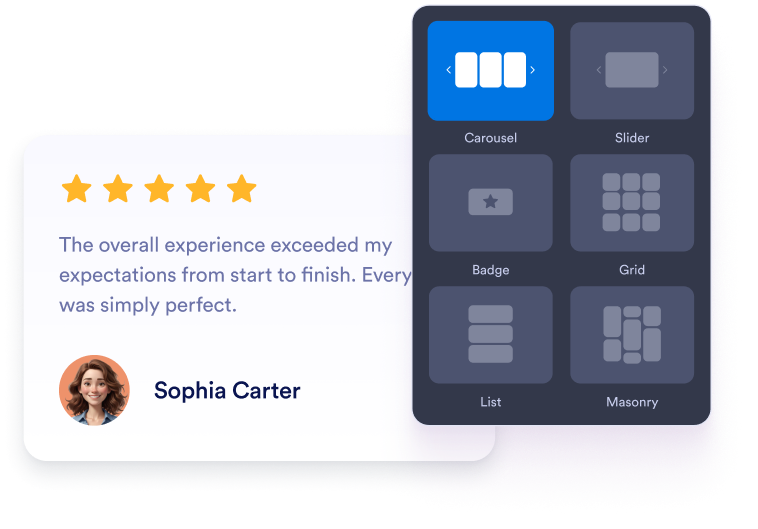
슬라이더 및 그리드 레이아웃 선택하기

홈페이지의 작은 영역에는 반응형 후기 슬라이더를, 여러 후기를 번갈아 보여주려면 슬라이드쇼를 사용하세요. 고객 후기를 한눈에 보여주려면 그리드 레이아웃을, 긴 고객 스토리를 표시하려면 목록 레이아웃을 선택할 수 있습니다.

Choose slider and grid layouts

후기 카드에 표시할 정보 설정하기

각 고객 후기 슬라이드에 표시할 작성자 사진, 이름, 캡션, 날짜, 평점, 인증 배지, 로고, 이미지, 프로필 링크 및 더 보기 문구를 선택하세요.

Control testimonial card details

웹사이트에 맞게 후기 디자인 설정하기

후기 위젯이 웹사이트에 어울리도록 라이트 또는 다크 모드, 강조 색상, 별점 색상, 카드 배경색, 후기 및 작성자 이름의 글자색, 너비, 탐색 기능 및 브랜딩을 설정하세요.

Match testimonials to your site

WordPress에 사용후기을 삽입하는 방법

1임베드 코드 복사하기

Jform 웹 위젯을 원하는 대로 설정한 다음 웹사이트에서 무료로 사용해 보기를 클릭하고 생성된 임베드 코드를 복사하세요.

2페이지 편집기 열기

위젯을 표시할 WordPress 게시물이나 페이지를 열고 새 블록을 추가하세요.

3사용자 지정 HTML 블록 추가하기

사용자 지정 HTML을 선택하고 HTML 필드에 Jform 웹 위젯의 임베드 코드를 붙여넣으세요.

4업데이트 및 확인하기

업데이트 또는 게시를 클릭한 다음 페이지를 열어 삽입된 위젯을 확인하세요.

Jform 웹 위젯이 특별한 이유

Jform 위젯으로 웹사이트의 상호작용을 늘리고 전환율을 높이세요. 별점 평가, 고객 후기 슬라이더, 고객 신뢰도 팝업, 미디어 삽입 등 다양한 도구를 제공합니다. 코딩 없이 양식이나 랜딩 페이지에 위젯을 추가하여 데이터를 수집하고, 고객 후기를 보여주고, 잠재 고객을 확보할 수 있습니다.

코딩 없이 위젯 삽입하기

간단한 임베드 코드로 웹사이트에 Jform 위젯을 추가하세요. 위젯 디자인을 원하는 대로 설정하고 미리보기를 확인한 다음, 사용자 지정 HTML 또는 임베드 블록을 지원하는 페이지에 코드를 붙여넣으면 됩니다. 개발자의 도움 없이도 사용할 수 있습니다.

더욱 상호작용형인 페이지 만들기

Jform 웹 위젯을 사용하여 잠재 고객을 확보하고, 고객 후기를 표시하고, 신뢰도를 높이고, 미디어를 삽입하거나 웹페이지에 유용한 기능을 추가하세요. 방문자가 웹사이트에서 바로 비즈니스와 상호작용할 수 있도록 도와줍니다.

필요할 때 지원 받기

위젯 설정, 디자인 맞춤 설정, 웹사이트 삽입 또는 문제 해결에 도움이 필요한 경우 Jform 고객 지원팀에 연중무휴 24시간 문의할 수 있습니다. 필요할 때 언제든 도움을 받을 수 있으므로 안심하고 위젯을 사용하세요.

후기 위젯 활용 방법

방문자가 가입, 구매, 예약 또는 문의하기 전에 신뢰를 얻을 수 있도록 적절한 위치에 고객 후기를 배치하세요.

홈페이지의 고객 후기 섹션에 후기 배너를 배치하여 방문자의 신뢰를 높이세요.

제품 및 서비스 페이지에 관련 고객 후기 슬라이드를 추가하여 구매 결정을 도우세요.

요금 안내 페이지에서 플랜 비교, 결제 링크 및 CTA 버튼 근처에 후기를 배치하여 구매에 대한 망설임을 줄이세요.

잠재 고객 확보용 랜딩 페이지에서 양식이나 가입 안내 옆에 반응형 후기 배너를 추가하세요.

성공 사례 및 고객 스토리 페이지에서 긴 후기, 고객의 직책, 회사 정보 및 관련 이미지를 강조하세요.

바닥글 또는 사이드바 배지를 활용하여 웹사이트 곳곳에 간결한 고객 후기를 표시하세요.

Jform 양식 빌더로 잠재 고객을 유료 고객으로 전환하세요

Jform으로 방문자의 관심을 실제 행동으로 연결하세요. 잠재 고객 확보, 결제 수집 및 자동 응답 기능을 갖춘 양식을 한곳에서 만들 수 있습니다. 모든 제출 내역은 Jform 받은 편지함에 저장되므로 후속 조치를 진행하거나 자주 사용하는 앱과 연결할 수 있습니다.

시작하기 — 무료입니다!
Convert leads into customers

자주 묻는 질문

  • 후기 위젯이란 무엇인가요?

    후기 위젯은 선택한 고객 후기, 별점, 작성자 정보, 사진, 로고 및 선택적으로 추가한 관련 이미지를 웹사이트에 표시할 수 있는 맞춤형 위젯입니다.

  • 후기 배너를 만들 수 있나요?

  • 고객 후기를 직접 추가할 수 있나요?

  • 어떤 레이아웃을 사용할 수 있나요?

  • 표시할 항목을 선택할 수 있나요?

  • 위젯은 모바일에서도 작동하나요?

  • WordPress, Shopify, Wix, Squarespace, Webflow 또는 WooCommerce에 후기를 삽입할 수 있나요?

  • 후기 위젯은 무료로 사용할 수 있나요?