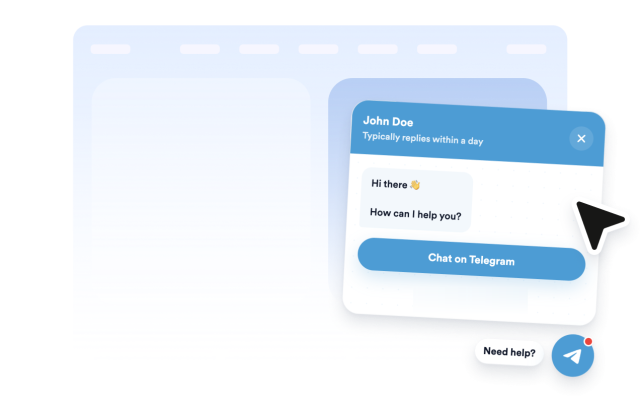
Telegram Chat Widget
Telegram Chat Widget Features
Build a website chat entry point with a Telegram username or link, greeting prompt, button or message-field start method, responsive floating placement, notification badge, and style controls.
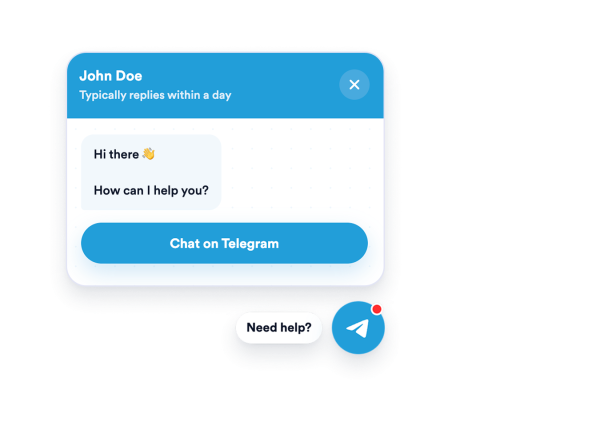

No-Code Telegram Setup
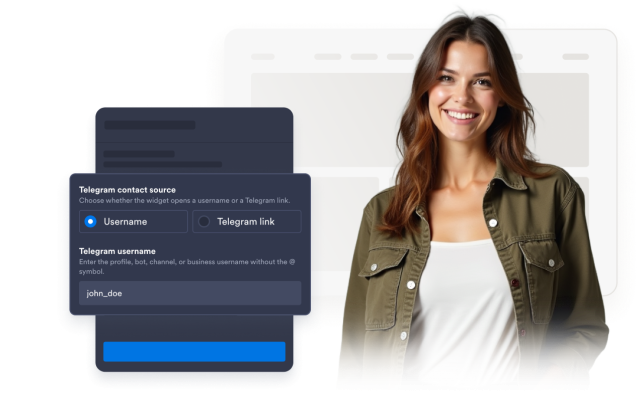
Connect a Telegram username or supported Telegram link and create an embeddable click-to-chat experience without custom code.
Sources include:
Custom Greeting and Start Method
Set the welcome message, button text, message-field placeholder, bubble label, and optional pre-filled Telegram message visitors can start with.
Content controls:

Bubble, Button, and Panel Styling
Customize the bubble icon, header, message, CTA, badge, radius, and panel colors to fit your website.
Style controls:
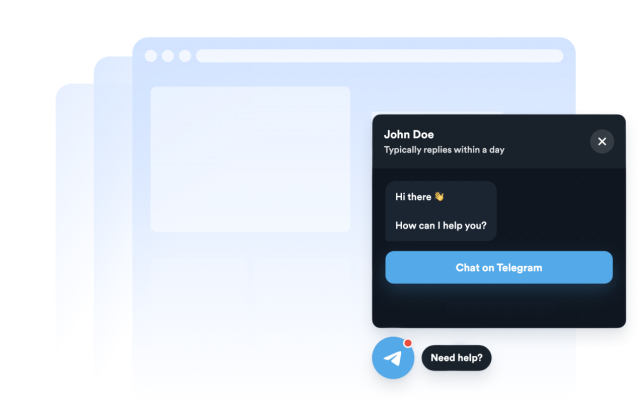
Responsive Floating Placement
Control left or right placement, bottom and side offsets, desktop/mobile visibility, auto-open delay, bubble size, and panel width.
Display controls: