Scoreboard Widget

Create Your Own Scoreboard Widget in Seconds for Your Website

Build a website-ready scoreboard with three scoreboard types, plus and minus controls, per-team colors, light and dark themes, layout placement options, and reset controls.

Create Your Scoreboard Widget
Create Your Own Scoreboard Widget in Seconds for Your Website Hero Bg Image

How to embed Scoreboard Widget to WordPress

1Get your embed code

After customizing your Jform website widget, click Try it on your website for free, and copy the generated embed code.

2Open the page editor

Go to the WordPress post or page where you want to display the widget, then add a new block.

3Add a Custom HTML block

Select Custom HTML and paste your Jform Website widget embed code into the HTML field.

4Update and view

Click Update or Publish, then open the page to check your embedded widget.

Choose a Scoreboard Type

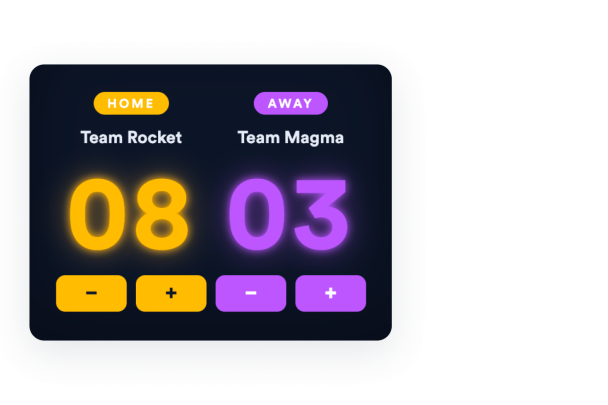
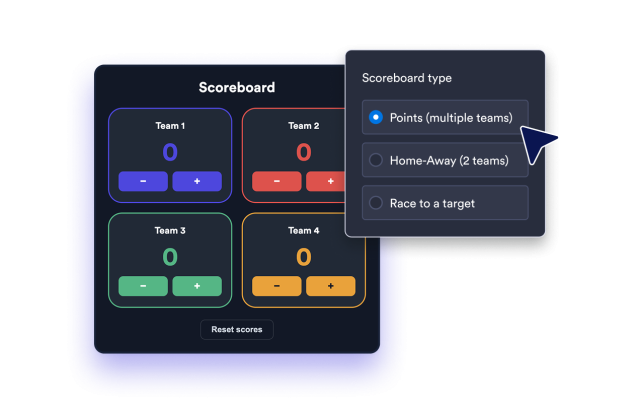
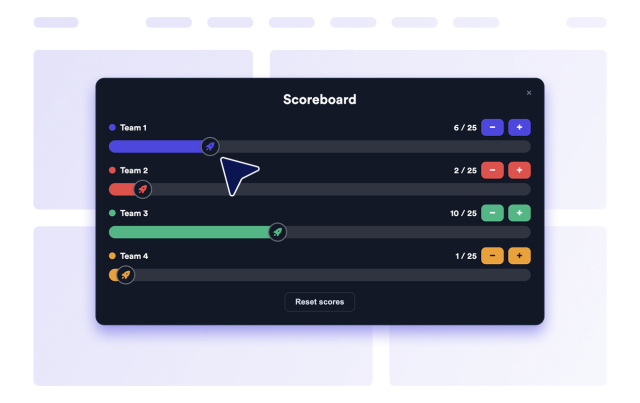
Pick the format that matches your activity: Points for multi-team scoring, Home-Away for a two-team match, or Race toward a target.

Scoreboard types:

PointsHome-AwayRaceTarget score
Choose Type
Choose a Scoreboard Type

Update Scores on the Page

Let visitors add or subtract points with plus and minus buttons, choose the point step, and reset every team back to zero when a round ends.

Score controls:

Plus / minus1 point5 points10, 15, 25초기화
Add Controls
Update Scores on the Page

Customize Every Team

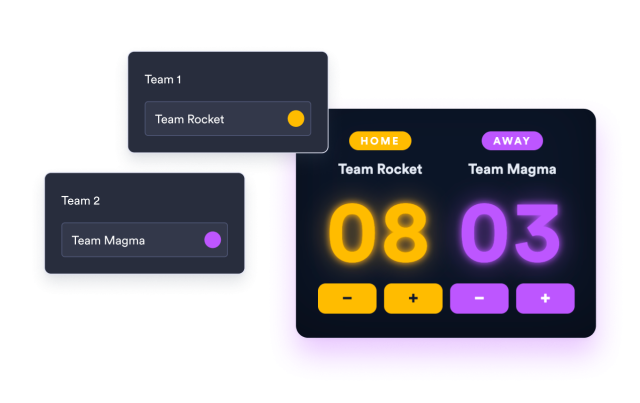
Name each team, choose its accent color, and decide how many teams appear in Points or Race mode before you publish.

Team options:

Team namesTeam colors2 to 8 teamsHome-Away lock
Customize Teams
Customize Every Team

Match your site's look

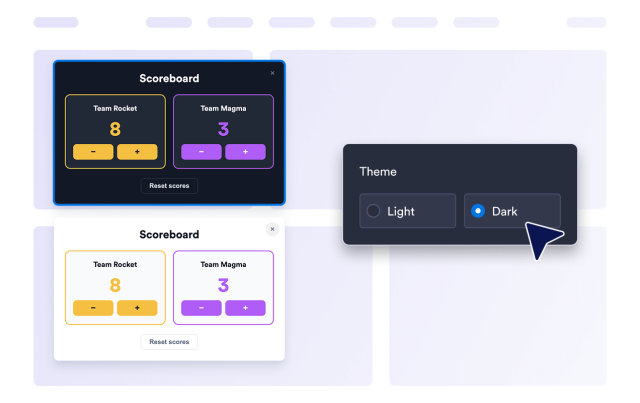
Choose light or dark themes, adjust corner radius, and add custom CSS so the scoreboard blends naturally with your website's design.

Style options:

Light / darkCorner radius맞춤설정 CSSTeam colors
Style Scoreboard
Match your site's look