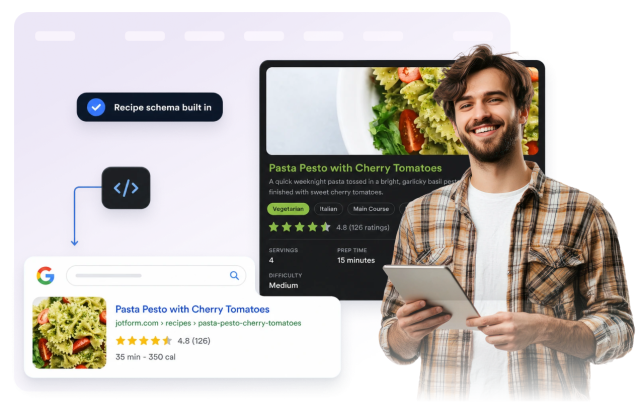
Recipe Widget
Create Detailed Recipe Cards for Your Website
Build recipe cards with ingredient lists, step-by-step directions, timing, nutrition, images, ratings, print and share controls, and responsive styling.
Create Your Recipe Widget - It's Free!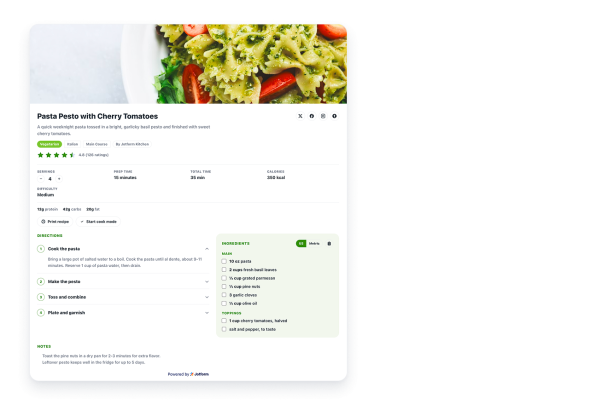

Add Structured Recipe Content
Enter title, description, author, cuisine, course, image, video, servings, timing, calories, ratings, diet badges, keywords, notes, ingredients, and directions.
Content fields include:
Make Recipes Easier to Follow
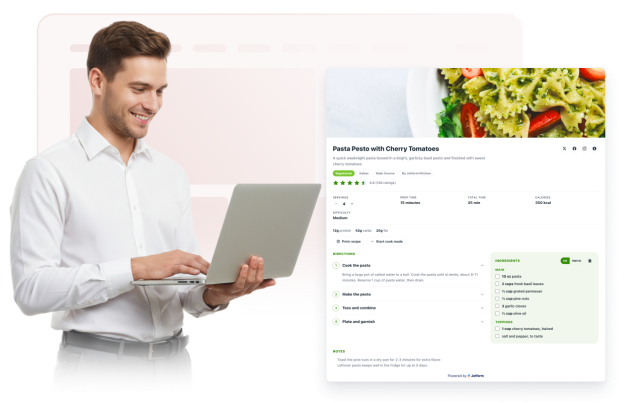
Visitors can check off ingredients, copy a shopping list, scale servings, switch unit systems, expand steps, and use cook mode while following the recipe.
Visitor controls include:
Match Your Site Design
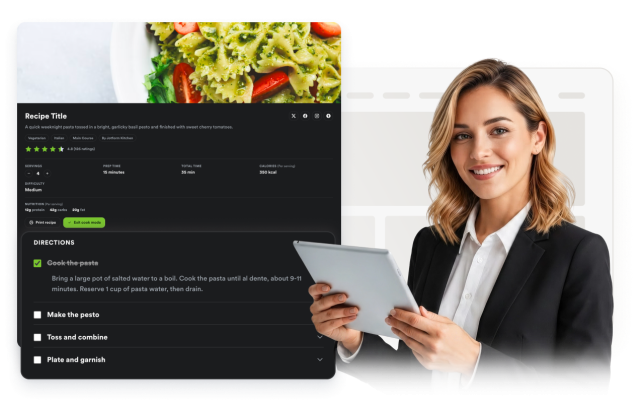
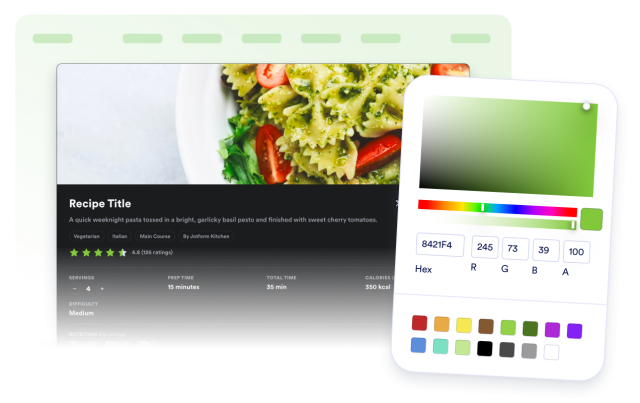
Switch between light and dark card styles, adjust surface and accent colors, set width, radius, alignment, branding visibility, and scoped CSS.
Style controls include:
Include Recipe Schema Markup
Enable structured Recipe JSON-LD output for embedded widgets so ingredient, instruction, image, time, nutrition, keyword, and rating fields stay machine-readable.
Schema fields include: