Product Recommendations Widget
Create a Floating Product Recommendations Widget for Your Website
Build a no-code recommendation card with selected products, product images, prices, badges, carousel controls, responsive placement, and session display settings.
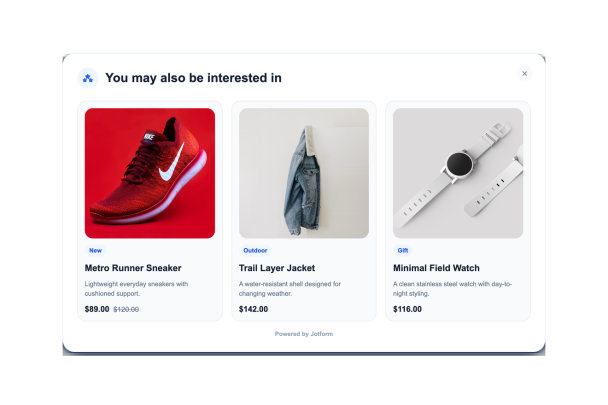

Add Product Images, Prices, Links, and Tags
Build a curated recommendation list with product names, images, descriptions, prices, product URLs, categories, and tags. Reorder products as campaigns change.
Product fields include:

Customize the Recommendation Card
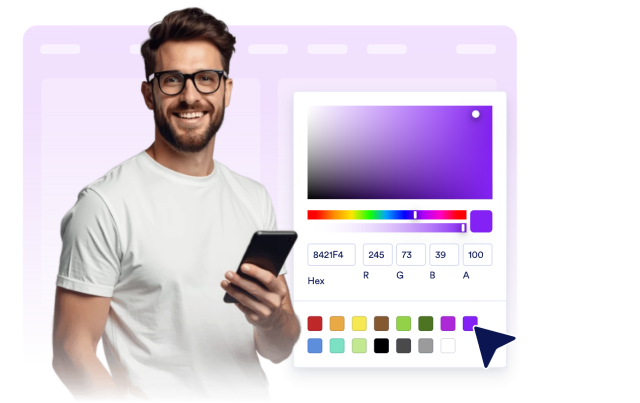
Choose light or dark mode, update card colors, product card colors, badge colors, image radius, card radius, drop shadow, branding, and scoped custom CSS.
Style controls include:
Control Floating Placement and Visibility
Place the card on the left or right side of the screen, set bottom and side offsets, choose the card width, and control desktop or mobile visibility.
Layout controls include:

Use Carousel and Session Display Controls
Show one, two, or three products at a time, turn carousel arrows on or off, open product links in a new tab, and hide the card after close or product click for the current session.
Behavior controls include: