Product Cards Widget for your Website
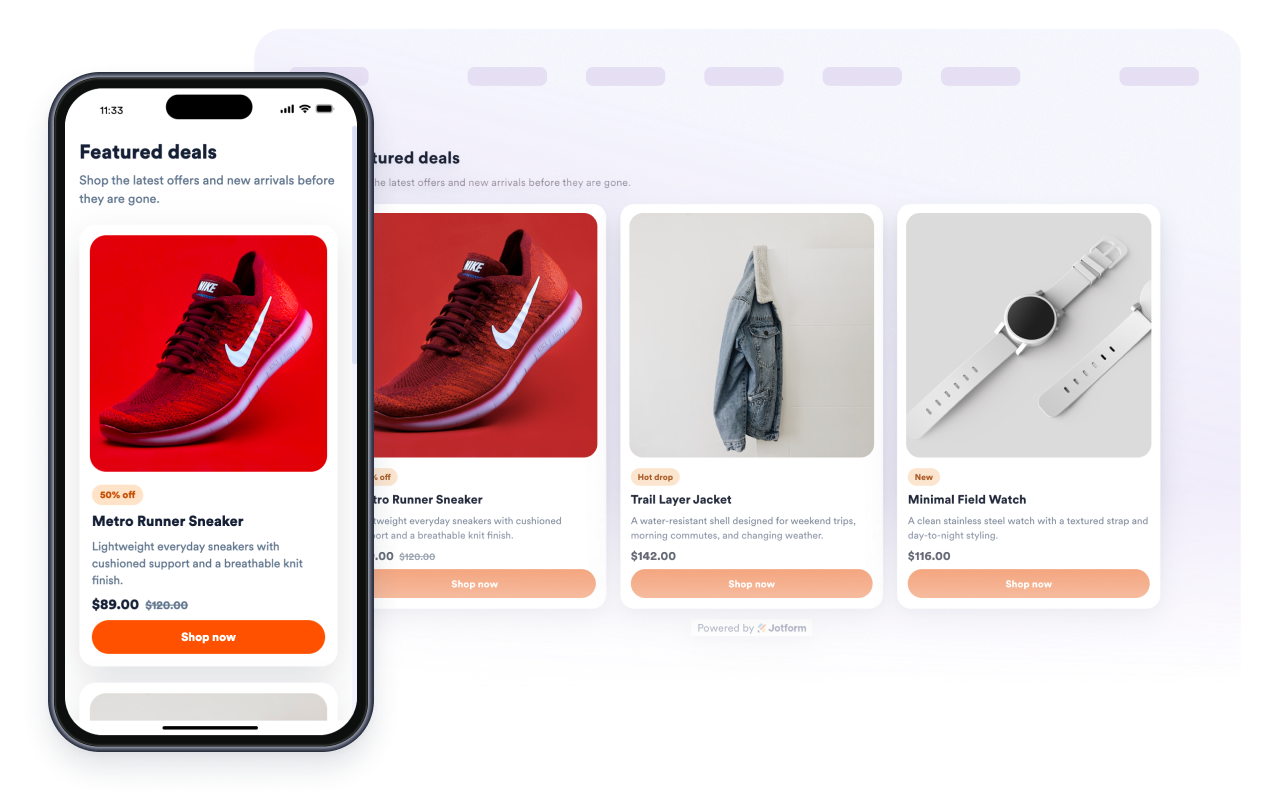
Create a responsive product card grid for deals, launches, gift guides, and featured collections. Add product images, names, descriptions, prices, old prices, promo badges, and CTA buttons, then style the cards without code.
Product Cards 위젯을 생성하는 방법
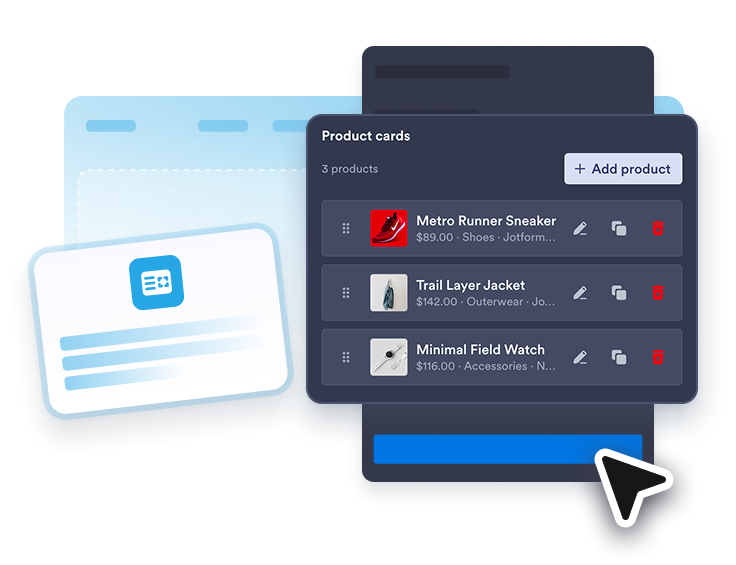
Add product cards
Enter product names, images, descriptions, prices, old prices, promo badges, CTA text, and product links for up to six products.
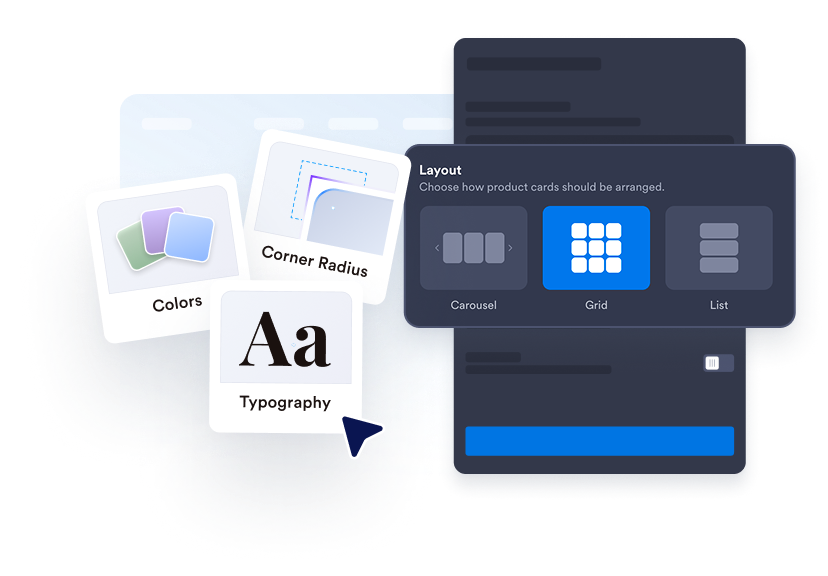
Customize the layout
Choose grid or carousel mode, set desktop columns, adjust image ratio and spacing, and control desktop or mobile visibility.
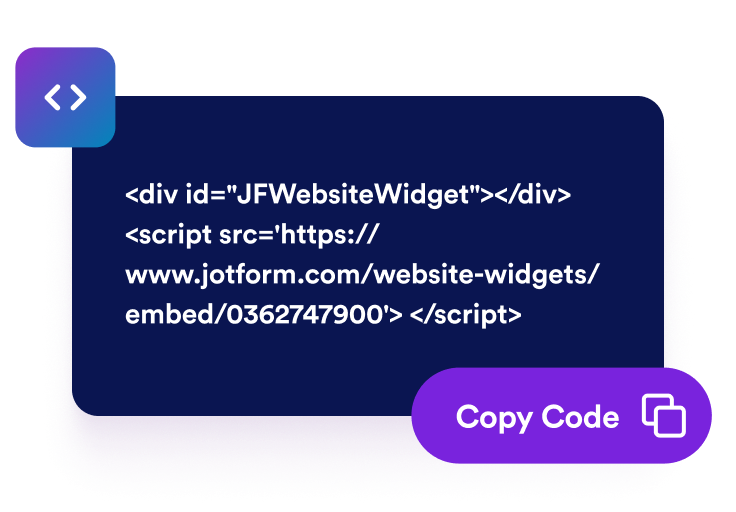
웹사이트에 삽입하기
Preview the product cards, save your widget, and copy the generated embed code for your store, landing page, or blog.
Turn selected products into a clean, clickable card section
Curate up to six products
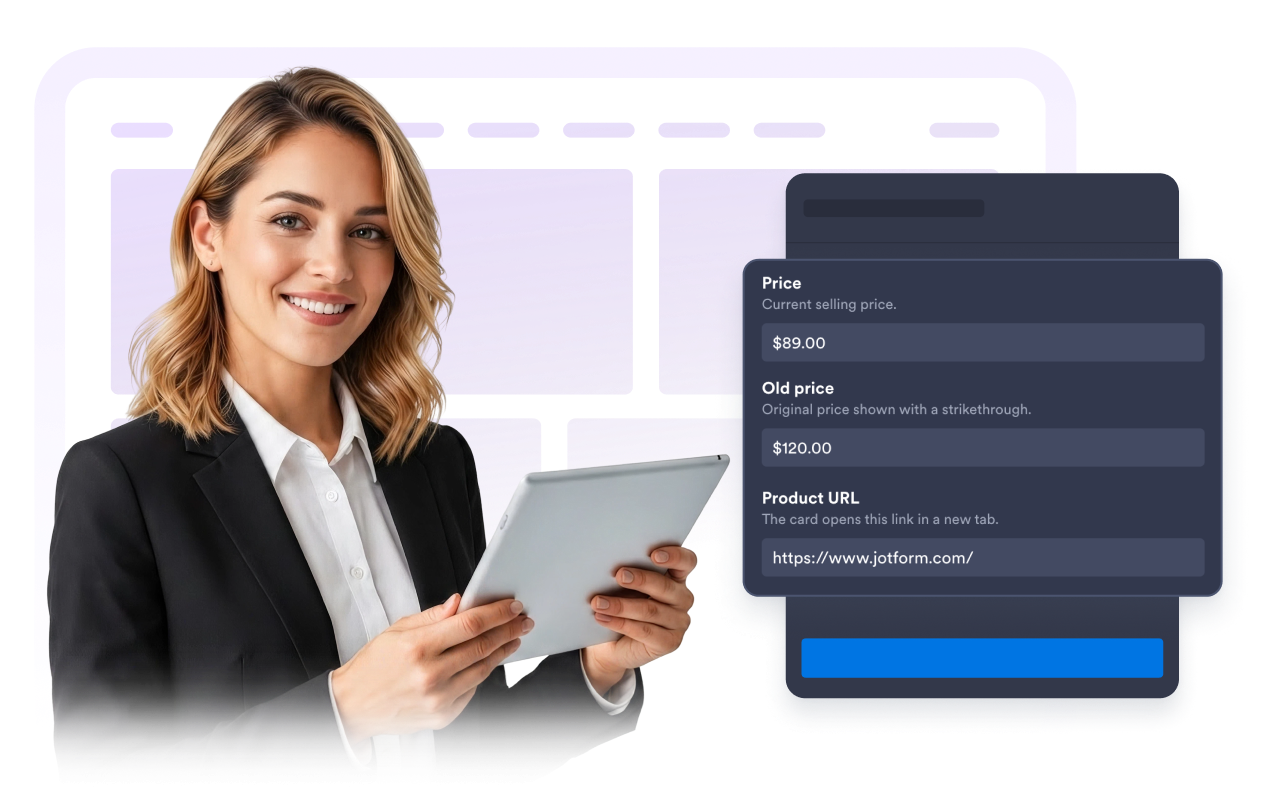
Build a focused product set manually with images, product URLs, prices, old prices, descriptions, and badges. Use it for sale items, best sellers, new arrivals, bundles, and campaign collections.
Style every card detail
Choose light or dark mode, update background, text, badge, price, border, and button colors, tune card and image radius, add shadows, and use scoped custom CSS when you need extra control.

Adapt the layout for every device
Set grid columns, card spacing, image ratio, widget width, desktop visibility, and mobile visibility so your product cards stay readable on phones, tablets, and wide storefront pages.
Send shoppers to product pages
Each card can show a CTA button and open its product link in a new tab, helping visitors move from a campaign, guide, or page section to the item they want.

Jform 웹사이트 위젯이 돋보이는 이유
Jform의 위젯은 웹사이트를 더욱 상호작용형으로 만들고 전환율을 높입니다. 별점 평가 및 추천 슬라이더부터 소셜 증명 팝업 및 미디어 삽입에 이르기까지 다양한 도구를 사용할 수 있습니다. 양식이나 랜딩 페이지에 위젯을 추가하여 데이터 수집을 하고, 증명을 표시하고, 리드를 확보하세요. 코딩이 필요하지 않습니다.
간단한 삽입 코드로 웹사이트에 Jform 위젯을 추가하세요. 위젯을 맞춤 설정하고, 모양을 미리 본 다음, 사용자 지정 HTML 또는 삽입 블록을 지원하는 모든 페이지에 붙여넣으세요. 개발자 없이도 가능합니다.
Jform 웹사이트 위젯을 사용하여 리드를 수집하거나, 고객 피드백을 보여주거나, 소셜 증명을 표시하거나, 미디어를 삽입하거나, 유용한 웹 페이지 도구를 추가하세요. 각 위젯은 방문자가 웹사이트에서 직접 비즈니스와 상호 작용하도록 돕습니다.
위젯 설정, 맞춤 설정, 삽입 또는 문제 해결에 도움이 필요한 경우 Jform 고객 지원 팀이 연중무휴로 대기하고 있습니다. 필요할 때 도움을 받을 수 있다는 확신을 가지고 앞으로 나아갈 수 있습니다.
Where to use your Product Cards widget
Use the widget anywhere a concise, visual set of products can help visitors compare items or jump to product pages faster.
Homepage sections to highlight new arrivals, featured products, or current deals.
Campaign landing pages to present a short sale collection or launch lineup with direct product links.
Gift guides and blog posts to connect editorial content with relevant products visitors can buy.
Collection pages to spotlight best sellers, bundles, accessories, or limited-time offers.
Small business storefronts that need a product card grid without custom frontend development.
Seasonal promotions where promo badges and old prices help shoppers scan the offer quickly.
Jform 양식 빌더로 리드를 유료 고객으로 전환하세요
Jform으로 참여를 행동으로 전환하세요. 리드를 확보하고, 결제를 수집하고, 응답을 자동화하는 강력한 양식을 한 곳에서 모두 만드세요. 모든 제출물은 Jform 받은 편지함에 도착하며, 여기에서 후속 조치를 취하거나 즐겨 사용하는 앱과 연결할 수 있습니다.
시작하기 — 무료입니다!
자주하는 질문
What is a Product Cards widget?
A Product Cards widget is a responsive card section that shows selected products with images, descriptions, prices, old prices, badges, and links.
How many product cards can I show?
디자인을 맞춤 설정할 수 있나요?
Can each product link to a product page?
Does it work as a grid and carousel?
Does it work on mobile?
Does this widget automatically scan product pages?
코드를 작성해야 하나요?