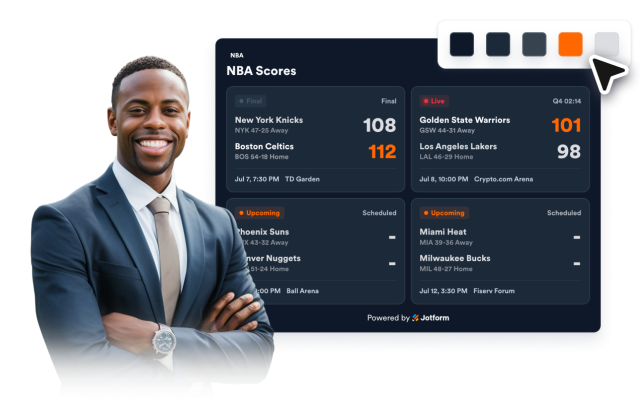
NBA Scores Widget
Create Your Own NBA Scores Widget in Seconds for Your Website
Build a responsive basketball scoreboard with manual or ESPN score sources, live/final/upcoming statuses, team display controls, and style settings.
Create Your NBA Scores Widget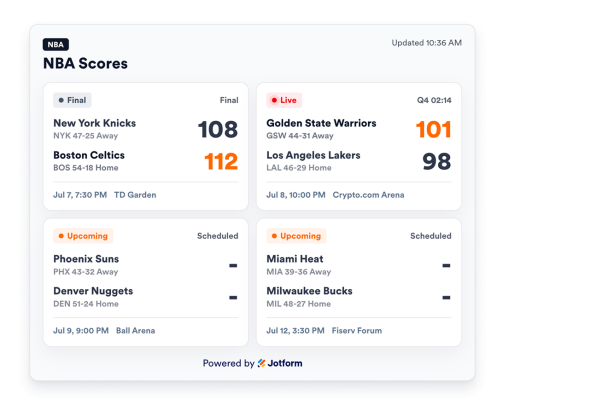

Add Complete Game Rows
Add one game per line with home team, away team, scores, status, clock, scheduled time, venue, and team records.
Score data can include:
팀들Scores상태Clock장소

Filter by Game Status
Choose which games appear in the widget: all games, live games, upcoming games, or final results.
Status filters:
All games라이브예정Final

Highlight Favorite Teams
Add favorite team names to highlight matching games or show only games involving those teams.
Team controls:
Team namesHighlightShow only
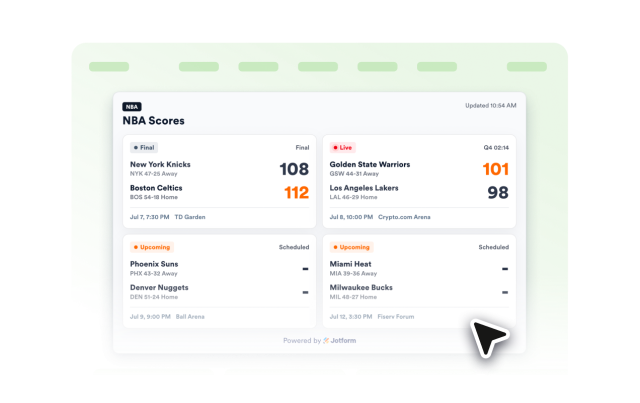
Style the Scoreboard
Switch between light and dark themes, adjust scoreboard colors, set card width, score size, corner radius, and add scoped custom CSS.
Style controls:
테마색들Score size너비맞춤설정 CSS