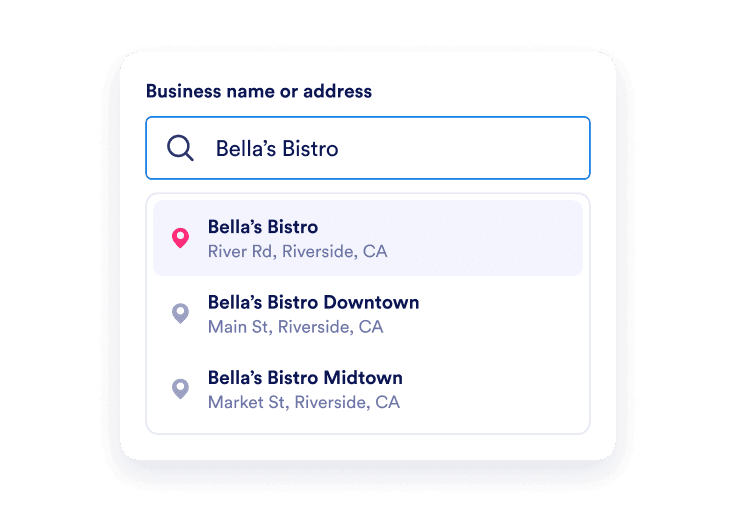
Find your business
Search for your Google Business Profile by name and select the correct listing. Include your city or street if several businesses have similar names.
Search for your Google Business Profile by name and select the correct listing. Include your city or street if several businesses have similar names.
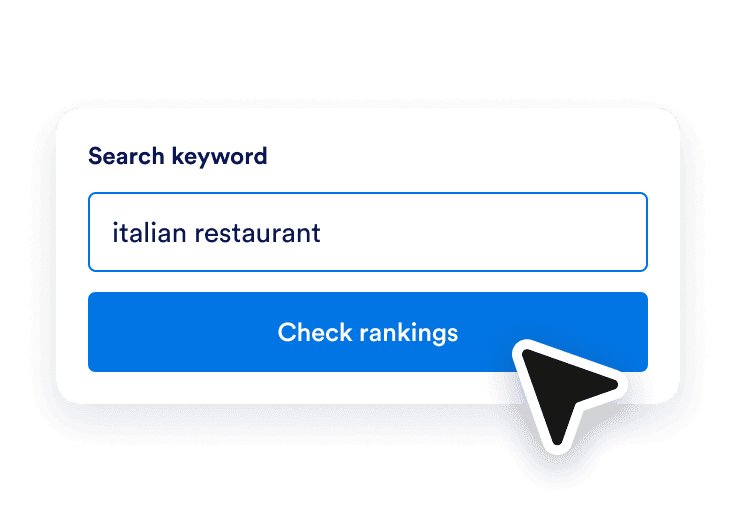
Enter a phrase your customers might search for, such as coffee shop or emergency plumber. The tool checks nine nearby locations around your business automatically.
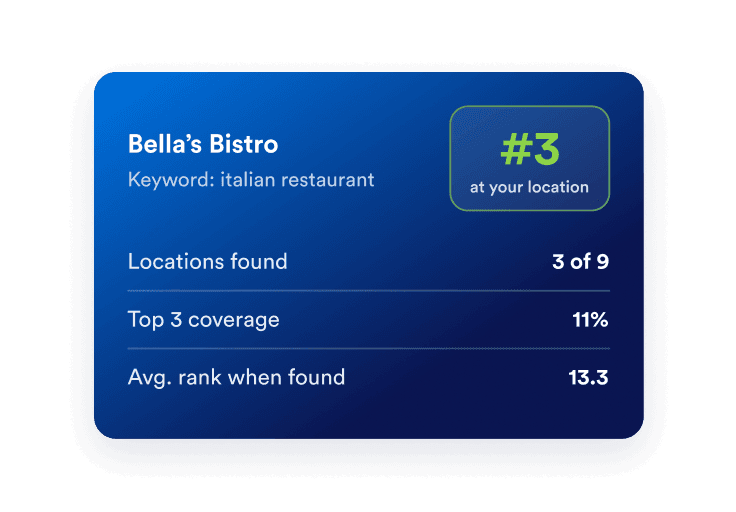
Select a point to compare local businesses, ratings, and review counts. Save your report, then help website visitors find your location with Jotform’s Google Maps Widget.
Find out where your business appears when nearby customers search for a product or service you offer. The nine-point map shows how your position changes across the area, helping you understand your local search visibility.
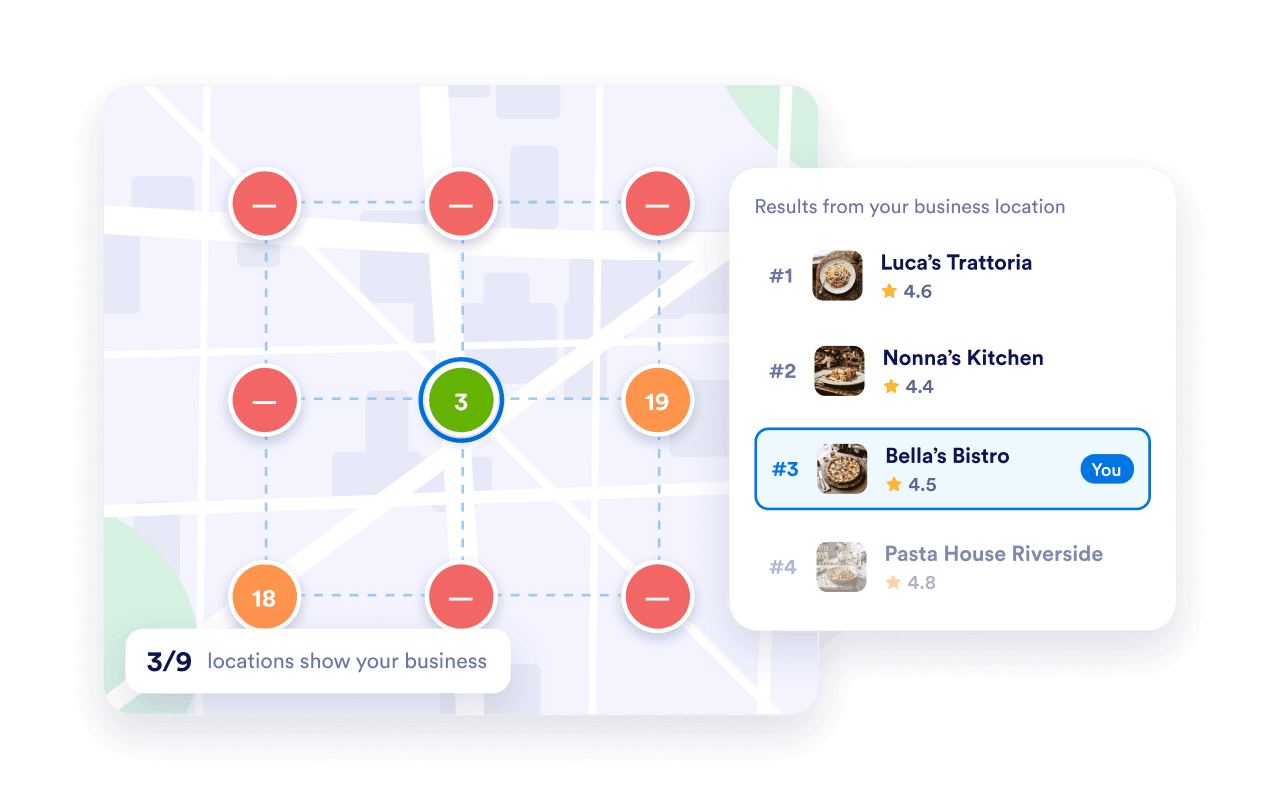
Explore the businesses listed for your keyword at each location. Compare ratings and review counts alongside their positions, and see how your own listing appears when it is found.
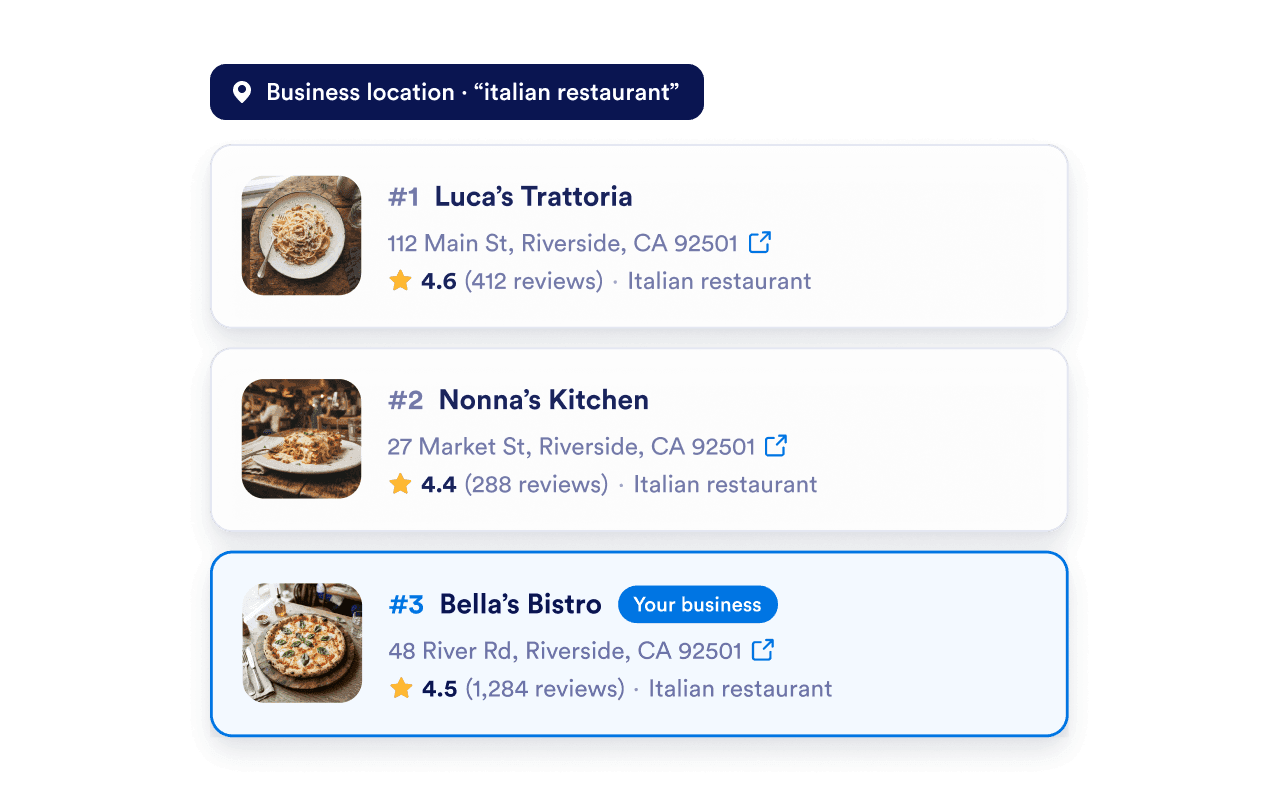
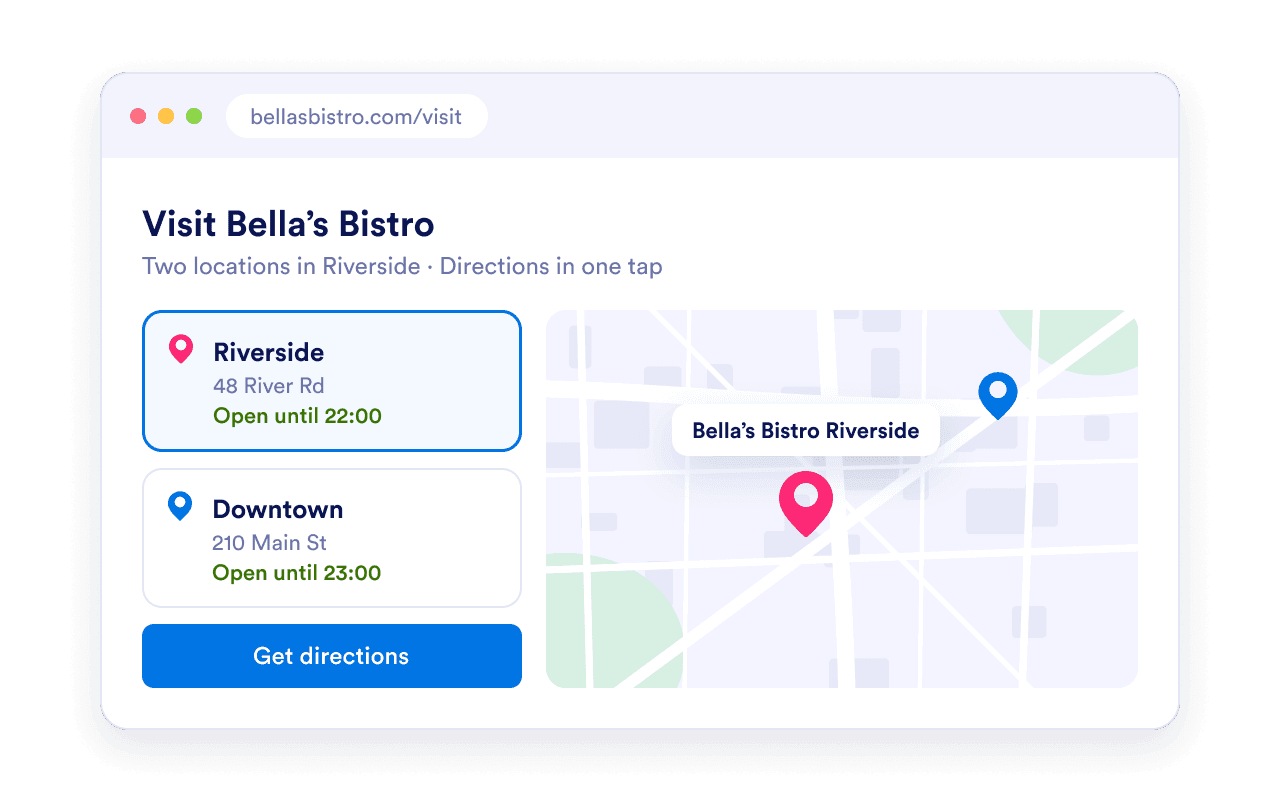
Save your ranking snapshot as a CSV, then make it easier for website visitors to reach your business. Add a Google Maps Widget to your website to show your locations, business details, and directions links.
A Google Maps rank checker looks for a selected business in the results for a search keyword and location. This tool checks nine points around your business and shows the organic listings returned for each point.