웹사이트 위젯

FIFA World Cup Scores Widget

Create Your Own FIFA World Cup Scores Widget in Seconds for Your Website

Explore FIFA World Cup Scores Widget features including ESPN and manual score sources, match status filters, favorite teams, customizable layouts, and light or dark themes.

Create Your FIFA World Cup Scores Widget — It’s Free!
Create Your Own FIFA World Cup Scores Widget in Seconds for Your Website Hero Bg Image

How to embed your FIFA World Cup Scores into WordPress

1Get your embed code

After customizing your Jform website widget, click Try it on your website for free, and copy the generated embed code.

2Open the page editor

Go to the WordPress post or page where you want to display the widget, then add a new block.

3Add a Custom HTML block

Select Custom HTML and paste your Jform website widget embed code into the HTML field.

4Update and view

Click Update or Publish, then open the page to check your embedded widget.

Show Complete Match Rows

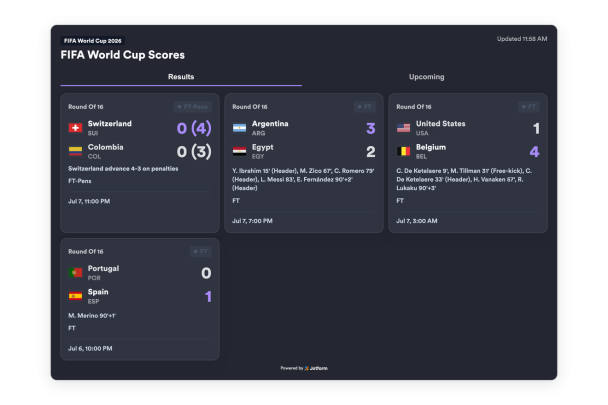
Add or import match rows with home and away teams, flags, abbreviations, scores, status, clock, scheduled time, venue, round, penalties, and scorer details.

Match data can include:

팀들FlagsScoresPenaltiesScorers
Add Match Data
Show Complete Match Rows

Filter by Match Status

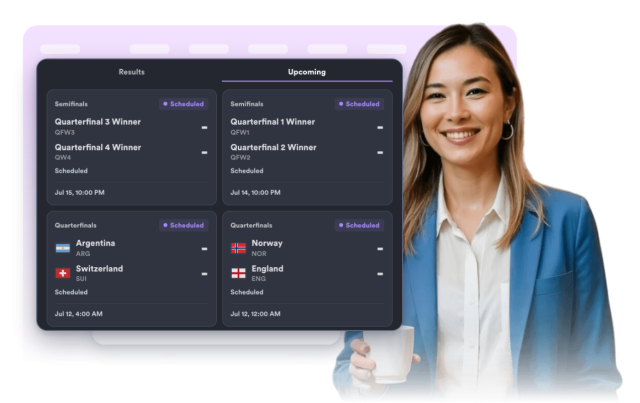
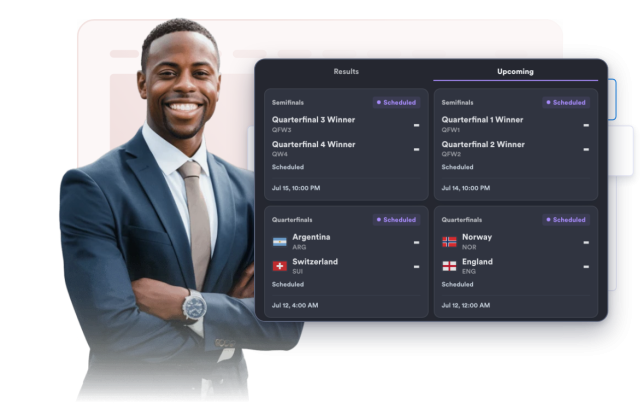
Choose which matches appear in the widget: all matches, live matches, upcoming fixtures, or final results.

Status filters:

All matches라이브예정결과
Set Status Filter
Filter by Match Status

Style the Scoreboard

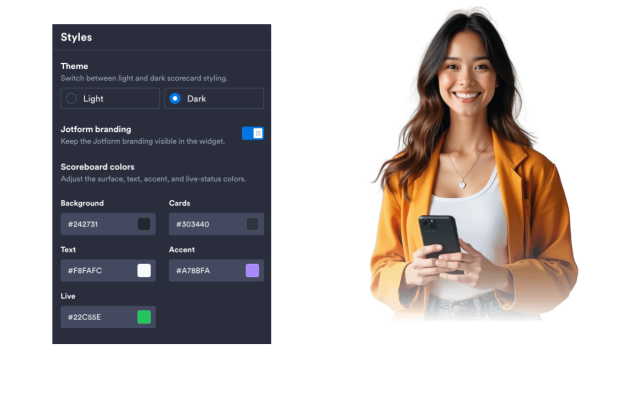
Switch between light and dark themes, adjust scoreboard colors, set card width, score size, corner radius, and add scoped custom CSS.

Style controls:

테마색들Score size너비맞춤설정 CSS
Style Scoreboard
Style the Scoreboard