카운트다운 타이머 위젯

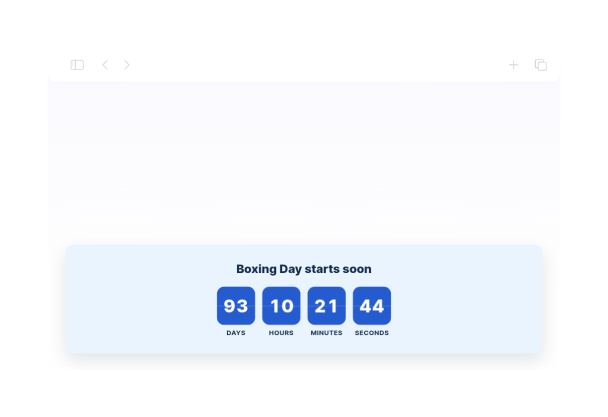
Boxing Day Countdown Widget for Countdown Timer

This Boxing Day countdown timer shows the time remaining until 26 December 2026 at 00:00 in the Europe/London timezone. It uses a clean flip-style display with days, hours, minutes, and seconds, plus a centered title and a simple finish state that reads Boxing Day is here!.
Boxing Day Countdown Widget for Countdown Timer

More 카운트다운 타이머 Styles

Rocket Launch Today Live Countdown Widget335 Used

Rocket Launch Today Live Countdown Widget

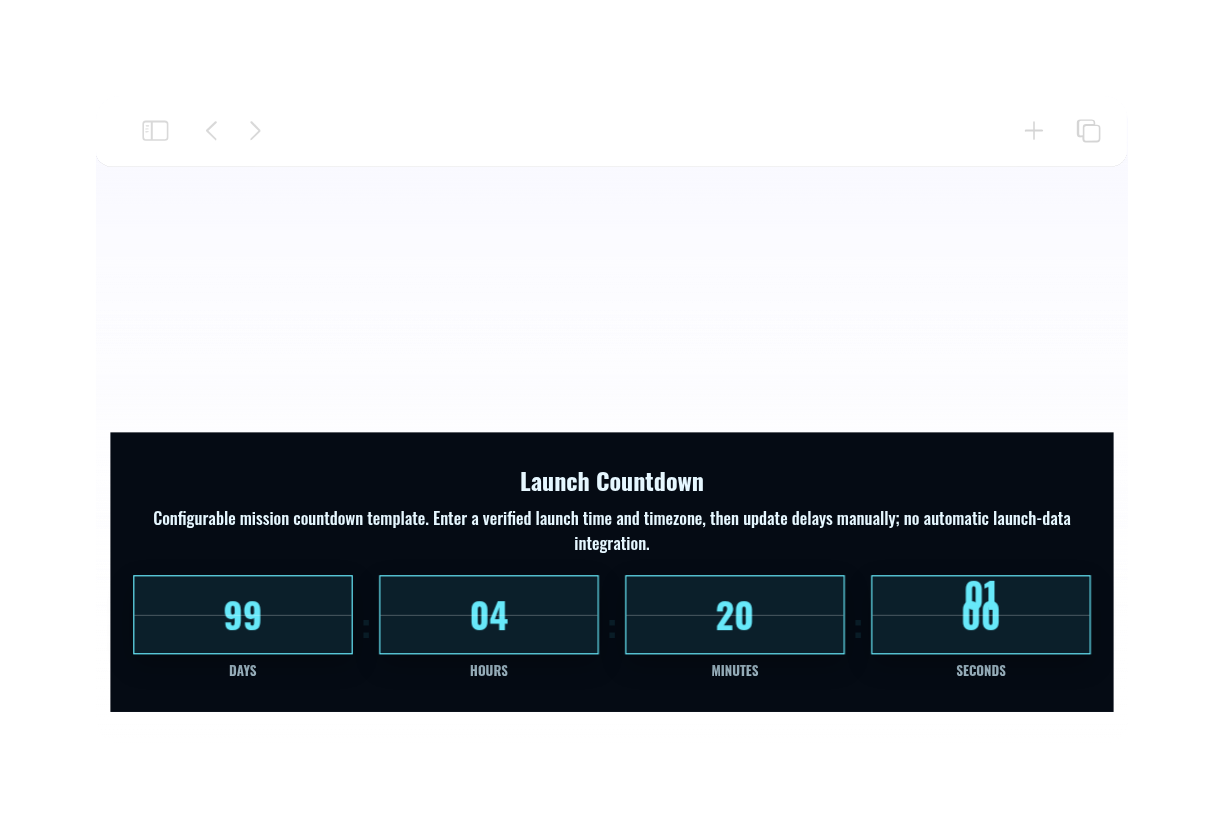
Build a rocket launch today live countdown display with bright cyan digits, a dark mission-control palette, and technical typography. The timer shows days, hours, minutes, and seconds beneath a Launch Countdown heading, followed by Countdown complete — check mission status when it reaches zero. This is a configurable fixed-date countdown template, not a live mission tracker. Enter a verified launch time and time zone before embedding it. The initial December 31, 2026 at 18:00 UTC target is an editable design setting, not a confirmed rocket launch. Schedule changes must be entered manually; no live launch-data integration is included.

Easter Countdown Widget883 Used

Easter Countdown Widget

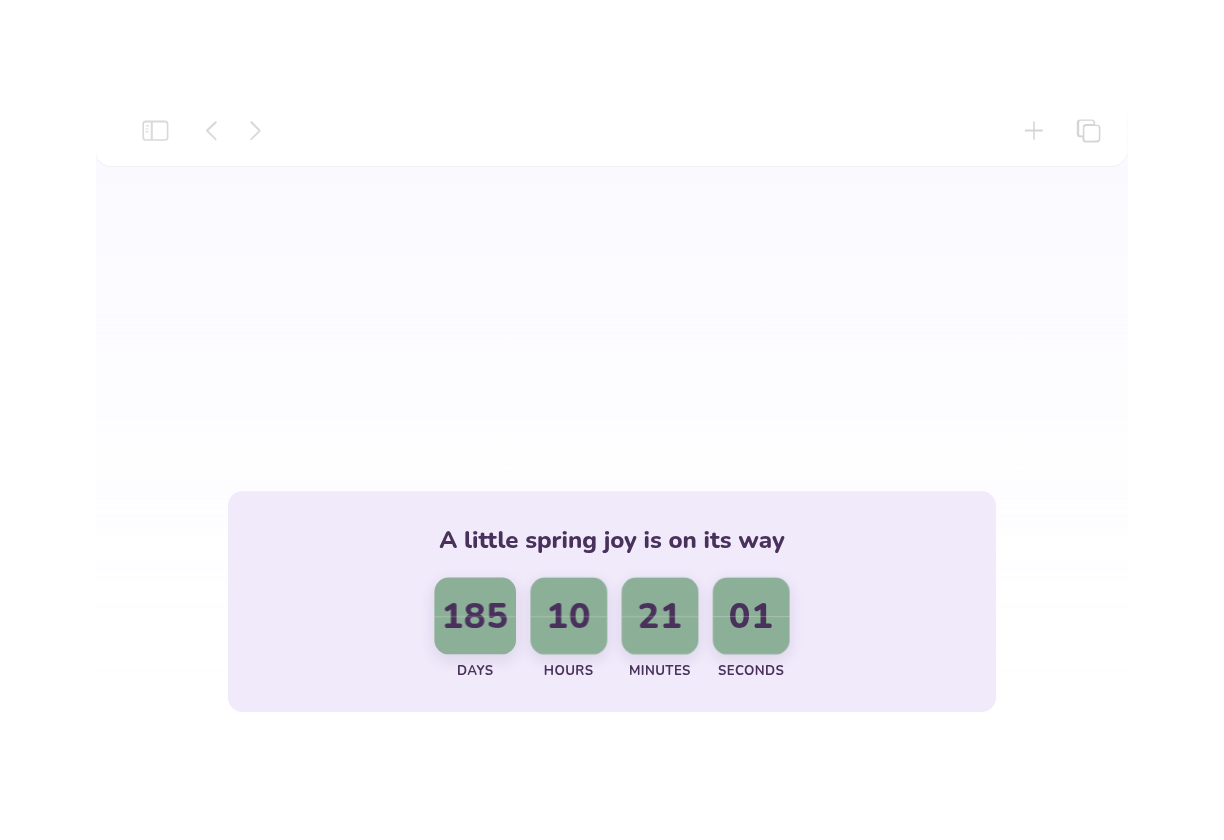
This Easter Countdown Widget shows a live countdown to Western Easter Sunday on March 28, 2027 at 00:00 in the Europe/London timezone. It presents the remaining time in days, hours, minutes, and seconds, using a soft spring palette with lavender, sage, and dark plum tones, plus a friendly Nunito font and rounded timer cards. It is a simple fit for seasonal announcements, holiday landing pages, church events, or spring promotions. Visitors can watch the timer tick down and, when it ends, see the Happy Easter! message.

Thanksgiving Countdown Widget856 Used

Thanksgiving Countdown Widget

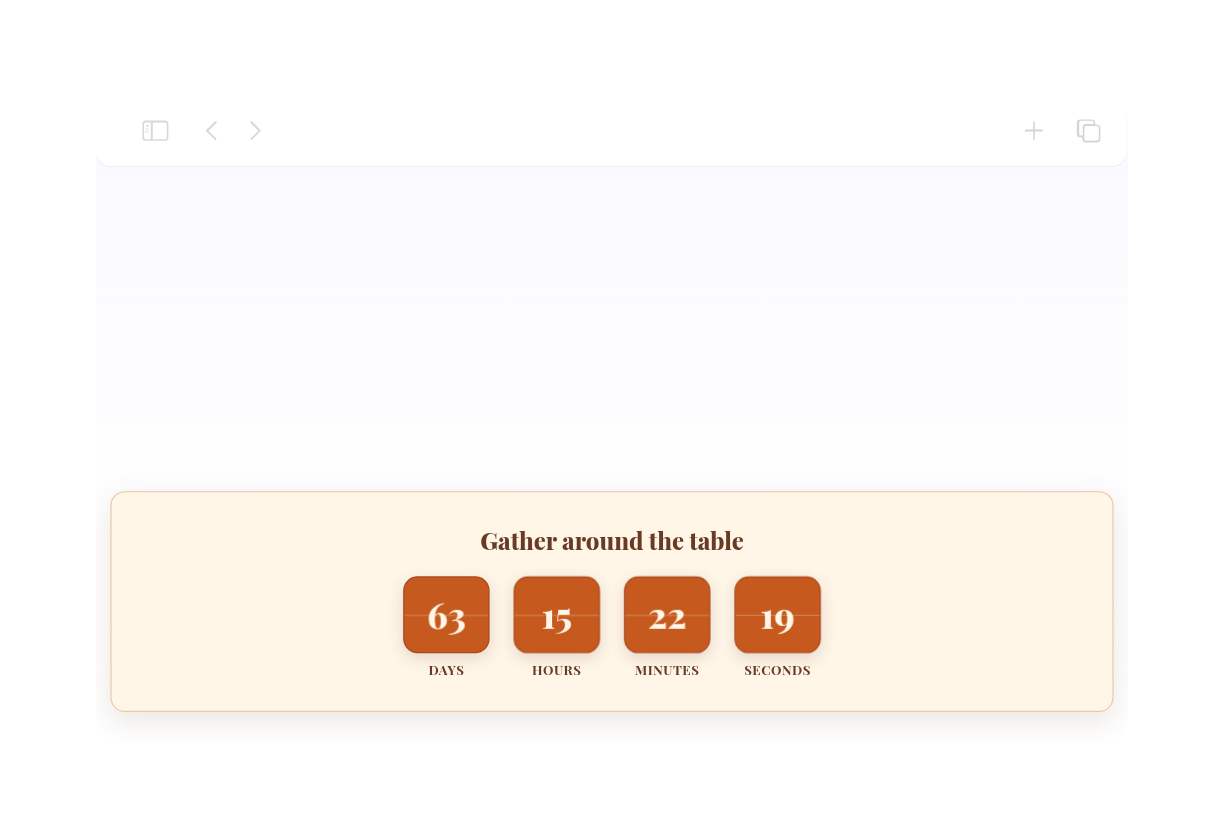
This Thanksgiving countdown widget brings a warm harvest palette to holiday landing pages, with a cream background, russet text, burnt-orange timer cards, and elegant serif typography. A welcoming Gather around the table heading sits above the days, hours, minutes, and seconds. The countdown is set for U.S. Thanksgiving on November 26, 2026 at midnight in Eastern Time (US). It displays Happy Thanksgiving! when the timer ends. Customize the date, time zone, colors, and message for your celebration.

Christmas Countdown Widget376 Used

Christmas Countdown Widget

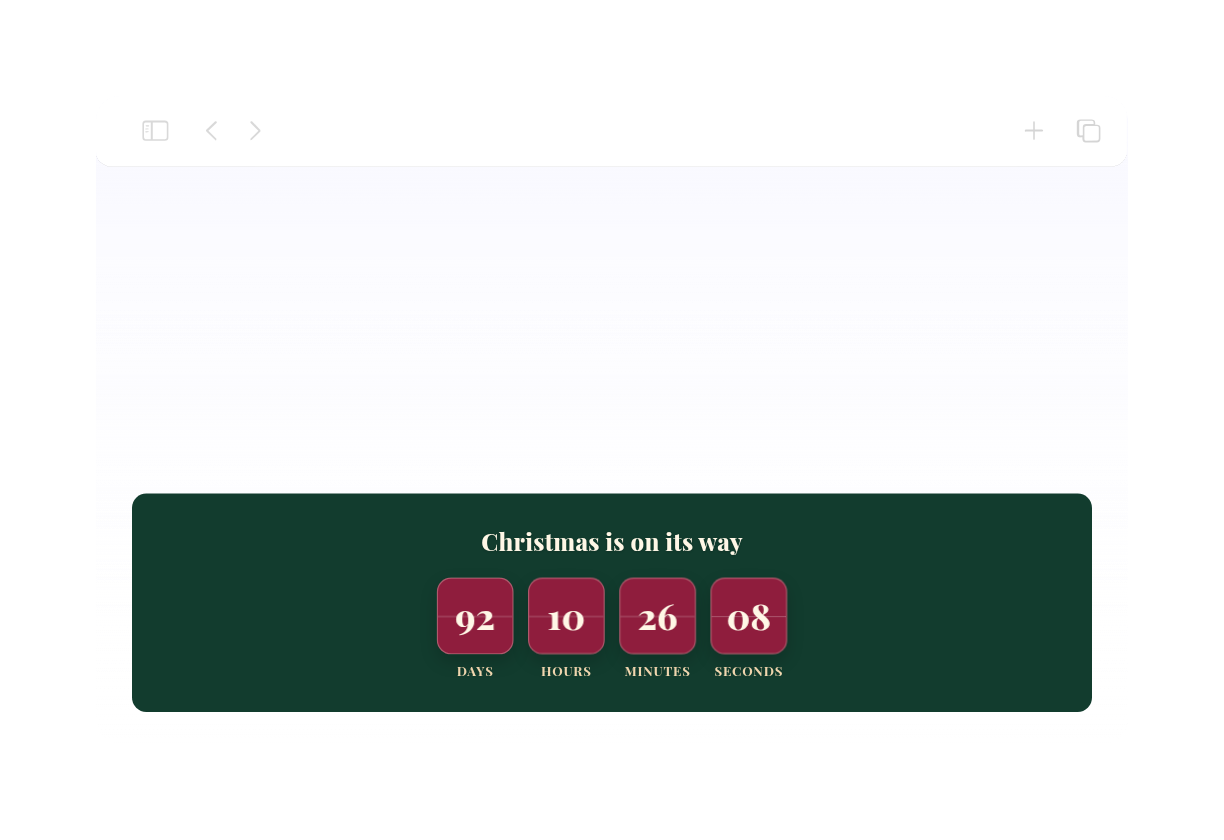
Christmas Countdown Widget is a festive, native countdown timer set to Christmas Day with a flip-style animation and a centered inline layout. It displays days, hours, minutes, and seconds in a rounded card design with forest green, cranberry, and warm ivory styling, plus an elegant serif headline that reads Christmas is on its way. This template suits holiday landing pages, seasonal announcements, and event pages that need a clear deadline. Visitors can watch the timer count down to December 25, 2026 in Europe/London, and when the countdown finishes, it shows the message Merry Christmas!

카운트다운 타이머 위젯을 생성하는 방법

Set up the countdown timer

카운트다운 타이머 설정

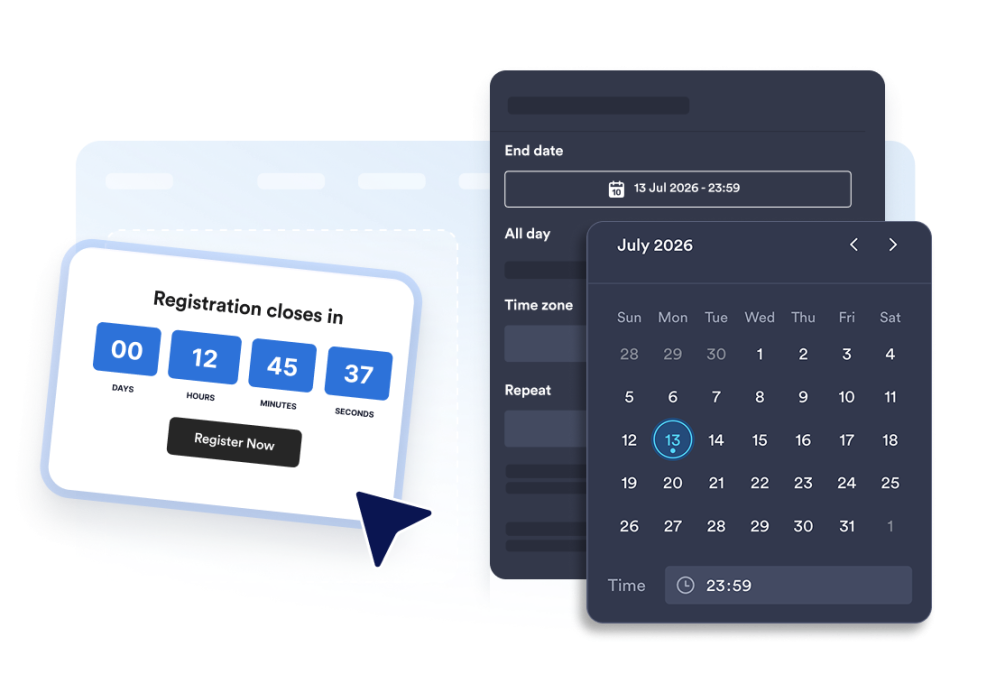
종료 날짜, 시간대, 이벤트 유형 및 선택 사항인 반복 일정을 설정하세요.

Customize the layout and theme

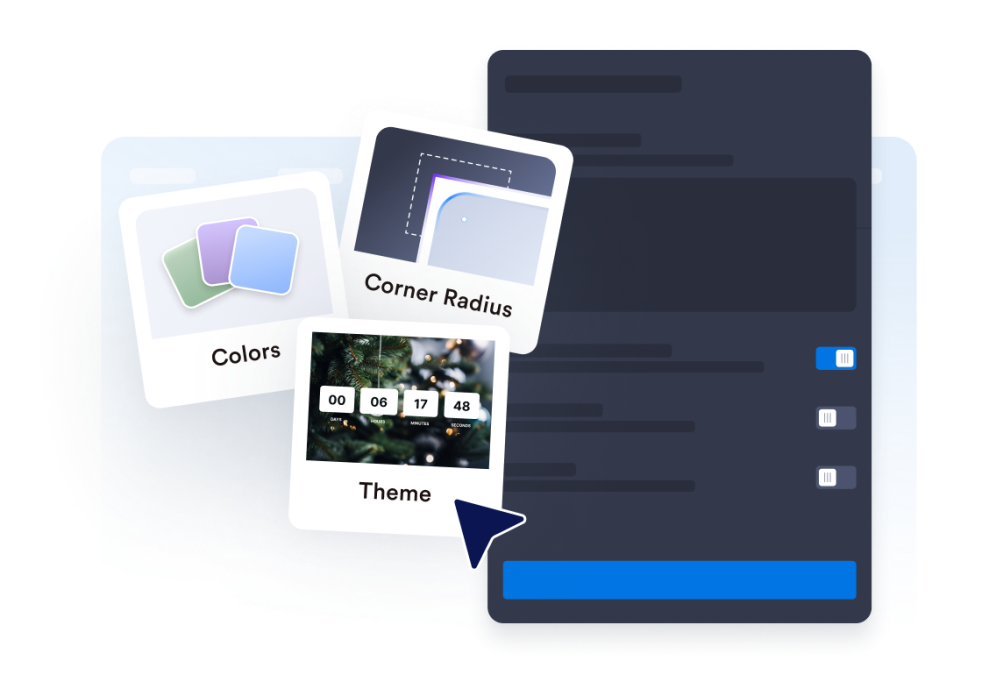
레이아웃 및 테마 맞춤 설정

타이머의 표시 위치를 선택하고 색상, 레이블 및 모서리 스타일을 조정하세요.

Embed it on your website

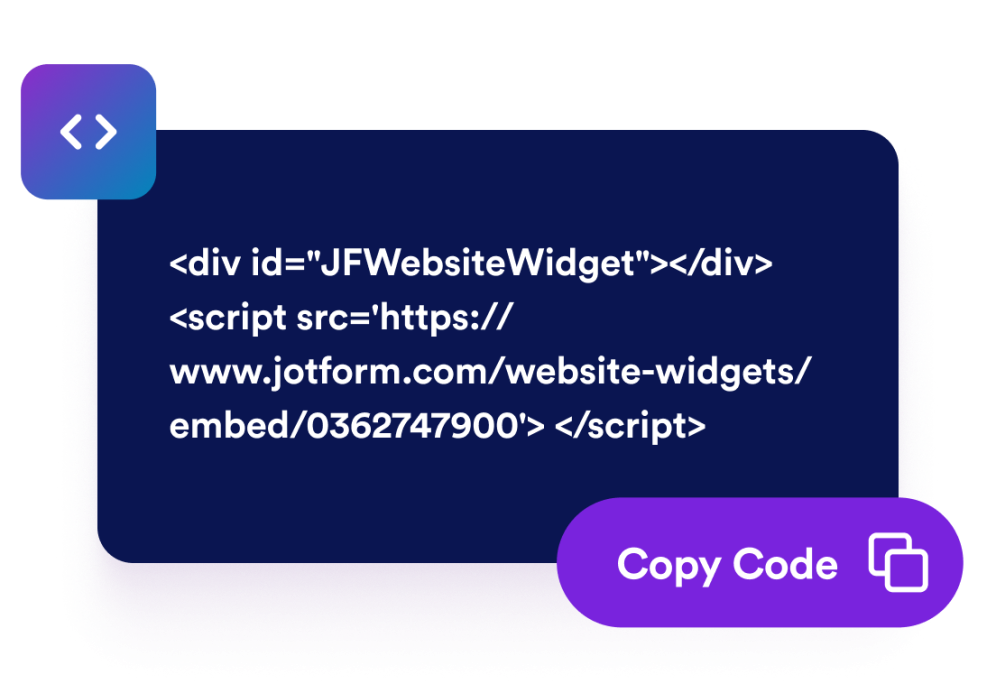
웹사이트에 삽입하기

CTA 버튼을 추가하고 타이머를 미리 확인한 다음 임베드 코드를 복사하여 원하는 위치에 게시하세요.

페이지에 어울리는 카운트다운 타이머로 긴박감 조성

특정 날짜와 시간까지 카운트다운

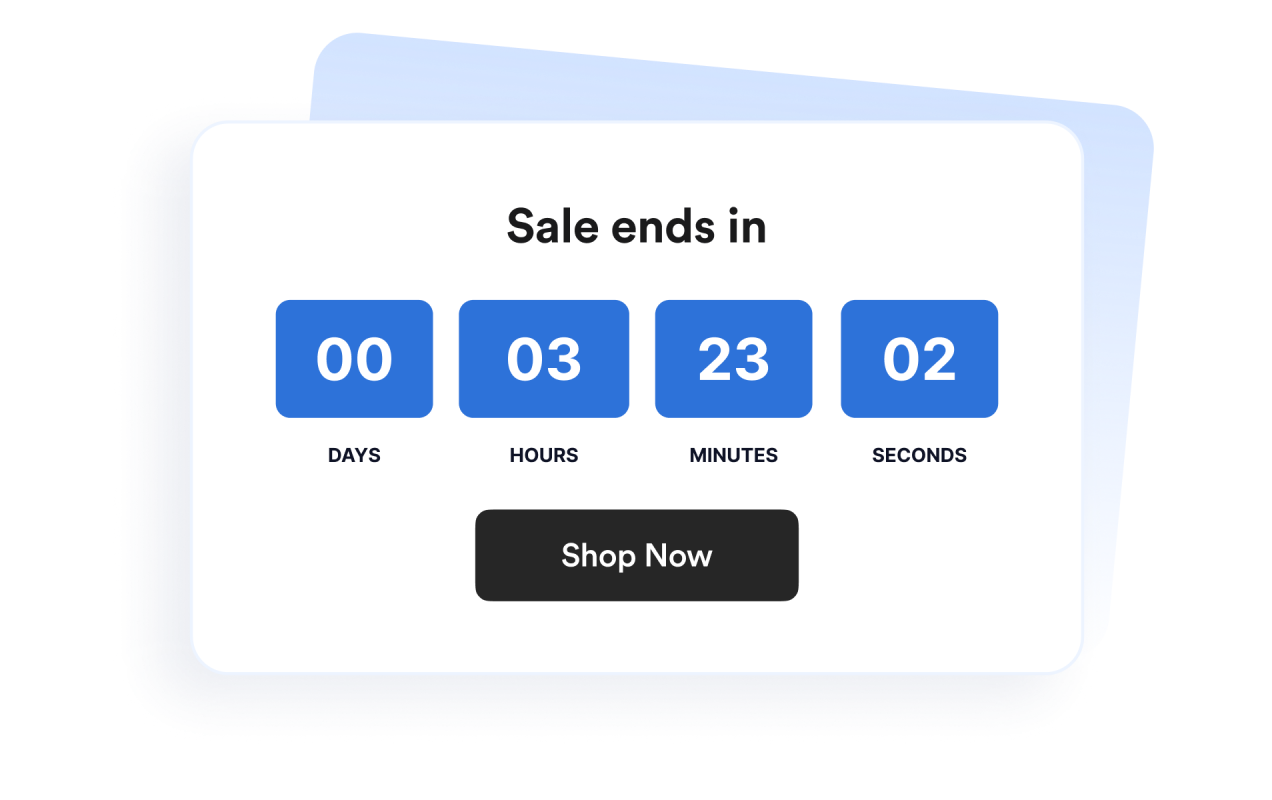
제품 출시, 프로모션, 웨비나 또는 이벤트 캠페인의 정확한 마감 시간을 설정하세요. 시간대 설정을 통해 지역에 관계없이 캠페인의 카운트다운 시간을 일관되게 유지할 수 있습니다.

Count down to a specific date and time

배너 및 인라인 영역에 맞는 레이아웃 활용

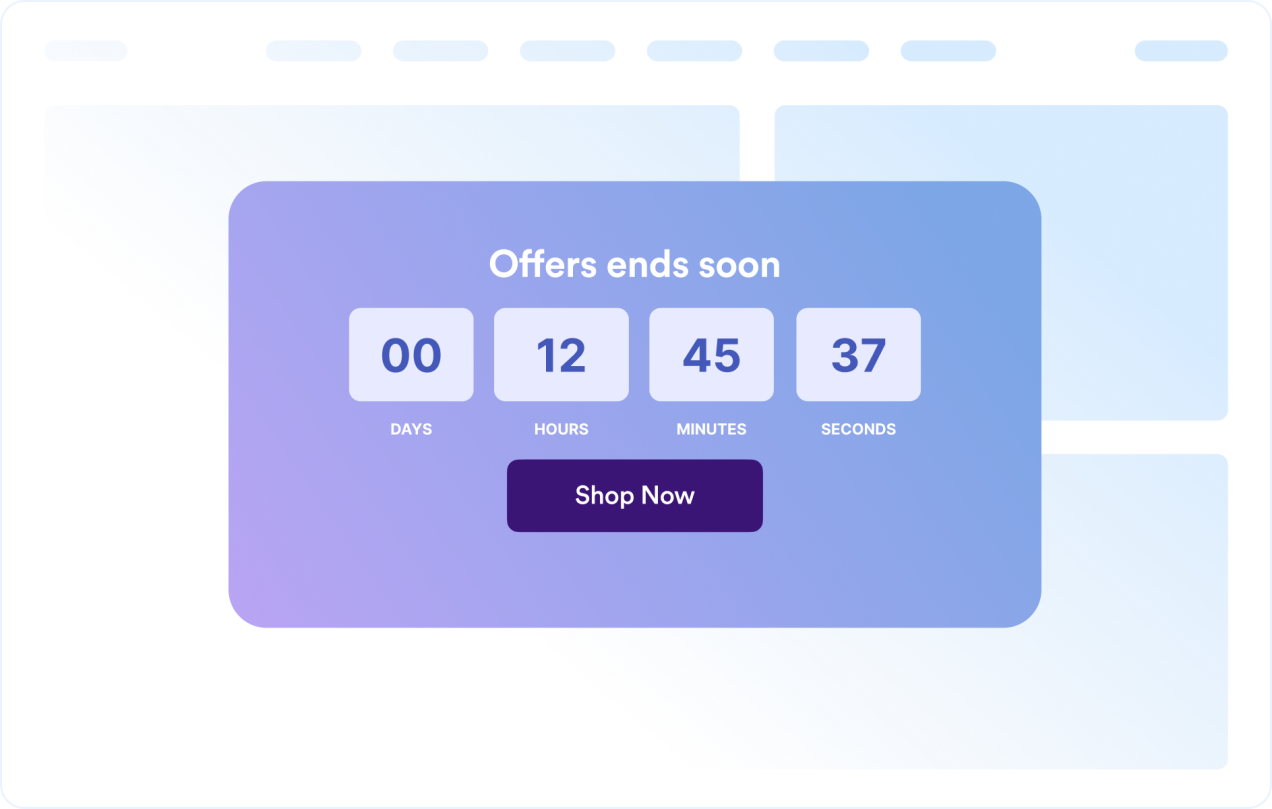
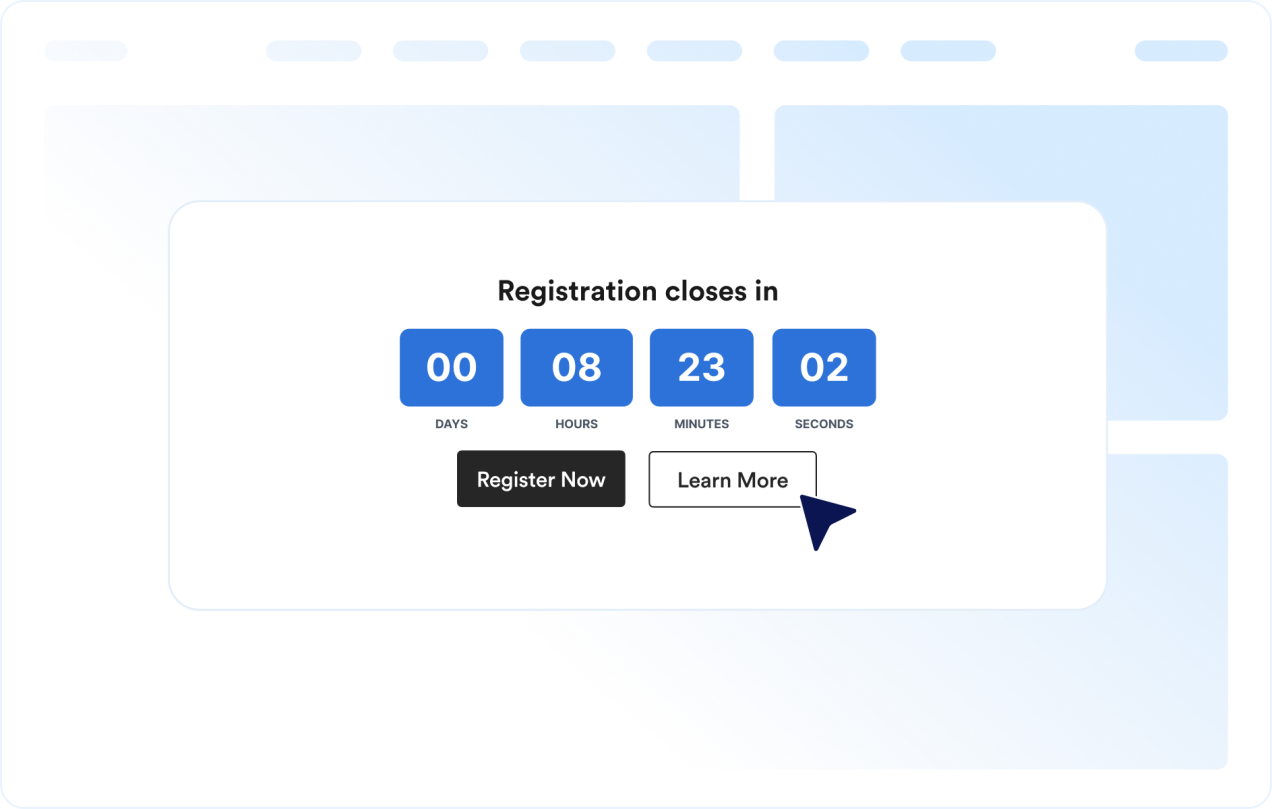
타이머를 인라인, 전체 너비 영역, 고정 상단 또는 하단 바, 플로팅 카드 형태로 표시할 수 있습니다. 다양한 웹사이트 디자인에 맞게 위젯을 손쉽게 배치할 수 있습니다.

Use layouts for banners and inline sections

타이머 디자인 맞춤 설정

시간 단위를 표시하거나 숨기고 레이블과 모서리 스타일을 조정하세요. 캠페인에 바로 활용할 수 있는 테마도 선택할 수 있습니다.

Customize the timer design

방문자의 다음 행동 유도

명확한 마감 시간을 통해 방문자의 행동을 유도하고 싶은 웹사이트의 어느 위치에나 위젯을 추가하세요.

Guide visitors to the next action

WordPress에 카운트다운 타이머을 삽입하는 방법

1임베드 코드 복사하기

Jform 웹 위젯을 원하는 대로 설정한 다음 웹사이트에서 무료로 사용해 보기를 클릭하고 생성된 임베드 코드를 복사하세요.

2페이지 편집기 열기

위젯을 표시할 WordPress 게시물이나 페이지를 열고 새 블록을 추가하세요.

3사용자 지정 HTML 블록 추가하기

사용자 지정 HTML을 선택하고 HTML 필드에 Jform 웹 위젯의 임베드 코드를 붙여넣으세요.

4업데이트 및 확인하기

업데이트 또는 게시를 클릭한 다음 페이지를 열어 삽입된 위젯을 확인하세요.

Jform 웹 위젯이 특별한 이유

Jform 위젯으로 웹사이트의 상호작용을 늘리고 전환율을 높이세요. 별점 평가, 고객 후기 슬라이더, 고객 신뢰도 팝업, 미디어 삽입 등 다양한 도구를 제공합니다. 코딩 없이 양식이나 랜딩 페이지에 위젯을 추가하여 데이터를 수집하고, 고객 후기를 보여주고, 잠재 고객을 확보할 수 있습니다.

코딩 없이 위젯 삽입하기

간단한 임베드 코드로 웹사이트에 Jform 위젯을 추가하세요. 위젯 디자인을 원하는 대로 설정하고 미리보기를 확인한 다음, 사용자 지정 HTML 또는 임베드 블록을 지원하는 페이지에 코드를 붙여넣으면 됩니다. 개발자의 도움 없이도 사용할 수 있습니다.

더욱 상호작용형인 페이지 만들기

Jform 웹 위젯을 사용하여 잠재 고객을 확보하고, 고객 후기를 표시하고, 신뢰도를 높이고, 미디어를 삽입하거나 웹페이지에 유용한 기능을 추가하세요. 방문자가 웹사이트에서 바로 비즈니스와 상호작용할 수 있도록 도와줍니다.

필요할 때 지원 받기

위젯 설정, 디자인 맞춤 설정, 웹사이트 삽입 또는 문제 해결에 도움이 필요한 경우 Jform 고객 지원팀에 연중무휴 24시간 문의할 수 있습니다. 필요할 때 언제든 도움을 받을 수 있으므로 안심하고 위젯을 사용하세요.

카운트다운 타이머 위젯 활용 방법

명확한 마감 시간을 보여주면 방문자가 더 빠르게 행동하고 혜택, 이벤트 또는 캠페인이 언제 종료되는지 쉽게 확인할 수 있습니다.

할인 랜딩 페이지에서 기간 한정 할인 및 단기 프로모션의 마감 시간을 강조할 수 있습니다.

제품 출시 페이지에서 출시일까지 남은 시간을 보여주며 기대감을 높일 수 있습니다.

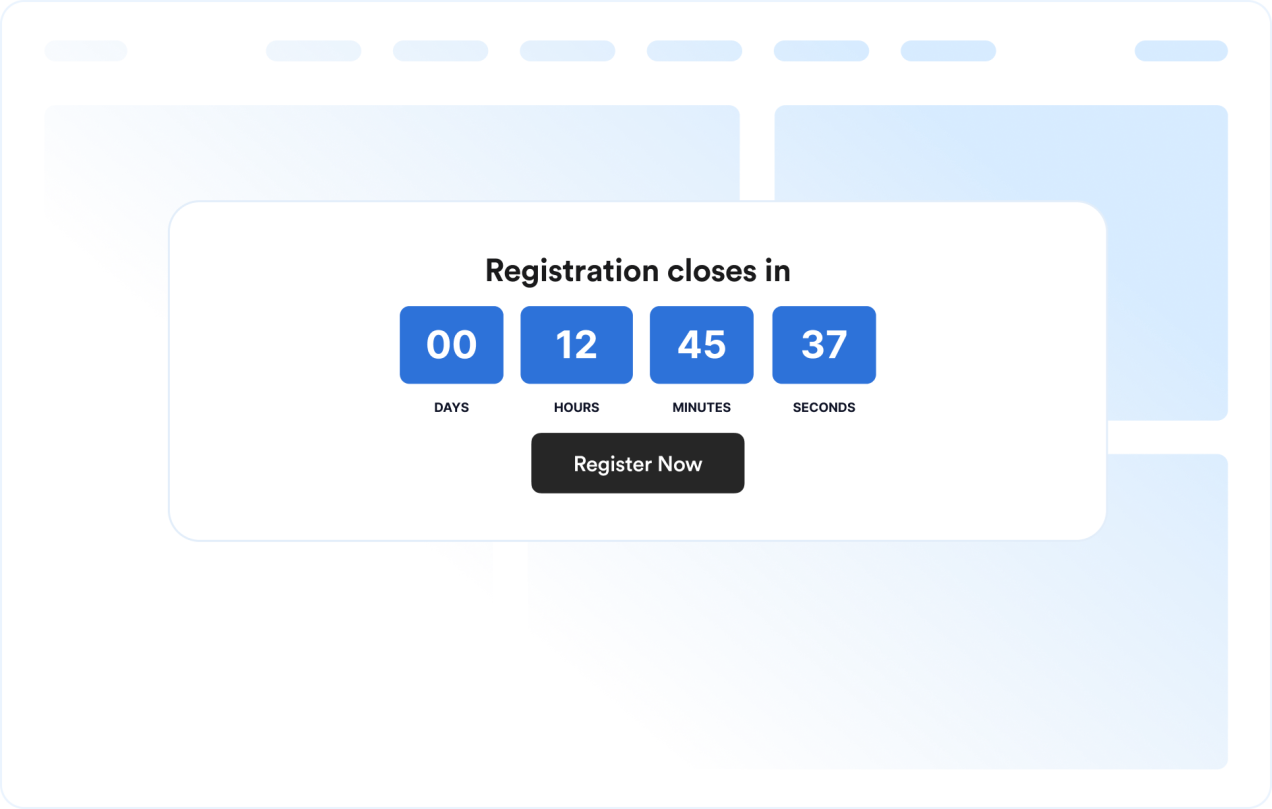
이벤트 및 웨비나 페이지에서 등록 또는 참석 신청 마감 시간을 표시할 수 있습니다.

공지 배너에서 웹사이트 상단이나 하단에 마감 시간을 계속 표시할 수 있습니다.

결제 및 가격 페이지에서 구매를 결정하는 시점에 프로모션 마감 시간을 강조할 수 있습니다.

출시 예정 페이지에서 명확한 CTA와 함께 출시일까지 남은 시간을 표시할 수 있습니다.

Jform 양식 빌더로 잠재 고객을 유료 고객으로 전환하세요

Jform으로 방문자의 관심을 실제 행동으로 연결하세요. 잠재 고객 확보, 결제 수집 및 자동 응답 기능을 갖춘 양식을 한곳에서 만들 수 있습니다. 모든 제출 내역은 Jform 받은 편지함에 저장되므로 후속 조치를 진행하거나 자주 사용하는 앱과 연결할 수 있습니다.

시작하기 — 무료입니다!
Convert leads into customers

자주 묻는 질문

  • 카운트다운 타이머 위젯이란 무엇인가요?

    카운트다운 타이머 위젯은 설정한 날짜와 시간까지 남은 시간을 표시합니다. 웹사이트에서 할인, 이벤트, 제품 출시 및 기타 기간 한정 캠페인을 홍보할 때 활용할 수 있습니다.

  • 레이아웃을 원하는 대로 설정할 수 있나요?

  • 색상과 레이아웃을 변경할 수 있나요?

  • 카운트다운을 반복하도록 설정할 수 있나요?

  • 카운트다운에 버튼을 추가할 수 있나요?

  • 카운트다운이 끝나면 어떻게 되나요?

  • 모바일에서도 사용할 수 있나요?

  • 코드를 작성해야 하나요?