Count-Up Widget
Create Your Own Count-Up Widget in Seconds for Your Website
Build a live elapsed-time counter for launches, anniversaries, streaks, uptime, and milestones. Choose the start time, units, labels, layout, colors, button, and responsive display in a no-code builder.
Create Your Count-Up Widget - It's Free!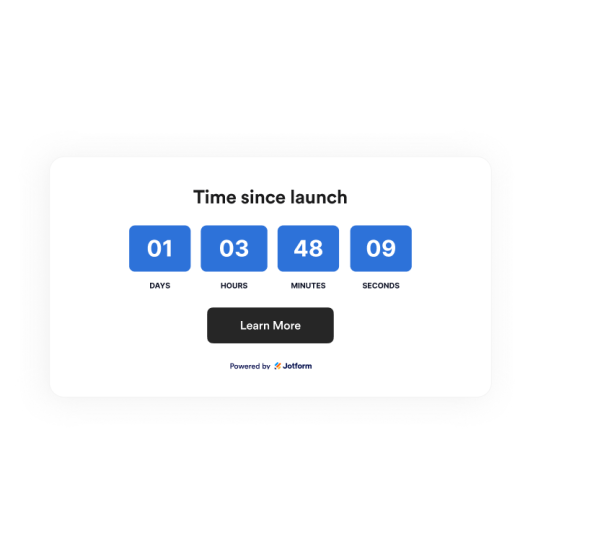

Set the Start Date, Time, and Time Zone
Choose the exact moment your counter starts from. The widget calculates elapsed days, hours, minutes, and seconds from that point.
Timing controls include:

Choose Units, Labels, and Layouts
Show full elapsed time, compact formats, days only, or a custom unit set. Then place the counter inline, in a full-width section, in a bar, or as a floating card.
Layout options include:

Customize Count-Up Styles and Themes
Use theme presets or set custom colors for the background, digits, boxes, labels, separators, and button. Adjust alignment, width, and corner radius.
Style controls include:

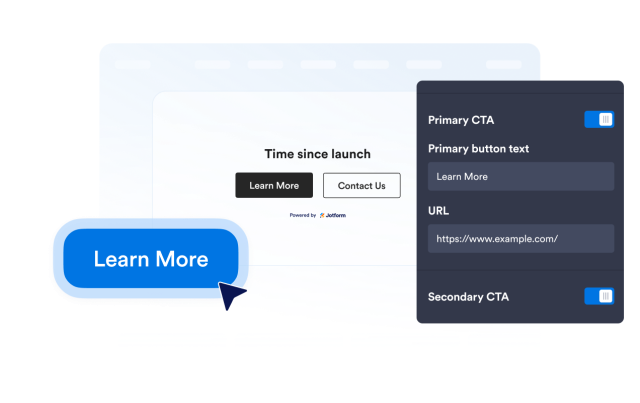
Add a Call-to-Action Button
Turn a milestone into a next step by linking visitors to your story, signup page, product page, booking page, or campaign details.
Action controls include: