문의 양식 위젯

Lead Scoring Calculator

Give your sales conversations a consistent starting point. Rate a lead’s fit, engagement, and readiness across six attributes to explore a follow-up priority. Collect website inquiries with Jotform’s Contact Us Widget and use your own evidence to assess them.

Score your lead

Your lead score will appear here

Complete the fields to explore your estimate.

Lead Scoring Calculator

Try now

How to use the Lead Scoring Calculator

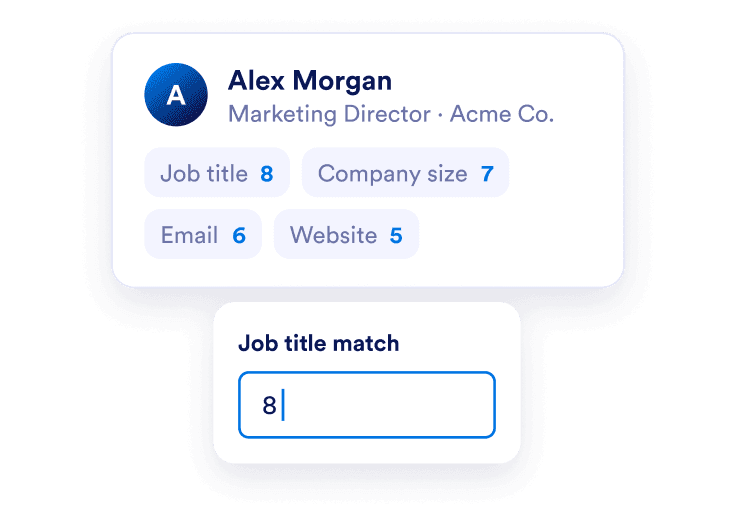
A lead profile shows job title 8, company size 7, email engagement 6, and website activity 5, with 8 entered in the Job title match field.

Assess fit and engagement

Rate job title and company size against your ideal customer. Then use the evidence you have about email engagement and website activity. Score every attribute from 0 to 10.
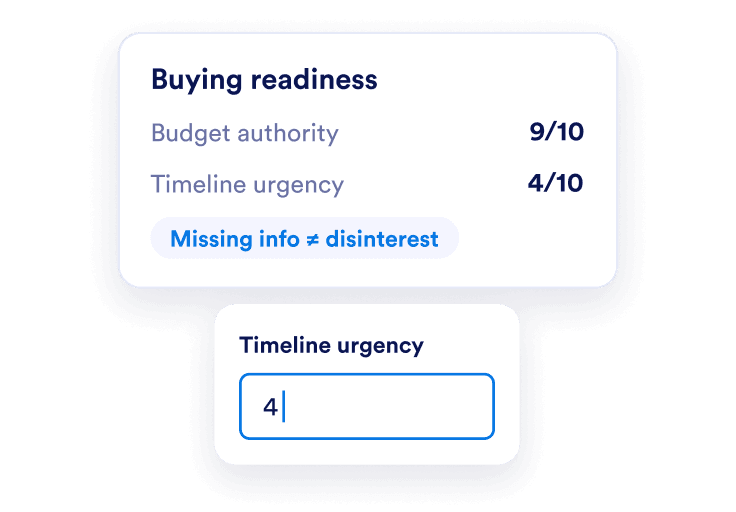
Budget authority is rated 9 out of 10 and timeline urgency 4 out of 10, with a reminder that missing information does not mean disinterest.

Add buying readiness

Consider budget authority and timeline urgency. Keep your scoring rules consistent across leads and avoid treating missing information as proven disinterest.
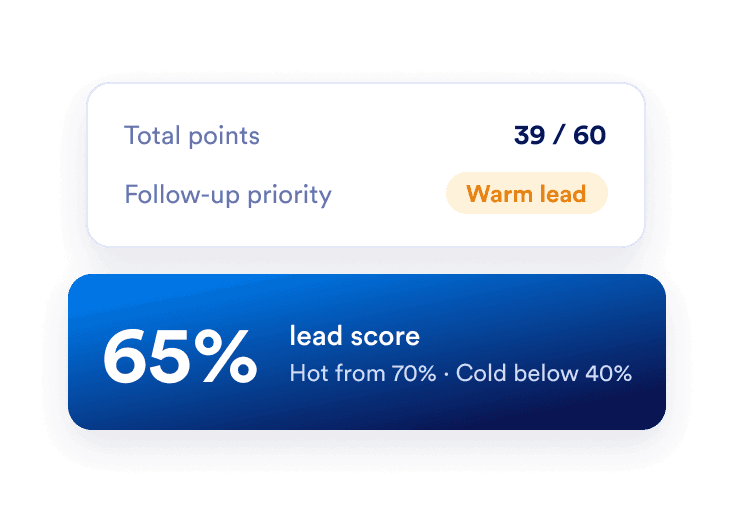
A lead with 39 out of 60 points receives a 65 percent score and a Warm classification.

Review the follow-up priority

See your total points, percentage score, and Hot, Warm, or Cold classification. Use the result to guide a conversation and revisit it when new information arrives.

Plan your next step with clearer numbers

Make your criteria explicit

Use six clear attributes instead of an unexplained ranking. Each contributes up to ten points, and the breakdown separates fit, engagement, and readiness.
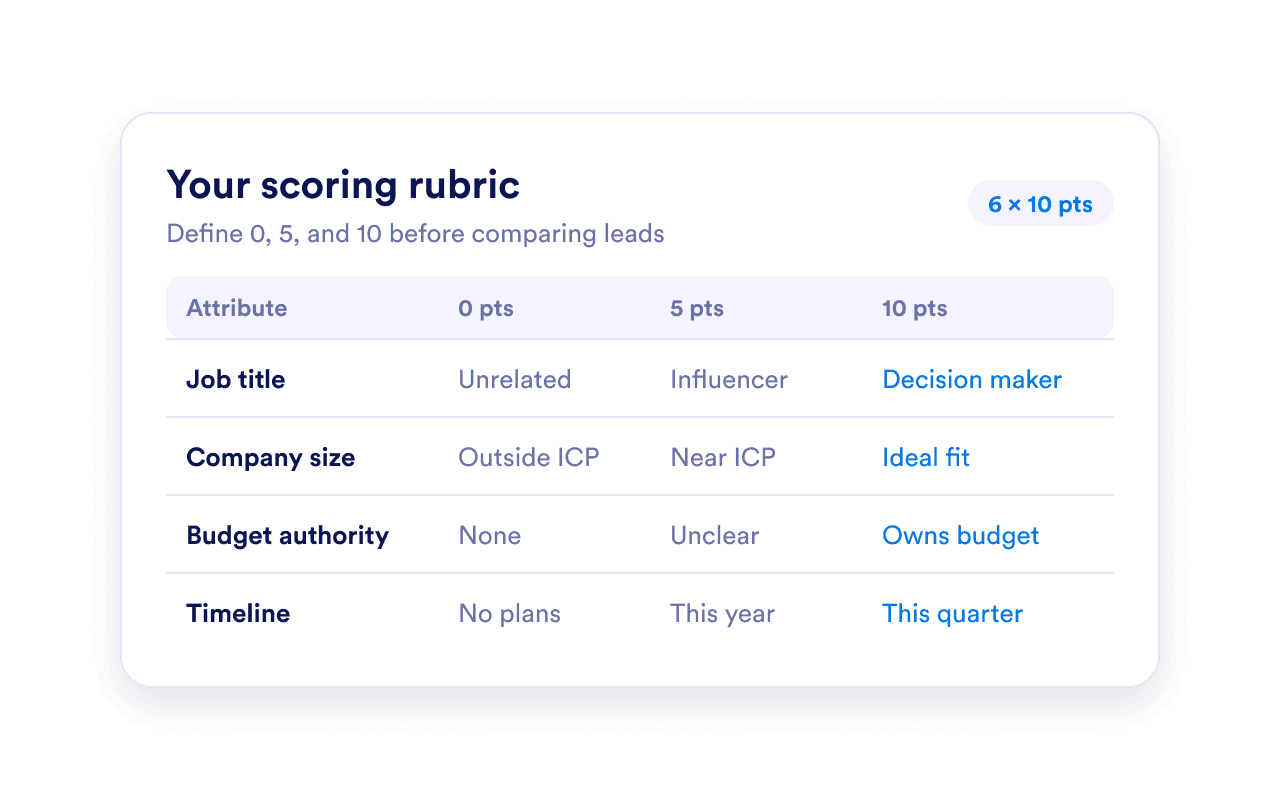
A scoring rubric defines examples for 0, 5, and 10 points across job title, company size, budget authority, and purchase timeline.

Create a consistent follow-up habit

Compare leads with the same rubric. Hot starts at 70%, Warm at 40%, and Cold below 40% in this model; these are starting rules rather than universal sales benchmarks. Learn how to measure your lead generation efforts to see how your lead categories translate into conversions and revenue.
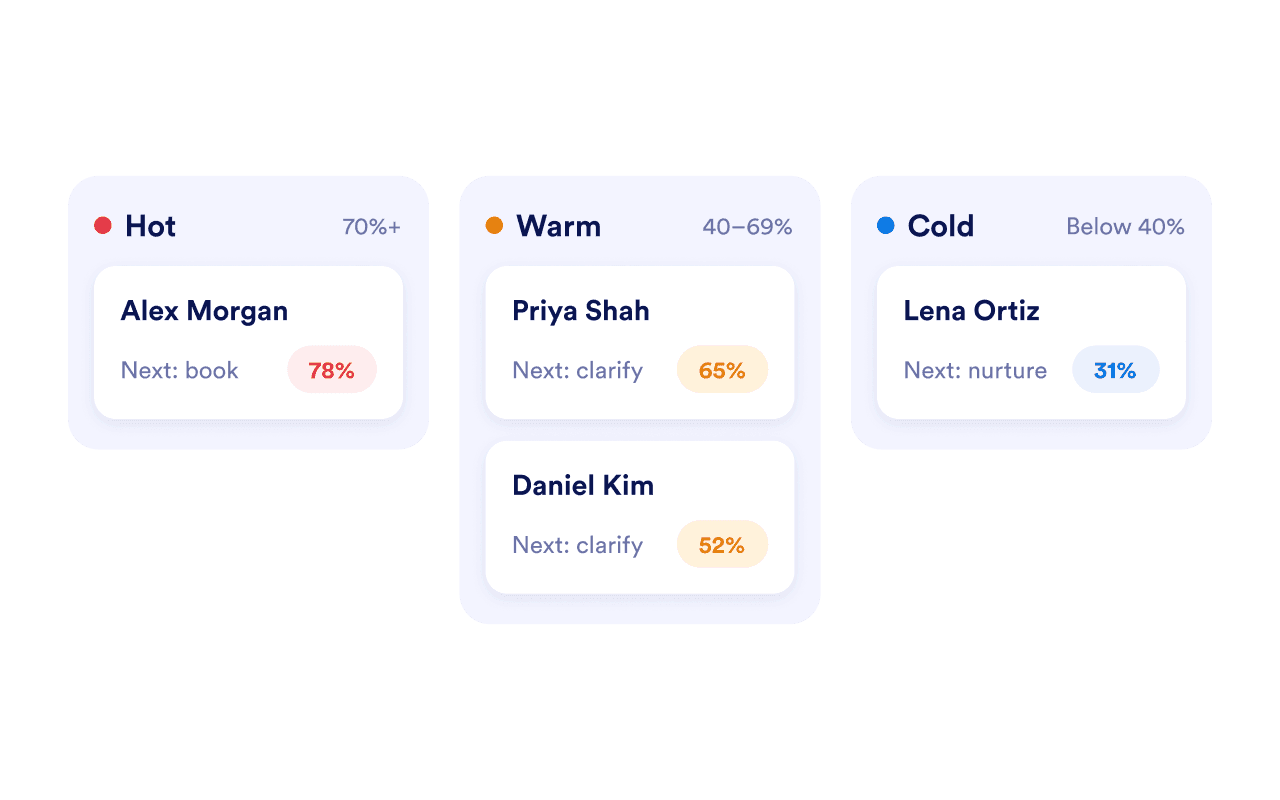
Three lead priority bands show Hot at 70 percent, Warm at 40 percent, and Cold below 40 percent.

Start with a useful inquiry

Use Jotform’s Contact Us Widget to collect contact details and questions on your website. Assess the information in your own process; the calculator does not connect to submissions or score them automatically.
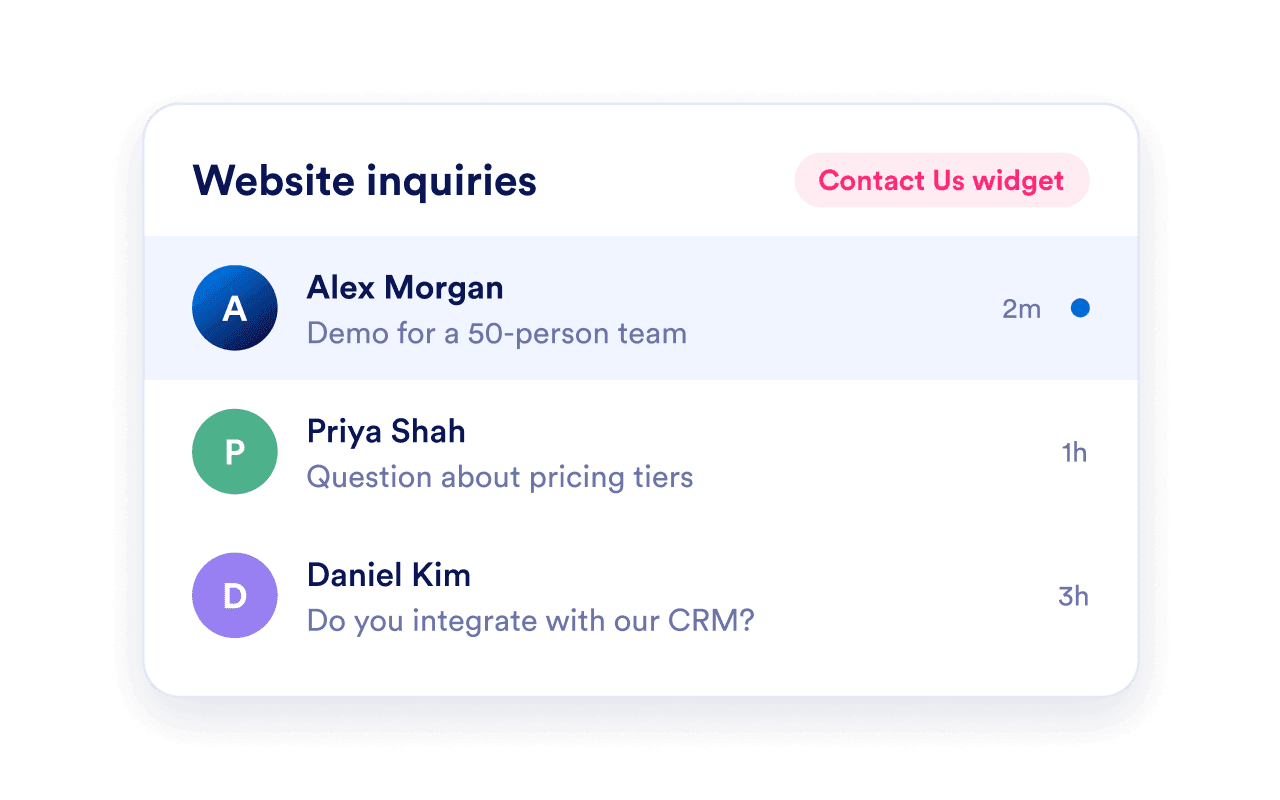
A Contact Us widget inbox lists website inquiries from Alex Morgan, Priya Shah, and Daniel Kim.

Put your plan into action with Jform

Create a Contact Us widget that fits your website. Customize the content and design, embed it on your page, and measure the results.

자주하는 질문들

  • How should I rate each attribute in the Lead Scoring Calculator?

    Rate each attribute from 0 to 10 using evidence from your CRM, conversations, and engagement data. Use these examples as a starting point, then adapt them to your ideal customer profile and sales process:

    • Job title match: Assess how closely the lead’s role matches your target buyer. Use 0 for an unrelated role, 5 for a relevant influencer, and 10 for your ideal buyer role.
    • Company size match: Compare the company’s size with your target customer range. Use 0 for a company well outside that range, 5 for a partial match, and 10 for a company within your ideal range.
    • Email engagement: Consider observed clicks, replies, and ongoing conversations. Use 0 for no engagement, 5 for occasional interaction, and 10 for consistent, meaningful responses.
    • Website activity: Assess the frequency and relevance of visits. Use 0 for no observed activity, 5 for occasional browsing, and 10 for repeated visits to pages that suggest purchase interest, such as pricing or demo pages.
    • Budget authority: Evaluate the lead’s influence over spending decisions. Use 0 for no purchasing influence, 5 for someone who helps evaluate or recommend solutions, and 10 for someone with confirmed budget approval authority.
    • Timeline urgency: Consider the lead’s stated purchase timeline. Use 0 for no current purchase plans, 5 for an active evaluation without an immediate deadline, and 10 for a confirmed need to buy soon.

    Define these benchmarks consistently before comparing leads. If information is missing, verify it where possible rather than treating an unknown as a confirmed zero. The calculator weights all six attributes equally.

  • How is the lead score calculated?

  • What do Hot, Warm, and Cold mean?

  • What if information is missing?

  • Are the attributes weighted differently?

  • Does the score predict whether a lead will buy?

  • Does this connect to my Jform submissions?

  • Is this calculator free to use?

  • How can I add the widget to my website?