댓글창 위젯

Layered Studio for Comments

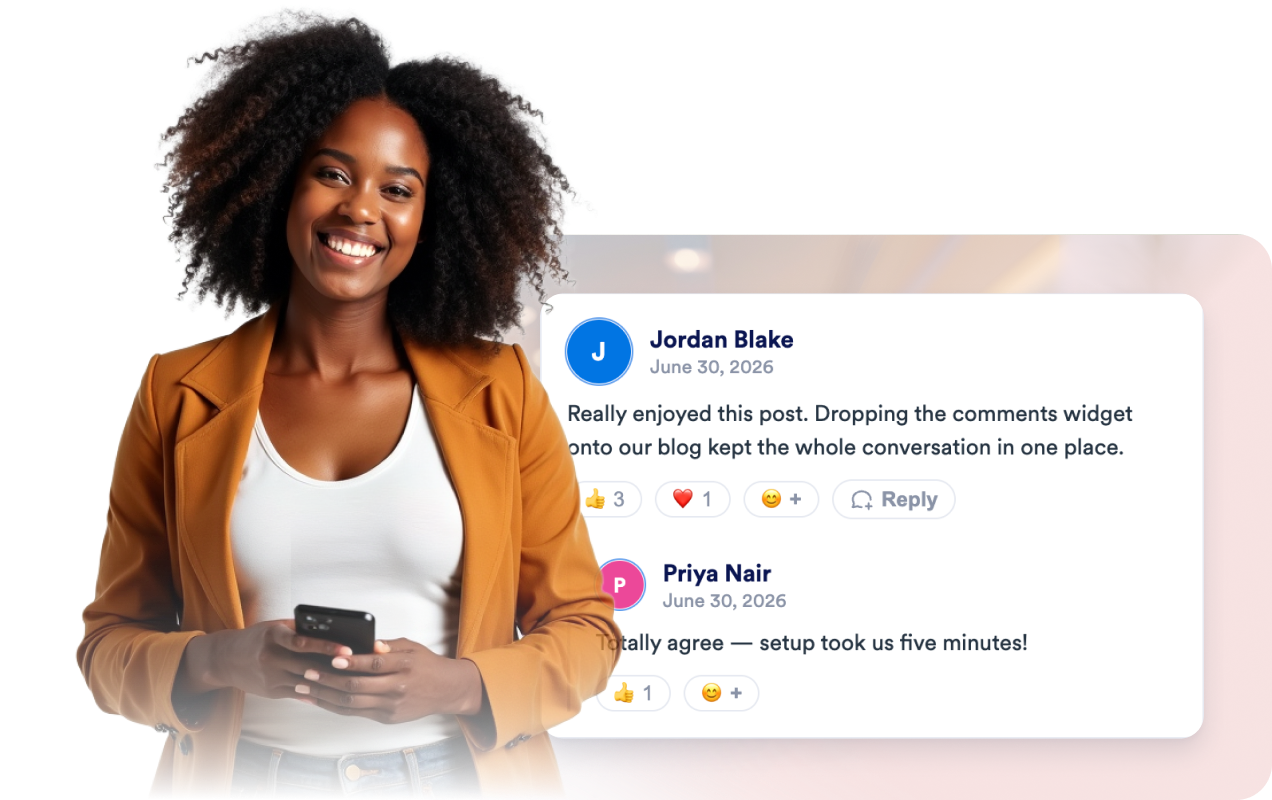
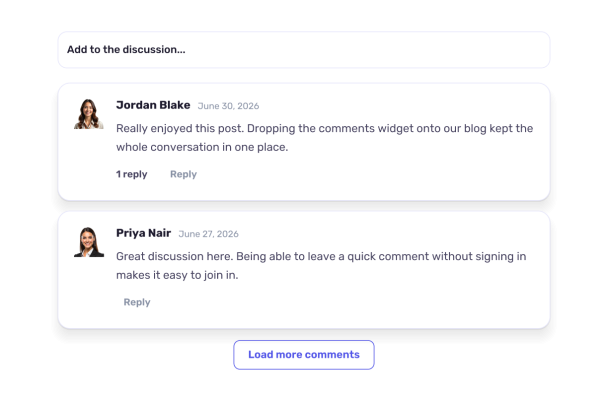
Give visitors a simple place to share thoughts and follow a discussion. This comments widget displays entries in a clean list, with commenter names, avatars, and dates, and lets people reply to existing comments.
Layered Studio for Comments

More 댓글 Styles

Neutral Discussion Cards660 Used

Neutral Discussion Cards

Give visitors a straightforward place to share thoughts and join a discussion. This comments widget presents posts in a clean list, with commenter names, avatars, and dates visible. Visitors can write a comment using the compact composer, and enabled replies let them continue a conversation within a thread. The layout uses a light, understated style with rounded comment cards and Poppins typography, making it a practical fit for articles, community pages, and other content where feedback belongs alongside the main experience. When the list is empty, visitors see “Be the first to comment.” Newest comments appear first, and a load-more control is available for browsing additional posts.

Minimal Editorial Conversation590 Used

Minimal Editorial Conversation

This comments widget provides a simple discussion area with a compact composer and a clean, list-based presentation. Visitors can enter their name and share a comment, then read contributions displayed with commenter names, avatars, and dates. Replies are enabled, with thread controls to expand or collapse conversations, and a load-more button helps visitors browse additional comments. Use it for articles, community pages, project updates, or other content where readers can add their thoughts and respond to one another. The restrained styling, Poppins typography, and neutral colors keep the discussion readable alongside a range of page designs. When no comments are present, the widget invites visitors to be the first to contribute.

Midnight Forum Comments681 Used

Midnight Forum Comments

This comments widget presents a newest-first discussion in a compact list, with commenter names, avatars, and dates. Its dark comment cards and blue accents create a clear, readable discussion area suited to articles, project pages, and community content where visitors can share responses. Visitors can add a comment using the “Share your thoughts” form, reply to existing comments, and expand or collapse reply threads. The widget shows an empty-state message when the discussion has no comments and includes a control for loading more. A responsive layout keeps the comment list and composer usable on smaller screens.

Warm Community Journal106 Used

Warm Community Journal

This comments widget presents a newest-first discussion in a list of warm, cream-colored cards, with commenter names, avatars, and dates. It is suited to articles, project pages, and other content where visitors can share reactions or join an ongoing conversation. Visitors can write a comment using the compact composer, then post it to the discussion. Replies are enabled and can be collapsed, making it easier to follow comment threads. When no comments are present, the widget displays “Be the first to comment,” and a load-more button is available for browsing additional entries. The Merriweather typeface and burnt-orange accents give the discussion a friendly, editorial feel.

댓글 위젯을 생성하는 방법

Set up your comments widget

댓글창 위젯 설정하기

알림을 받을 이메일 주소를 입력하고 색상과 레이아웃을 선택하세요. 이모지 반응, 답글 및 별점 기능의 사용 여부를 설정한 다음 임베드 코드를 복사하여 웹사이트에 추가하면 됩니다.

Visitors comment, react, and reply

댓글을 남기고 반응하며 답글로 소통하기

방문자는 로그인 없이 웹페이지에 이름, 이메일 주소 및 댓글을 남길 수 있습니다. 이모지로 반응하거나 답글을 달 수 있으며, 프로필 이미지는 Gravatar에서 자동으로 가져옵니다.

Get an email for every comment

댓글이 달릴 때마다 이메일 알림 받기

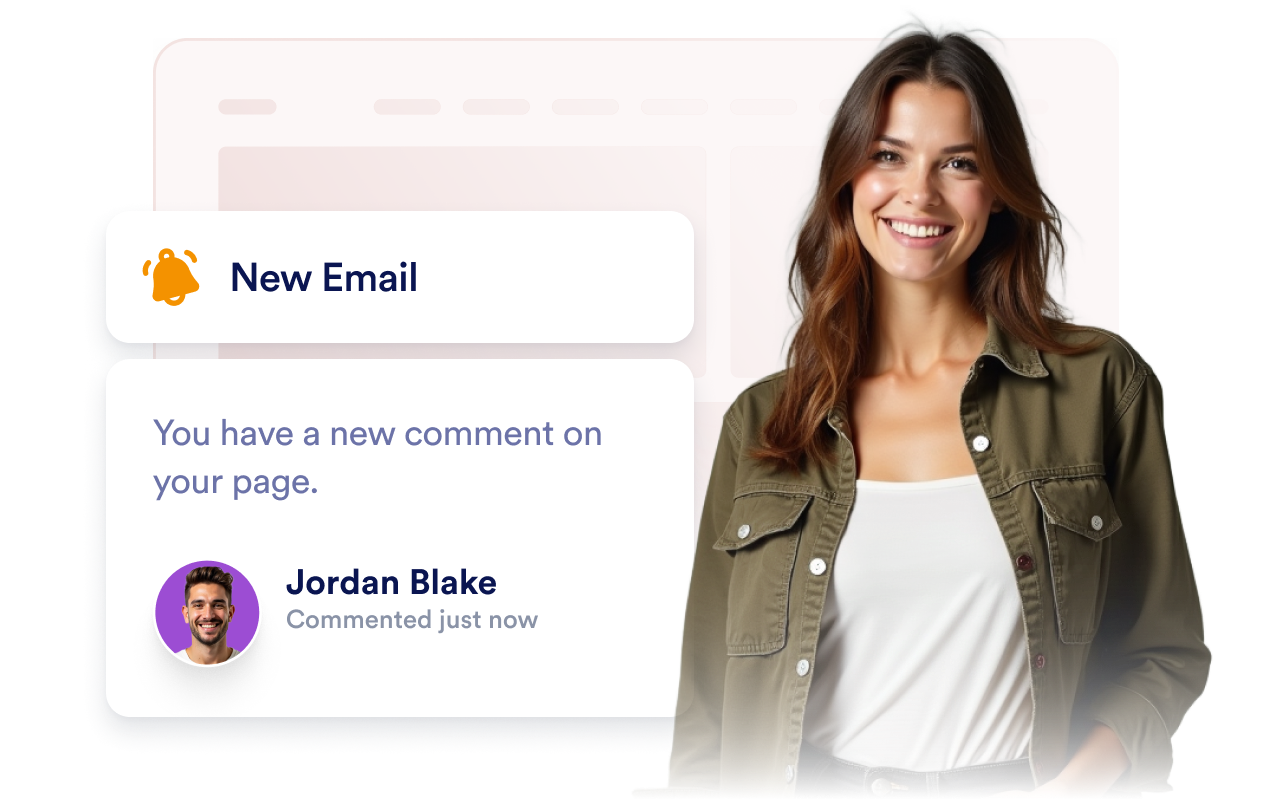
새 댓글이 달리는 즉시 이메일 알림을 받아보세요. 방문자의 의견에 빠르게 답변하고 웹페이지에서 대화를 계속 이어갈 수 있습니다.

댓글창으로 방문자 간 활발한 소통 유도하기

로그인 없이 자유롭게 댓글 남기기

방문자가 웹페이지에서 이름, 이메일 주소 및 댓글을 입력하면 댓글이 즉시 표시됩니다. 계정 생성이나 로그인, 소셜 계정 인증 없이 누구나 댓글을 남길 수 있습니다.

Let visitors comment without signing in

이모지로 반응하고 답글로 대화 이어가기

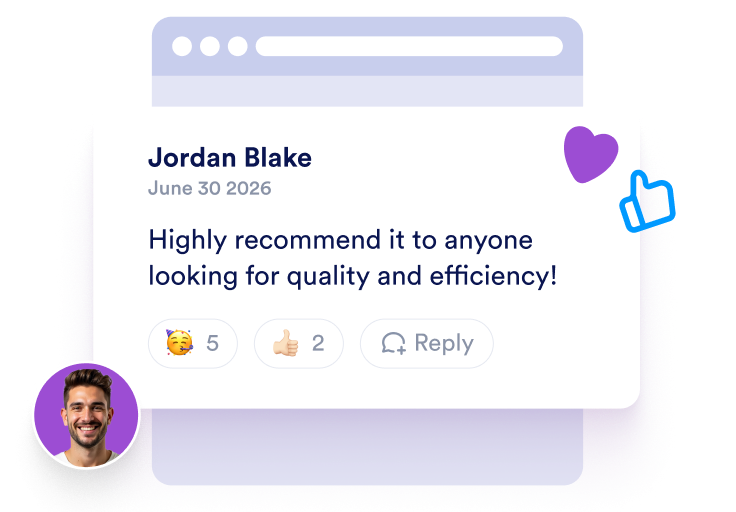
방문자는 이모지로 댓글에 반응하고 계층형 답글을 통해 대화를 이어갈 수 있습니다. 로그인 없이도 웹페이지에서 자유롭게 소통할 수 있습니다.

React and reply in threads

새 댓글이 달릴 때마다 이메일 알림 받기

알림을 받을 이메일 주소를 설정하면 새 댓글이 달리는 즉시 알림을 받을 수 있습니다. 방문자가 남긴 의견을 놓치지 않고 확인해 보세요. 알림은 언제든지 켜거나 끌 수 있습니다.

Get an email for every new comment

웹사이트 스타일에 맞추세요

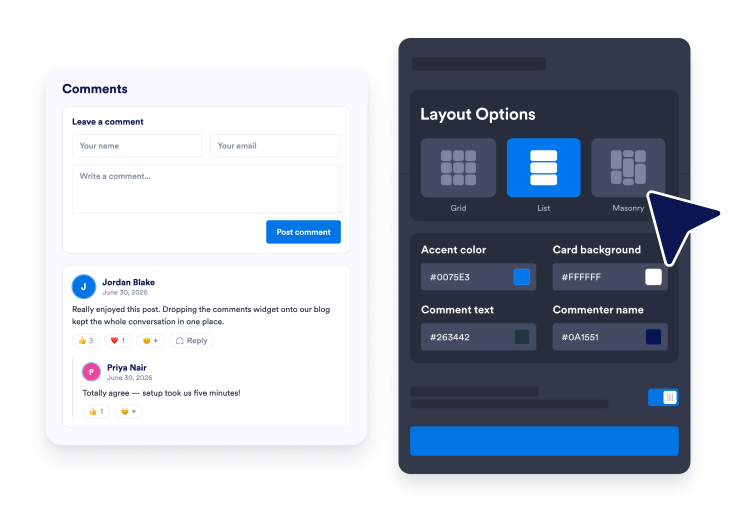
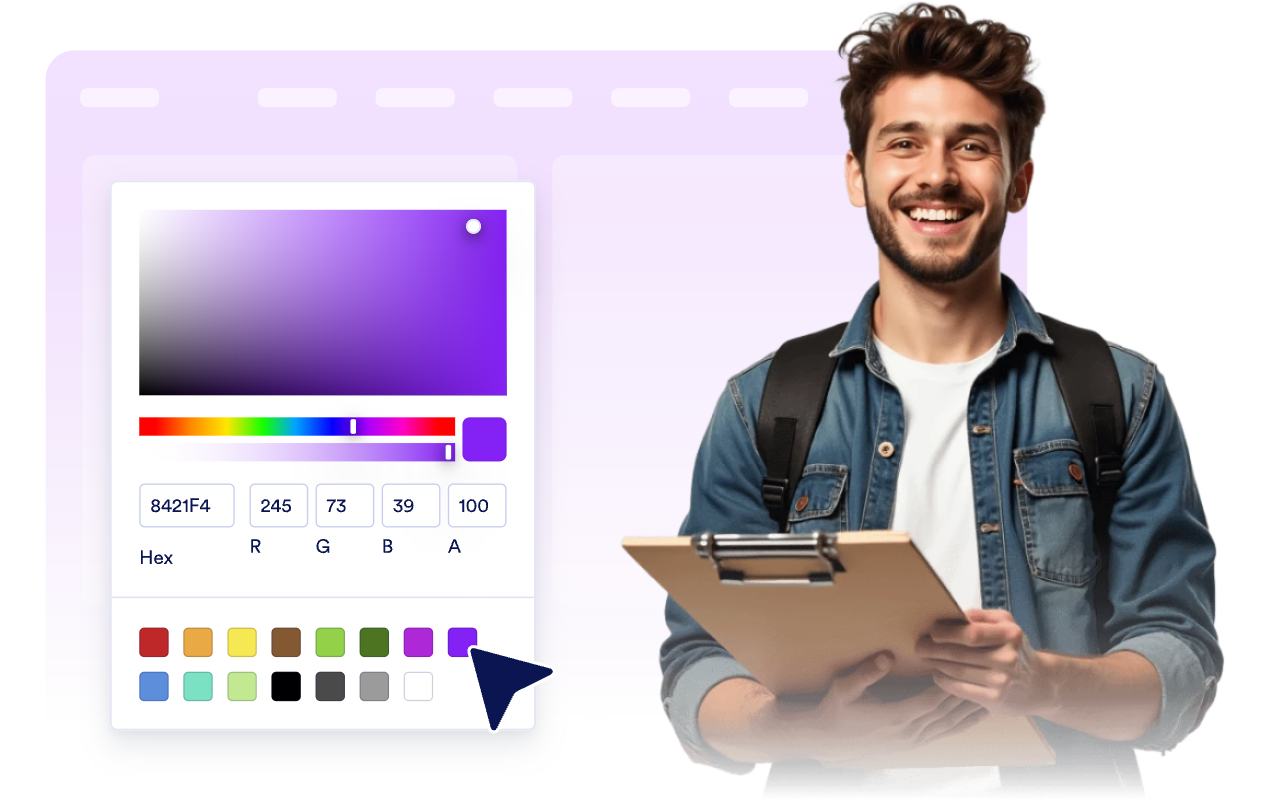
라이트 모드 또는 다크 모드를 선택하고 강조 색상, 카드 배경색, 댓글 및 작성자 이름의 글자색, 너비, 목록, 그리드 또는 메이슨리 레이아웃과 브랜딩을 자유롭게 설정하세요.

Match your website style

WordPress에 댓글을 삽입하는 방법

1임베드 코드 복사하기

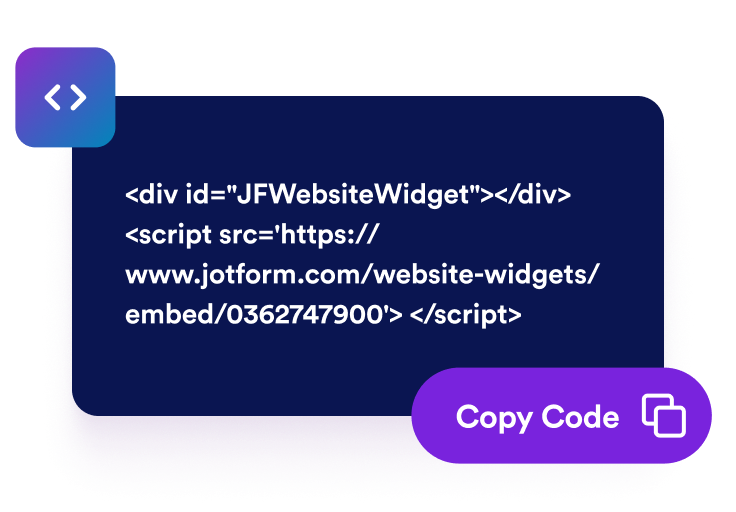
Jform 웹 위젯을 원하는 대로 설정한 다음 웹사이트에서 무료로 사용해 보기를 클릭하고 생성된 임베드 코드를 복사하세요.

2페이지 편집기 열기

위젯을 표시할 WordPress 게시물이나 페이지를 열고 새 블록을 추가하세요.

3사용자 지정 HTML 블록 추가하기

사용자 지정 HTML을 선택하고 HTML 필드에 Jform 웹 위젯의 임베드 코드를 붙여넣으세요.

4업데이트 및 확인하기

업데이트 또는 게시를 클릭한 다음 페이지를 열어 삽입된 위젯을 확인하세요.

Jform 웹 위젯이 특별한 이유

Jform 위젯으로 웹사이트의 상호작용을 늘리고 전환율을 높이세요. 별점 평가, 고객 후기 슬라이더, 고객 신뢰도 팝업, 미디어 삽입 등 다양한 도구를 제공합니다. 코딩 없이 양식이나 랜딩 페이지에 위젯을 추가하여 데이터를 수집하고, 고객 후기를 보여주고, 잠재 고객을 확보할 수 있습니다.

코딩 없이 위젯 삽입하기

간단한 임베드 코드로 웹사이트에 Jform 위젯을 추가하세요. 위젯 디자인을 원하는 대로 설정하고 미리보기를 확인한 다음, 사용자 지정 HTML 또는 임베드 블록을 지원하는 페이지에 코드를 붙여넣으면 됩니다. 개발자의 도움 없이도 사용할 수 있습니다.

더욱 상호작용형인 페이지 만들기

Jform 웹 위젯을 사용하여 잠재 고객을 확보하고, 고객 후기를 표시하고, 신뢰도를 높이고, 미디어를 삽입하거나 웹페이지에 유용한 기능을 추가하세요. 방문자가 웹사이트에서 바로 비즈니스와 상호작용할 수 있도록 도와줍니다.

필요할 때 지원 받기

위젯 설정, 디자인 맞춤 설정, 웹사이트 삽입 또는 문제 해결에 도움이 필요한 경우 Jform 고객 지원팀에 연중무휴 24시간 문의할 수 있습니다. 필요할 때 언제든 도움을 받을 수 있으므로 안심하고 위젯을 사용하세요.

댓글창 위젯 활용 방법

방문자가 자유롭게 의견을 나누고 토론하며 페이지에 더 오래 머물 수 있도록 원하는 위치에 댓글창을 추가하세요.

블로그 게시물 및 기사에 댓글창을 추가하여 독자가 의견을 남기고 토론을 이어갈 수 있도록 하세요.

뉴스 및 매거진 페이지에서 콘텐츠를 중심으로 활발하게 소통하는 커뮤니티를 만들어 보세요.

제품 및 랜딩 페이지에서 방문자의 피드백을 수집하고 궁금한 점에 답변하세요.

문서 및 도움말 페이지에서 추가 질문과 개선 제안을 수집하세요.

행사 및 캠페인 페이지에서 행사 전후 방문자의 반응과 의견을 수집하세요.

포트폴리오 및 성공 사례 페이지에서 방문자가 응원 메시지와 피드백을 남길 수 있도록 하세요.

Jform 양식 빌더로 잠재 고객을 유료 고객으로 전환하세요

Jform으로 방문자의 관심을 실제 행동으로 연결하세요. 잠재 고객 확보, 결제 수집 및 자동 응답 기능을 갖춘 양식을 한곳에서 만들 수 있습니다. 모든 제출 내역은 Jform 받은 편지함에 저장되므로 후속 조치를 진행하거나 자주 사용하는 앱과 연결할 수 있습니다.

시작하기 — 무료입니다!
Convert leads into customers

자주 묻는 질문

  • 댓글창 위젯이란 무엇인가요?

    댓글창 위젯을 사용하면 방문자가 웹페이지에 직접 댓글을 남길 수 있습니다. 각 댓글에는 작성자의 이름, 메시지, Gravatar에서 자동으로 가져온 프로필 이미지와 선택적으로 입력한 별점이 표시됩니다. 위젯의 디자인을 자유롭게 설정하고 웹사이트에 간편하게 삽입할 수 있습니다.

  • 댓글을 남기려면 로그인해야 하나요?

  • 프로필 이미지는 어디에서 가져오나요?

  • 새 댓글이 달리면 알림을 받을 수 있나요?

  • 방문자가 댓글에 반응하거나 답글을 달 수 있나요?

  • 방문자가 댓글에 별점을 남길 수 있나요?

  • 디자인을 맞춤 설정할 수 있나요?

  • WordPress, Shopify 또는 Webflow에 댓글창을 추가할 수 있나요?