버튼 위젯
Create Your Own Button Widget in Seconds for Your Website
Build a responsive CTA button for sales, signups, chats, calls, social links, and page navigation. Choose the action, placement, label, icon, colors, and display behavior in a no-code builder.

Choose the Right Click Action
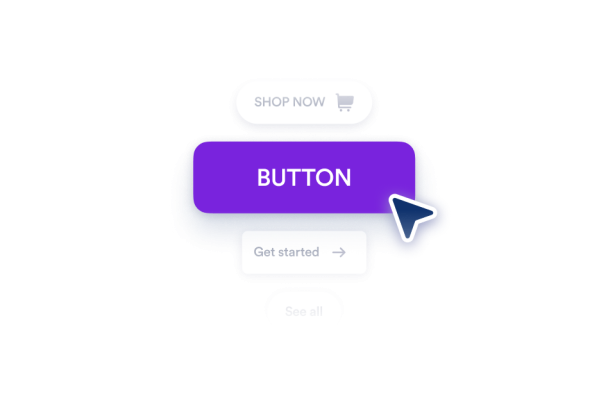
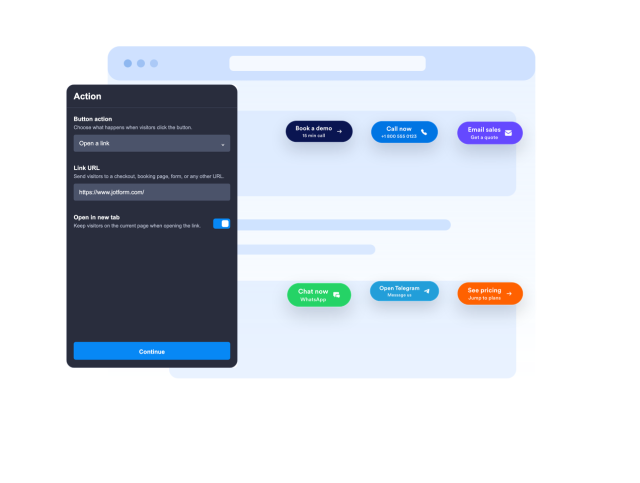
Send visitors to a URL, start a phone call, compose an email, open WhatsApp or Telegram, or scroll to a section such as pricing, contact, checkout, or signup.
Action controls include:
Use Embedded or Floating Placement
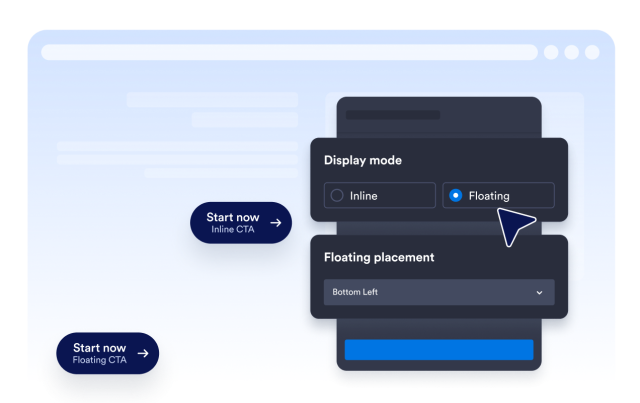
Embed the button in a page section or keep it visible while visitors scroll. Floating placement supports eight screen positions for different page layouts.
Placement options include:
Edit Labels, Icons, and Supporting Text
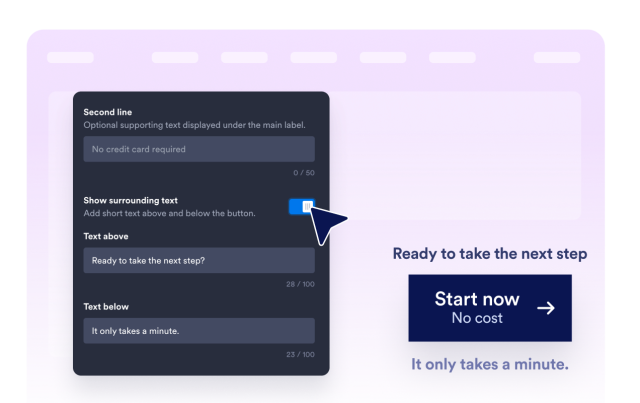
Create one-line or two-line button labels, add text above or below the CTA, and choose an icon that matches the visitor action.
Content controls include:
Customize Style and Advanced CSS
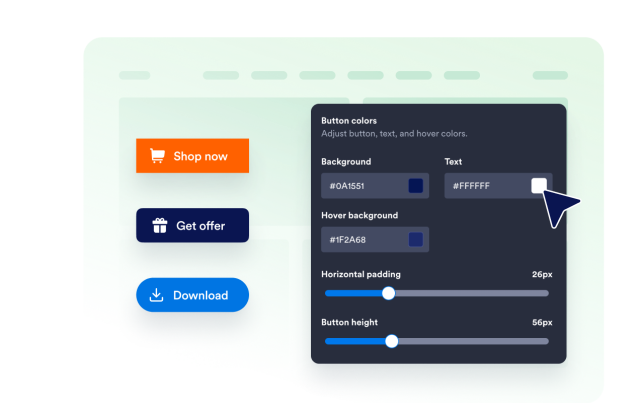
Tune the button height, padding, text size, colors, hover state, corner radius, shadow, visibility, branding, and scoped custom CSS.
Style controls include: