약속 예약 위젯
Create Your Own Appointment Booking Widget in Seconds for Your Website
Build a self-service booking flow with service cards, date and time selection, customer details, confirmation messaging, and brand styling.
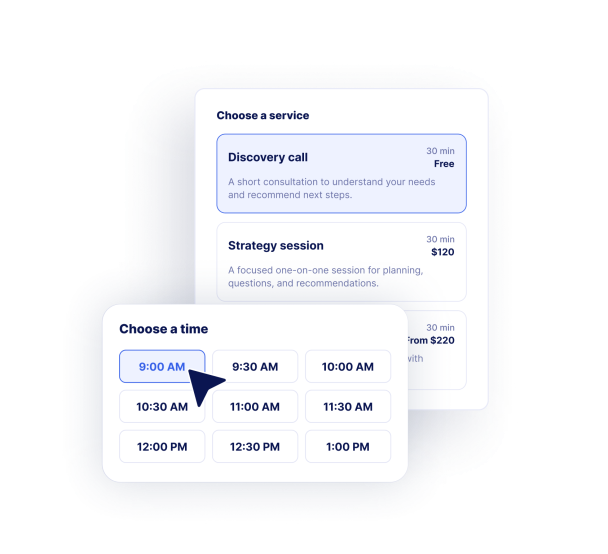

Create a Service-Based Booking Flow
Add appointment types with service names, descriptions, durations, and pricing text so visitors understand exactly what they are booking.
Useful for:
ConsultationsSalonsClinicsClassesHome services
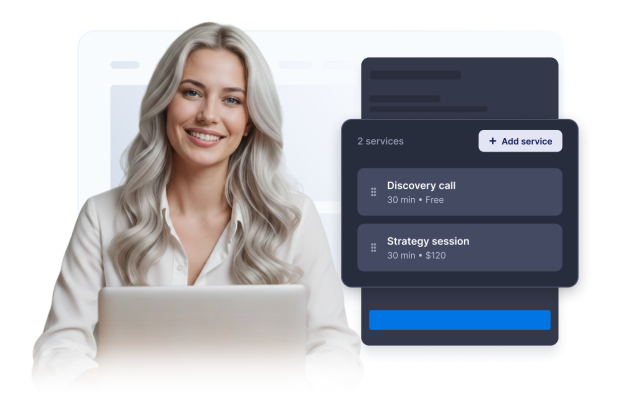
Control Availability and Booking Rules
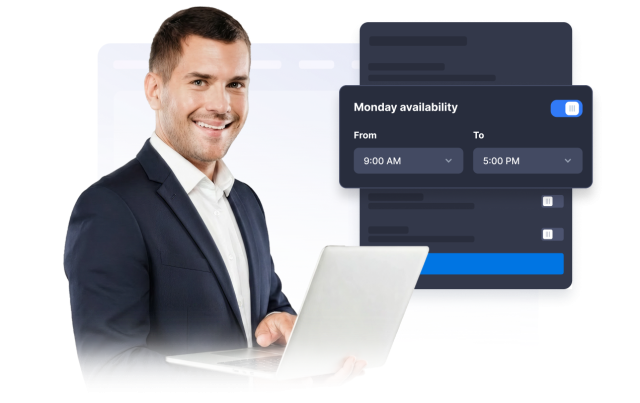
Set weekly working hours, unavailable dates, booking increments, required notice, future booking limits, and time zone labels.
Availability options:
Weekly hours예약 불가 날짜시간 단위최소 사전 알림시간대
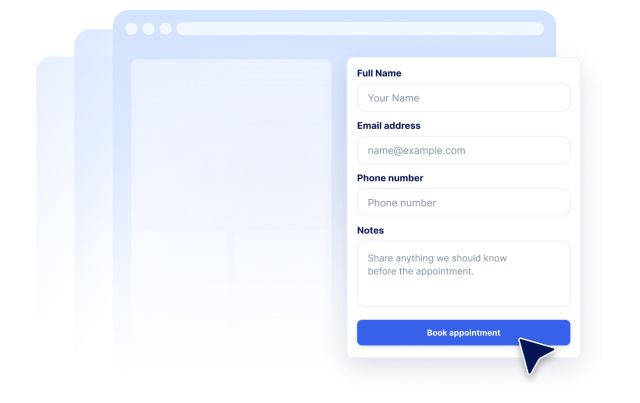
Collect Customer Details Before Confirmation
Use customizable name, email, phone, and notes labels to collect the information your team needs before following up.
Form fields:
이름이메일전화메모Custom labels
Customize Confirmation and Styling
Show client and owner notification notes, calendar sync messaging, custom confirmation copy, and colors that match your website.
Customization:
Confirmation copyCalendar noteAccent colors맞춤설정 CSS브랜딩