Announcement Carousel Widget
Create Your Own Announcement Carousel Widget for Your Website
Build a sticky announcement bar that rotates through promotions, announcements, signup prompts, coupon codes, campaign links, and important website updates.
Create Your Announcement Carousel Widget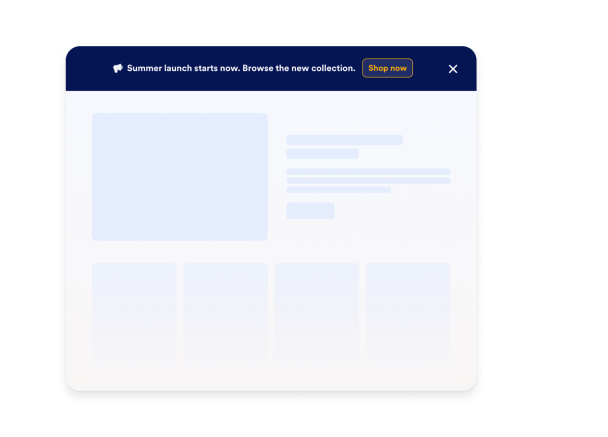

Add and Organize Announcement Items
Create a list of announcement messages and keep only the active items enabled. Use sample announcements to get started, then replace them with your own campaign copy.
Content controls include:

Support Links, Coupons, and Message-Only Notices
Send visitors to a campaign URL, let them copy a coupon code, or show a no-CTA notice for updates that do not need a click.
CTA options include:

Control Rotation, Placement, and Dismissal
Place the bar at the top or bottom, enable sticky mode, set the rotation interval, show navigation controls, add pause/play, and decide how close-state memory works.
Display controls include:

Style the Bar to Match Your Website
Set background, text, and CTA colors, choose font size and padding, adjust bar height, align text, and add scoped custom CSS when you need more control.
Style controls include: