SharePoint 양식
SharePoint로 제출물을 직접 보내기
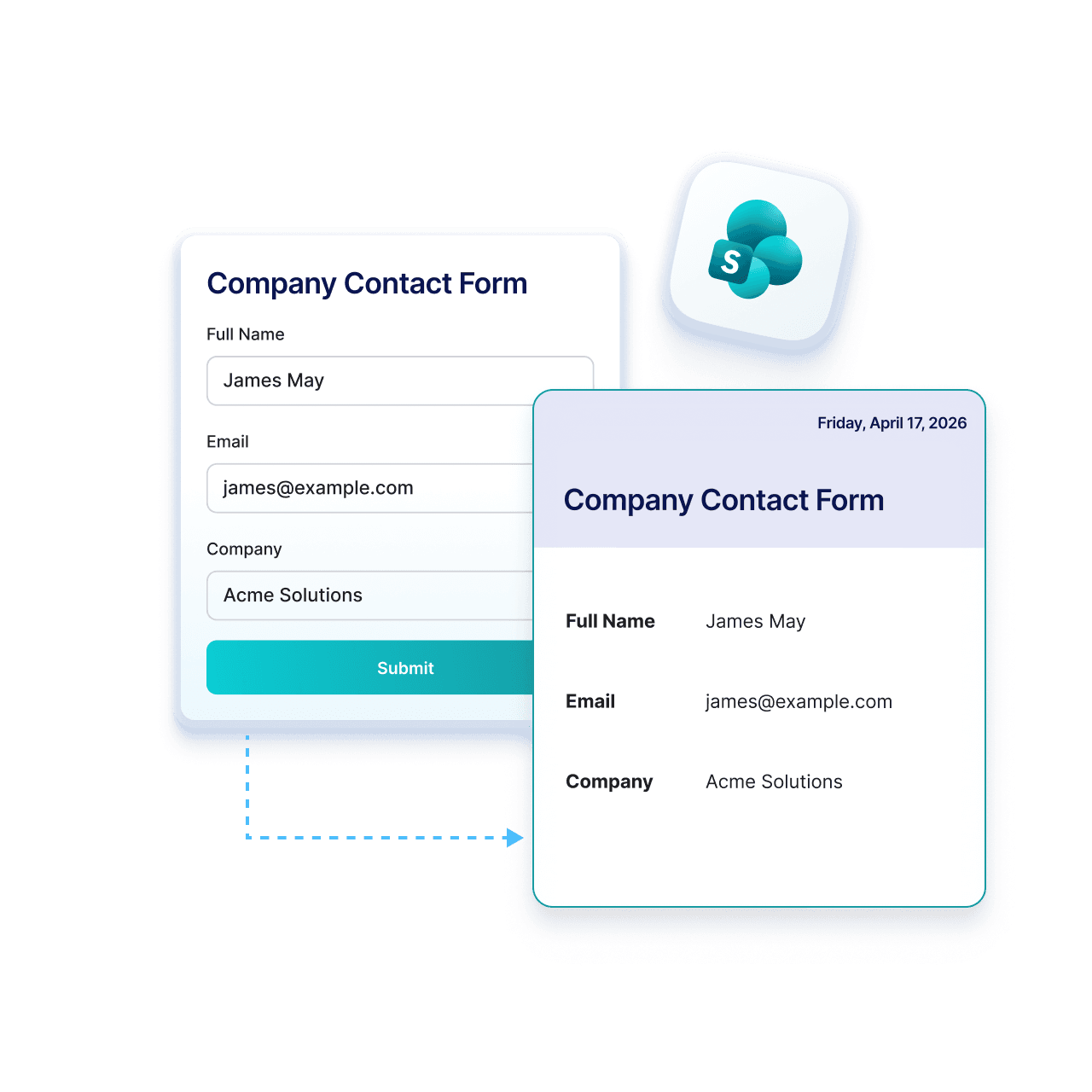
Jotform’s integration with Microsoft SharePoint helps you keep your submissions organized without extra steps. Collect data with Jform and send attachments and PDFs directly to SharePoint.
작동 원리

통합에서 Microsoft SharePoint를 선택하세요
Jform 설정으로 이동한 후 통합 목록에서 Microsoft SharePoint를 선택해 연결을 시작하세요.
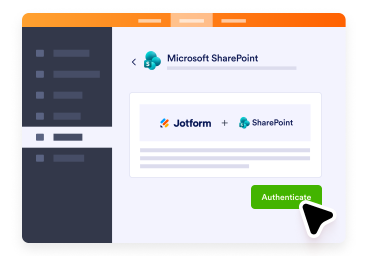
Microsoft 계정 연결하기
Microsoft 계정에 로그인하고 액세스를 허용하여 Jform이 SharePoint 목록으로 양식 제출물을 보낼 수 있도록 하세요.
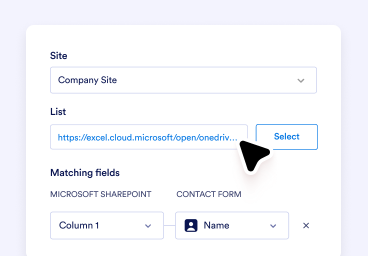
설정하고 데이터 수집 시작하기
Choose your list or action, map your fields, and automatically send every new submission to SharePoint.
SharePoint에 Jform을 사용해야 하는 이유
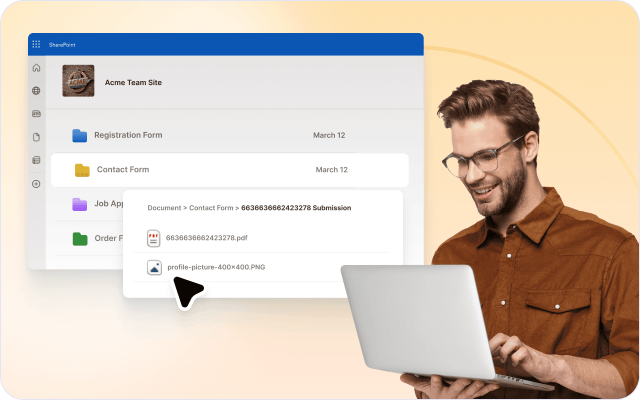
제출 파일 자동 저장
다운로드하거나 수동으로 업로드할 필요 없이 양식 첨부 파일과 생성된 PDF를 SharePoint에 자동으로 업로드하세요.
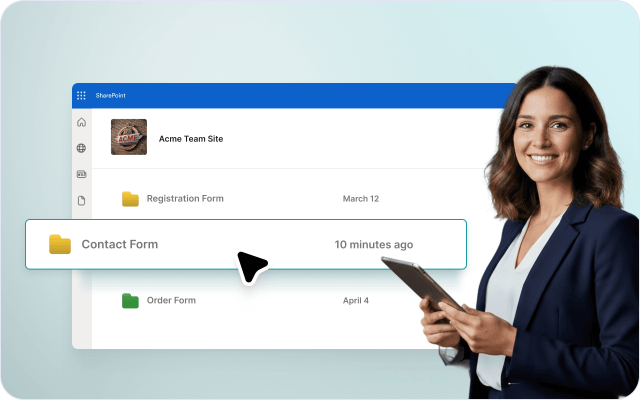
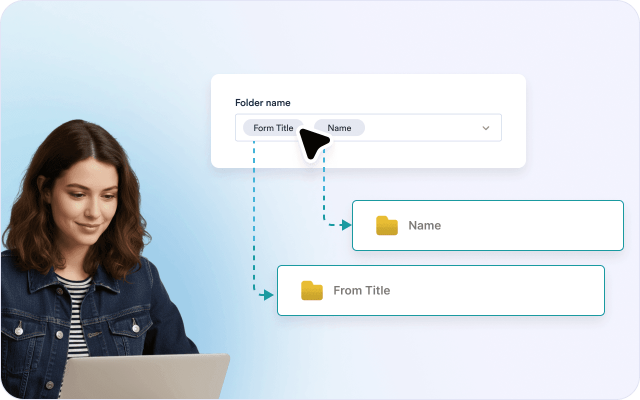
문서를 체계적으로 관리
제출물마다 폴더를 생성해 SharePoint에서 파일을 체계적으로 관리하세요. 필요한 파일을 쉽게 찾고 관리할 수 있습니다.
수동 업로드 줄이기
더 이상 파일을 다운로드했다가 다시 업로드할 필요가 없습니다. 모든 제출 파일과 PDF를 SharePoint로 자동 전송하세요.
기존 SharePoint 설정 사용
간단한 설정만으로 양식 필드를 Excel 열과 빠르게 매핑하세요. 기술 지식이나 복잡한 과정은 필요 없습니다.

모든 작업을 연결된 상태로 유지
제출 파일을 SharePoint에 저장해 팀이 한곳에서 문서를 확인하고 검토하며 관리할 수 있도록 하세요.

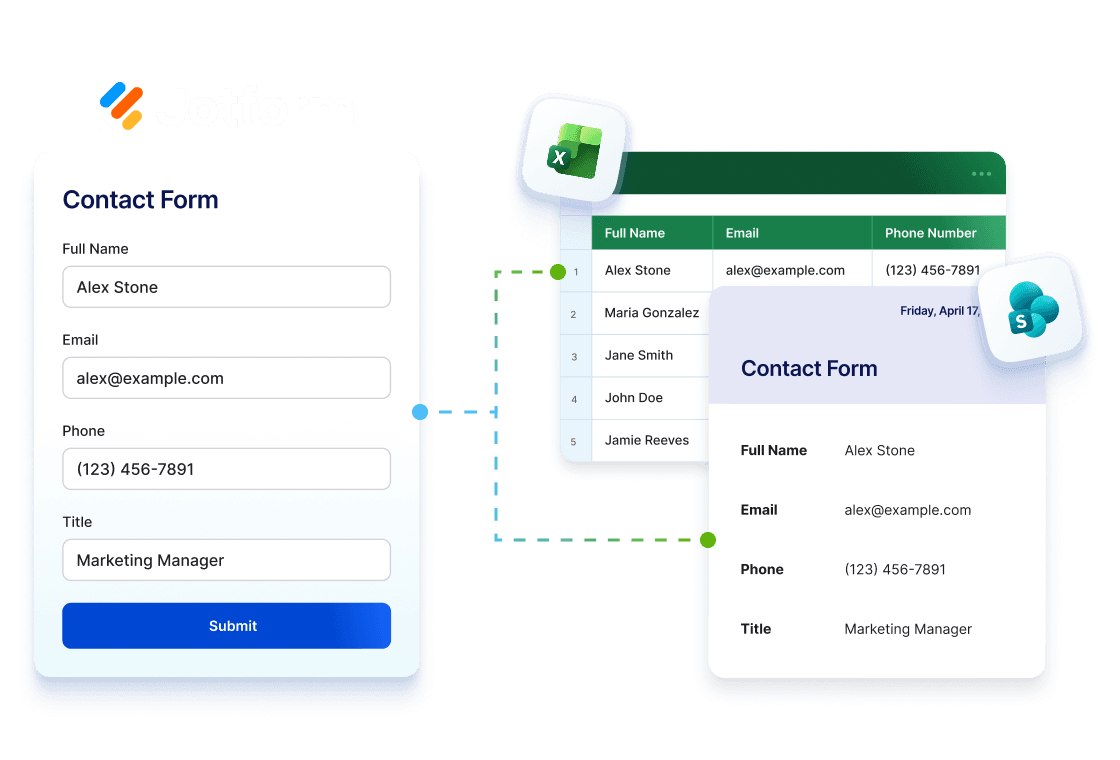
Jform을 Excel 및 SharePoint와 함께 사용하기
Collect data with Jform, analyze it in Excel, and store it in SharePoint. Keep your workflow seamlessly connected from submission to storage.
Excel 통합 살펴보기양식을 체계적인 SharePoint 프로세스로 전환하기
Collect and manage data with Jform and send it to SharePoint lists, where your team can collaborate in one place.
HR 팀
Jform으로 온보딩 문서를 수집해 SharePoint로 전송하세요. 직원별 폴더에 파일이 자동으로 정리됩니다.
운영팀
Jform으로 첨부 파일이 포함된 제출물을 수집해 SharePoint로 전송하세요. 파일을 체계적으로 관리하여 쉽게 찾고 사용할 수 있습니다.
Legal teams
Jform으로 제출 데이터와 파일을 수집해 SharePoint에 저장하세요. 기록을 체계적으로 관리하고 감사에도 대비할 수 있습니다.
IT 및 관리팀
Jform으로 요청을 수집하고 관련 파일을 SharePoint로 자동 전송하세요. 수동 업로드 없이 모든 파일을 저장할 수 있습니다.
엔터프라이즈 Microsoft 사용자
Jform으로 데이터와 문서를 수집해 SharePoint에 저장하세요. 팀은 Microsoft 워크플로우 내에서 파일을 효율적으로 관리할 수 있습니다.
How to Integrate Your Form with SharePoint

자주 묻는 질문
양식 제출물을 Microsoft SharePoint로 자동으로 보낼 수 있나요?
네. Microsoft SharePoint 통합을 사용하면 양식 데이터, 제출 PDF, 업로드된 파일을 SharePoint로 자동 전송하여 모든 콘텐츠를 한곳에서 더욱 쉽게 정리하고 관리할 수 있습니다.
Microsoft SharePoint 통합에서 사용할 수 있는 작업은 무엇인가요?
새 목록에 행 추가는 어떤 작업인가요?
기존 목록에 행 추가는 어떤 작업인가요?
파일 업로드는 어떤 작업인가요?
양식 필드를 SharePoint 목록 열에 매핑할 수 있나요?
파일 및 PDF를 특정 SharePoint 위치로 보낼 수 있나요?
기존 제출물을 SharePoint로 보낼 수 있나요?
SharePoint 통합을 사용하려면 Microsoft 계정이 필요한가요?
Microsoft SharePoint 통합에 대한 자세한 내용은 어디에서 확인할 수 있나요?
지금 바로 SharePoint 양식 사용 시작하기
Manage Jform submission files and PDFs directly in SharePoint, organized and ready for your team whenever.