Integrations
Connect your workflows with the tools your team already uses. Jform Workflows integrates with popular apps like Google Drive, Slack, Airtable, QuickBooks, and more.
Integrate Jform Boards with your workflow to instantly create tasks at the right moment. Assign work, track progress, and stay organized without any manual input.
Enhance your CRM and marketing efforts by integrating ActiveCampaign into your Jform Workflows.
Turn every form submission into a new record with Airtable, streamlining data management and eliminating repetitive tasks.
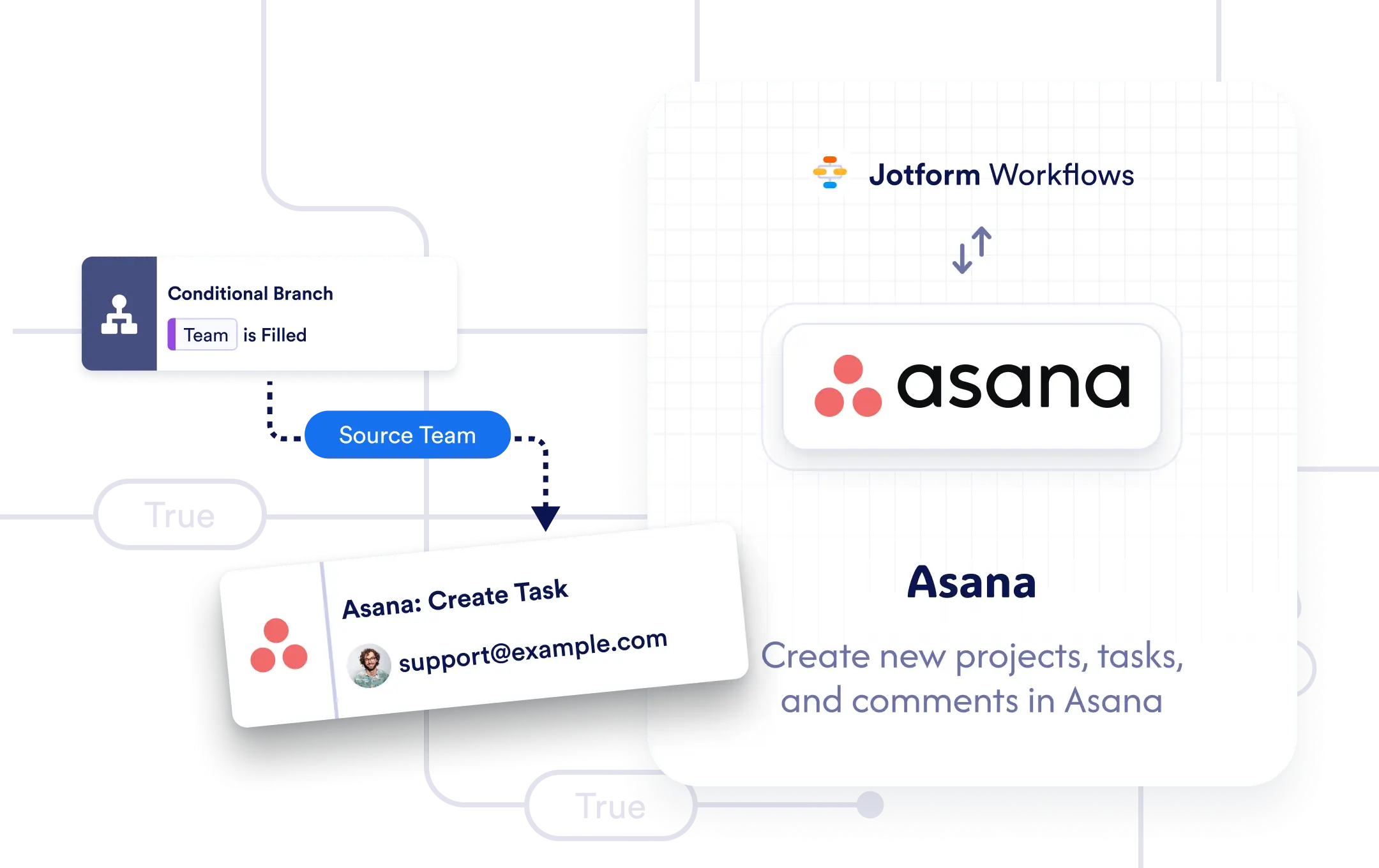
Instantly create tasks, sections, projects, and task comments in Asana directly from your form submissions.
Streamline your email marketing by integrating AWeber with Jform Workflows. Automatically add new subscribers to your AWeber lists whenever a form is submitted.
Eliminate manual file handling. With Box and Jform Workflows, you can instantly organize and store files in the right place, every time.
Effortlessly expand your mailing lists by integrating Campaign Monitor into your workflow. Automatically add form respondents as subscribers.
Whether you're launching a new campaign or managing internal requests, automate task creation and updates in ClickUp directly from your Jform Workflows.
Streamline your lead capture and marketing workflows by integrating Constant Contact into Jform Workflows.
Simplify your file management process by integrating Dropbox into Jform Workflows.
Streamline your file management with the Egnyte integration in Jform Workflows.
Streamline your email marketing by connecting Jform Workflows with GetResponse. Automatically create contacts using form submission data collected in your workflow.
Take the hassle out of manual scheduling by integrating Google Calendar into your workflows. Automatically create events complete with Google Meet links based on form submissions.
Streamline document handling by integrating Google Drive into your Jform Workflows. Instantly send form-submitted files to the right Google Drive folders.
Connect your workflows to HubSpot and power your CRM with intelligent automation.
Supercharge your marketing efforts by connecting Jform Workflows with Mailchimp. Automatically create contacts using form submission data collected in your workflow.
Streamline your subscriber list management by integrating MailerLite with Jform Automatically add new subscribers to your MailerLite audience based on form submission data.
Effortlessly grow your audience by connecting Jform Workflows with Mailsoftly. Create contacts in Mailsoftly using the data collected through form submissions.
Keep your team in sync and your processes running smoothly by integrating Microsoft. Automatically send chat messages, post to channels, or create meetings based on form submission.
Automatically create tasks or post updates in monday.com directly from your Jform Workflows.
Simplify your document handling by integrating OneDrive into your workflows. Automatically upload form submissions, PDFs, and uploaded files to the right OneDrive folder.
Seamlessly add qualified leads to your SendGrid contacts list with Jform Workflows. Automatically create new contacts based on form submissions filtered through workflow logic.
Streamline your finance operations by connecting QuickBooks to Jform Workflows. Automatically create customers and generate invoices using form submission data.
Keep your team in sync by integrating Slack with Jform Workflows. Automatically send messages to public or private channels or directly to teammates based on form submissions.
Seamlessly connect Jform Workflows with Zoho CRM to create new records from form submissions all without manual data entry.
Simplify how you schedule and manage virtual events by integrating Zoom with Jform Workflows.
Streamline your scheduling by integrating Microsoft Outlook with Jform Workflows. Automatically create calendar events based on form submissions.
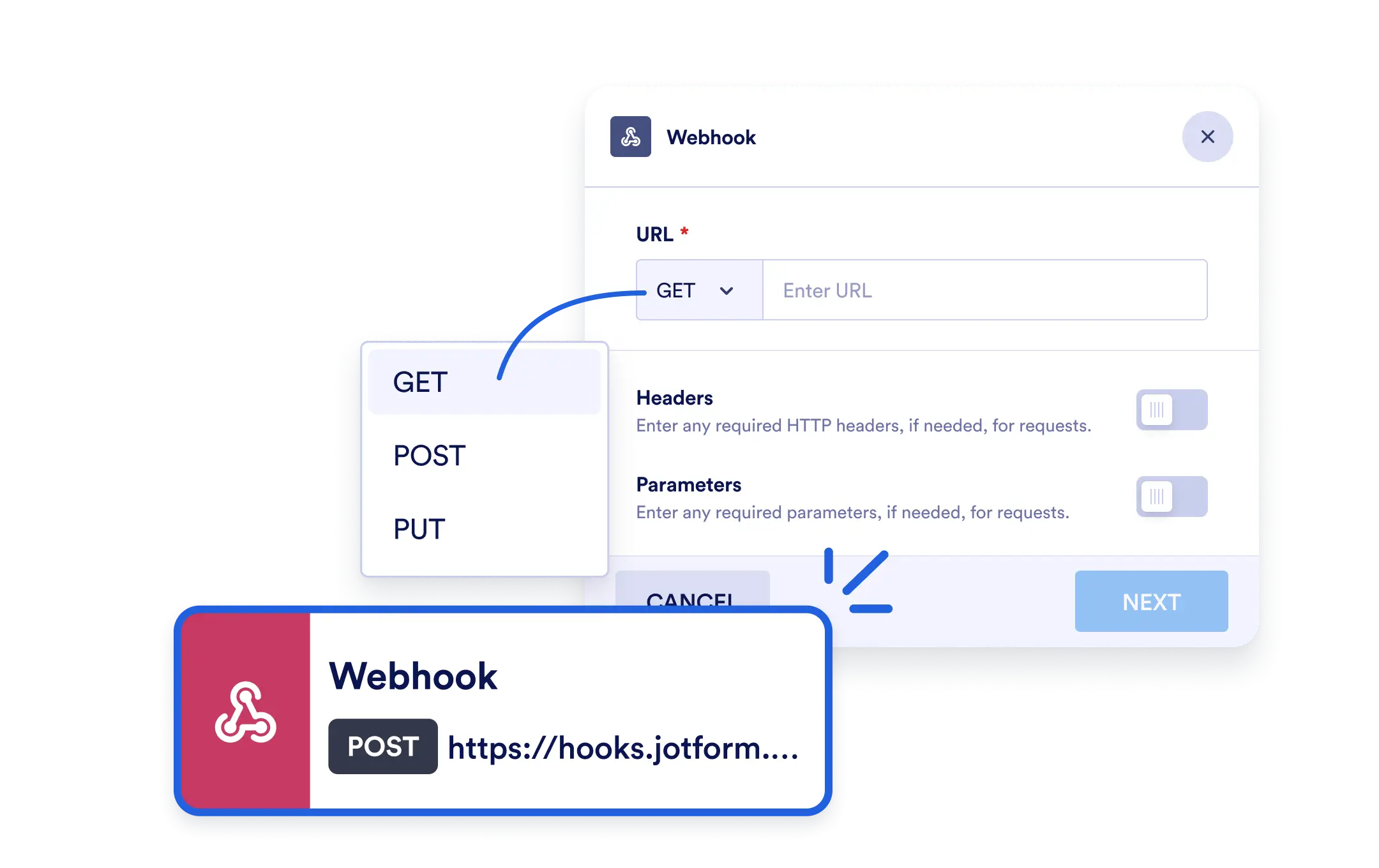
Send real-time data from your workflow to external systems the moment something happens.