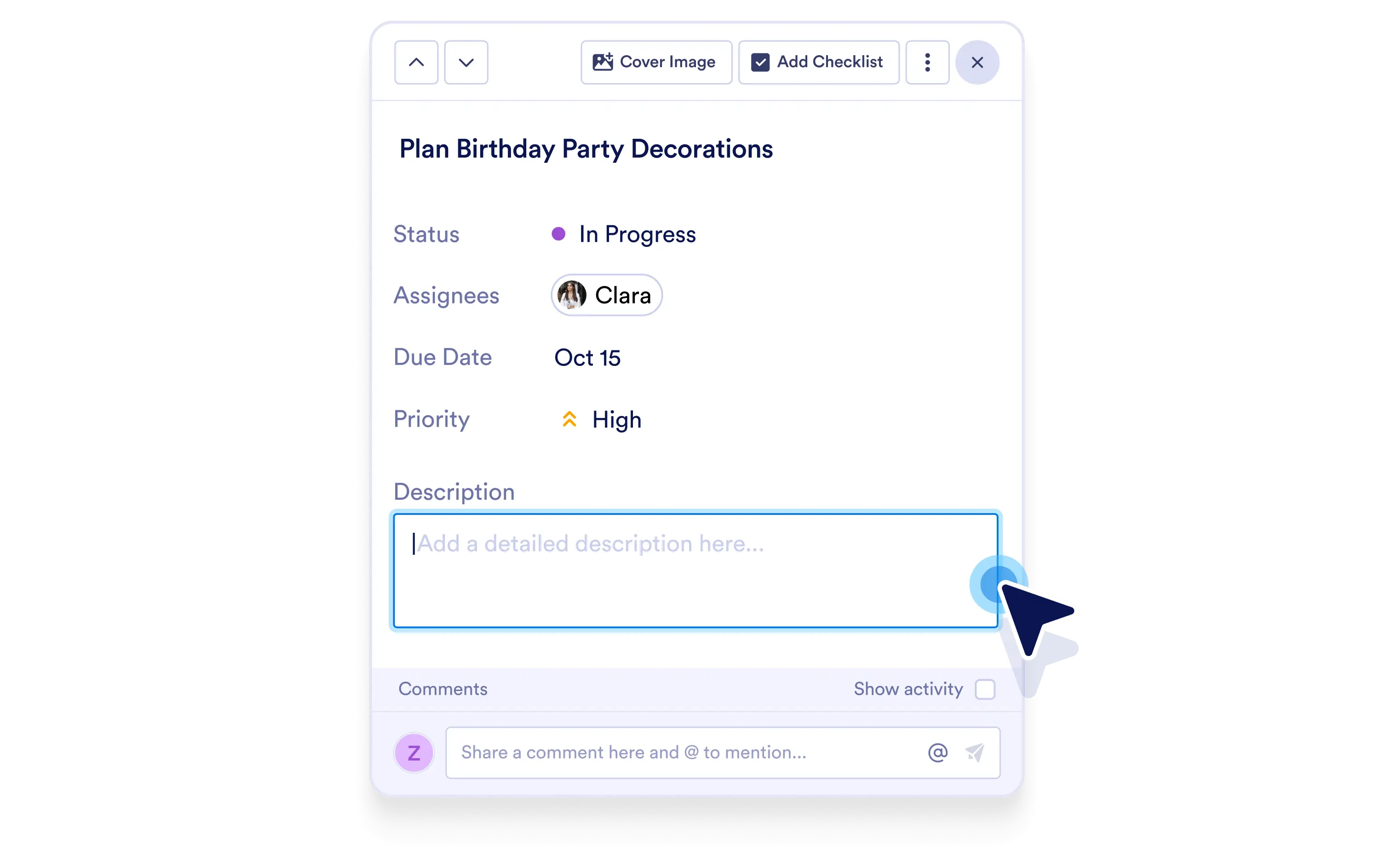
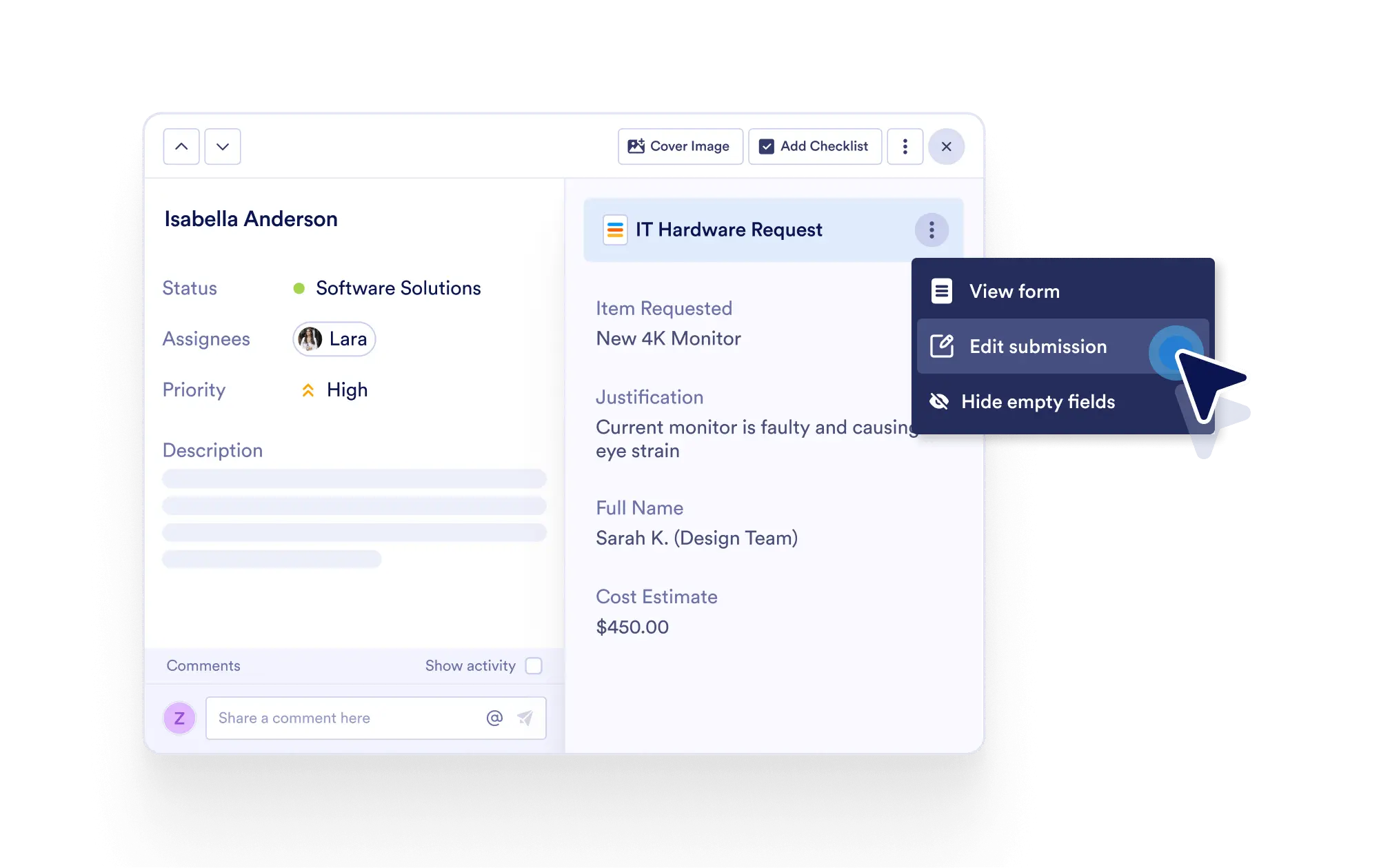
단일하고 편리한 인터페이스 내에서 특정 작업에 대한 모든 중요한 세부 정보를 쉽게 확인하고 편집하세요.
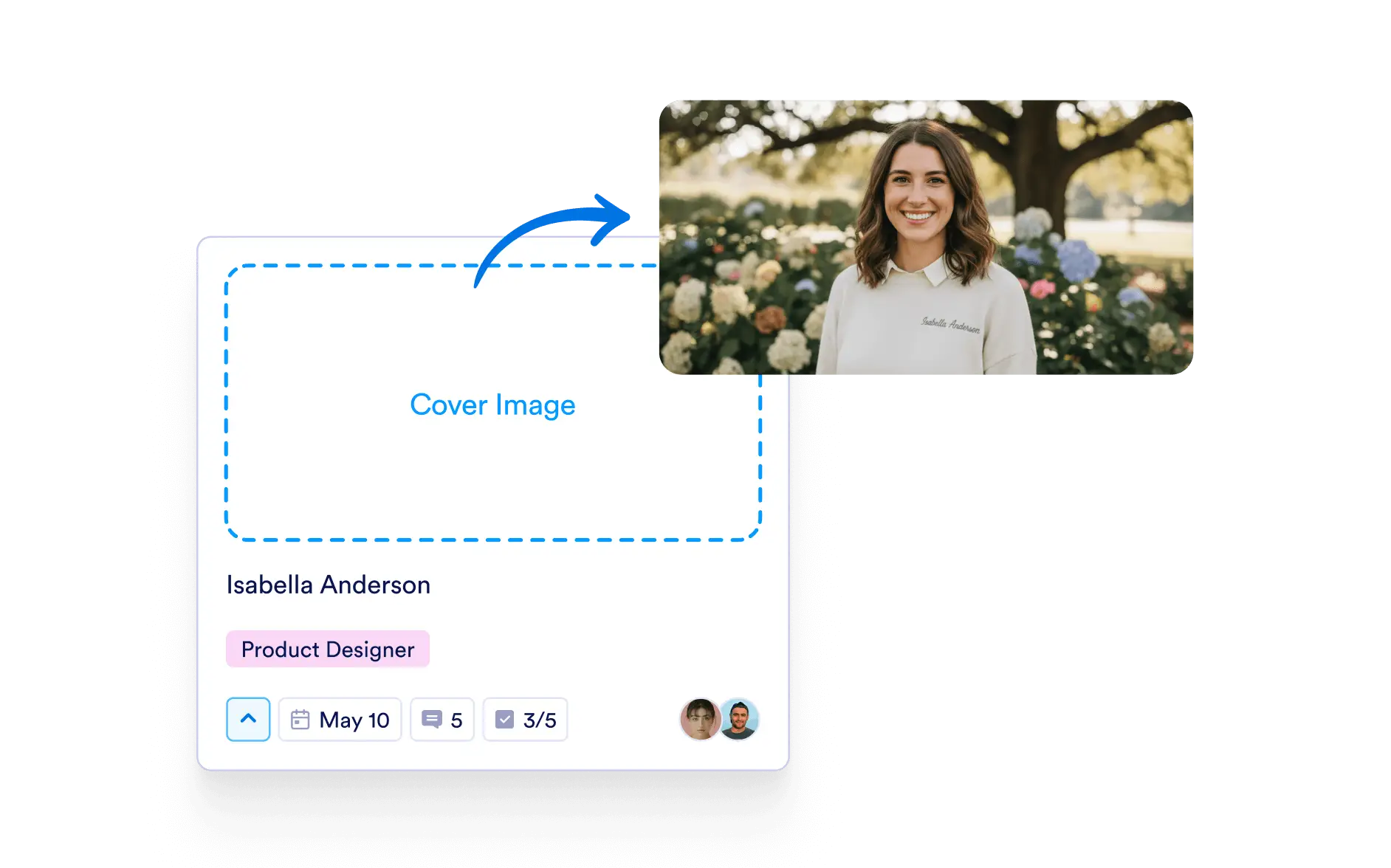
각 작업에 커버 이미지를 추가하여 중요한 내용을 강조하고 빠른 시각적 맥락을 제공하세요.
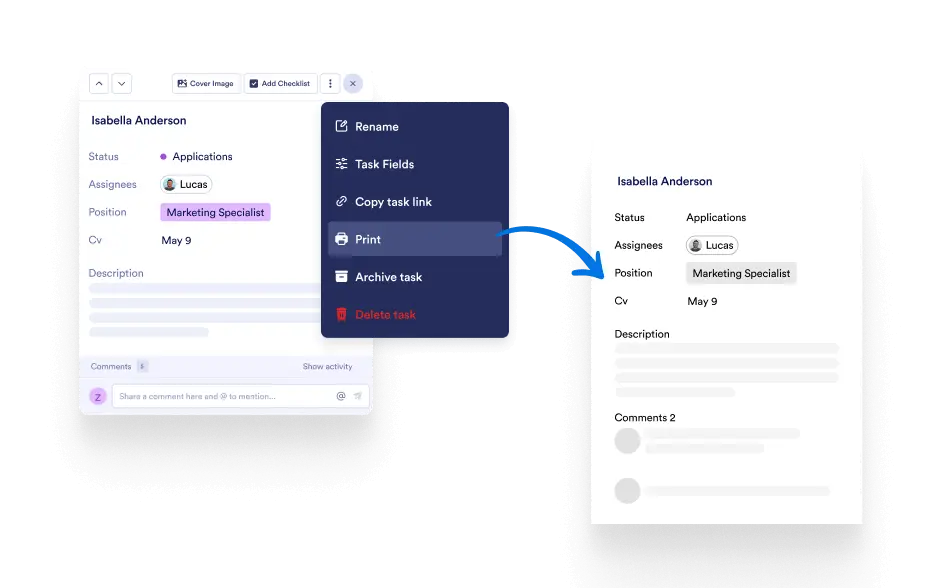
작업을 인쇄하거나 다운로드하여 오프라인에서 업데이트를 공유하고, 회의에서 검토하거나, 참고용 종이 사본을 보관하세요.
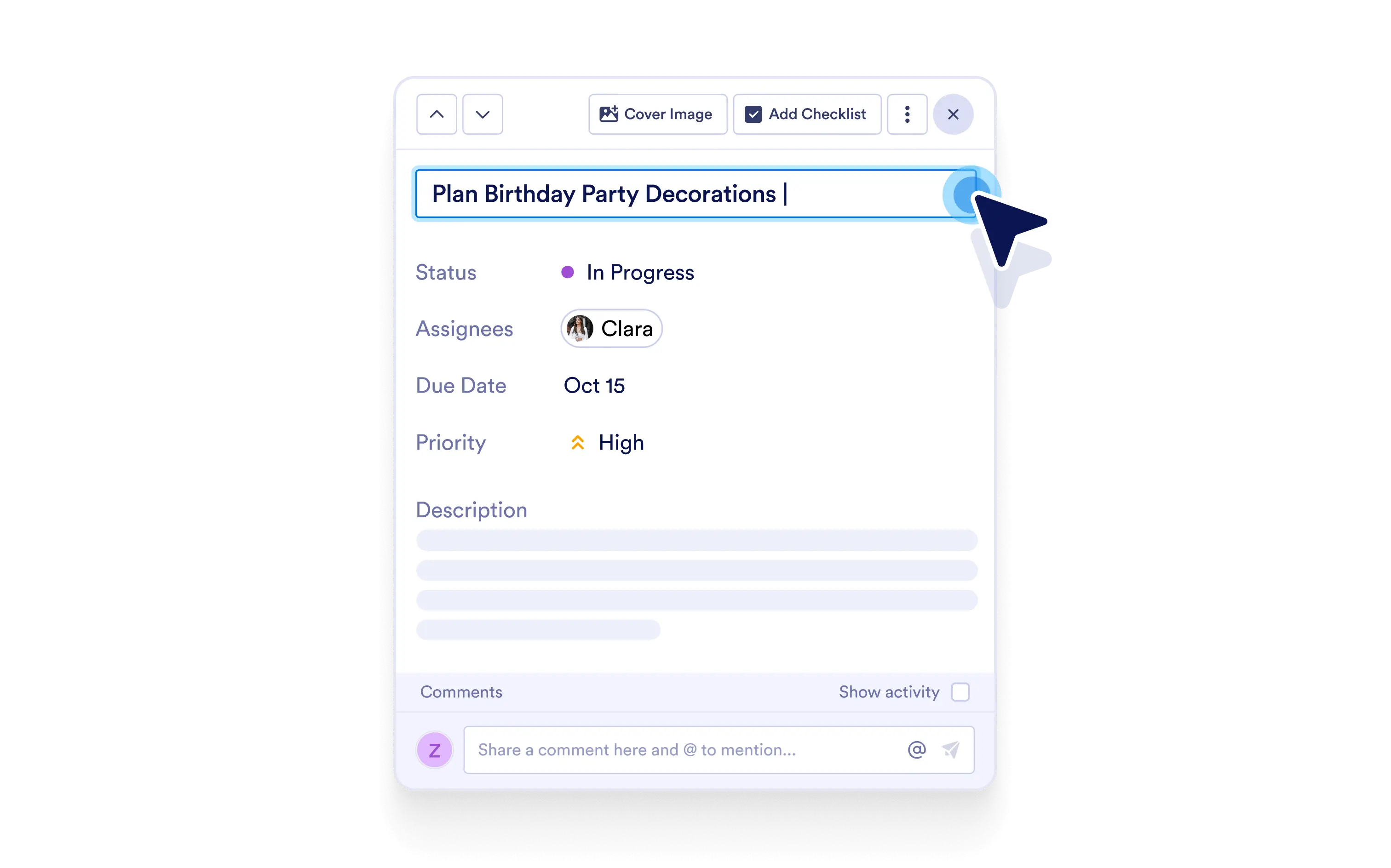
팀이 수행해야 할 작업을 즉시 이해할 수 있도록 명확하고 맞춤형 이름을 지정하세요.
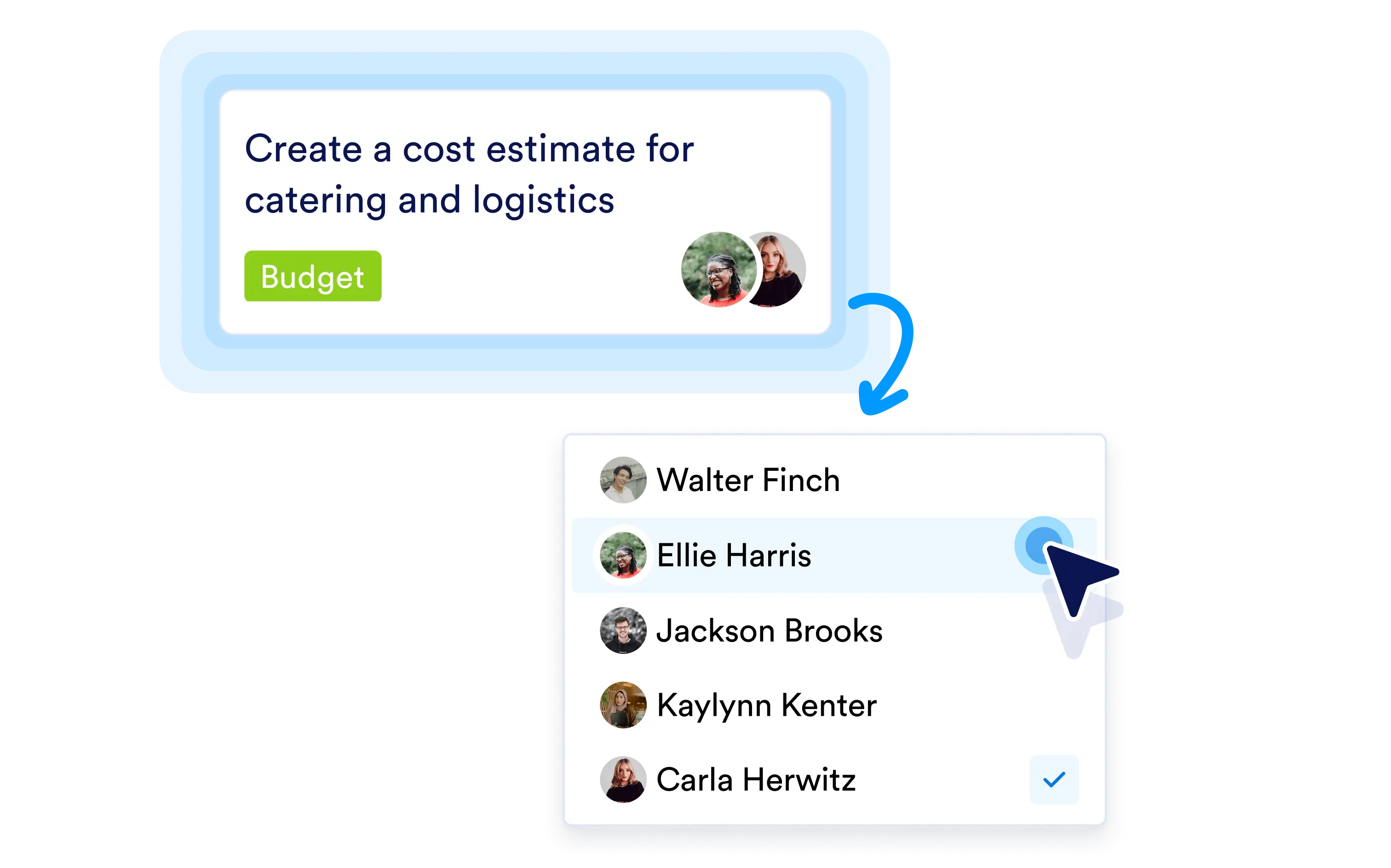
클릭 한 번으로 적절한 담당자에게 작업을 할당하여 명확한 책임 소유권과 원활한 워크플로우 진행을 보장하세요.
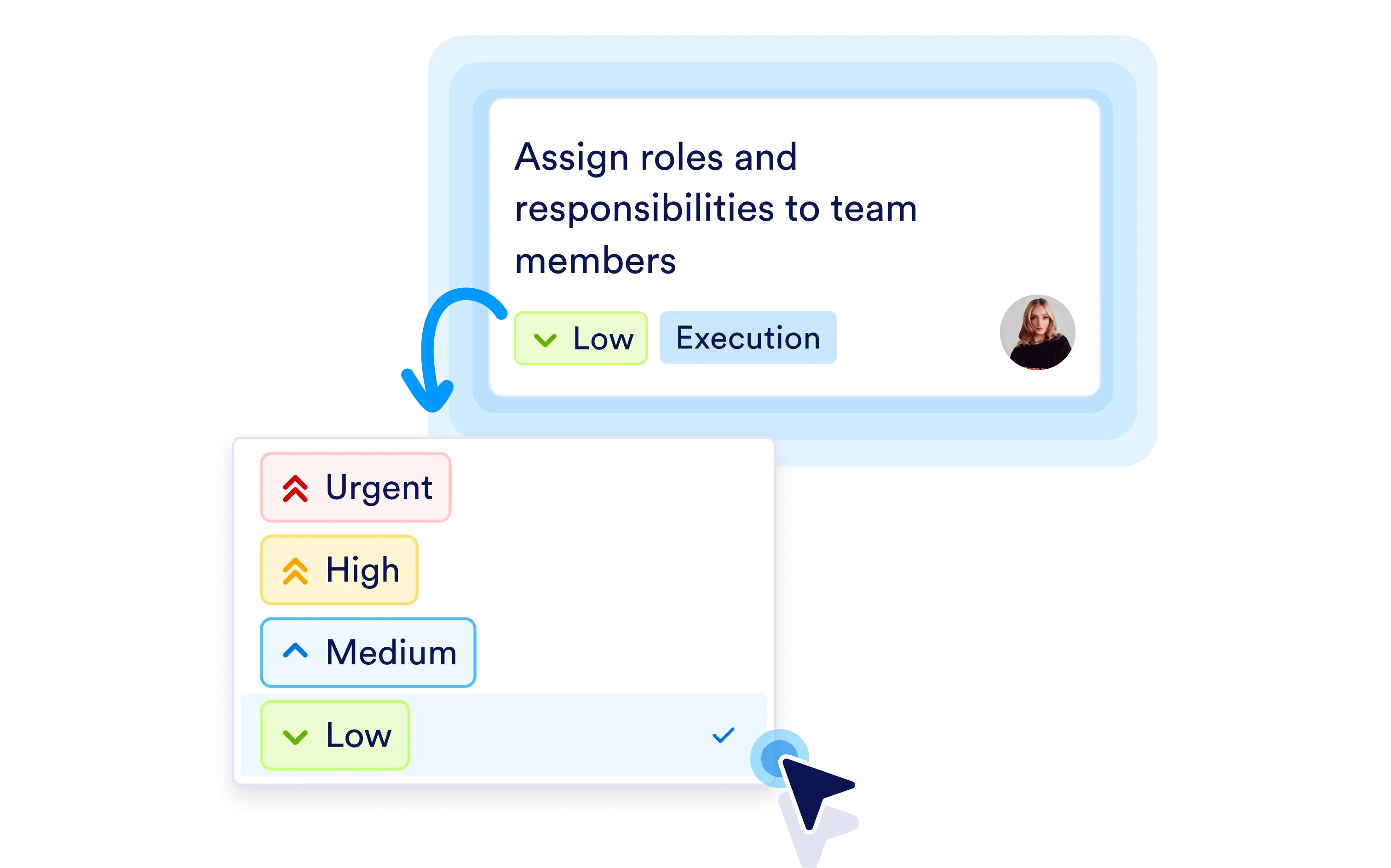
우선순위를 설정하여 가장 중요한 사항을 명확히 표시하면 모든 사람이 먼저 처리해야 할 작업을 알 수 있습니다.
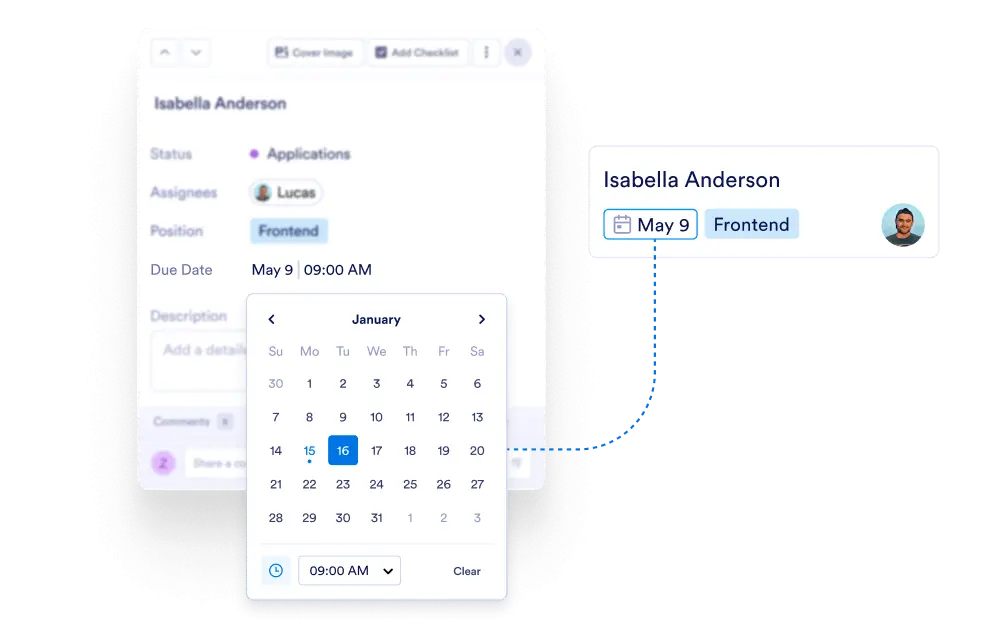
마감일을 추가하여 작업 일정을 관리하고 기한을 놓치지 않도록 하세요.
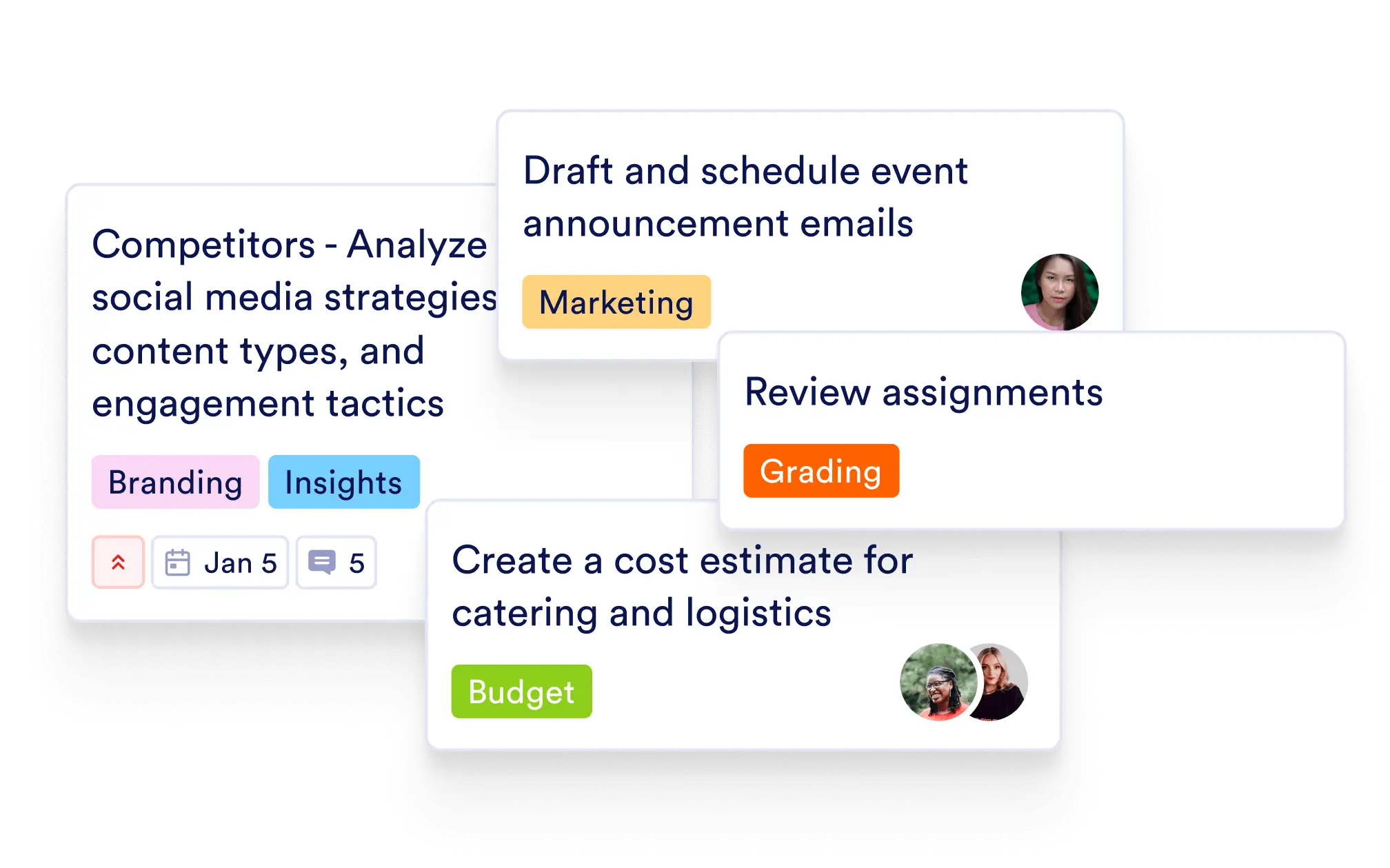
태그를 추가해 작업을 빠르게 그룹화하고 필터링하여 보드를 더 쉽게 정리하고 확인하세요.
각 작업 내에서 맥락, 요구 사항, 다음 단계를 공유할 수 있도록 풍부한 설명을 추가하세요.
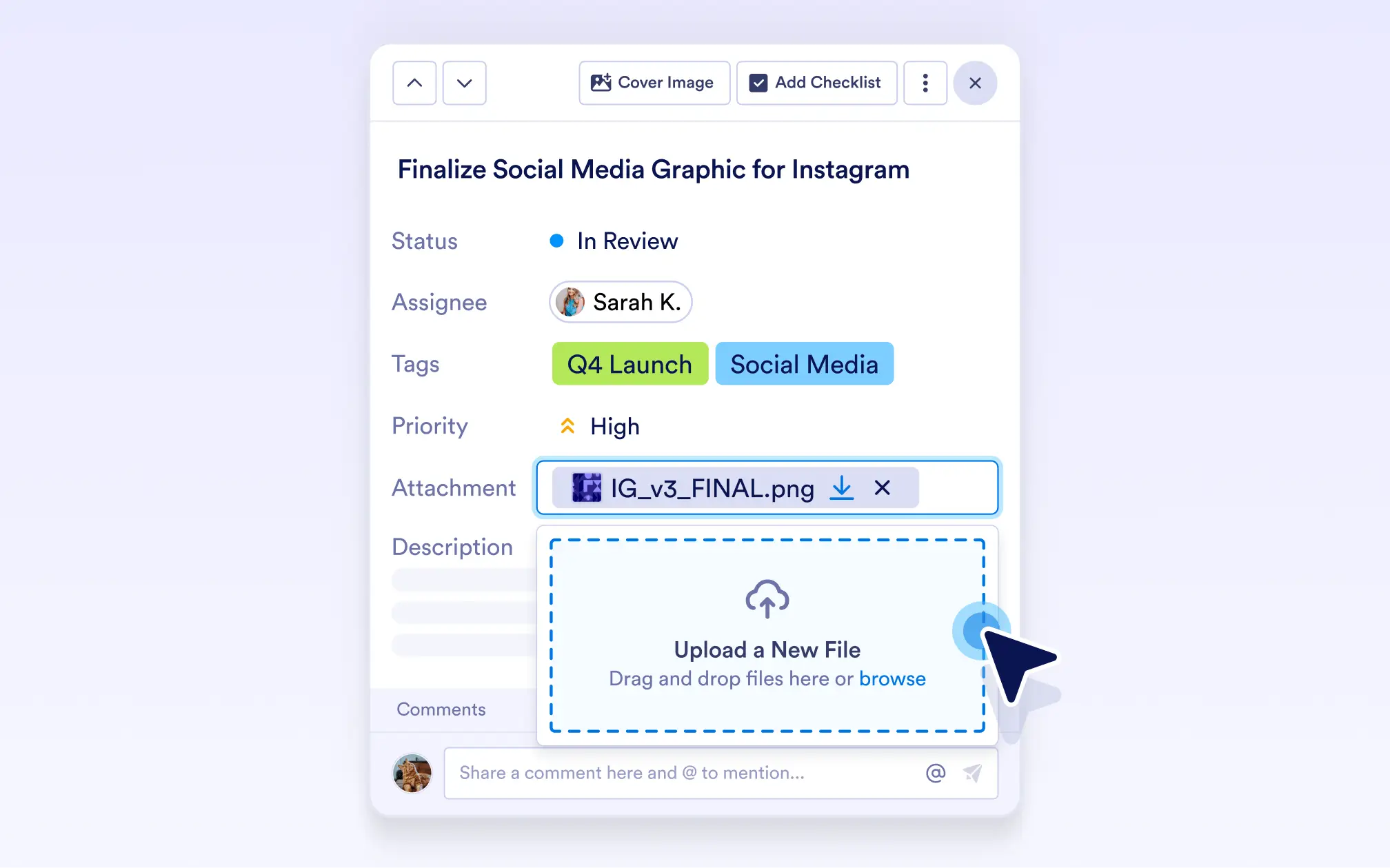
작업에 파일을 첨부하여 관련된 모든 문서와 자산을 한곳에 보관하세요.
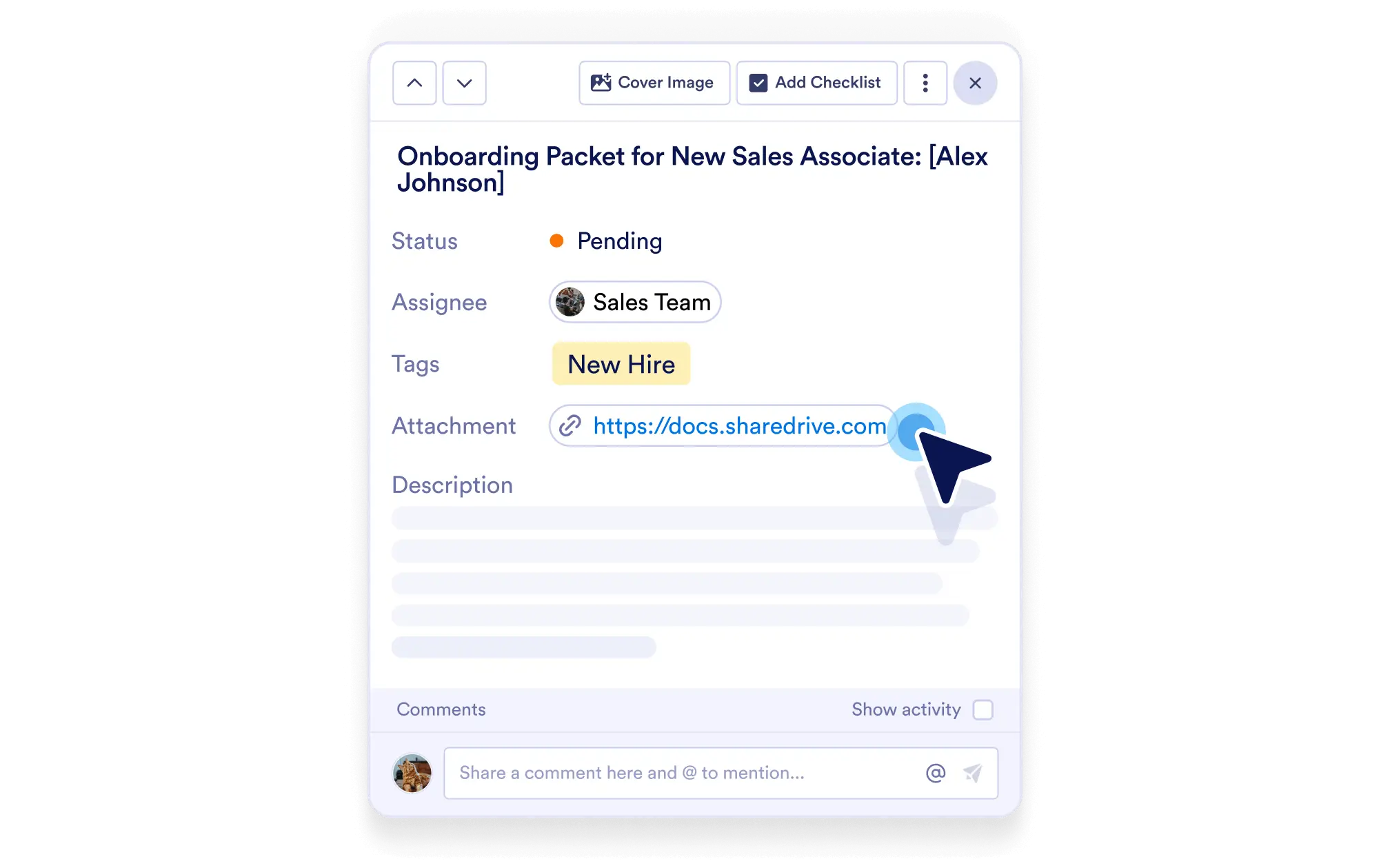
작업에 URL을 추가하여 문서, 페이지 또는 유용한 리소스에 클릭 한 번으로 액세스할 수 있습니다.
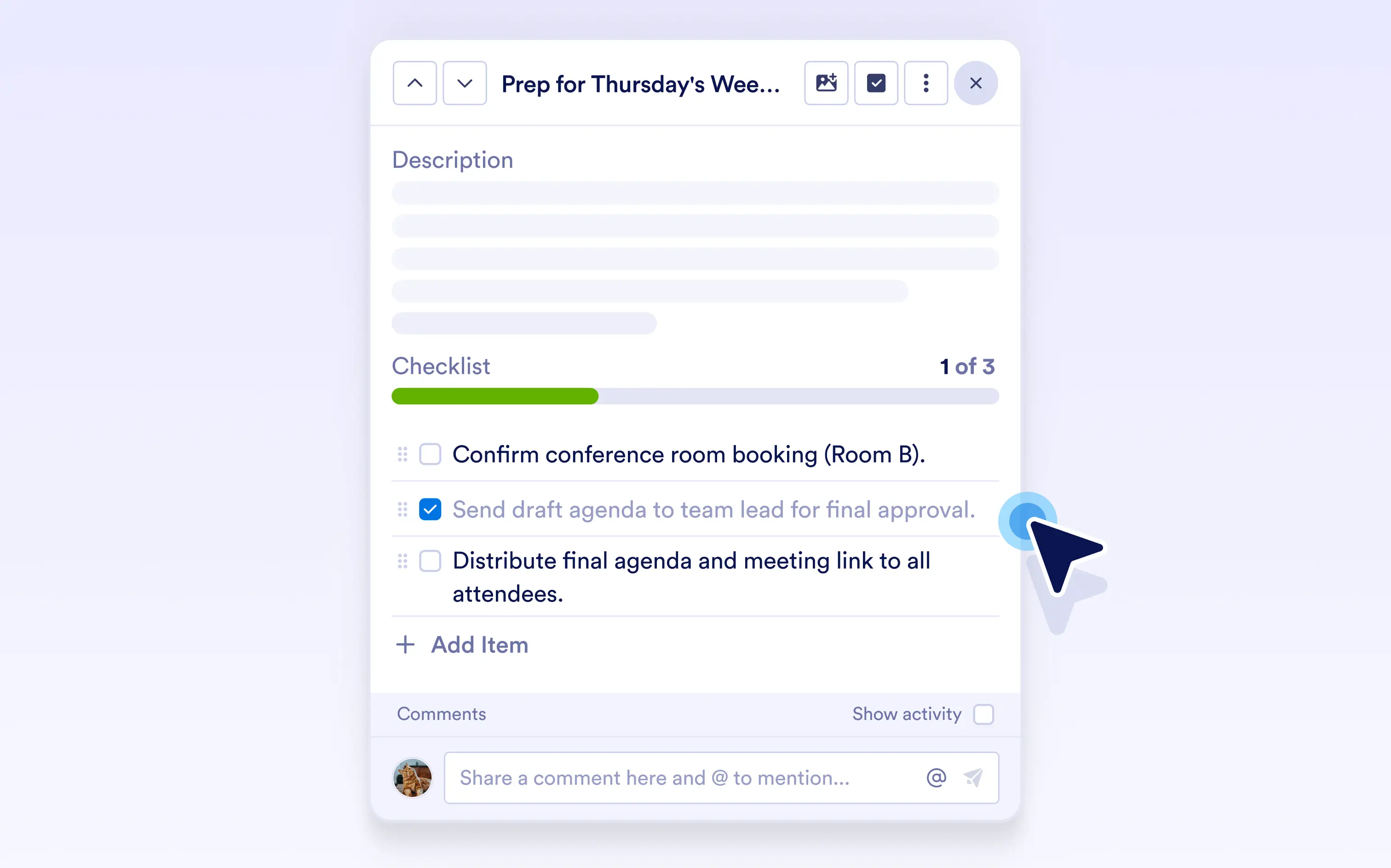
체크리스트를 추가하여 작업을 명확한 단계로 나누고 각 항목이 완료될 때마다 진행 상황을 추적하세요.
작업을 떠나지 않고도 댓글을 추가하여 업데이트를 논의하고, 질문하고, 협업하세요.
활동 로그를 확인해 모든 업데이트, 댓글, 변경 사항을 시간순으로 확인하고 작업 기록을 명확하고 투명하게 유지하세요.
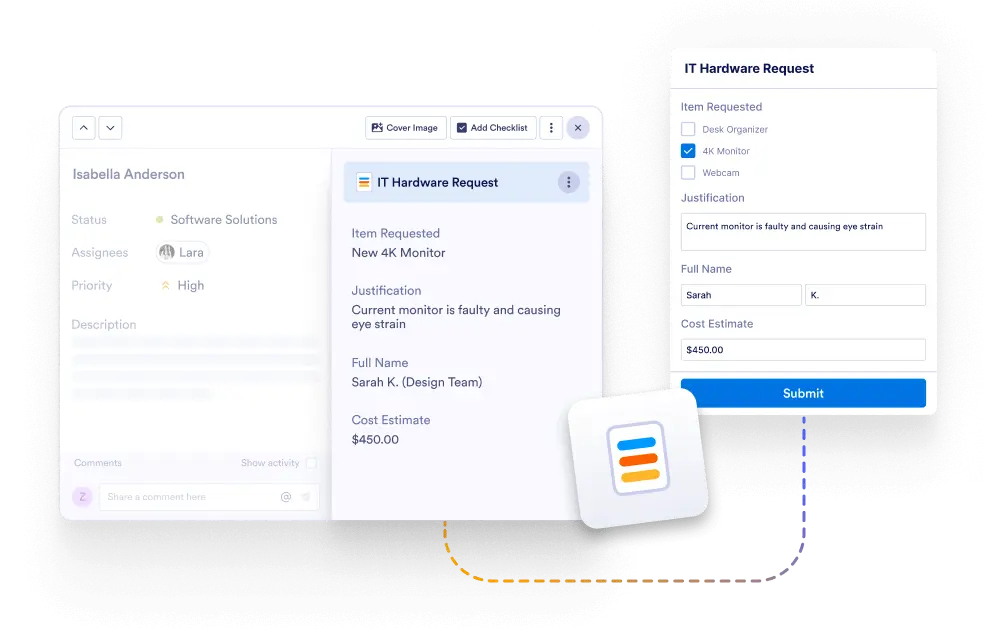
작업 내에서 연결된 양식 제출 세부 정보를 확인하여 전체 요청 맥락을 파악하세요.
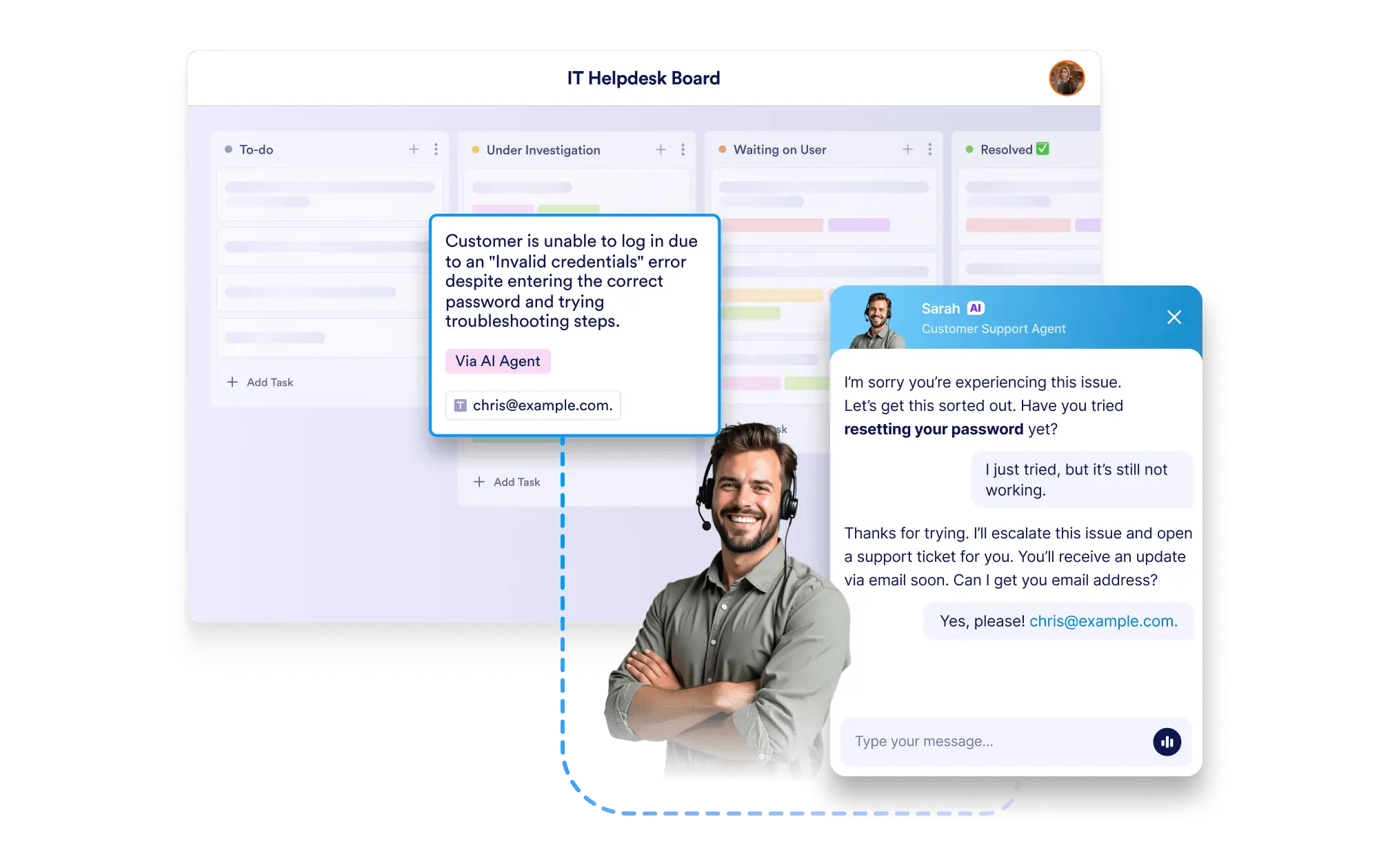
작업에서 AI 에이전트 대화 세부 정보를 확인하여 항상 완전한 상호작용 맥락을 파악하세요.
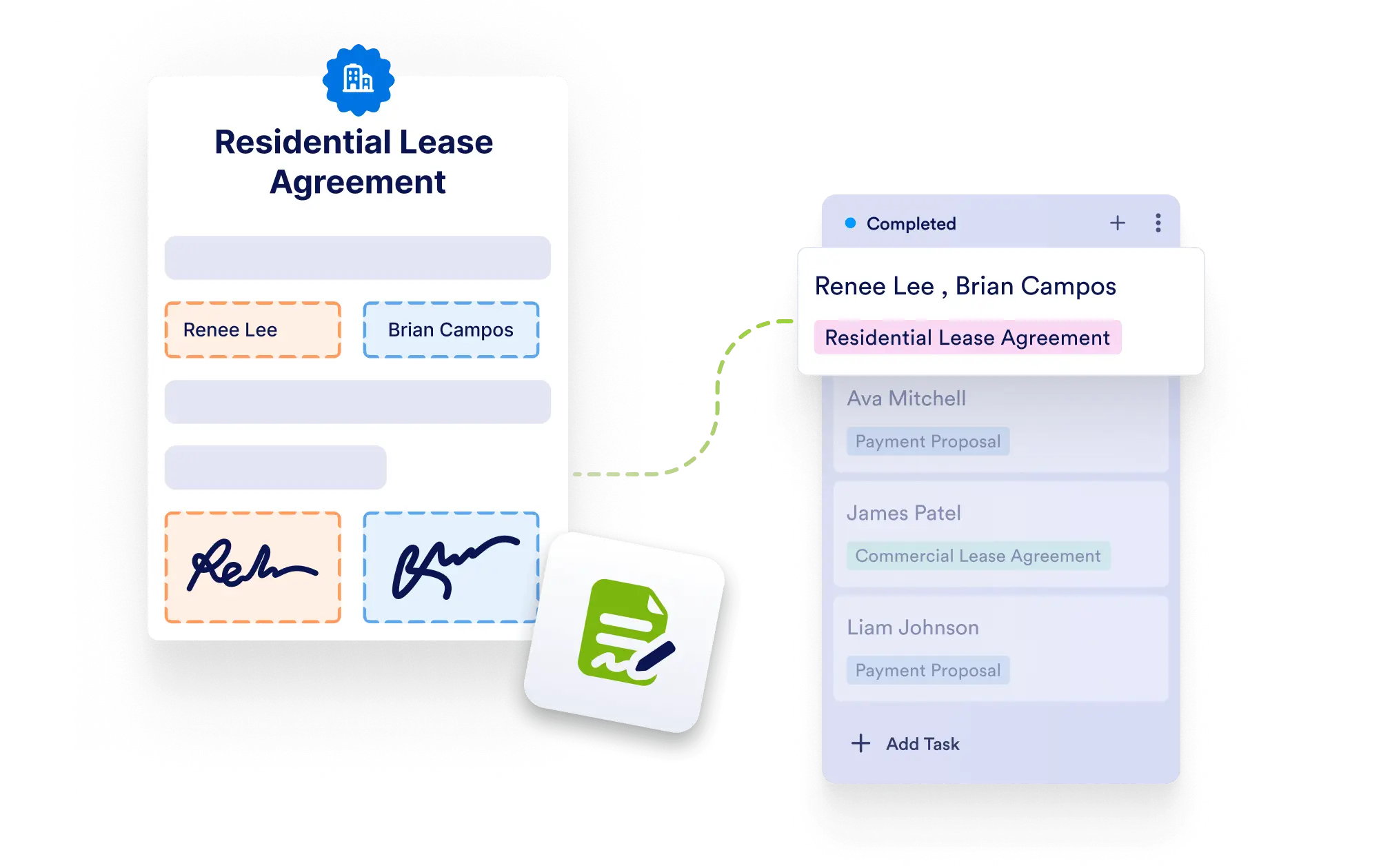
Jform 서명 문서에서 생성된 작업 내에서 제출된 답변과 서명 세부 정보를 확인하여 컨텍스트와 승인을 한곳에서 관리하세요.