웹사이트용 Viber 채팅 위젯
웹사이트에 플로팅 Viber 채팅 버튼을 추가하여 방문자가 비즈니스와 친숙한 메시징 대화를 시작할 수 있도록 하세요. 코드 없이 인사말, 버튼 텍스트, 색상, 배치, 배지 및 모바일 디스플레이를 맞춤 설정하세요.
Viber 채팅 위젯을 생성하는 방법
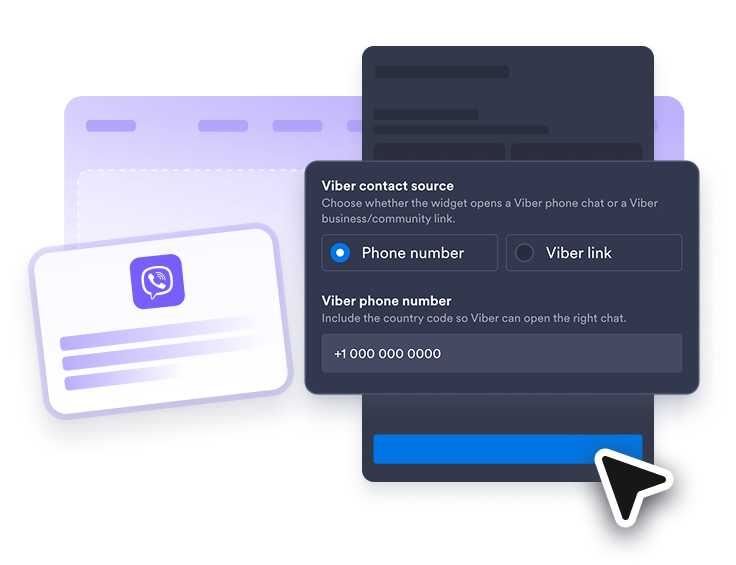
Viber 연락처 연결
Viber 전화번호, 비즈니스 프로필, 커뮤니티 링크 또는 지원되는 Viber URL을 추가하여 방문자가 올바른 대화를 열 수 있도록 하세요.
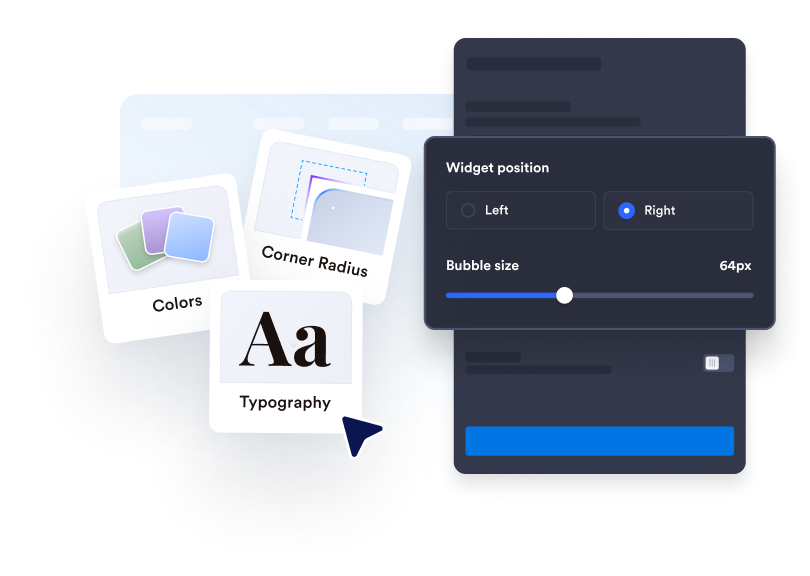
채팅 환경 맞춤 설정
버블 라벨, 상담원 이름, 환영 메시지, 색상, 크기, 배지, 둥근 모서리, 모바일 디스플레이 및 화면 배치를 편집하세요.
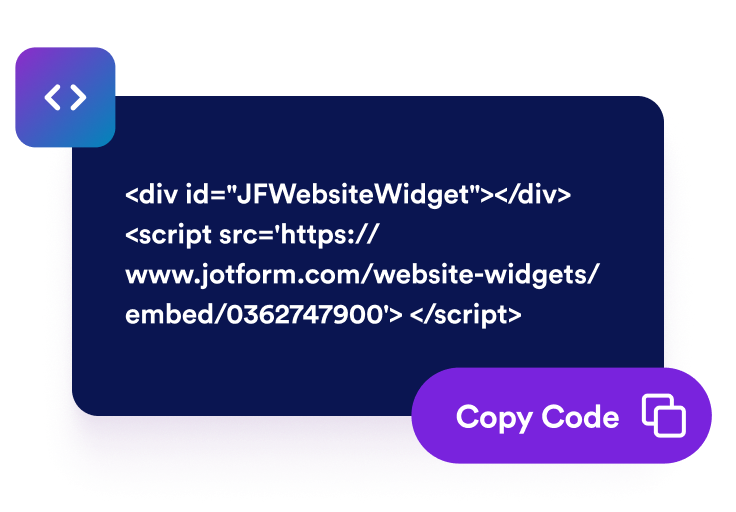
웹사이트에 삽입하기
생성된 삽입 코드를 복사하여 방문자가 빠르게 연락할 방법이 필요한 페이지에 Viber 채팅 위젯을 게시하세요.
방문자가 올바른 Viber 대화를 시작하도록 돕기
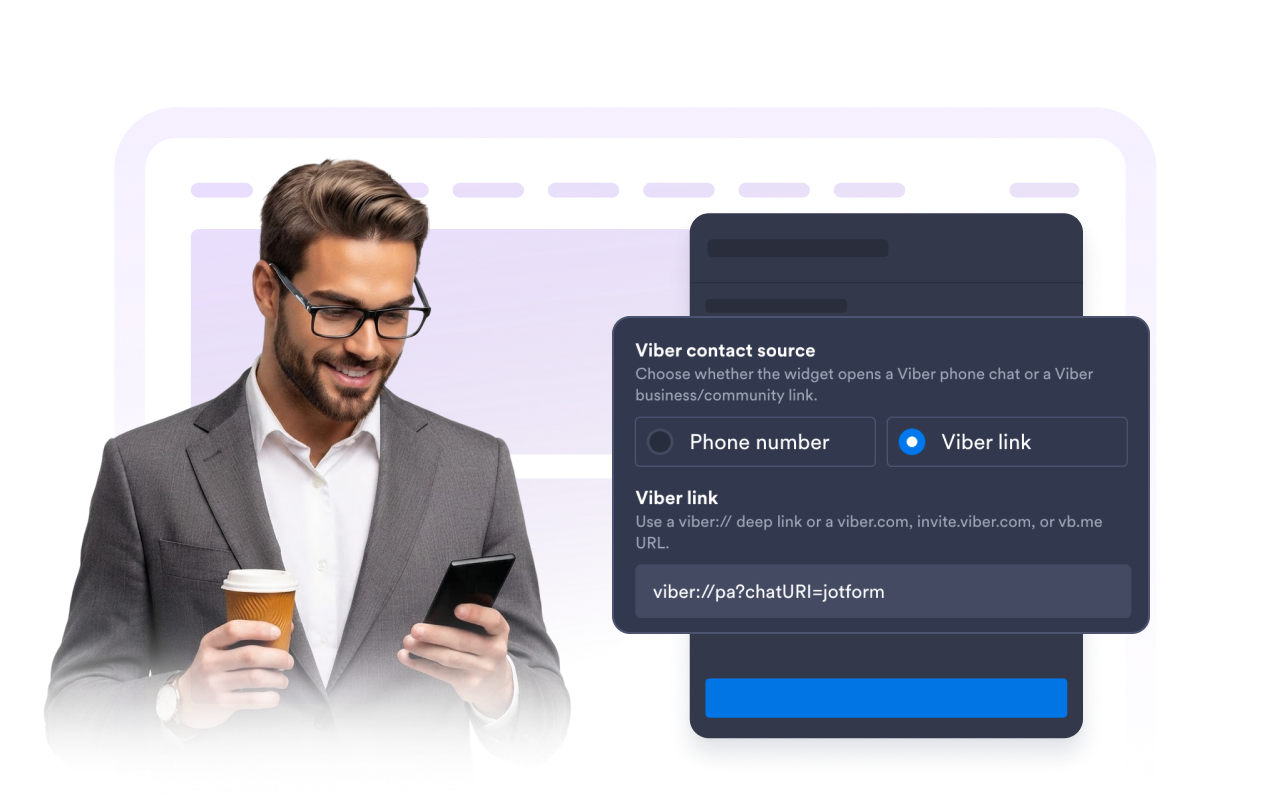
Viber 연락처 링크 사용
Viber 전화 딥 링크, Viber 비즈니스 프로필, 커뮤니티 링크 또는 지원되는 짧은 URL로 위젯을 연결하여 방문자가 올바른 대화에 도달하도록 하세요.
명확한 채팅 기대치 설정
팀을 소개하고, 방문자가 무엇을 물어볼 수 있는지 설명하고, Viber를 열기 전에 답변에 대한 기대치를 설정하세요. 유용한 환영 메시지는 핸드오프를 의도적인 것으로 느끼게 합니다.
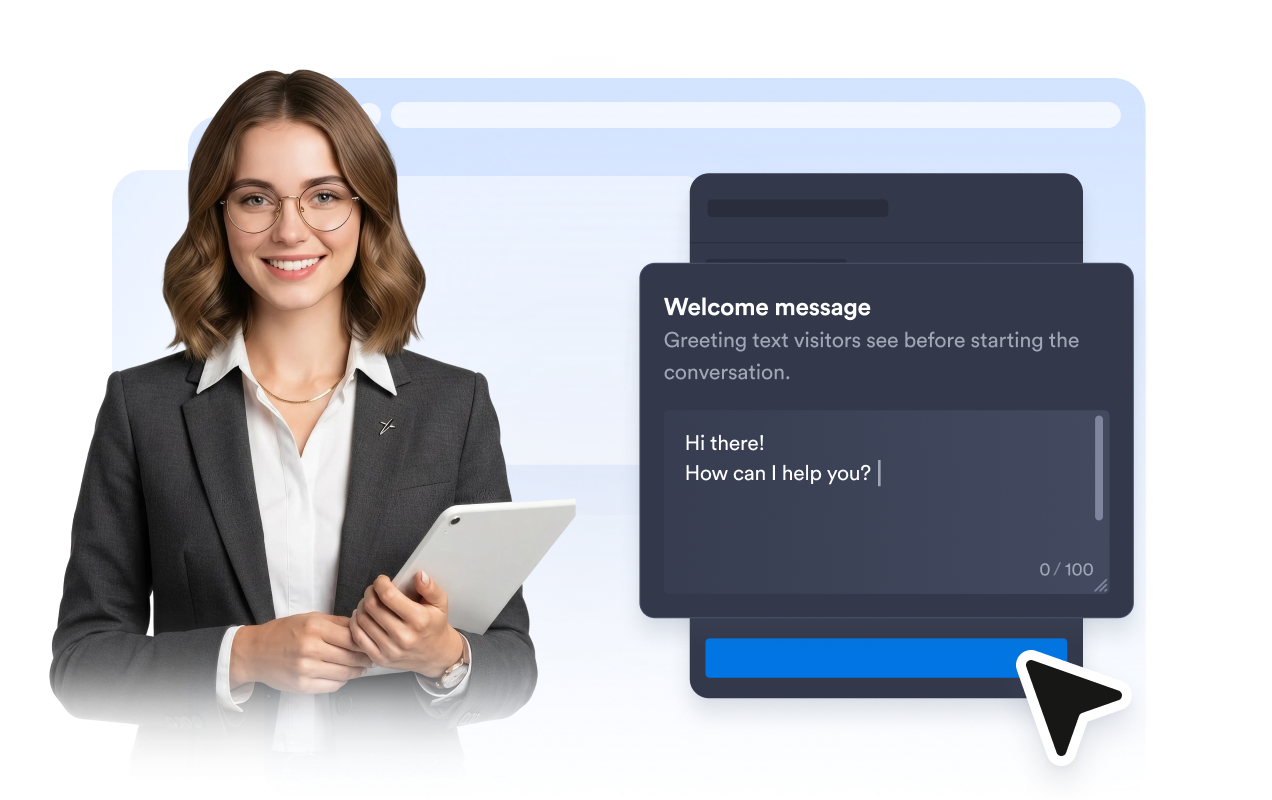
명확한 CTA로 클릭 유도
집중된 Viber 클릭 유도 문안을 사용하고, 버튼 텍스트를 편집하고, 채팅 미리보기를 다음 단계에 집중시켜 방문자가 대화를 계속하는 방법을 정확히 알 수 있도록 하세요.
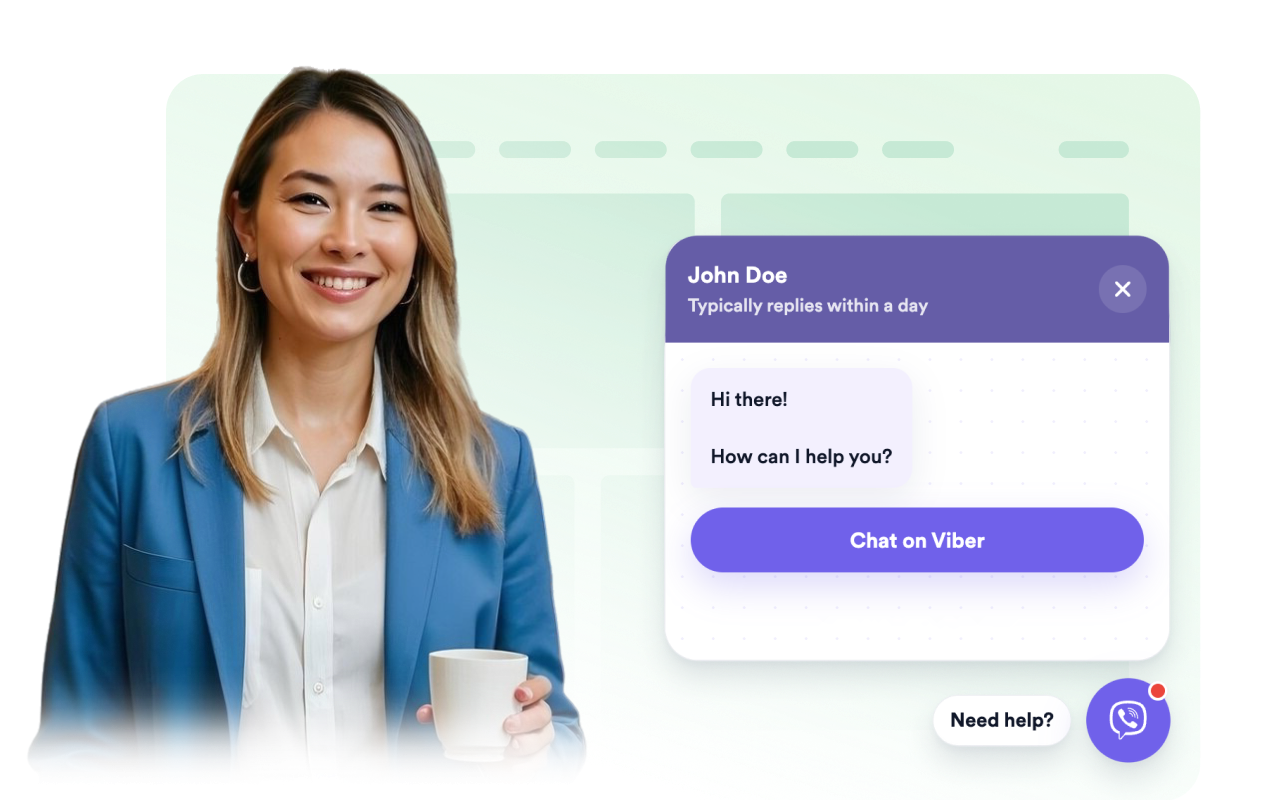
버튼을 사이트에 맞추기
채팅 버블, 헤더, 메시지 배경, CTA 색상, 너비, 둥근 모서리, 배지 및 화면 위치를 조정하여 Viber 채팅 위젯이 페이지 디자인에 맞게 하세요.
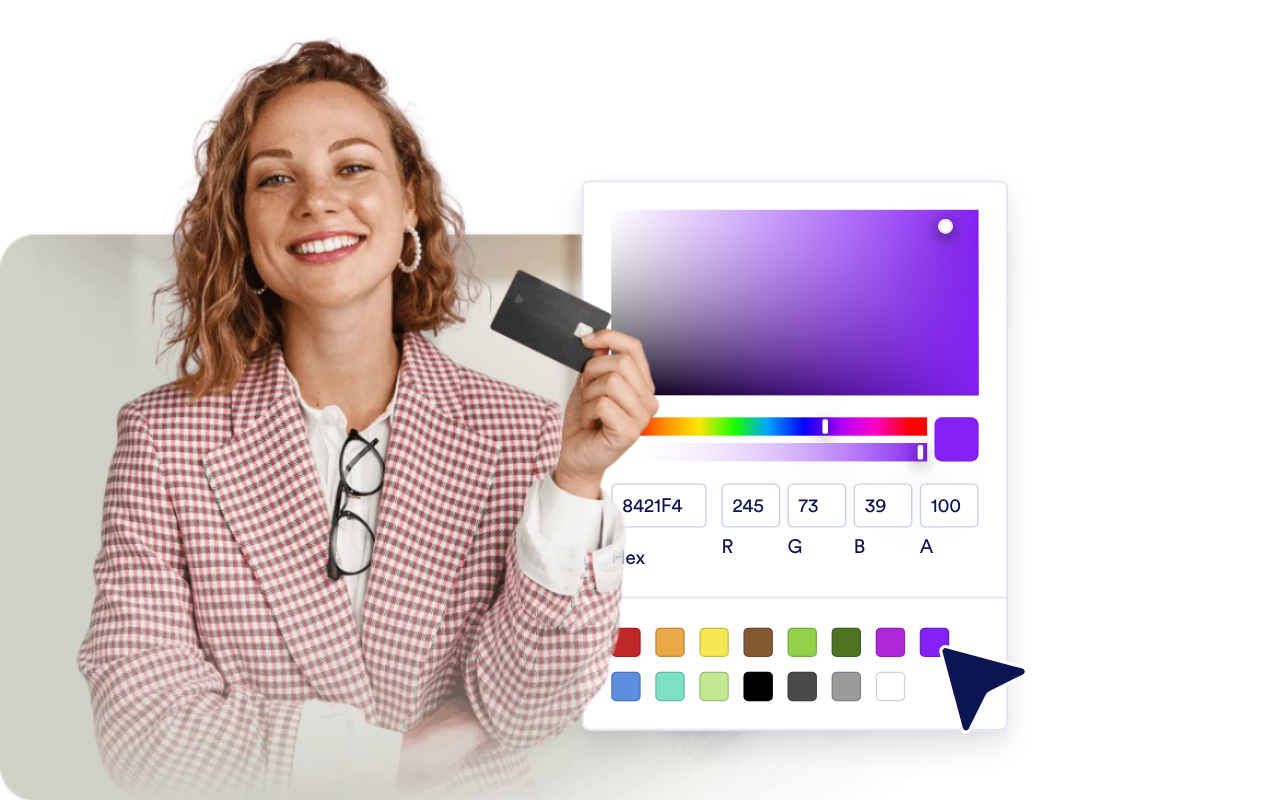
Jform 웹사이트 위젯이 돋보이는 이유
Jform의 위젯은 웹사이트를 더욱 상호작용형으로 만들고 전환율을 높입니다. 별점 평가 및 추천 슬라이더부터 소셜 증명 팝업 및 미디어 삽입에 이르기까지 다양한 도구를 사용할 수 있습니다. 양식이나 랜딩 페이지에 위젯을 추가하여 데이터 수집을 하고, 증명을 표시하고, 리드를 확보하세요. 코딩이 필요하지 않습니다.
간단한 삽입 코드로 웹사이트에 Jform 위젯을 추가하세요. 위젯을 맞춤 설정하고, 모양을 미리 본 다음, 사용자 지정 HTML 또는 삽입 블록을 지원하는 모든 페이지에 붙여넣으세요. 개발자 없이도 가능합니다.
Jform 웹사이트 위젯을 사용하여 리드를 수집하거나, 고객 피드백을 보여주거나, 소셜 증명을 표시하거나, 미디어를 삽입하거나, 유용한 웹 페이지 도구를 추가하세요. 각 위젯은 방문자가 웹사이트에서 직접 비즈니스와 상호 작용하도록 돕습니다.
위젯 설정, 맞춤 설정, 삽입 또는 문제 해결에 도움이 필요한 경우 Jform 고객 지원 팀이 연중무휴로 대기하고 있습니다. 필요할 때 도움을 받을 수 있다는 확신을 가지고 앞으로 나아갈 수 있습니다.
Viber Chat 위젯 사용처
방문자가 질문을 하거나 Viber에서 대화를 계속할 수 있는 빠른 방법이 필요한 페이지에 위젯을 배치하세요.
온라인 스토어에서 Viber를 통해 제품, 배송, 재고 및 주문 관련 질문에 답변합니다.
서비스 비즈니스 페이지에서 관심 있는 방문자로부터 예약, 상담 또는 견적 요청을 수집합니다.
예약 및 이벤트 페이지에서 방문자가 등록하기 전에 날짜, 위치, 일정 또는 등록 세부 정보를 확인할 수 있도록 돕습니다.
지역 비즈니스 사이트에서 레스토랑, 미용실, 클리닉, 부동산 또는 수리 서비스 문의를 친숙한 채팅 앱으로 연결합니다.
Jform 양식 빌더로 리드를 유료 고객으로 전환하세요
Jform으로 참여를 행동으로 전환하세요. 리드를 확보하고, 결제를 수집하고, 응답을 자동화하는 강력한 양식을 한 곳에서 모두 만드세요. 모든 제출물은 Jform 받은 편지함에 도착하며, 여기에서 후속 조치를 취하거나 즐겨 사용하는 앱과 연결할 수 있습니다.
시작하기 — 무료입니다!
자주하는 질문
Viber Chat 위젯이란 무엇인가요?
Viber Chat 위젯은 방문자가 귀하의 비즈니스와 Viber 대화를 시작할 수 있게 해주는 플로팅 웹사이트 버튼 및 채팅 미리보기입니다.
웹사이트에 추가하려면 코딩을 해야 하나요?
인사말과 버튼을 맞춤 설정할 수 있나요?
채팅은 어디에서 열리나요?
이것은 완전한 Viber 받은 편지함을 제공하나요?
메시지보다 전화를 선호하는 방문자를 어떻게 지원할 수 있나요?