Scratch Card Widget

Create Your Own Scratch Card Widget in Seconds for Your Website

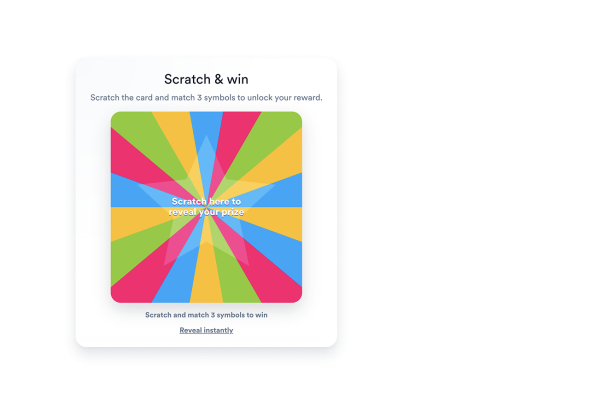
Build a scratch-to-win campaign with editable match-3 prizes, random promo codes, email capture, display modes, result messaging, and brand styling.

Create Your Scratch Card Widget - It's Free!
Create Your Own Scratch Card Widget in Seconds for Your Website Hero Bg Image

How to embed Scratch Card Widget to WordPress

1Get your embed code

After customizing your Jform website widget, click Try it on your website for free, and copy the generated embed code.

2Open the page editor

Go to the WordPress post or page where you want to display the widget, then add a new block.

3Add a Custom HTML block

Select Custom HTML and paste your Jform Website widget embed code into the HTML field.

4Update and view

Click Update or Publish, then open the page to check your embedded widget.

Create Match-to-Win Prizes or Promo Codes

Add discounts, free shipping, gifts, mystery prizes, VIP offers, try-again outcomes, or a manual list of random promo codes.

Reward controls include:
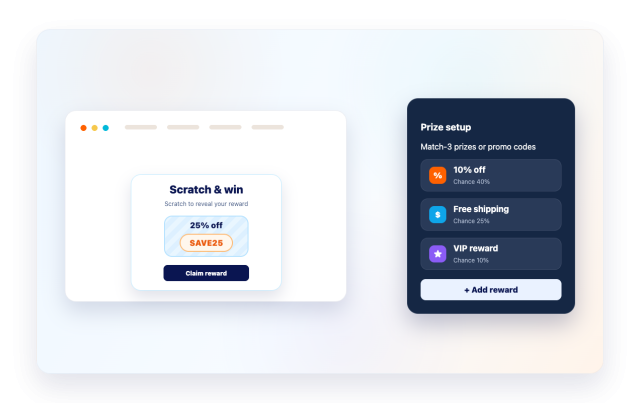
Prize symbolsPromo codesWin weightsPrize colors
Build Your Scratch Card Widget
Create Match-to-Win Prizes or Promo Codes

Collect Emails on Win

Add an email gate that appears after a winning scratch, then reveal a personalized result and reward code.

Lead controls include:
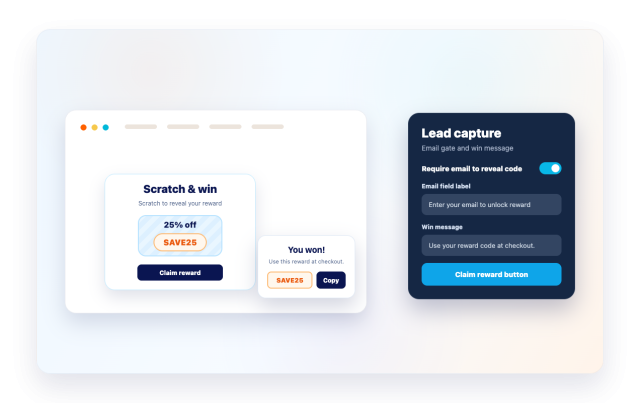
Email fieldResult messageReward codeCopy button
Capture Leads
Collect Emails on Win

Choose Popup, Floating, or Embedded Display

Place the card inside your content, show it as a popup, or keep it available as a floating campaign card with trigger controls.

Display controls include:
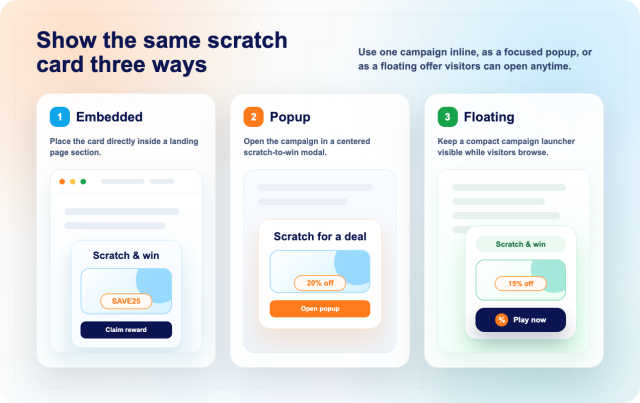
Embedded팝업플로팅Triggers
Choose a Display
Choose Popup, Floating, or Embedded Display

Style Every Campaign

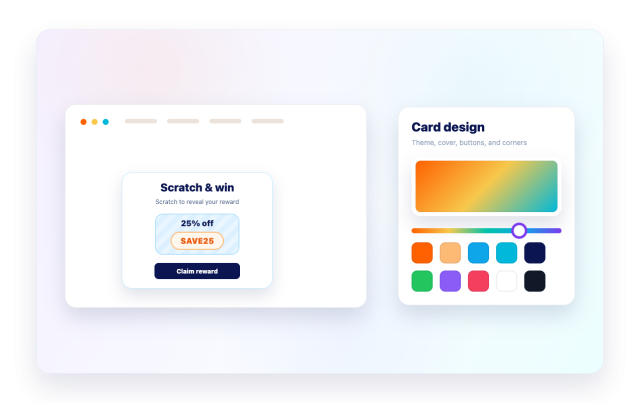
Use presets, card colors, scratch cover color, symbols, button colors, card size, rounded corners, and scoped CSS to match your brand.

Style controls include:
테마Scratch coverCard size맞춤설정 CSS
Customize Your Scratch Card Widget
Style Every Campaign